Oops! An Error Occurred

https://www.exquisitestylebyanastasiya.com/
----
Oops! An Error Occurred
The server returned a "500 Internal Server Error".
Something is broken. Please let us know what you were doing when this error occurred. We will fix it as soon as possible. Sorry for any inconvenience caused.
----
https://www.awesomescreenshot.com/image/60162487?key=56e7d7dc4647404063dbc6a74a4f615f
-

Hi Chris,
Thank you for reaching out.
It looks like your domain’s DNS is not yet pointed to your Brizy Cloud site. To get everything working correctly, you’ll need to update your DNS settings.
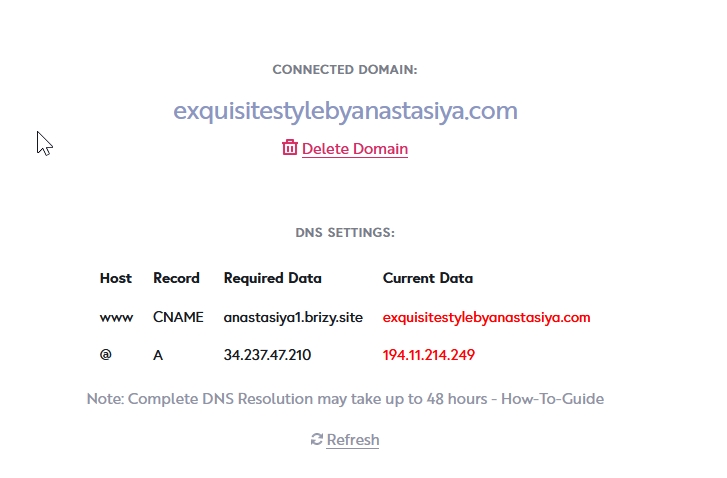
Please follow the steps in this guide to configure it:
https://support.brizy.io/hc/en-us/articles/360041764052-Add-A-Custom-DomainIf you run into any issues along the way, feel free to let me know and I’ll be glad to assist.
Best regards,
Ariel H.0 -
I am using self hosted. Like I uploaded zip file on our server. It was working fine earlier but not sure where it went now.
0 -
Hi Chris,
Thank you for your message.
Could you please try disconnecting your domain, then download the ZIP file and sync it again? You can follow the steps in this guide:
https://support.brizy.io/hc/en-us/articles/360027008491-Server-SyncIf the issue still persists, kindly provide temporary access to your hosting control panel so we can further investigate the issue.
Best regards,
Ariel H.0 -
I did that but same error: https://www.awesomescreenshot.com/image/60164050?key=adead5c6e8f54e1e02058a67d8542bef
I am not sure what's going on? Zip file has issue or something? But no error log either.If you need, I can get you FTP but not sure its safe to share here.
0 -
Hi Chris,
Could you please provide us access to the File Manager in your hosting control panel? FTP access is a bit limited, and it doesn’t allow us to review or adjust the necessary server settings.
Kindly send the details to communitysupport@brizy.io and include the reference 35222677191442 in the subject line so we can easily locate your request.
0 -
I am sorry to say but FTP I can only provide. Server has 150 sites stored. so that's not going to be possible. I will get you root access though. Shared FTP on email though. Please review. If you need help, let me know.
0 -
Hi Chris,
It seems the FTP credentials provided are not working on our end. Could you please review them and send the correct details again?
Once we have the updated credentials, we’ll continue checking the issue.
Best regards,
Ariel H.0 -
Please check now.
Also kindly remove screenshot when you get the chance
0 -
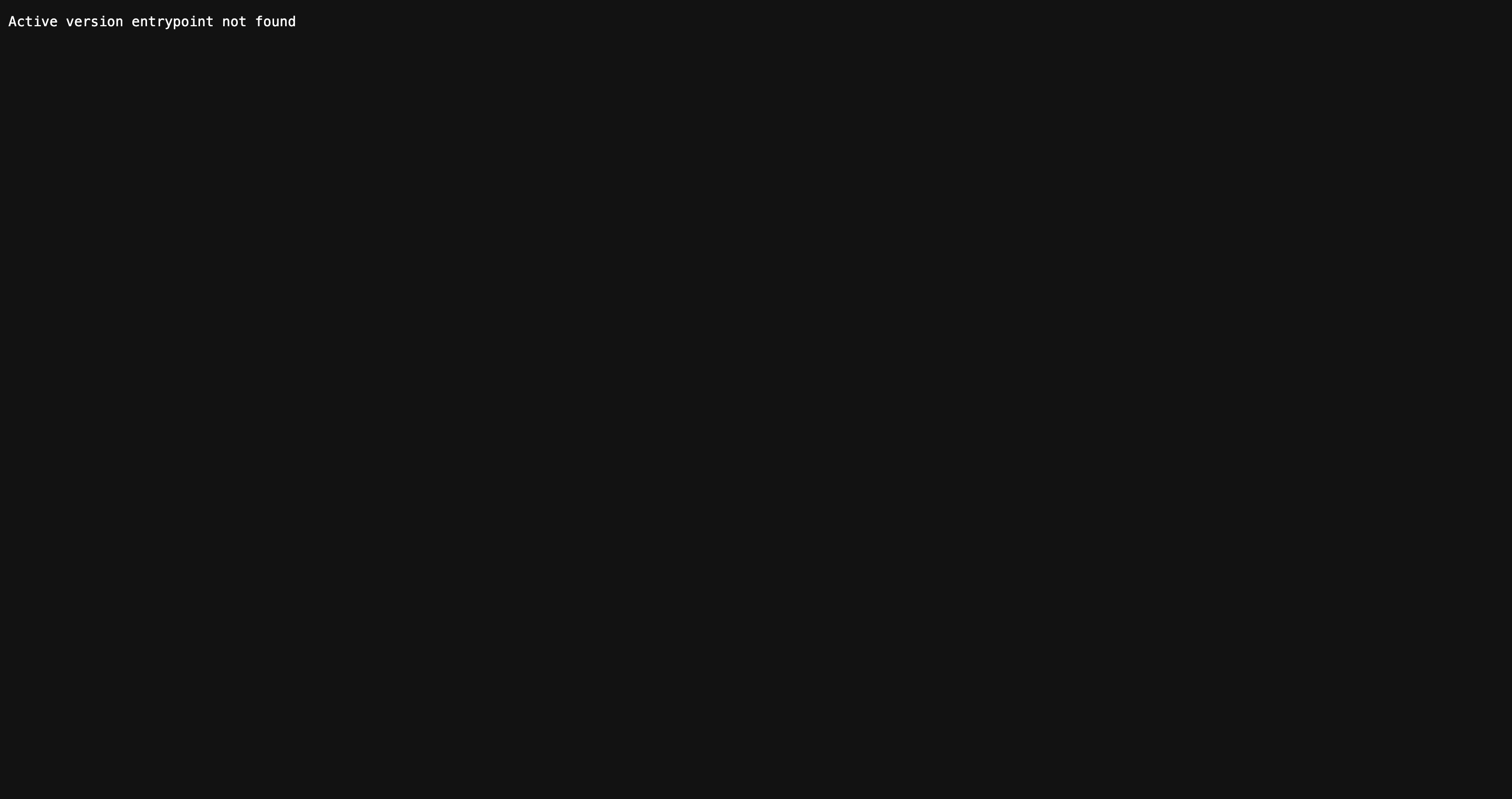 Now it says this0
 -
Hi Chris,
We were able to get the site up and running on our end.
However, I noticed that some of the other pages are showing double headers. Could you please confirm if this is already a completed website, or if you're still working on it?
Looking forward to your clarification so we can assist further if needed.
Best regards,
0 -
I will look in that. How come mobile menu doesnt show on live website? but on Brizy editor it shows?
So lots of bugs there too.
1 -
Also in Brizy editor it opens the menu but on real site, its not. Lots of console errors too.
can you please fix site and tell me what is the issue?0 -
Hello, Why no answer still?
0 -
Hi Chris,
We’re currently re-uploading the project on our end. We’ll keep you posted and get back to you as soon as we have an update.
Thanks for your patience.
Best regards,
Ariel H.0 -
Hi Chris,
We’ve re-uploaded the project on your server, however the console is still showing 403 errors.
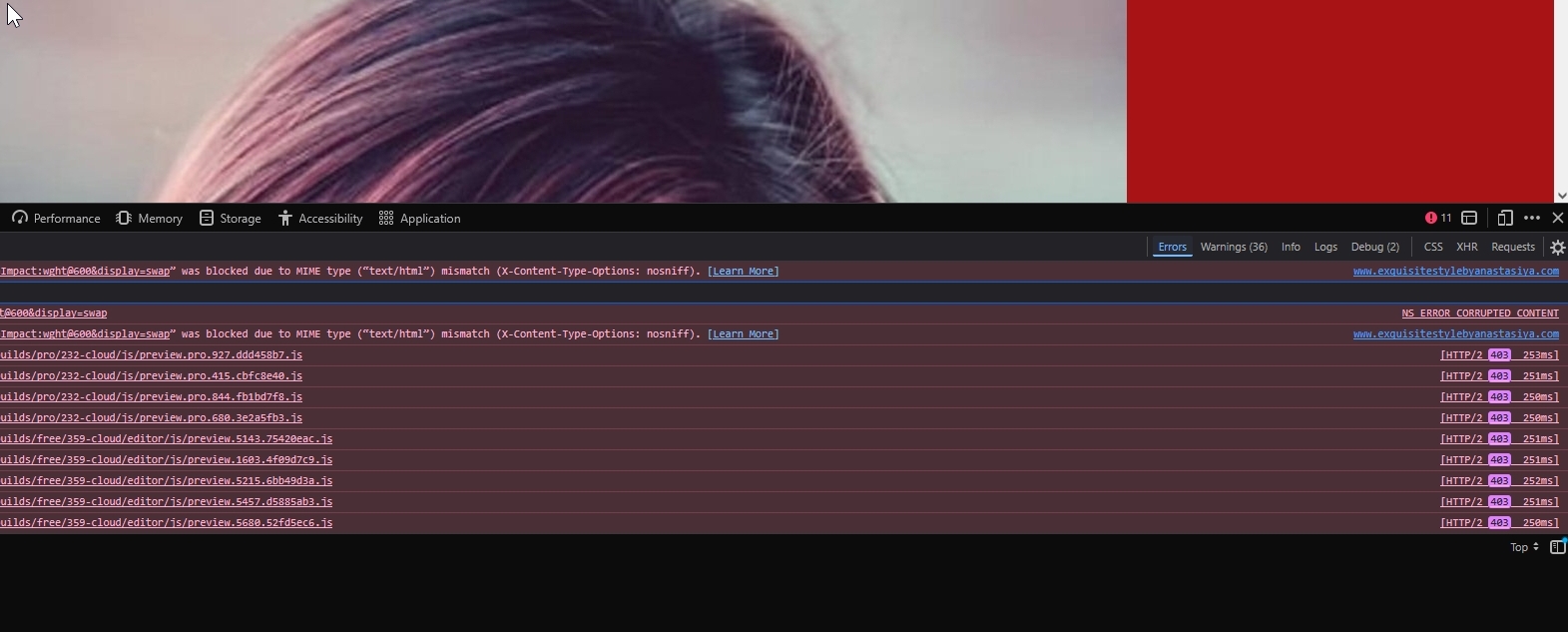
Could you please check the file permissions on your server? It’s possible that some files or directories don’t have the correct access settings.
We also tested syncing the site on our end using our testing servers, and the issue does not occur there, which suggests this may be server-related.
Please try this and let me know how it goes.
Best regards,
Ariel H.0 -
Well, what is server setting missing? Because I don't see anything on server root or anything.
any required PHP extension or something. We are on PHP 8.20 -
So lets say this URL is not accessible for you.
but when I go inside that given path, there is no JS file actually?I was looking at old site files on server and it has couple of JS files over there.
Can you confirm there is no assets folder even in/public_html/var/ and you confirmed that you looked on that? By the way /var folder is package of your zip file.
0 -
Hi Chris,
Thanks for your patience.
On my test site, I can confirm that the assets are present and accessible - https://youtu.be/-b_V5QQeZmk
However, during a second attempt to replicate the issue, I encountered the same error you mentioned - https://youtu.be/e2gW-mIWwvU
I will need to escalate this to our senior support team so they can investigate further.
We apologize for the inconvenience caused.
Best regards,
Ariel H.0 -
Alright. Kindly fix that ASAP.
0 -
Hi Chris,
Thanks again for your cooperation.
If providing access to your hosting panel access isn’t possible, my colleague would be happy to arrange a TeamViewer session with you to further investigate the issue.
He is available on Monday at 4:00 PM (UTC+02:00), or you can let us know a time that’s convenient for you around that schedule.
Looking forward to your update.
0 -
Lets do in 1 hour from now if possible.
0 -
Hi Chris,
My colleague is available tomorrow between 3:30–5:30 PM EEST. Would it be possible to schedule the TeamViewer session during that time?
I’ll send you a message once he’s available and ready to connect.
Looking forward to your confirmation.
0 -
I chose custom domain over there. Just have me SSL installed over there.
0 -
Now it says project unavailable. Whats going on?
0 -
Hi Chris, it looks like Sync is still active. If you're switching to a custom domain, please disconnect Sync first and then try again.
0
Please sign in to leave a comment.
Comments
25 comments