Brizy WP+Pro 2.7.7/2.7.3: Editor page looks fine – Live page has no blocks at all!

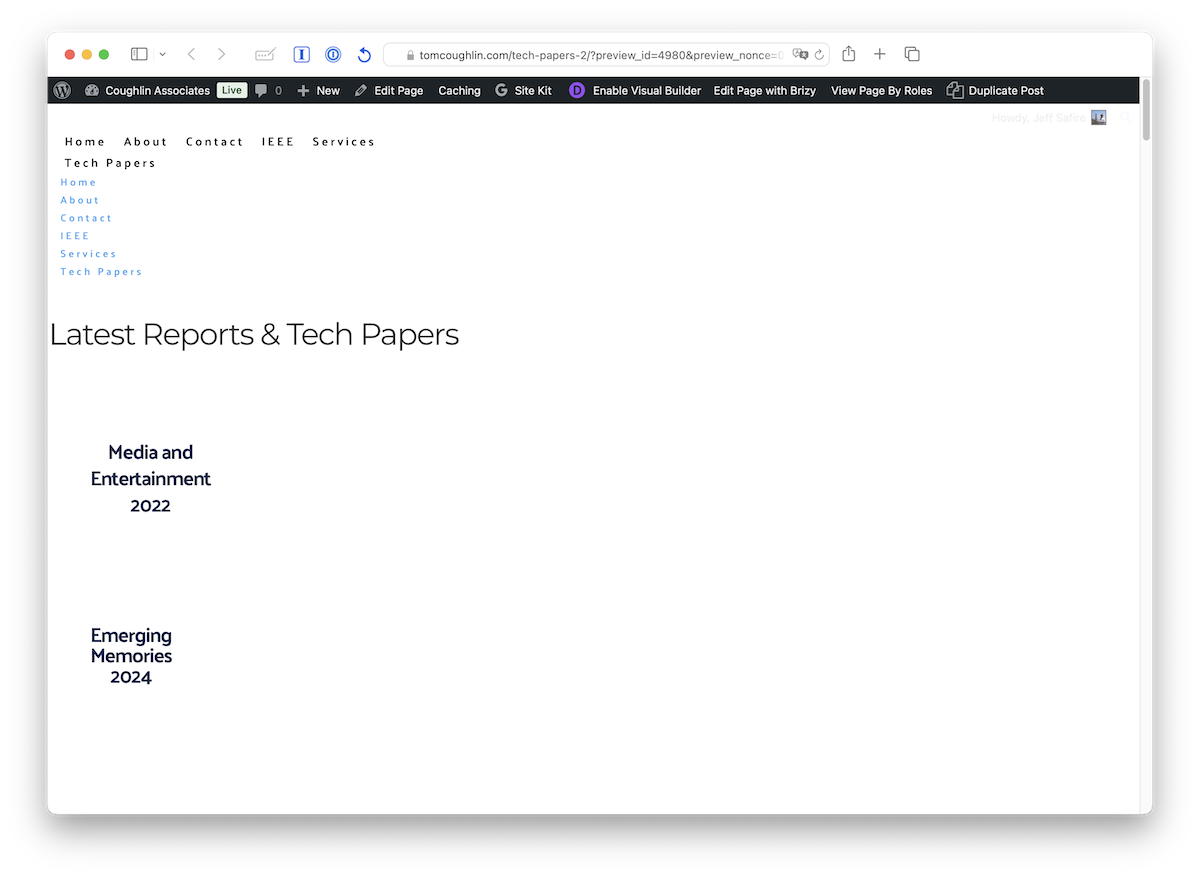
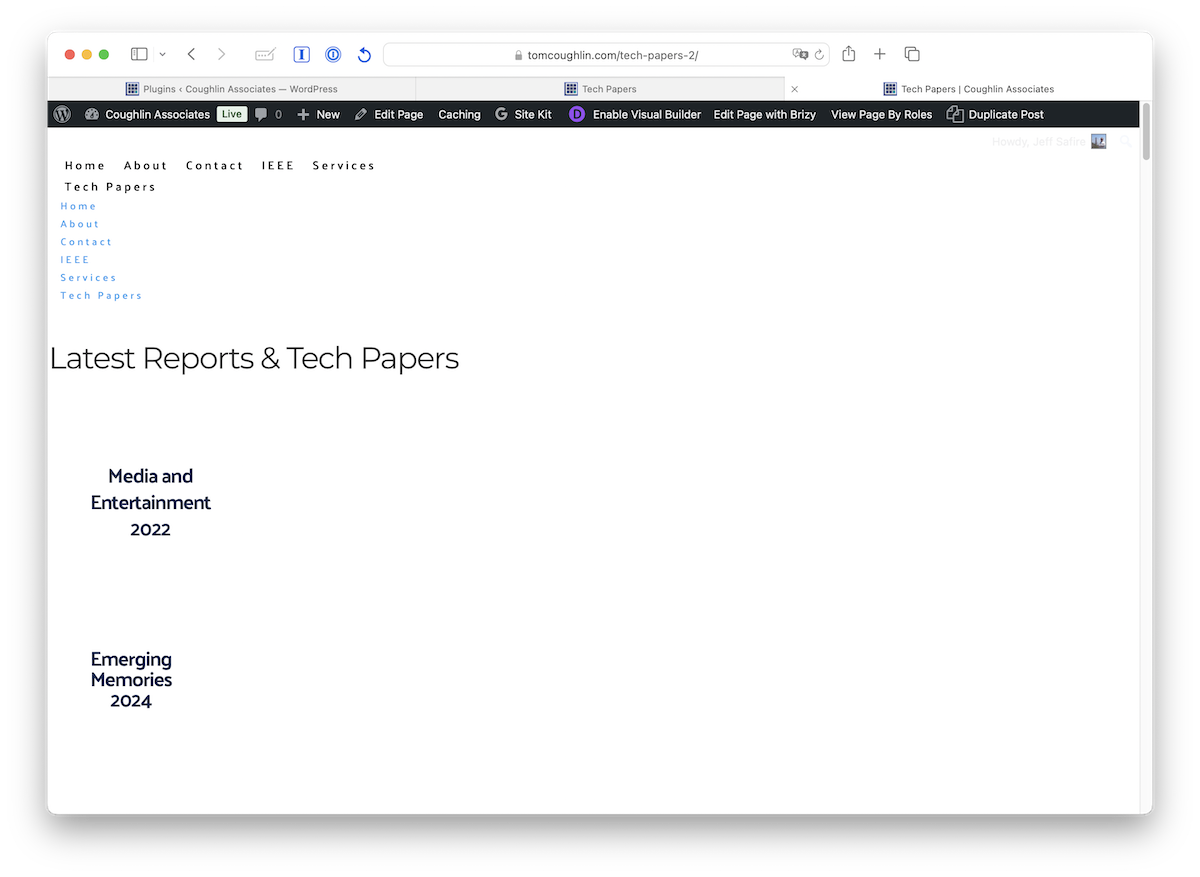
I just upgraded a site to WP/Pro 2.7.7/2.7.3. The page in Editor screen looks correct, but the Preview and Lve pages appear to have no blocks and maybe missing some css. This makes the main page (purchasing) of this site unusable. I tried adding some space and adding some block width and Updating, but it didn't help. Note this is not a WooCommerce page, although the site does include Woo store on a different non-Brizy page.
Chrome/FF/Safari all the same problem.
Attachments: Brizy plugins page, Editor page, Preview page, Live page.
Jeff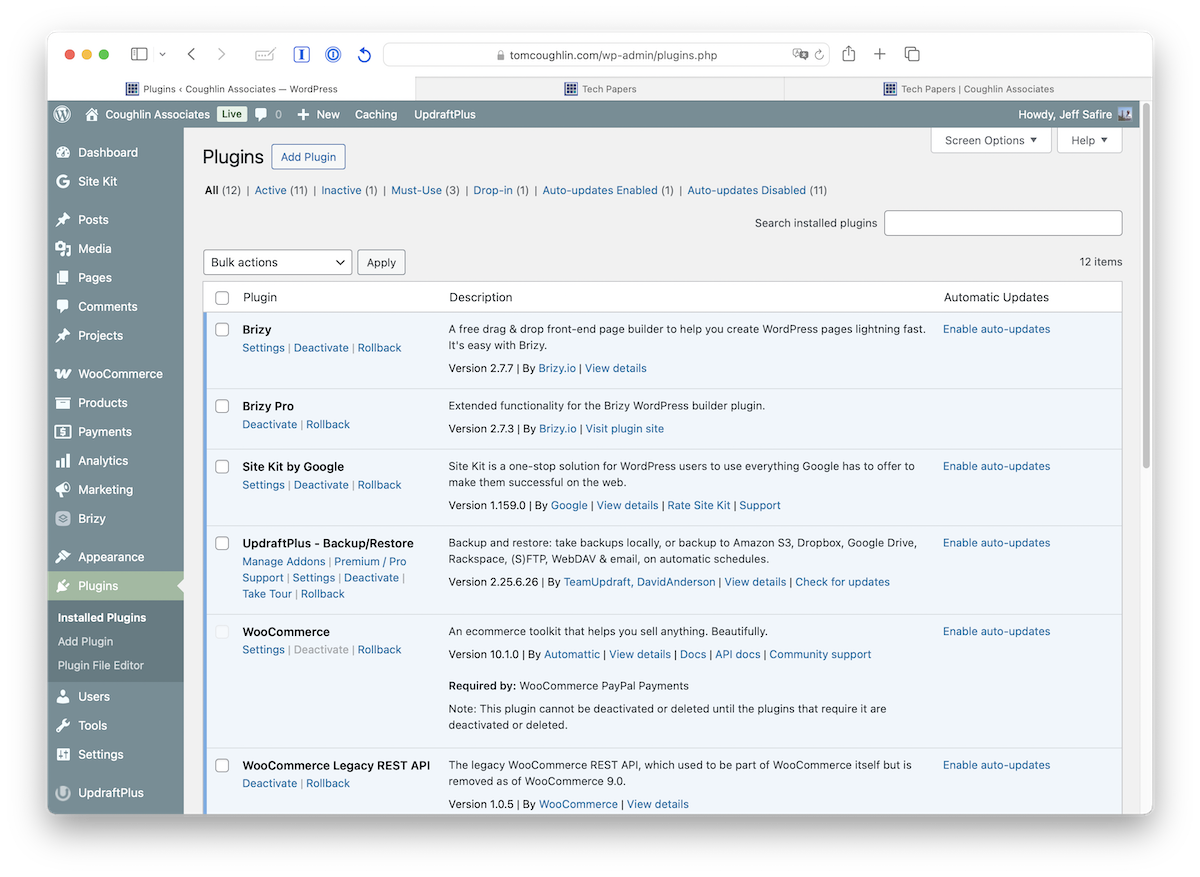

-

Hi Jeff,
My apologies for the inconvenience.
Please try making minor changes, as I suggested in the similar ticket below (such as adjusting the padding or temporarily reducing the block width), to see if that resolves the issue.
https://support.brizy.io/hc/en-us/community/posts/28592859108754Also, please check if you have any caching plugins or server-side cache enabled and try purging them, as cached content can sometimes prevent changes from appearing immediately.
If it didn’t work, kindly share your WordPress admin login details with us so we can take a closer look. Please add us as an Admin user to your WordPress Dashboard and send the following details to communitysupport@brizy.io.
Community Post link: https://support.brizy.io/hc/en-us/community/posts/28751530526610
WordPress Admin URL:
Username:
Password:Looking forward to your reply.
Best regards,
Ariel H.0 -
Thanks, Ariel.
User info sent.
Jeff
0 -
Hi Jeff,
Thank you for your cooperation.
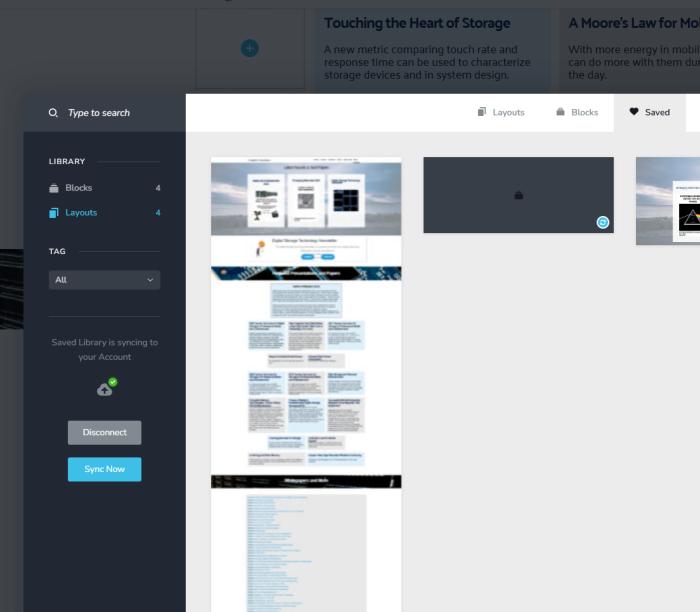
To resolve the issue, we saved the page as a layout, cleared the current page, and then imported the saved layout. This restored the missing blocks and styles, and the page is now displaying correctly.
Please let us know if you notice anything else.
Best regards,
Ariel H.0 -
Awesome! Thanks, Ariel.
I am curious if other developers have run into this problem recently, and do Brizy developers know about it?
Is this a usual solution when page view problems happen? Of course, I have tried changing block or column size, but that only helps some of the time.
Thanks for the help, guys.
Jeff Safire
0 -
Hi Jeff,
Thank you for the update.
Sometimes duplicating or recreating a page can trigger a recompilation, which may resolve display issues. It’s not something that typically happens often, but it can serve as a useful workaround when resizing blocks or columns doesn’t fully address the problem.
I’ll also share your feedback with our team so they’re aware.
Best regards,
Ariel H.0
Please sign in to leave a comment.
Comments
5 comments