Failed to deactivate Brizy Pro WordPress plugin license key

Hi Brizy Support Team,
We are confronting the same problem as in this article. We tried to follow the recommendation that has been given in it by Sandra Prunici, but nothing helped.
”Failed to deactivate Brizy Pro WordPress plugin license key” :
https://support.brizy.io/hc/en-us/community/posts/360014948278-Failed-to-deactivate-Brizy-Pro-WordPress-plugin-license-key
Could you help us with the issue, please?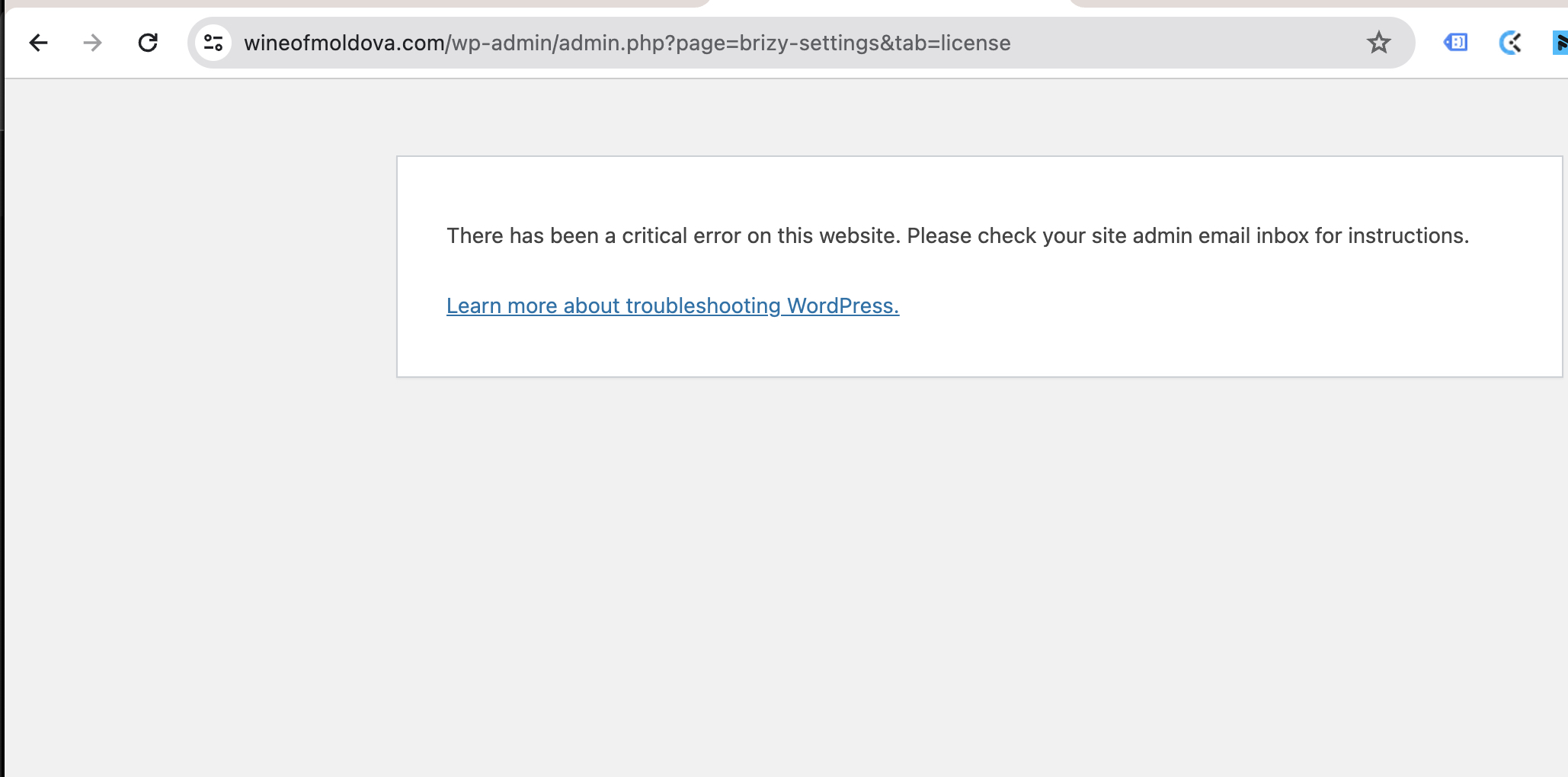
Best regards,
Nina Tanasova
-

Hi Nina,
Thank you for contacting us.
Have you already tried to isolate this issue by disabling all other plugins besides Brizy and Brizy Pro to check if this is coming from a conflict? Did you also try using another theme?
If you've already done these steps, could you kindly give us temporary access to your WP Admin details? This will allow us to further check the issue. Please add us as an Admin user to your WordPress Dashboard and send the following details to: communitysupport@brizy.io
Community Post link: https://support.brizy.io/hc/en-us/community/posts/17674294115986
WordPress Admin URL:
Username:
Password:Please make a full backup of your site as a precaution.
Best regards,
Ariel H.0 -
Hi Ariel,
Thank you for reaching us. We have sent you the credentials to communitysupport@brizy.io
Our website is fully backed up.
It took us time to test some additional steps to deactivate the license key. All of them FAILED to bring the desired outcome:
- We have disabled and deleted the license key from our Brizy account at brizy.io
- We tried to change the version of PHP from 8.0 to 7.4 (compatible classic version). It didn't help.
- We tried to isolate this issue by disabling all other plugins besides Brizy and Brizy Pro to check if this is coming from a conflict
- We tried using another theme
- We tried all the recommendations from https://support.brizy.io/hc/en-us/community/posts/360014948278-Failed-to-deactivate-Brizy-Pro-WordPress-plugin-license-key article.
Best regards,
Nina T.0 -
Hi Nina,
Thank you for your cooperation.
Upon checking, the issue appears to be related to CORS as demonstrated on this screencast: https://youtu.be/pm1Kn0XOz44
To resolve this problem, please ensure that both the Home and Site URL are set to use HTTPS.
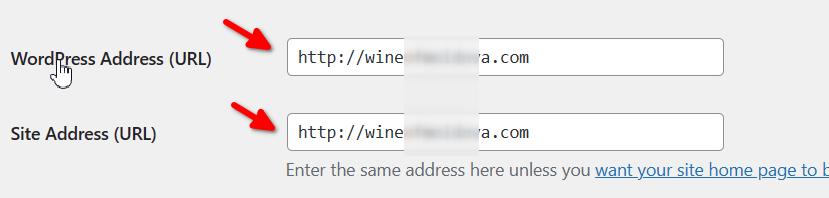
Once you've made this change, clear your browser cache, return to your WP Admin, and check if you can deactivate Brizy Pro without encountering the error.
Give this solution a try and let me know how it goes.
Best regards,
Ariel H.0 -
Hi Ariel,
We gave a try to the solution you suggested. Unfortunately, it didn't work. Please, check the screenshots.We still get an error upon attempting to deactivate the license key.
Are there any other solutions?
Best regards,
Nina T.
0 -
Hi Nina,
Thank you for the update.
I've created a private ticket for this problem and forwarded it to one of my colleagues for further investigation. You should receive a reply from them soon.
Best regards,
Ariel H.1
Please sign in to leave a comment.
Comments
5 comments