Page wont update asking to refresh site

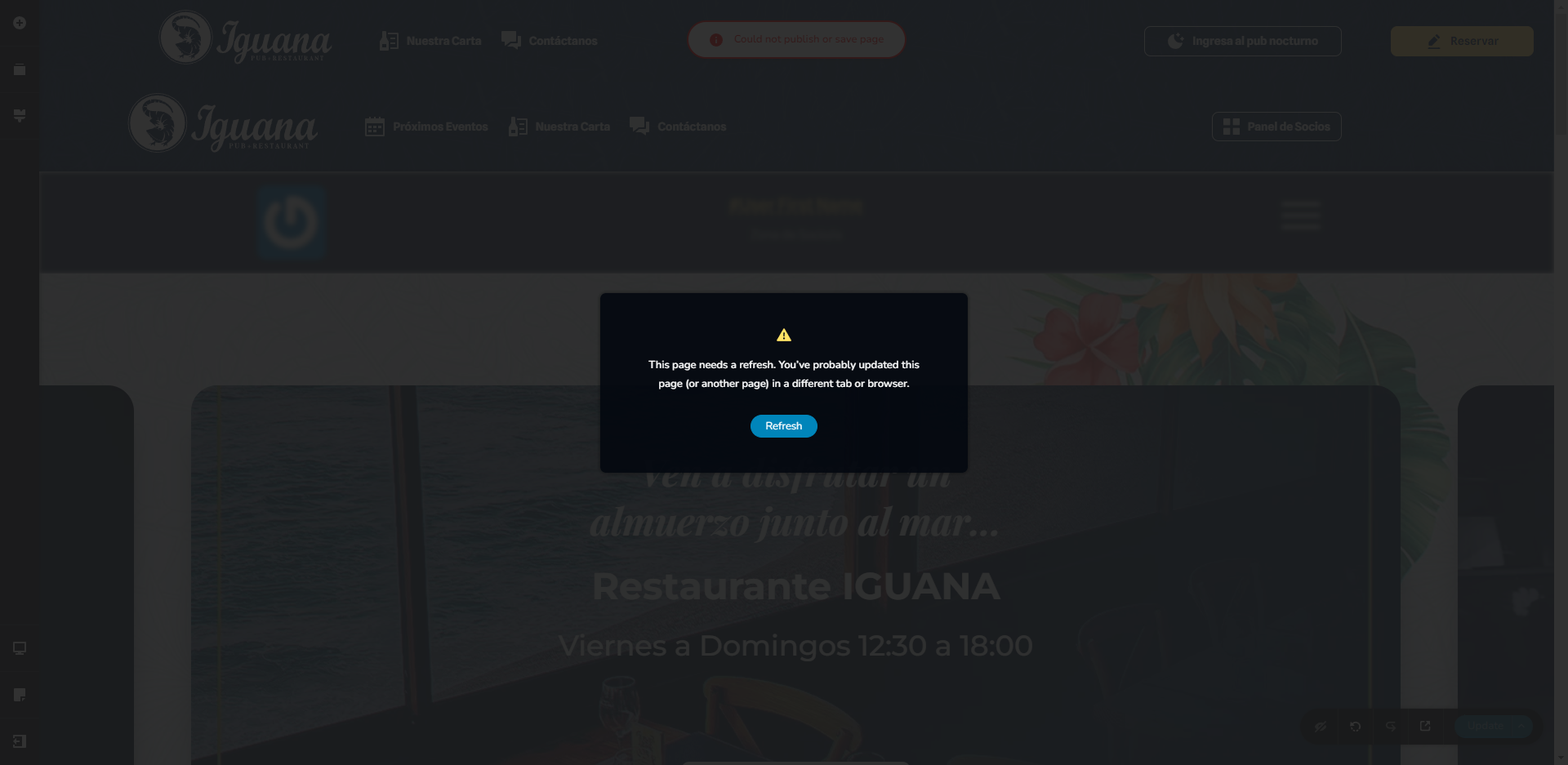
I have this issue I am not logged in in other computer or have another brizy instance open. I don't know why is this happening. Can you help me?
-

Hi Xavier,
Thank you for contacting us.
Can you please specify if you have this problem with Brizy WordPress or Brizy Cloud? If it is Brizy cloud then please sent us the URL of your project. If it is Wordpress I will open a private ticket.
Best regards, Nelea.
0 -
Hello Nelea, it is a Wordpress account. Please open a private ticket for me.
Regards
0 -
Hi Xavier,
Could you please send us the wp credentials for these sites? I have created a private ticket for this request. You had to receive a notification regarding this by email. Could you send us in that private message the wp credentials to them?
Best regards, Nelea.
0 -

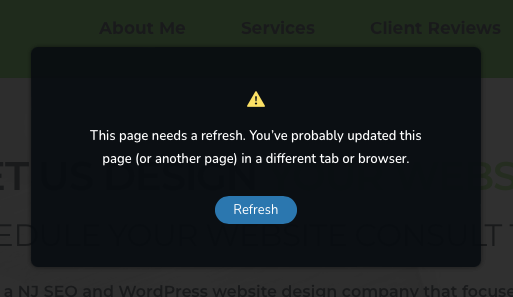
I'm having the same trouble on WordPress install. How can I get some help -- or what is the resolution?
I've cleared browser history - tried 3 different browsers - confirmed PHP memory is 512 .. what's left to check?
 0
0 -

Hi Flora,
This error indicates that you have security systems enabled on your hosting account which is interfering with Brizy. Please login to your hosting account and check if you/ the hosting company has enabled any Security/ Malware protection/ Firewall/ DDOS system in your account. Please disable such systems and check if you see this error.
0 -

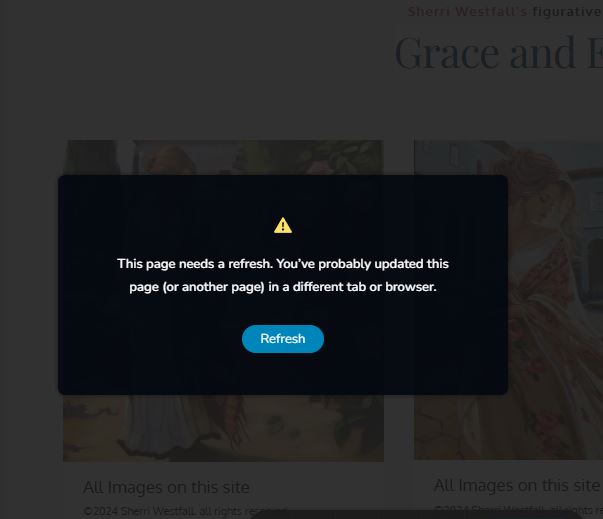
I am having that issue on my website too :( I've had hostgator support trying to troubleshoot this. But now I see that it's not the server and instead the plug in :( I feel badly that Ive had someone working on this problem for hours. :( what can I do to fix this issue? please open a ticket for me . How can I contact support ?
 0
0 -

Hi Sherri,
Thank you for contacting us.
This issue seems to be related to WordFence. If you have it installed on your site, please consider trying the following steps to resolve the issue.
1. In the WordFence plugin settings, go to Firewall;
2. Turn on Learning Mode - https://imgur.com/TucapoH;
3. Go back to your Brizy page, make some minor adjustments, and then save the changes;
4. After completing the changes, go back to the WordFence settings and re-enable the 'Enabled and Protecting' option.If you don't use WordFence, please also verify if you have access to temporarily disable the Firewall/Mod Security in your hosting console. This should help resolve the issue.
If the issue continues, this is something we need to inspect from your WP Admin page. Please add us as an Admin user to your WordPress Dashboard and send the following details to: communitysupport@brizy.io
Community Post link: https://support.brizy.io/hc/en-us/community/posts/8329243281809
WordPress Admin URL:
Username:
Password:Please make a full backup of your site as a precaution.
Best regards,
Ariel H.0
Please sign in to leave a comment.
Comments
7 comments