SSL error (ERR_SSL_PROTOCOL_ERROR)
Completed
Hi, My website says it's not secure because the SSL certificate invalid.
the issue is not on Tophost side, but on Brizy.
-

Edoardo,
Can you please share your URL? Is your website on Brizy Cloud?
0 -
the url is www.scindopayments.com.
Yes is on brizy cloud.0 -
 0
0 -

Hi Edoardo,
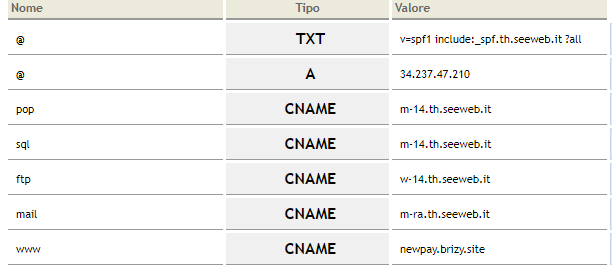
Thank you! Your page is secured now.
Don't forget to clear your browser cache ;)
Thank you!
Regards, Natalia
0 -

Hi Natalia,
I am having the same issue I have cleared browser cache and checked for other common issues related to the error everything seems ok.
My site is in progress at the moment, but I didn't want to wait until the last to get it resolved.
My site is on Brizy Cloud too... www.czvn.net
Thanks in advance!
0 -
Hi Zane,
If your website is hosted with Brizy Cloud, we will take care of your SSL issues. Looks like you have developed this website using WordPress and have hosted it with https://newfold.com/. Please contact them at askhr@newfold.com for help with SSL for your website.
0 -
Hi Kc George,
I purchased my domain with iPage.com but I have my domain redirected here. I do build parts for my Cloud site with Brizy WordPress builder because the Brizy Cloud builder tools are not as good as the WordPress Brizy builder yet. If I disconnect the wordpress side then Brizy Cloud should become the host since I already have my domain pointed here right?
0 -
I deleted the WordPress site and a message popped up saying my site has been successfully repointed. I am guessing it is now completely hosted on Brizy Cloud?
0 -
Its 2:45 AM here going to bed please check on the SSL for me now I should be hosted now on Brizy Cloud I checked in a few hours. thx
0 -
Hi Zane,
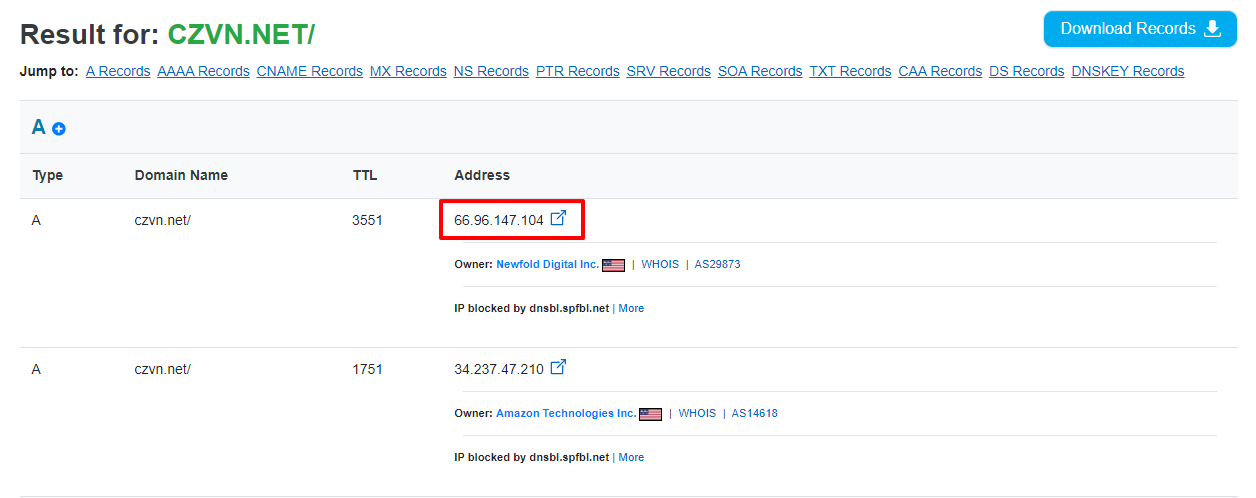
Looks like you have two A Records pointing to your domain name. Can you please login to your Domain Control panel and delete the A Record with IP 66.96.147.104?
 0
0 -
Hi Kc George,
Its done you should only see the Brizy IP now...
0 -
Hi Zane,
The page is secured now. Please, clear your browser cache.
Regards, Natalia
0 -
Seems to be working now! Thank you!
0 -

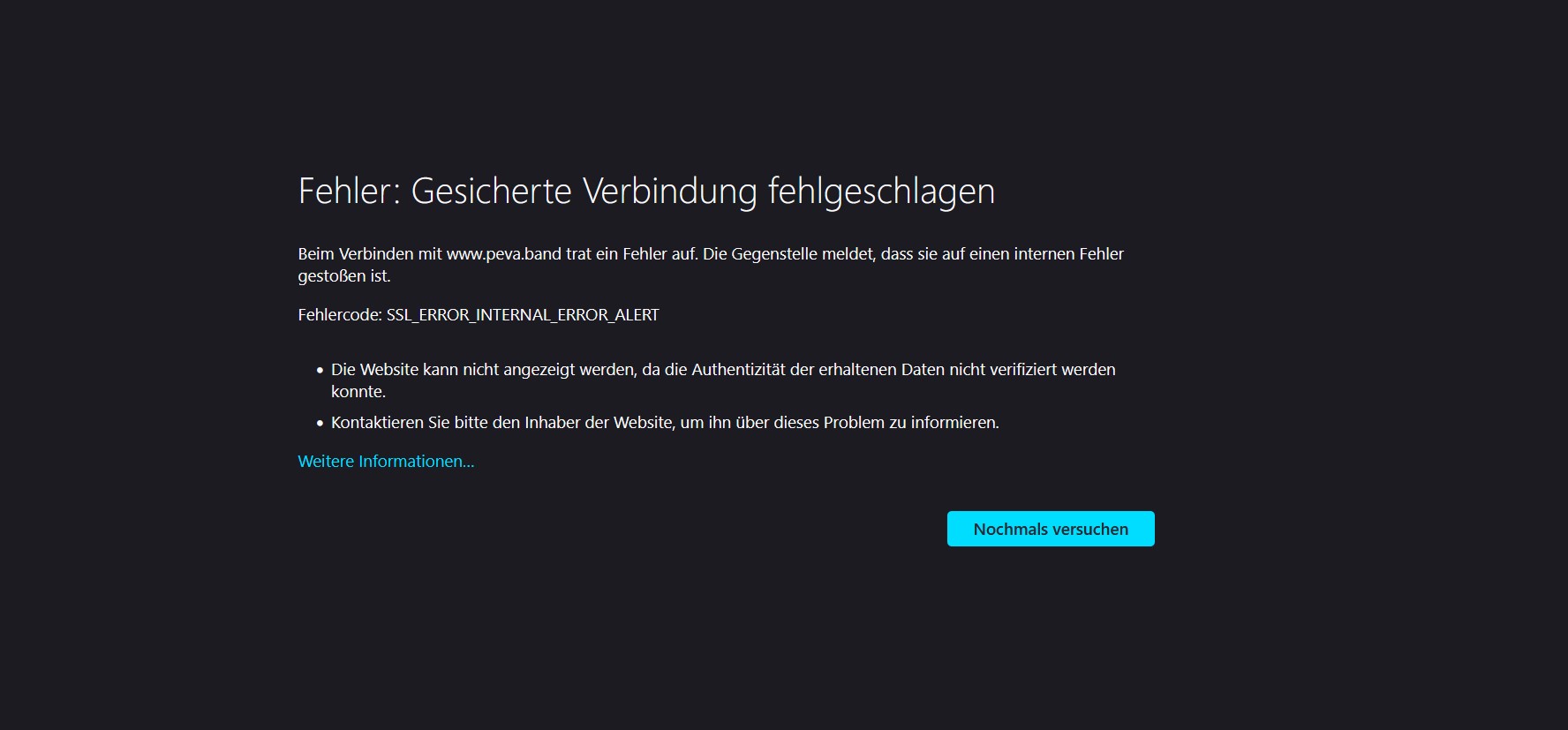
Hi there! I think there is an SSL problem on the server side, my DNS are updated correctly (had to contact my registrar, and now they see ok). But after few days SSL Error (Protocol or Internal) stays.
My website is peva.band
Here are the screenshots:
 -1
-1 -
Hi Tatiana,
Please try the suggestion in my reply to you in this post. https://support.brizy.io/hc/en-us/community/posts/360075876612
If it does not help, we will restore the SSL for you.
0 -
It works now, already after 1 minute! Thanks a lot!!!
0 -

Hello,
I'm having the same issue. Could you help me out?
https://www.franpavoni.com.br/0 -
Hi Jessica,
We have generated the SSL certificate for this domain. Please check. If you are checking from your regular browser, please reload the page to see the most recent change.
0 -
Hello,
I'm having the same issue again on a different page, could you check for me as well?luxandroelucrando.com.br0 -
Hi Jessica,
A DNS lookup of your domain luxandroelucrando.com.br shows these A Records. Apart from the A Record you have added from Brizy Cloud, your domain points to 2 other A Records. Please sign into your GoDaddy domain account and delete the A Records with IPs 3.33.130.190 and 15.197.148.33
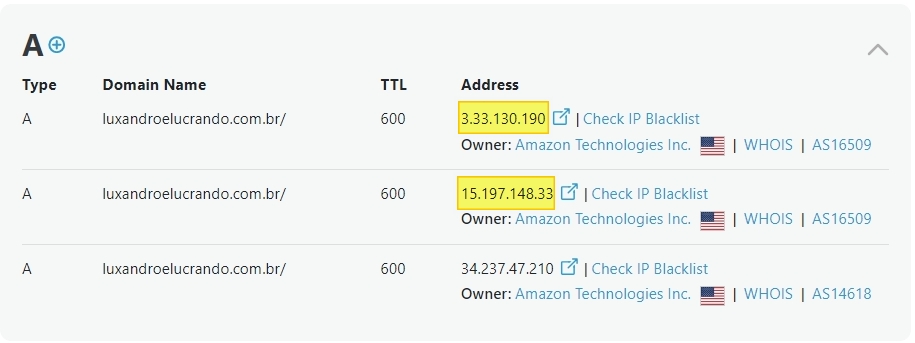
Once you delete the additional A Records, please get back to us. We will generate the SSL certificate for you.
0 -
Hello,
Last one was solved, but I'm having the same issue again with a similar domain, I've already checked and there's only one A record, we connect the new domain on monday and now its friday and the SSL problem persists: http://luxandoelucrando.com.br/
Thanks!
0 -

Hi Jessica,
The domain name seems to be functioning properly from my side. Occasionally, it may take a few hours for DNS propagation to fully take effect after updating the DNS records.
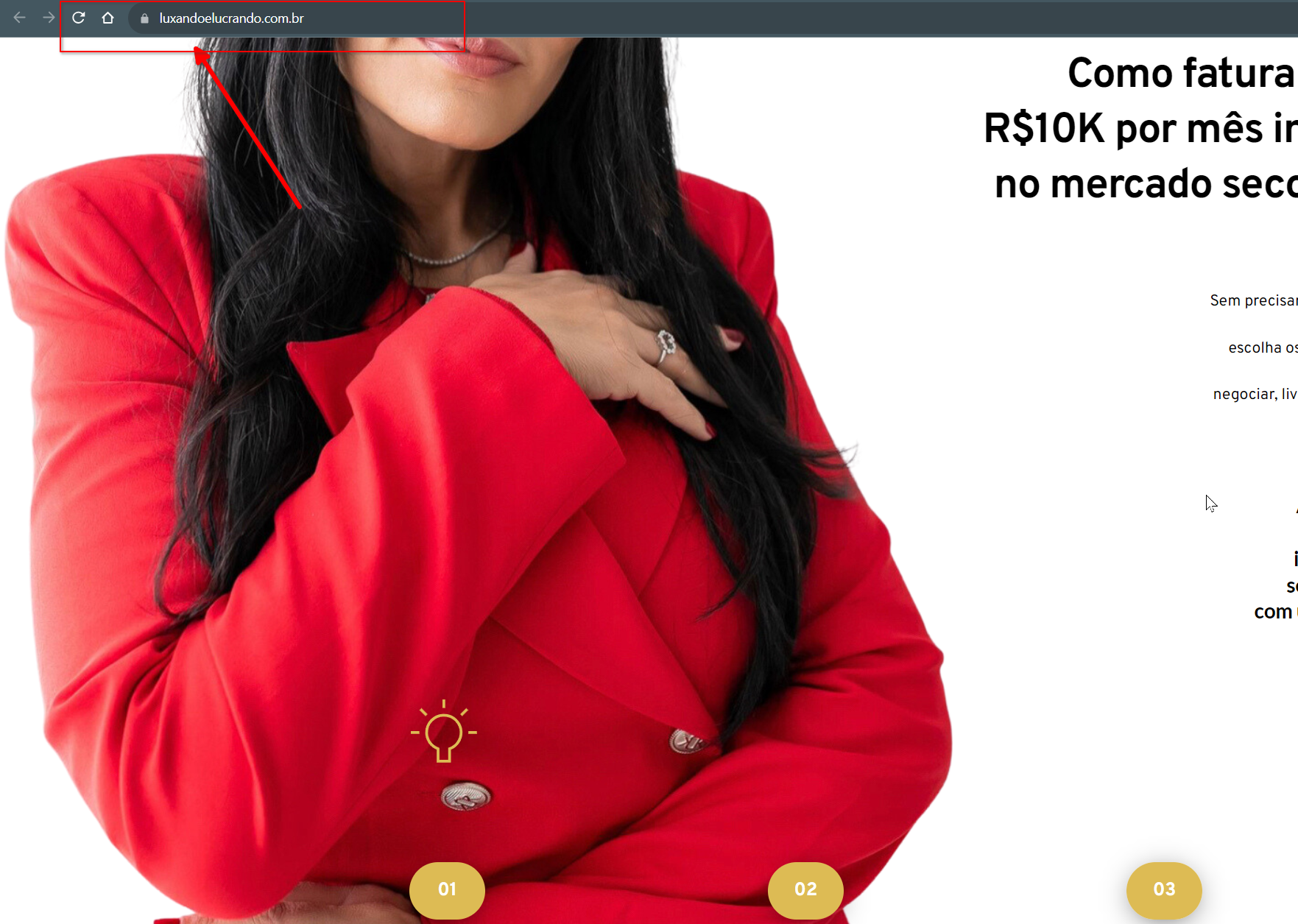
If you're still experiencing issues, I'd recommend clearing your browser cache or trying a different browser.
If you have any further questions, please let us know.
Best regards,
Ariel H.0 -

hello, i have the same problem with my domain www.vimaclean.it
ERR_SSL_PROTOCOL_ERROR
0 -
Hi Marco,
We have fixed the SSL issue. Kindly check. You may need to reload the page to see the latest change.
0 -

hello, i have the same problem with my domain www.monteroyale.in
ERR_SSL_PROTOCOL_ERROR
0 -
Hi Marco,
Thank you for reaching out.
We’ve checked on our end, and it’s working correctly. Could you please try clearing your browser cache or using a different browser to see if that resolves the issue?
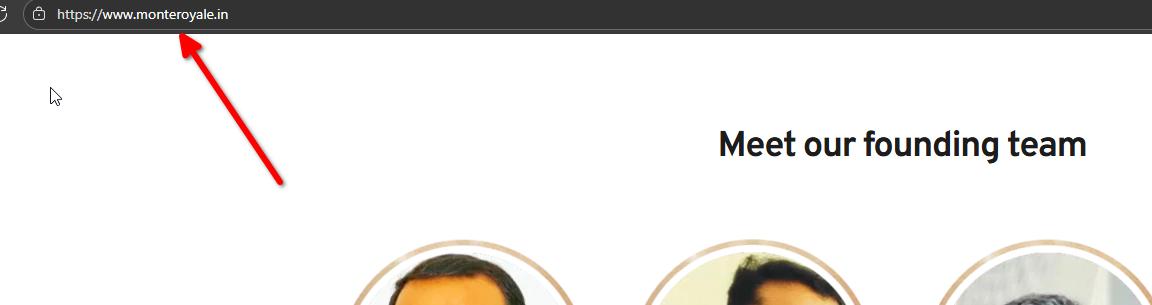
Best regards,
Ariel H.0
Please sign in to leave a comment.
Comments
26 comments