Viedeo file title

Hi Support,
I included a background video via a page element hosting a youtube video.
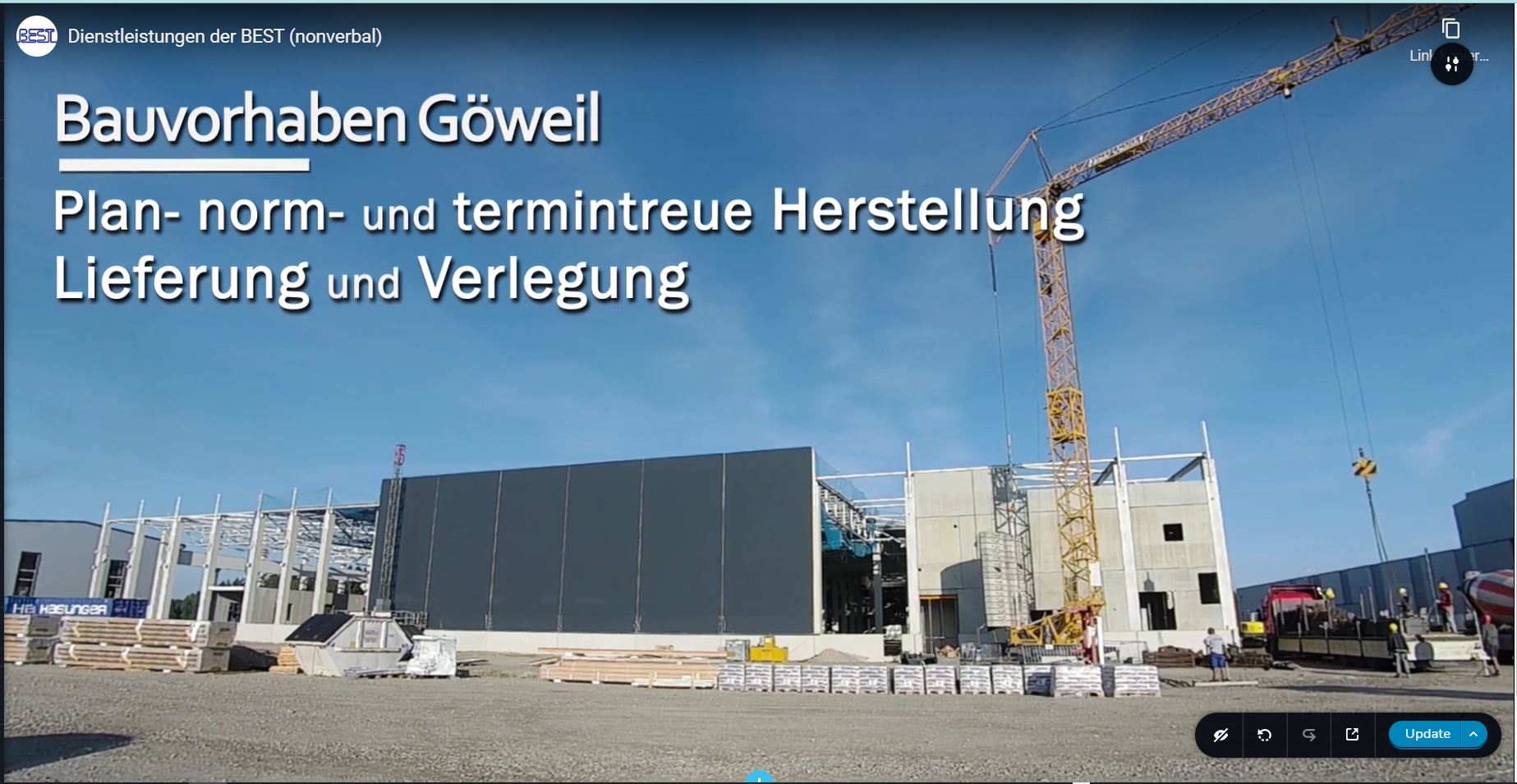
This works but unfortunately the video title "Dienstleistungen der BEST (nonverbal)" and the youtube channel icon is showing top left of the video which is unintended (see screenshot). Is there anything I could do to prevent this?
Best regards,
Max
-

Hi,
can you please confirm that we are talking about the latest Brizy versions - Free 2.3.18 and PRO 2.3.14? I just checked it and works well for me: https://jmp.sh/XCJDe1F Does it happen with all videos or just one specific one? What height settings do you have for this section? Have you tried testing this on a pre-made section? Please also send the link to your website so we can take a look. Thanks.
0 -
Hi Alex,
I can confirm, that we are running the latest versions of Brizy plugins and that the issue still persists.

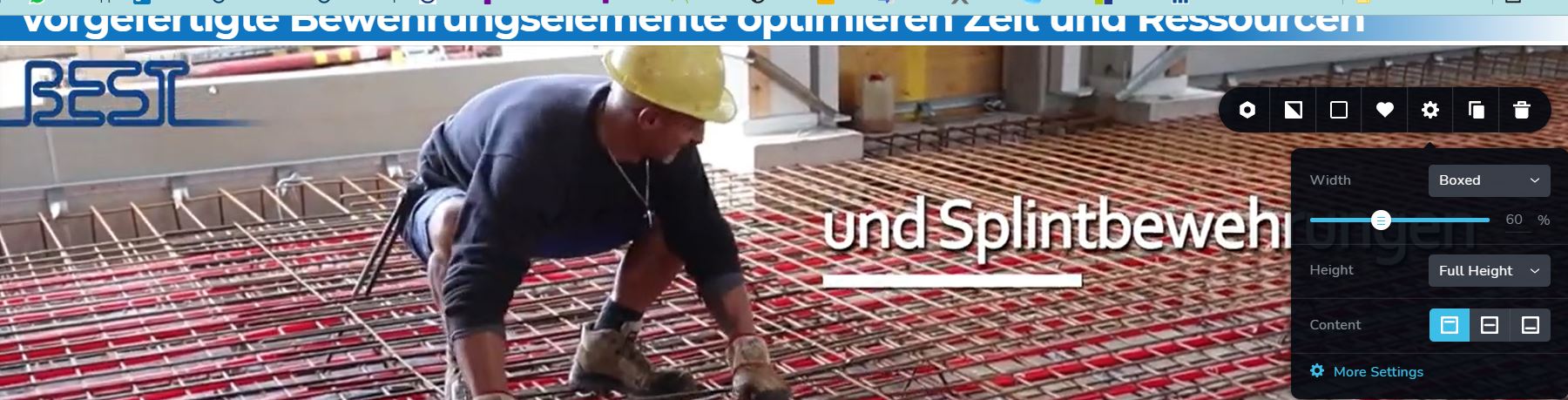
The height of the section is set to full height.
Also i realized the disturbing video title is displaying on mouseover only. see vid: https://jmp.sh/N76T0pa
The link to the website to have a look is http://www.best-baueisen.com/
if you need login credentials let me know. Is is safe to post you admin user login credentials in this conversation?
best regards,
Max
0 -
Hi Max,
did you add any custom css for the background video? I see some non-brizy configurations. For example this top: 0px!important I don't have it on my installation: https://jmp.sh/KzDXwoK If you added some custom CSS try deleting it and checking again. Do you have the same problem on a section that is not set to full-height? Have you tried another video?
0 -
Hi Alex,
yes in another support thread i asked support about the video getting cut off on the top end by a bit.
https://support.brizy.io/hc/en-us/community/posts/4406636711825-video-background-cut-off-top-end
I was advised to enter the following CSS to the element settings.
.brz .brz-iframe.brz-bg-video__cover, .brz .brz-iframe.brz-bg-map__cover {
    top: 0 !important;
}
Deleting this CSS does bring back the issue of the video getting cut off on the top end. But It does not seem to solve the issue I mentioned in this conversation. The name of the original youtube videofile still does get displayed when hovering with the mouse above it although it gets cut of partially as well. I do not thing the custom CSS causes or solves the issue when deleted.
The element is set to "full height"
Best regards,
Max
0 -
The Video we are talking about can be watched on youtube using this link:
0 -
Yes, I know about the video, although I found it at another link: https://youtu.be/ZDDbOrvblb4
I've already done some testing on my site and I can't reproduce the problem: https://jmp.sh/mGYEDVV So I thought it would be a third-party influence
I have created a private ticket for you so please send your login details there and we will look into it on your dashboard. Thanks.0 -
Hi Alex,
I did send you the credentials responding to the email you sent me, so responding to support@brizy.io.
Pls let me know if you need anything else.
best regards,
Max
0 -
Hi Max,
from what I know my colleague Mihail has already sent you an answer. Please check it.
0 -
I just answered Mihail vie email
0 -
the issue is prevailing
0 -

Hello Max,
Thank you for your message and responding to the ticket!
My colleague will get back to you as soon as he can and with a solution. Thank you for the waiting and understanding! If you have any other questions, feel free to write to us.
With the best regards,
Doina
0
Please sign in to leave a comment.
Comments
11 comments