{{brizy_dc_post_title}} after brizy update

Hi,
I have updated the brizy to latest. There are two things I noticed today.
#1 When I try to download brizy pro I can see the version 2.3.0 but on few updates on wordpress backend I can see the latest version showed there is 2.3.1 which is not available for download yet.
#2 After updated to latest version with automatic update it has casued the site error issues which I have fixed updating the same using FTP. But still after updating via FTP to latest 2.3.0 I am getting above error on page where it is normally has to show the post title
You can visit the site https://1330line1.com/ to see the menu is not working there.
https://www.screencast.com/t/wXGPwx1I
Also
https://1330line1.com/virtual-tour/
Here is screen shot https://www.screencast.com/t/hEnhk5Gz
#3 Also on same page you can see the sub-menu is not working which is under document.
#4 Also one thing noticed recently that while using global element to the page the order gets disturb when we setup or corrected order on one of the page. To explain this, when we create new page and uses few global elements like header image, or footer like in above site header image, menu bar, the 3 modules bellow menu and location at footer and our address module at bottom are global setup but when you login as user / subscriber to the page
https://1330line1.com/virtual-tour/
you can see all these are pushed above and the contents which are set to show only for subscribers which are originally setup above location / contact us module is now pushed bellow at bottom.
You can try to subscribe the site to see that. This is observed all few sites recently;.
Thanks
Brandon
-

Hi Tony,
Thank you for getting in touch with us.
We would like to check this problem from your dashboard. Could you please send us the WP credentials to this site? We have created a private ticket for this request. You had to receive a notification regarding this by email. Could you send us in that private message the WP credentials to this site?
Best regards,
Nelea.
0 -

I am running into a similar issue. After a recent Brizy and Pro update the Magazine Template doesn't pull the categories any longer although they are still available
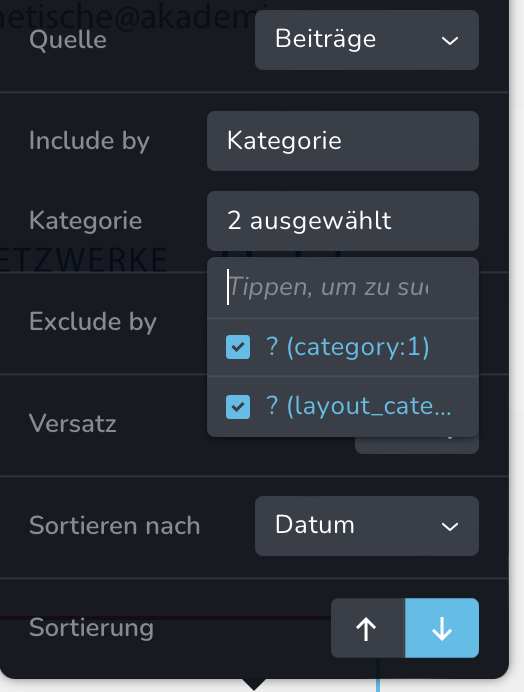
Here you can see the categories:
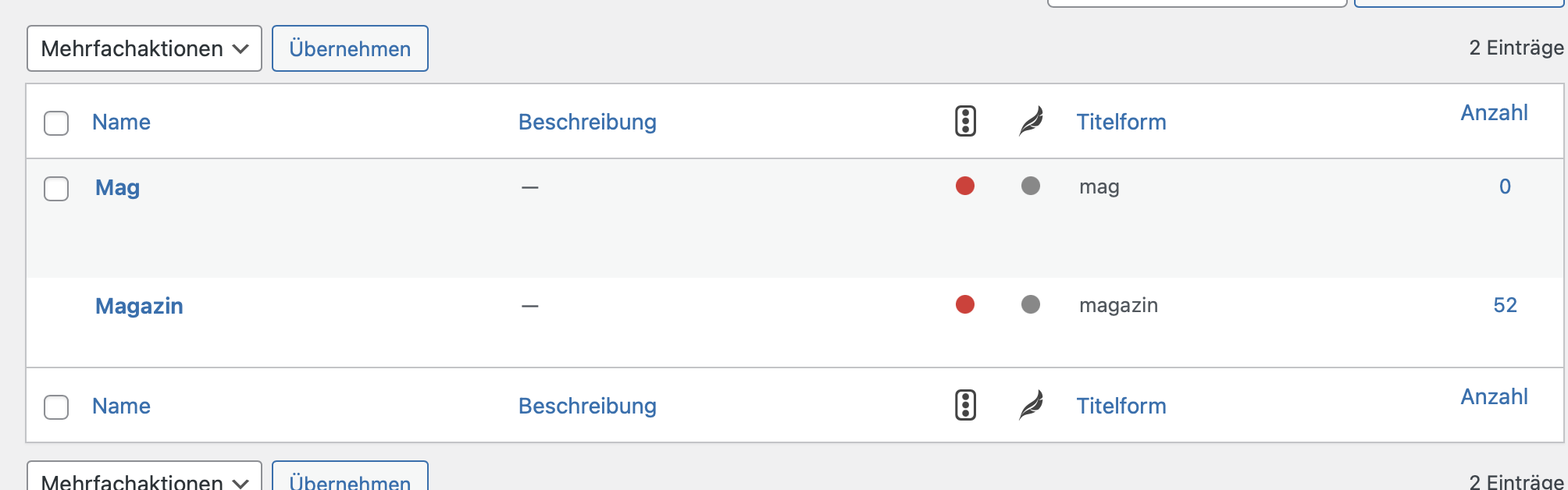
Best
0 -
The link Buttons and pictures are pulled correctly.
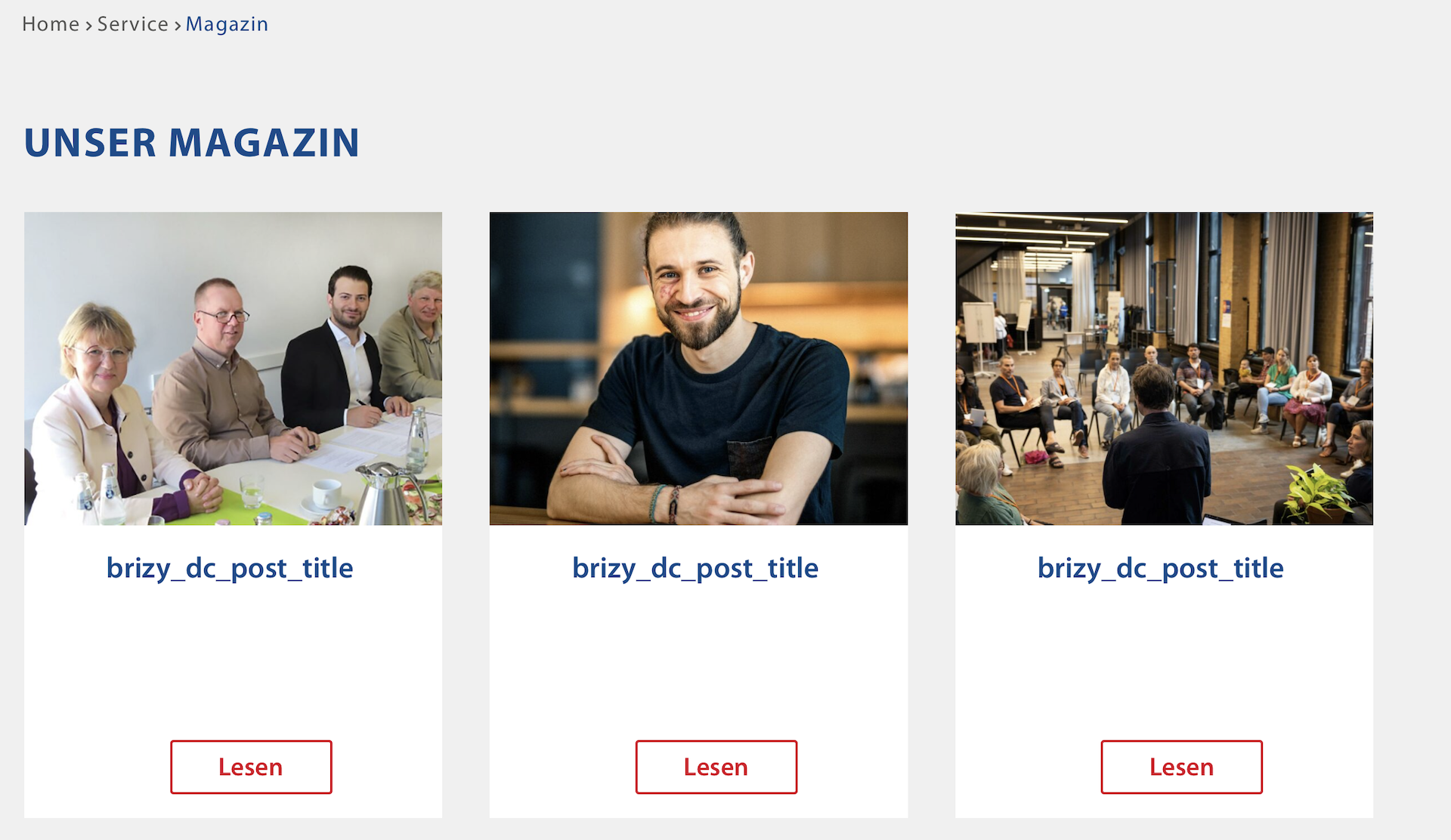 0
0 -

Hi Sandra,
Can you try deselecting previously selected categories and attempt to select the Magazin category again?
Can you also try adding a new Posts element (just for testing) and check if you see the Magazin category in the new element?
0 -
Hi George,
I've rebuild the whole module from scratch and after a couple hours it looks like above again???
0 -
Hi Sandra,
Can we have a look at your project? If you would like us to take a look at your project, please add a new user to your WordPress Dashboard and send the following details to our email: communitysupport@brizy.io
- Community Post link: https://support.brizy.io/hc/en-us/community/posts/4404346642449
- WordPress Admin URL:
- Username
- Password
Please let us know here when you send us the email.
0 -

Has there been any solution to this? Experiencing exactly the same on a site
0 -
Hi Philipp,
Looks like my colleague Basharat has been in contact with you and has fixed the issue.
0 -

I am having the same issue on a global block.
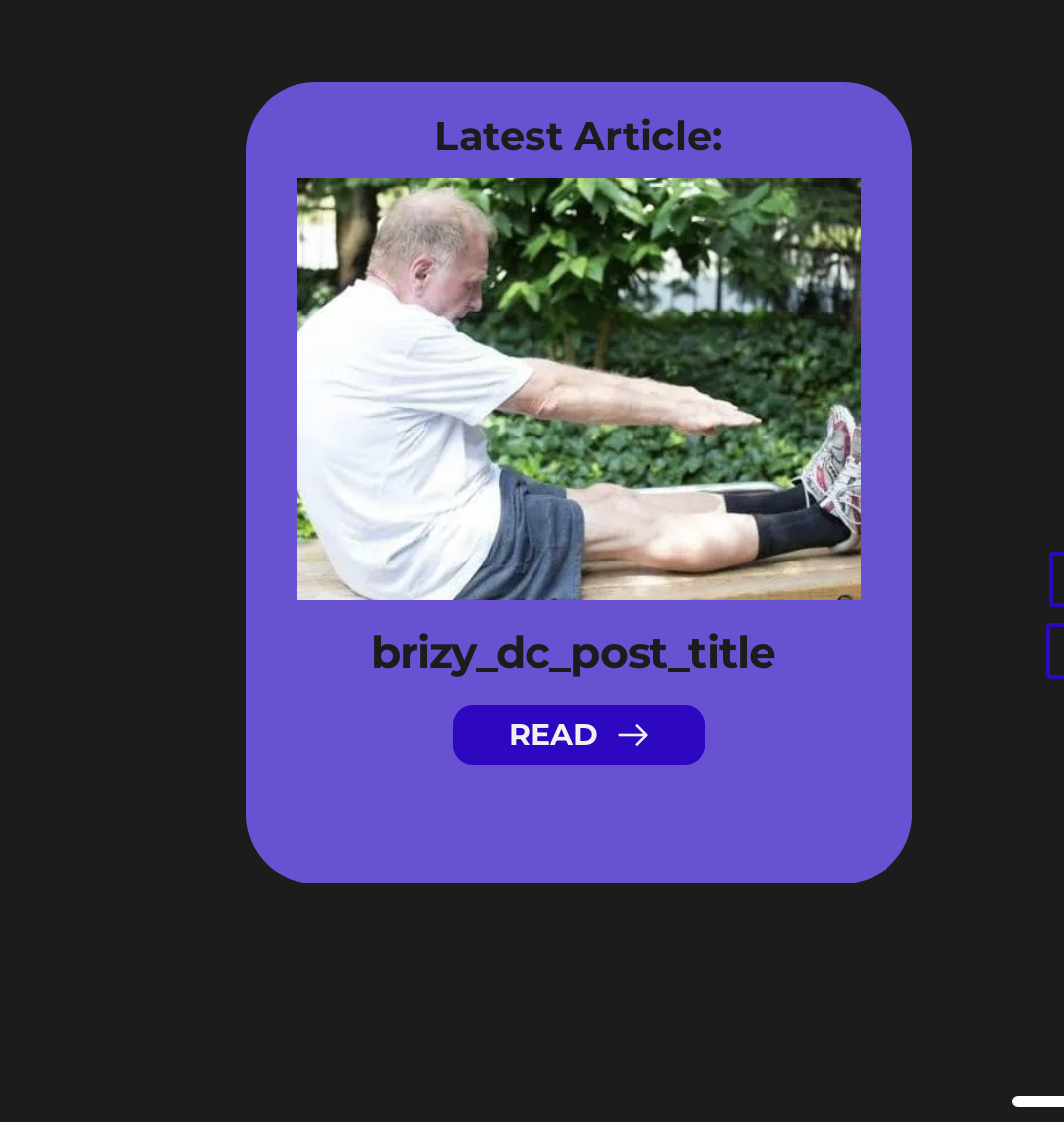 0
0 -
Hi Justin,
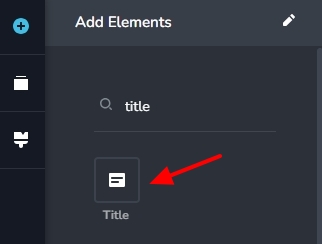
Please remove the element which displays 'brizy_dc_post_title' and add the 'Title' element from the Elements panel and see if the issue gets resolved. This element is available in the elements panel when developing a Brizy Blog Post template.
 0
0
Please sign in to leave a comment.
Comments
10 comments