Can't save changes, "This page needs a refresh" error on WP

Hello, I've recently been getting the "This page needs a refresh" error on my WP Brizy site. I've talked to my hosting provider and they said they've made some changes to fix the issue but I've tested it just today and it's still there.
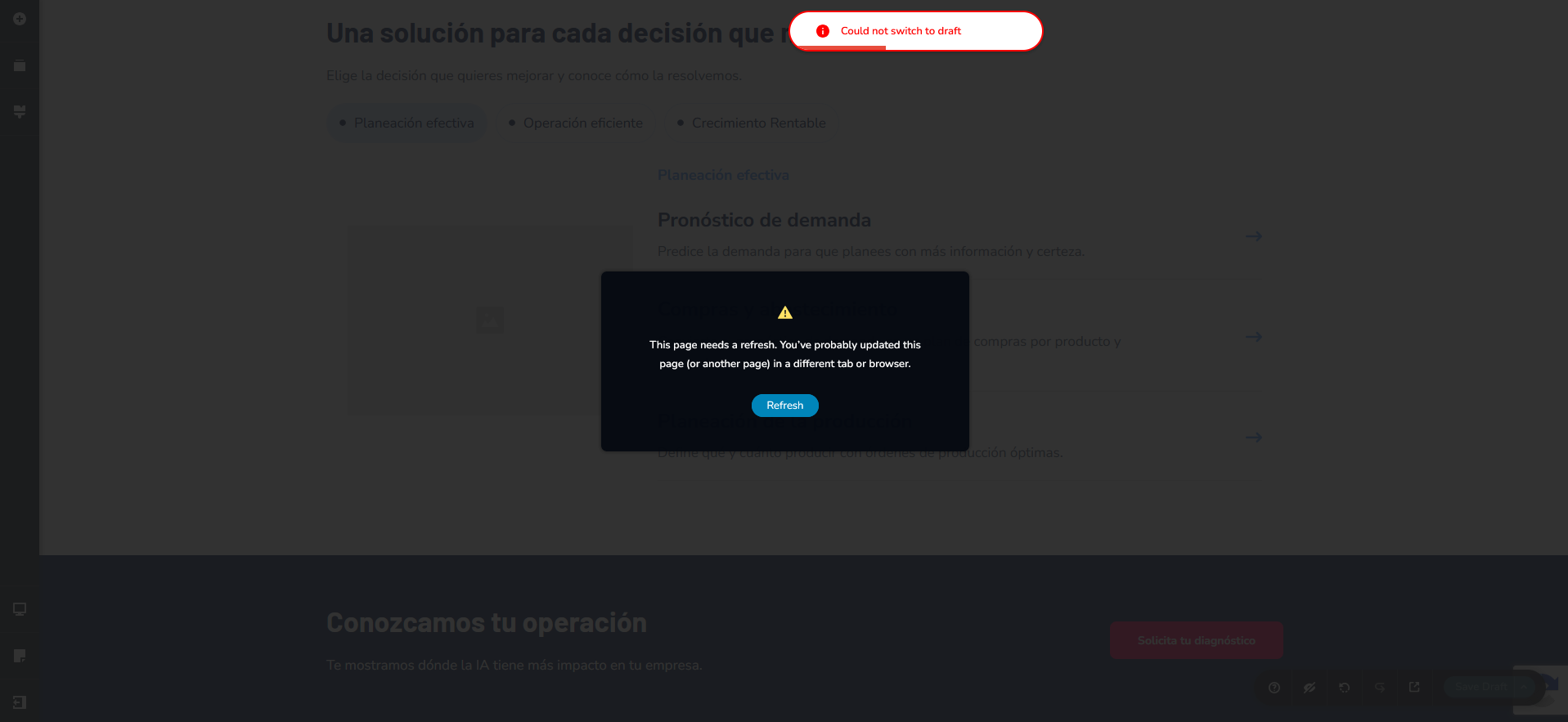
I've also followed the recommendations here: https://support.brizy.io/hc/en-us/articles/22590197512210-How-to-fix-the-error-This-page-needs-a-refresh-You-ve-probably-updated-the-page-in-a-different-tab-or-browser
My site doesn't use Wordfence or ModSecurity. It does use Imunify Security which from what I've seen could be causing the issue but I've also disabled it and the issue persists.
Could someone please help me troubleshoot what else I can do? I've already cleared my cache and tried logging in from an incognito tab but nothing seems to be working.
Thank you.
-

Hi,
Could you please share temporary WP Admin access so we can take a closer look at the issue? You can add us as an Admin user in your WordPress dashboard and send the details to communitysupport@brizy.io:
Community post: https://support.brizy.io/hc/en-us/community/posts/40969104956690
WordPress Admin URL:
Username:
Password:Please create a full backup of your site before providing us access.
Best regards,
Ariel H.0 -
Thank you, I've sent the email. Please let me know if you need anything else from me.
0 -
Hi Miguel,
We've tried troubleshooting the issue using the current WordPress admin access, but unfortunately, we haven't been able to identify or resolve the problem.
To investigate this further, could you please provide us with temporary access to your cPanel account? This will allow us to check the server configuration, review the error logs, and investigate any potential issues beyond the WordPress dashboard.
We appreciate your cooperation and apologize for the inconvenience. We'll continue looking into this once we have the necessary access.
Kind regards,
Ariel H.0 -
Alright, I've sent over the credentials to cPanel via email as well. Please let me know if you need anything else, thank you.
0 -
Hi Miguel,
Thank you for the update.
We haven't received the cPanel credentials yet. Could you please resend them?
Kindly include the ticket to communitysupport@brizy.io and include reference number 40969104956690 in the subject line of your email so we can quickly locate your request.
Best regards,
Ariel H.0 -
Hi Miguel,
We didn't find anything wrong in cPanel either, so we went back to the Brizy editor to investigate the page layout.
We found that a specific block is causing the issue. Removing this block allows the page to be saved and updated successfully.
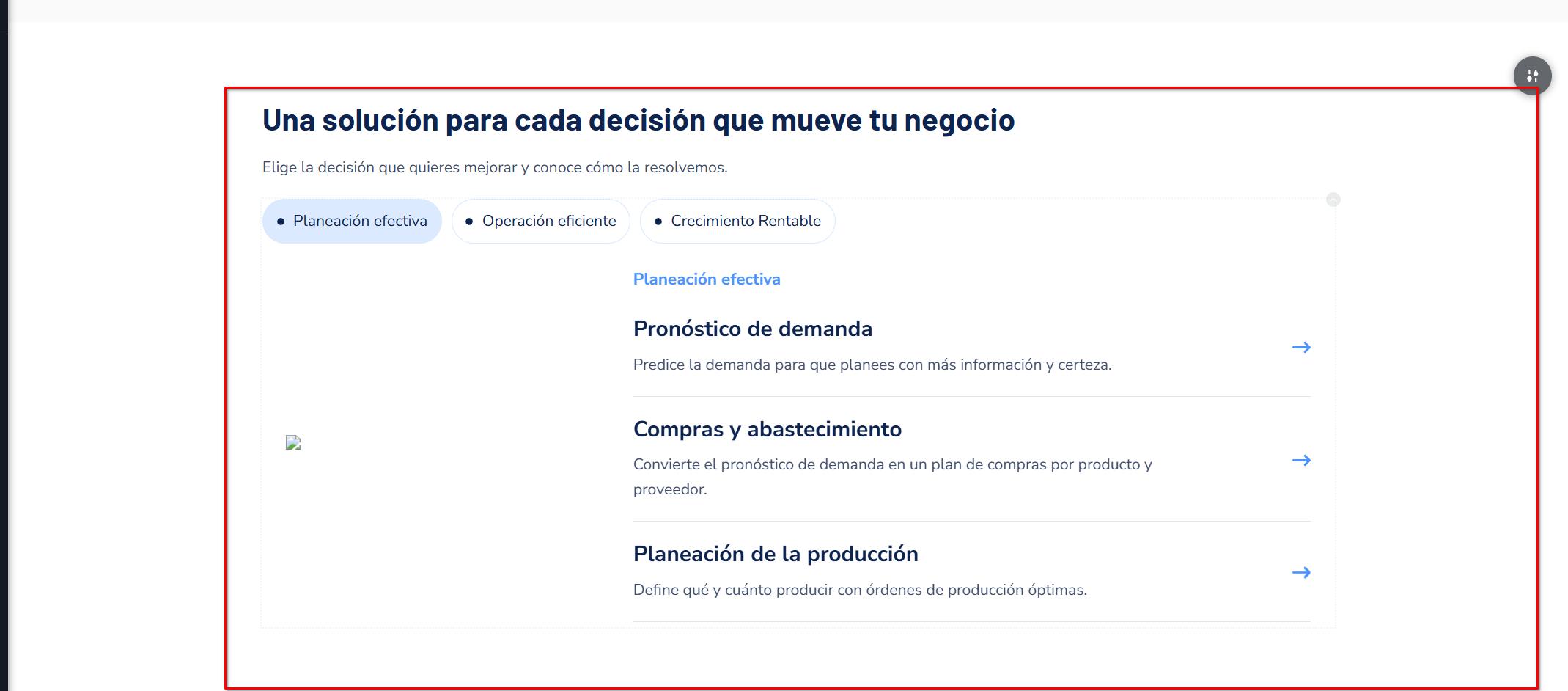
We recommend removing the problematic block and rebuilding it to resolve the issue.
Kind regards,
Ariel H.0 -
Hi Miguel,
I understand your frustration, especially since these issues are preventing you from working on your website smoothly.
As another approach, I would suggest creating a fresh WordPress installation through your cPanel using a subdomain. You can use this as a staging environment to rebuild your website and test if the same issues occur.
Starting with a fresh installation will help us rule out potential issues caused by the existing WordPress environment, such as conflicting plugins, outdated configurations, leftover database entries, or other installation-related problems. This will also give you a clean environment with only the necessary plugins installed, making it easier to identify whether the issues are related to the current installation or Brizy itself.
Once the new staging site is ready, you can install Brizy and Brizy Pro, then gradually rebuild your pages.
Kind regards,
Ariel H.0 -
Hello.
I've created a new WordPress website on a subdomain with only the Brizy plugin installed and I still get the error. I'll share the credentials for this new WP build via email in a second so you can take a look at it. The cPanel credentials are the same.
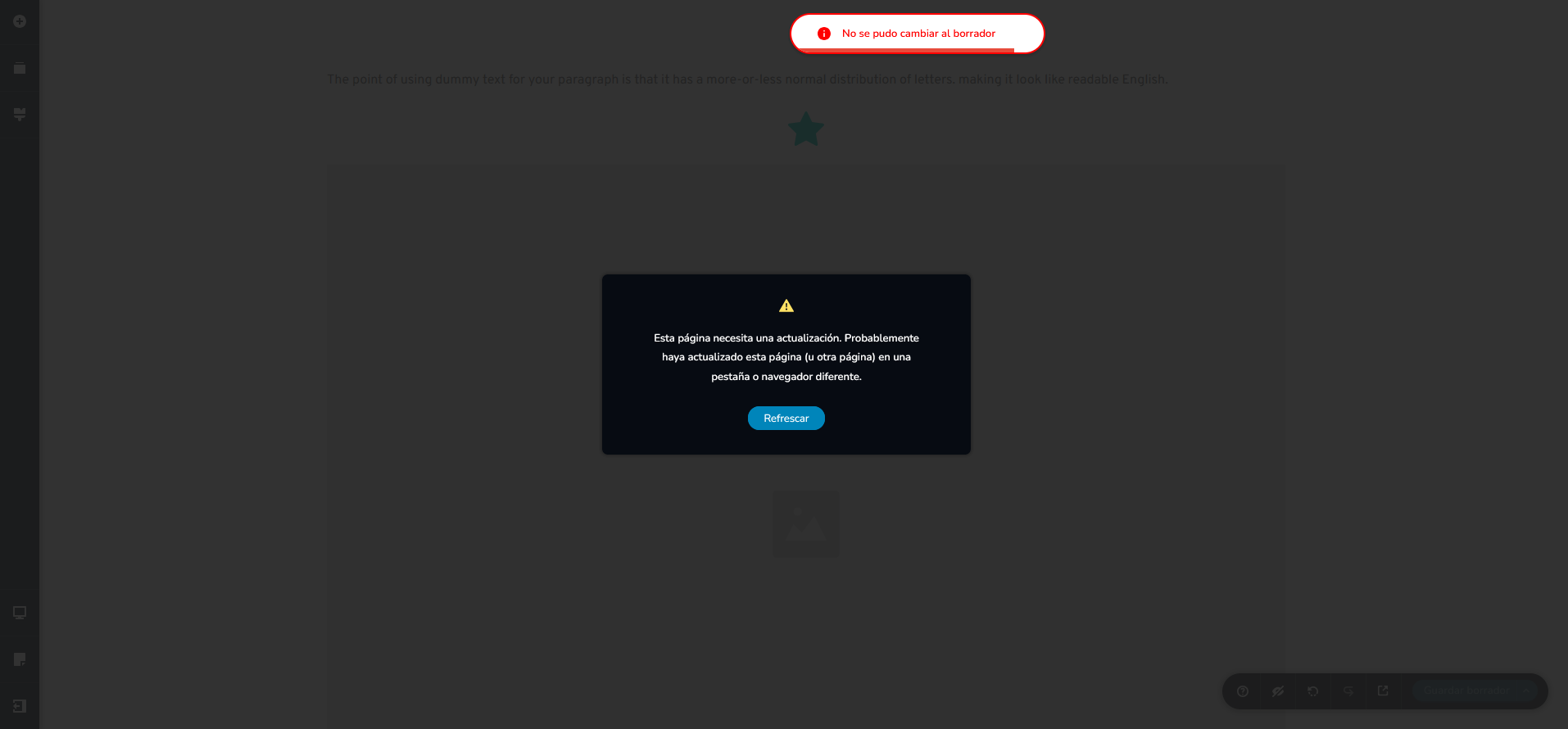
If this can't be fixed I much rather get a refund for my Pro Subscription and switch to a different platform.
0 -
I've reached out to my hosting provider to see if they can do anything else on their end. I will keep you updated in case they identify the issue on their side.
0 -
Hi Miguel,
Thank you for the update. We understand your frustration, and we'd like to help narrow down the cause of the issue.
Upon checking, we found a 403 Forbidden error. This error means that the server is blocking or denying a particular request. This is commonly related to server security rules, firewall restrictions, or hosting configurations. Based on our findings, this appears to be more of a server-side issue rather than a Brizy-related problem.
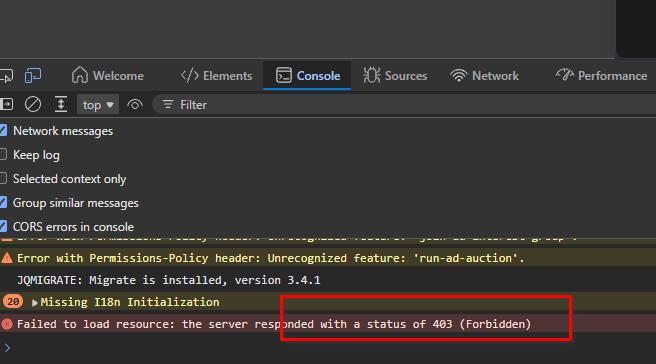
We would recommend getting your hosting provider involved so they can investigate why the server is returning a 403 error and check whether any security rules or firewall settings are blocking Brizy's requests.
In the meantime, we've also set up a separate demo testing environment where both Brizy and Brizy Pro are already installed. You can access it directly through the link below:
Click here to access the Demo site.
Please try using the Brizy Builder on this demo site and see if you can reproduce the same issue.
Kind regards,
Ariel H.0 -
Hello.
Thank you for the clarification. I will pass this information over to my hosting provider and hopefully they can help me fix the issue.
I also tested the site on the demo link and didn't get the error.
0
Please sign in to leave a comment.
Comments
11 comments