Problem using Brizy Pro

I have a subscription to Brizy Pro for WordPress, but when I try to edit a block I get a message that says I need Pro to use the feature I am trying to use. Also When I try to update Pro it fails and says "Update failed: Empty License Key Submitted." I had entered the license key when I installed Pro earlier. The feature I tried to use had worked earlier, but apparently after an update it stopped working. What is going on? My website is wbradyboggs.com.
-

Hi Brady,
It looks like there may be a version mismatch between your Brizy plugins.
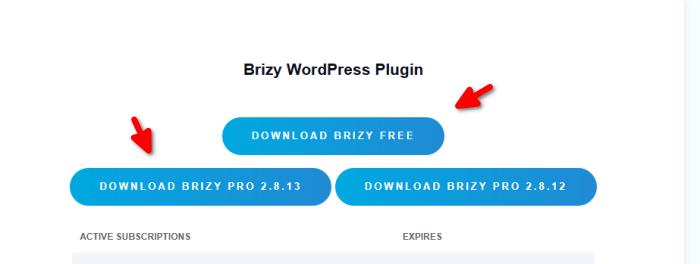
Could you please log in to your Brizy account console and download the latest versions of Brizy and Brizy Pro? Once downloaded, go to your WordPress Admin dashboard, deactivate and uninstall the currently installed versions, then manually upload and install the ZIP files you downloaded from your account.
Alternatively, if you prefer, you can share your WordPress Admin login details with us so we can check the issue and assist you directly. You can add us as an Admin user in your WordPress dashboard and send the details to communitysupport@brizy.io:
Community post link: https://support.brizy.io/hc/en-us/community/posts/40663125644178
WordPress Admin URL:
Username:
Password:Looking forward to your update.
Best regards,
Ariel H.0
Please sign in to leave a comment.
Comments
1 comment