How to set up a capture for my contact form

I'm getting lots of spam come through my major box without it creating an image on my front page like it did before?
Thanks.
0
-

Hello Nick,
As I understand it, you’re saying:
- You’d like to add reCAPTCHA to your contact form at https://www.thebookmarketer.pro/contact.
- You’re receiving a significant amount of spam in your inbox, and the reCAPTCHA badge that previously appeared at the bottom-right corner of your page is no longer visible.
To help protect your form against spam, please check whether reCAPTCHA is enabled in your form settings.
- Open the Contact page in the Brizy editor.
- Open the form’s "Email Notifications" settings.
- Select the reCAPTCHA tab and configure reCAPTCHA for your form.
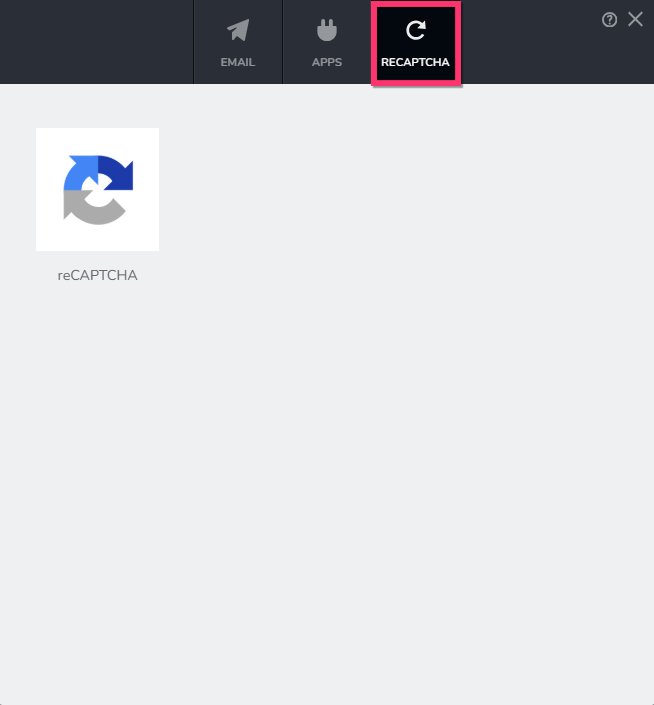
For detailed instructions, please refer to our reCAPTCHA setup guide: reCAPTCHA guide
0
Please sign in to leave a comment.
Comments
1 comment