BRIZY NOT WORKING SUDDDENLY

-

Hello
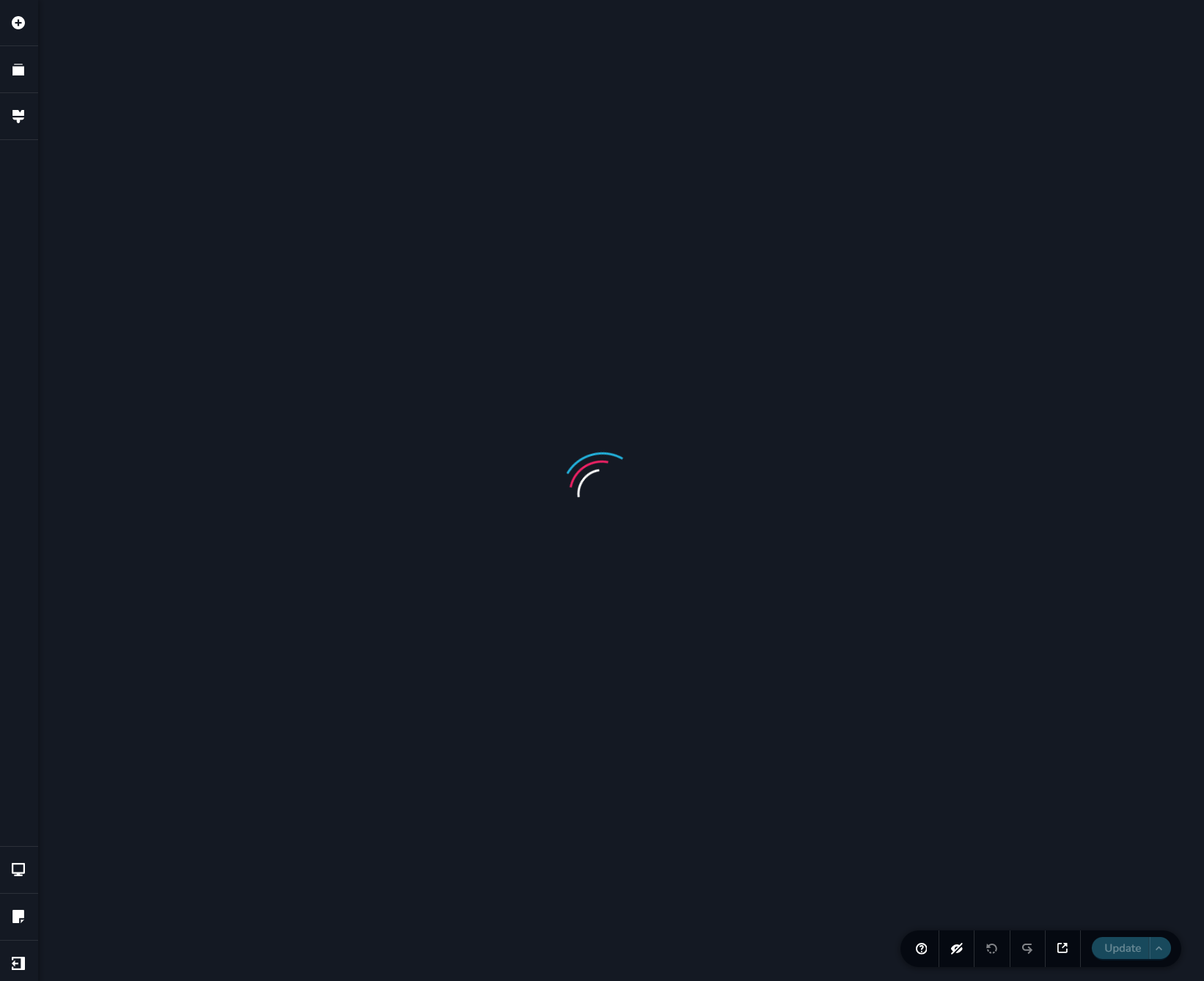
The looping pre-loader that you see when attempting to edit a Brizy page indicates that that a piece of software in your hosting environment is interfering with Brizy editing. To fix the problem, please sign in to your hosting provider account and check if you have enabled any of these in your account.
- Security system
- Malware protection
- Firewall
- DDOS
Deactivate each of the above options one by one and check if you are able to edit Brizy pages. Once you identify the interfering software, please relax the security restrictions to allow Brizy editing, in consultation with your hosting company. Similarly also check if you have installed a security plugin in your WordPress Dashboard; disable it temporarily to check if that helps to resolve the issue.
Please contact us again if you need assistance in identifying the interfering software. We will require access to your WordPress Dashboard to troubleshoot this for you.
0 -
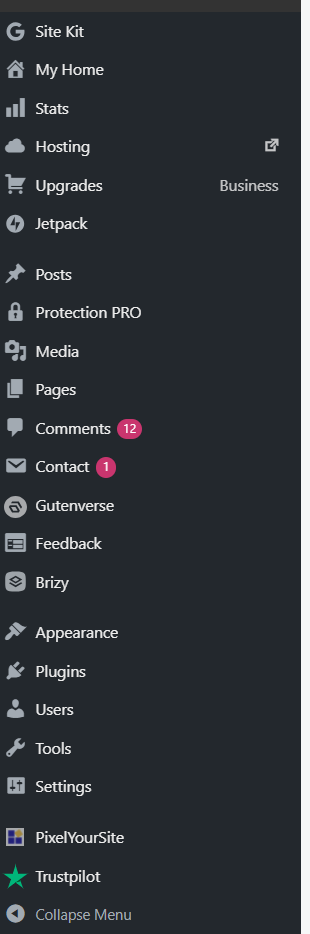
I dont have any of it installed. Brizy is sometimes really frustrating with minor glitches like these. This issue is still not resolved.0 -
Hello there,
To help us identify what might be causing this issue, can you check whether any security features in Jetpack or your hosting provider are interfering with Brizy editing?Step 1: Check Jetpack security settings
-
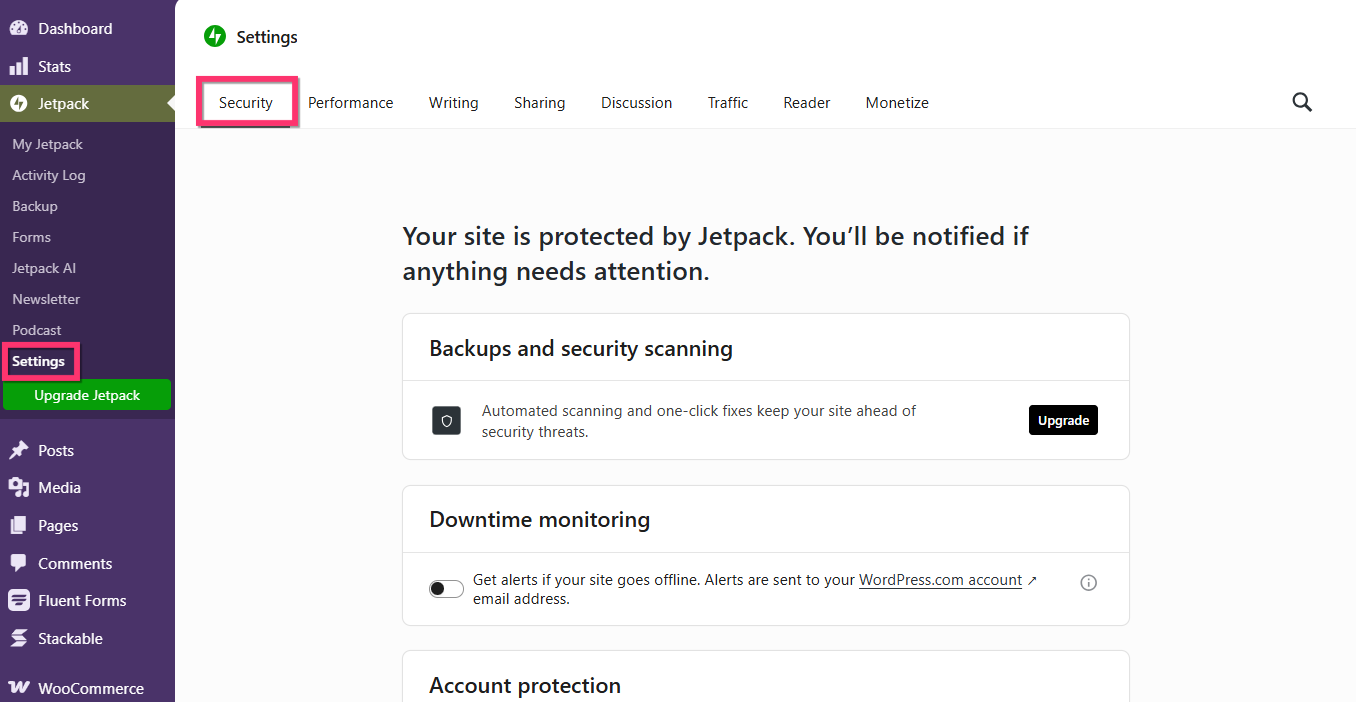
In your WordPress admin dashboard, navigate to Jetpack → Settings.
-
Open the Security tab.
-
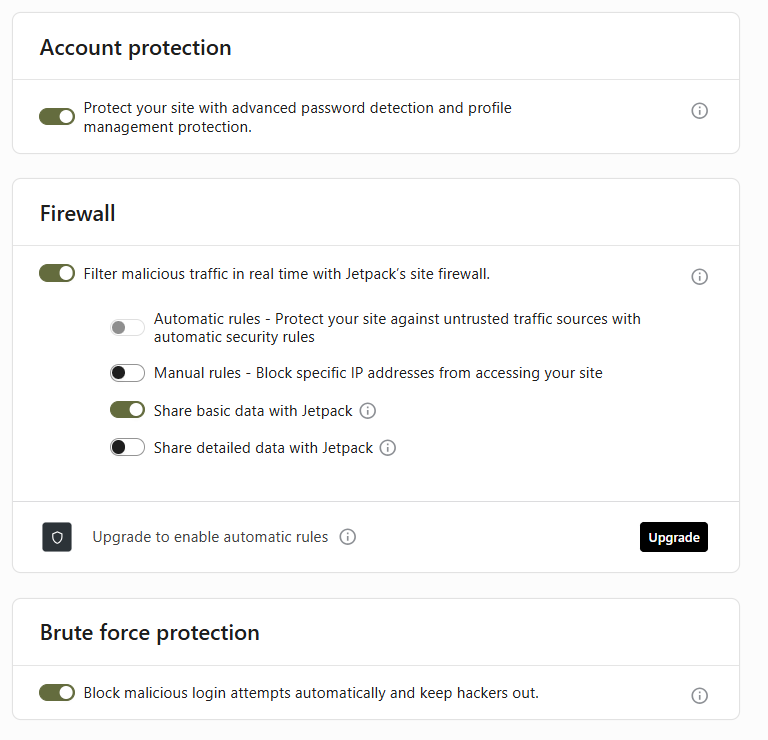
Check whether any of the following options are enabled: Temporarily disable them and check whether the issue is resolved. Once you've completed the test, you can re-enable the options.
-
Account Protection
-
Firewall
-
Brute Force Protection
-
Step 2: Check your hosting provider's security settings
Next, sign in to your hosting provider's dashboard and check whether any additional security features are enabled. For example, if your website is hosted on WordPress.com, review the security settings in your WordPress.com account.
Look for options such as:
-
Web Application Firewall (WAF): Filters incoming traffic to block potentially malicious requests.
-
DDoS Protection: Helps protect your website against traffic intended to overwhelm the server.
-
Brute Force Protection: Limits repeated login attempts to help prevent automated password-guessing attacks.
If any of these features are enabled, temporarily disable them one at a time and test whether the issue persists. Please remember to re-enable your security protections after testing.
Step 3: Let us investigate further
If the issue persists after completing these checks, we'd be happy to investigate it directly from your WordPress admin dashboard.
To help us troubleshoot, please create a temporary WordPress administrator account for our support team and email the following details to communitysupport@brizy.io:
-
Support forum reference: https://support.brizy.io/hc/en-us/community/posts/39755880684306
-
WordPress admin URL
-
Temporary username
-
Temporary password
Important: Please include a link to this support thread in your email so we can locate your request quickly. Once you've sent the email, let us know by replying here.
For your security, please use a unique temporary password, avoid sharing credentials in this public forum, and remove the temporary account once our investigation is complete.
Thank you for your cooperation. These steps will help us narrow down the cause and work toward a resolution.
0 -
-
I changed andd updated "Jetpack security settings"
Now it is working perfectly fine. Thank You0
Please sign in to leave a comment.
Comments
4 comments