URGENT: Clone project not appearing in personal workspace

Hello Brizy Support,
I’m extremely frustrated at this point.
David Hurley cloned the project and it appears under the Admin workspace. However, every time I try to clone the project myself, it never appears in my Personal Workspace. It only shows under the Admin dropdown.
I have followed the video instructions you sent me multiple times and have attempted the cloning process repeatedly, but the result is always the same.
This is now the fourth time I’ve contacted support about this issue, and so far I haven’t received a solution. I need a real person to review my account and help resolve this problem instead of sending the same generic instructions.
My website is currently not working correctly, and I am losing business because of it. This is an urgent issue.
If this cannot be resolved as soon as possible, I will have no choice but to move my website to another service.
Please have someone contact me as soon as possible with a real solution.
Thank you,
Rhino Prince
-

Hi Rhino,
My apologies for the frustration and inconvenience this has caused.
We have now cloned the project directly into your Personal Workspace so you will not need to repeat the process again. It is likely that your Personal Workspace was not selected or made active before the previous cloning attempts, which is why the projects appeared under the Admin workspace instead.
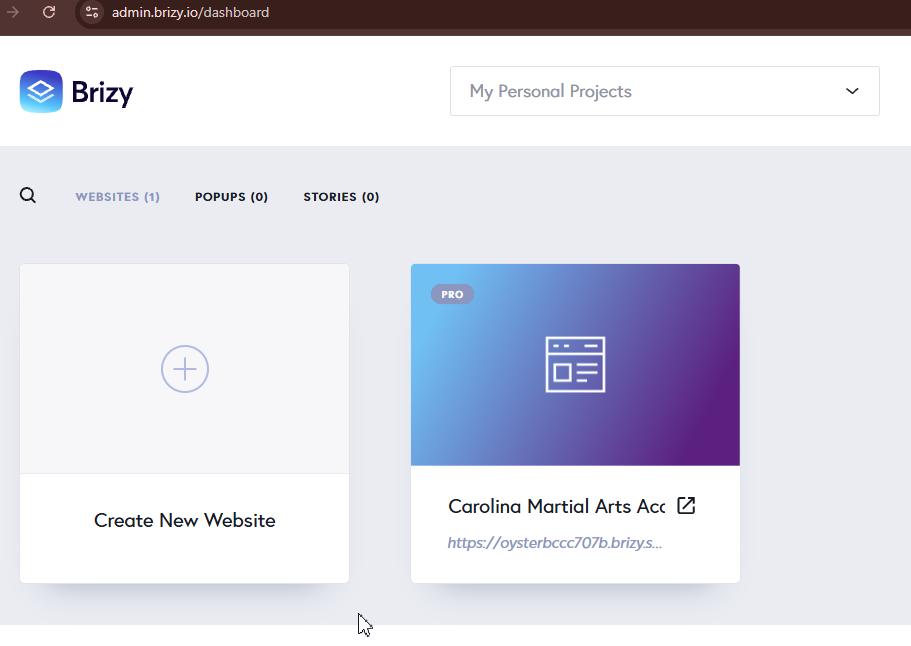
The remaining step is to connect your domain name to the cloned website. Once the domain is pointed correctly, the site should be ready to use.
https://support.brizy.io/hc/en-us/articles/360041764052-Add-A-Custom-DomainBest regards,
Ariel H.0
Please sign in to leave a comment.
Comments
1 comment