Page cannot be displayed in full width

-

Hi Dmitriy,
Thank you for reaching out, and I'm sorry you're experiencing these issues.
To investigate the full-width layout and the mobile menu problem, could you please provide temporary administrator access to your WordPress dashboard so we can take a closer look?
Kindly send the following details to communitysupport@brizy.io:
Community post: https://support.brizy.io/hc/en-us/community/posts/36846657895186
WordPress Admin URL:
Username:
Password:We'll be glad to assist as soon as we have access.
Best regards,
Ariel H.0 -
Hi Dmitriy,
We tried accessing the front end of your website, but we're unable to load it. Instead, we only see the message: "Please wait while your request is being verified..." (see attached screenshot).
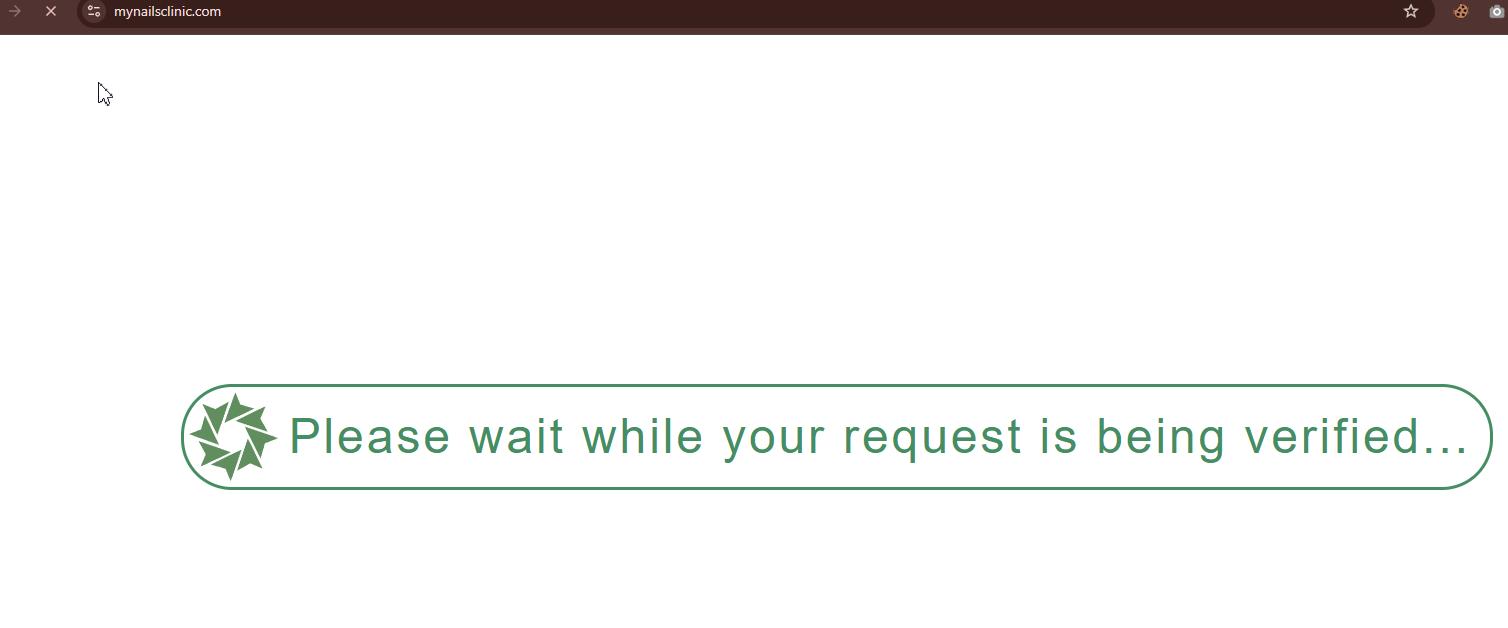
This verification page may also be preventing other visitors from accessing your website.
Could you please contact your hosting provider and ask them to resolve this issue? Once it's fixed, let us know and we'll be glad to continue working on your website.
Kind regards,
Ariel H.0 -
Hi Dmitriy,
Are you still encountering the full-width and mobile menu issues on your website?
If the issues continue, please update Brizy and Brizy Pro to the following versions:
- Brizy: 2.8.21
- Brizy Pro: 2.8.12You will also need to install and activate the Layout Recompiler for Brizy plugin.
https://wordpress.org/plugins/layout-recompiler-for-brizy/If you are using the Blocksy Companion plugin, please temporarily deactivate it, then go to Tools> Layout Recompiler and run the recompilation process.
Once it is complete, check the front end to see if the full-width layout and mobile menu have been restored. You can then return to the Plugins page and reactivate Blocksy Companion.
Please let us know how it goes.
Best regards,
Ariel H.0
Please sign in to leave a comment.
Comments
3 comments