site not loading correctly

https://www.rfcatsfootball.com/
site loads fine in the brizy editor behind the scenes, but nothing is loading correctly to the public.
I've deactivated all other plugins besides Brizy (version 2.8.16) and Brizy Pro (Version 2.8.9), no change in the public view.
the navigation block appears to be duplicated and css/styles are failing. The only errors in the console are looking for a missing preview.min.css file, but that shouldn't cause the issues I'm seeing.
Other sites using Brizy do not have this issue.
-

Hi Eric,
Thank you for contacting us.
Please share your site’s credentials so we can inspect your site. Kindly add us as an Admin user to your WordPress Dashboard and send the following details to communitysupport@brizy.io.
Community Post link: https://support.brizy.io/hc/en-us/community/posts/36813093686802
WordPress Admin URL:
Username:
Password:Looking forward to your reply.
Best regards,
Ariel H.0 -
Hi Eric,
Just following up on my previous email to check if you had a chance to review it. Please let us know when you’re ready to share the details so we can proceed and help you fix the issue.
Kind regards,
Ariel H.0 -
yes, and I provided the details via email. did you not get them?
0 -
resent from a different email (sometimes my email address doesn't go through to help desk automation)
0 -
Hi Eric,
Thank you for sending the login details.
We were able to log in successfully, however, the user account currently does not have Administrator privileges. Because of this, we don't have access to the Pages and Plugins areas, which we need in order to investigate and fix the issue.
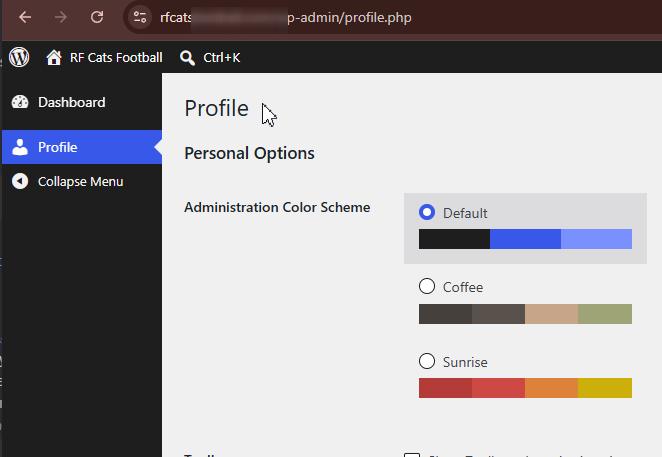
Could you please update the account to an Administrator role? Once that's done, we'll be able to inspect the site and help resolve the issue as quickly as possible.
Kind regards,
Ariel H.0 -
updated, you should be set
0 -
Hi Eric,
Thank you for your patience, we've fixed the issue.
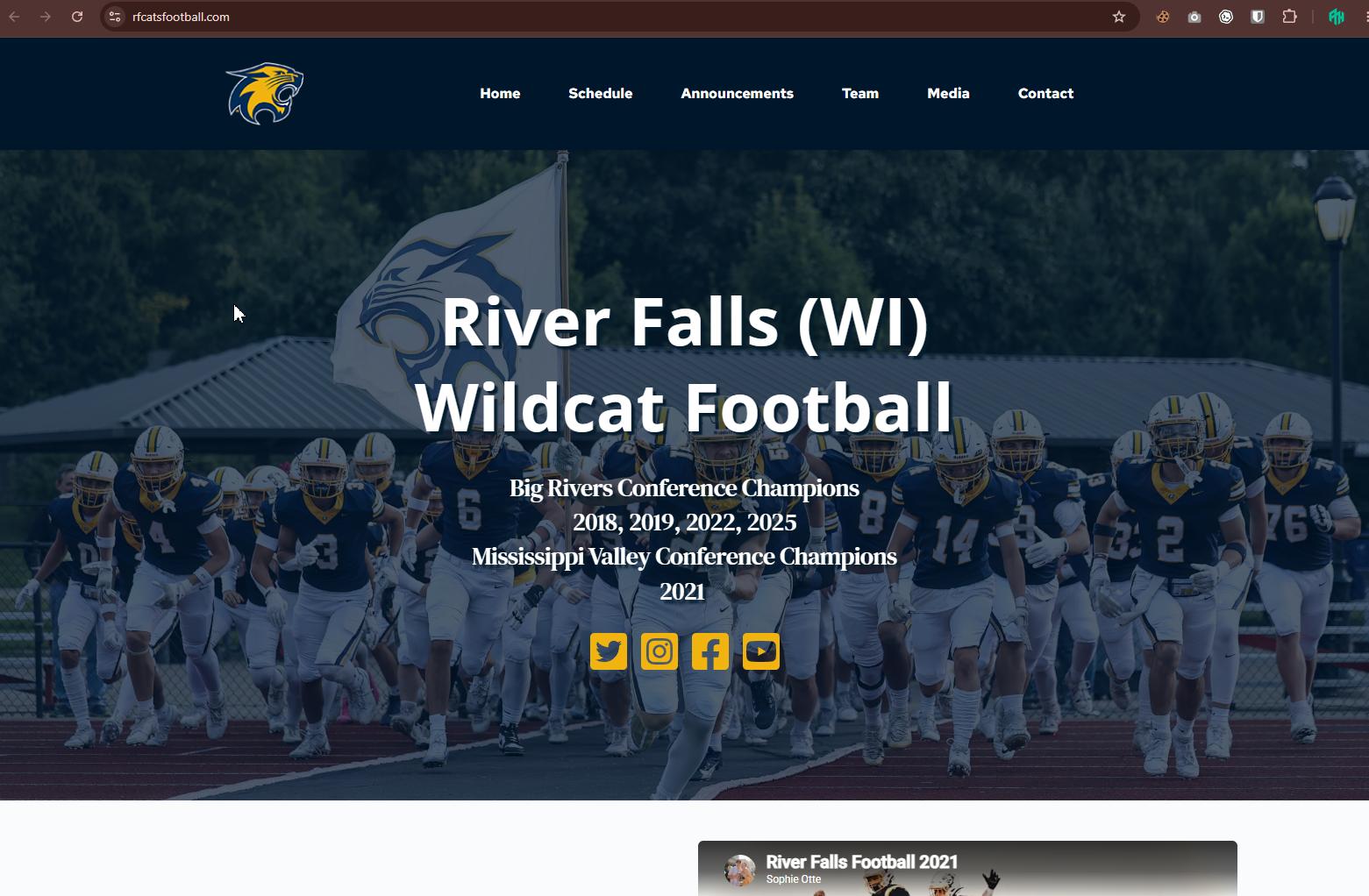
Could you please check your website and let us know if you notice anything unusual? If everything looks good on your end, then the issue should now be resolved.
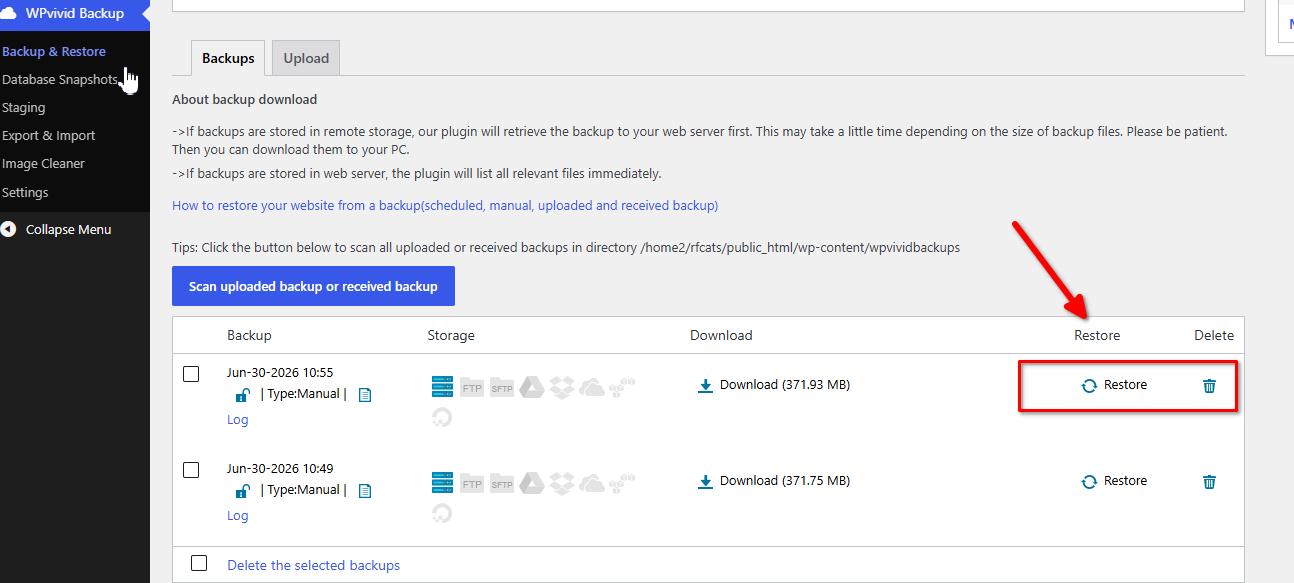
We've also created a backup of your website, so you'll be able to restore it quickly if anything similar happens again in the future.
Kind regards,
Ariel H.0 -
thank you, can you explain what happened and how you fixed it?
0 -
Hi Eric,
Thank you for the update.
The issue was caused by the page assets not being regenerated correctly. We fixed it by making a small change to each affected page and re-saving it, which forces Brizy to recompile the page and restore the layout.
For now, this has to be done manually, but our developers are aware of the issue and are working on improving this in future versions.
Kind regards,
Ariel H.0
Please sign in to leave a comment.
Comments
9 comments