Problem on my website after last Brizy Update

Hi team Brizy,
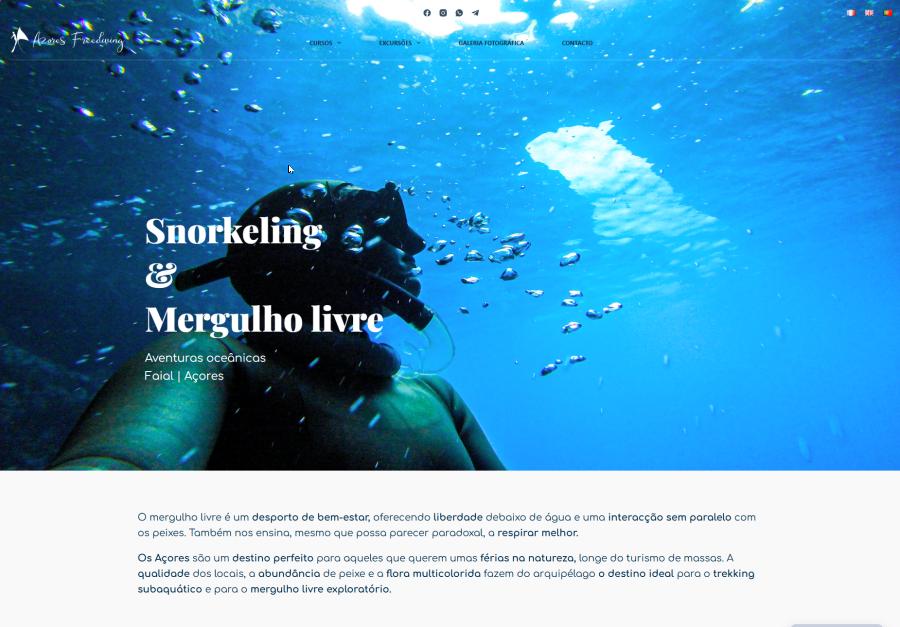
My website Azoresfreediving.com does not display correctly after the last Brizy update (large white vertical margin on each side of the screen).
Can you help me ?
Thanks a lot,
Ondine.
-

Hi Ondine,
Could you please provide temporary administrator access to your WordPress dashboard so we can take a closer look at the issue?
Kindly send the following details to communitysupport@brizy.io:
Community post link: https://support.brizy.io/hc/en-us/community/posts/36549232685074
WordPress Admin URL:
Username:
Password:We’ll be glad to assist as soon as we have access.
Best regards,
Ariel H.0 -

Having the same issue with several websites we've designed in the studio. Can I also share the Wordpress access for each of them?
0 -
Hi Gera, please also send in your site's credentials following the steps in the previous thread so I could have a look.
Kind regards,
Ariel H.0 -
Hi Ondine,
Thank you for your patience.
We've now fixed the issue. Please check on your end, and if you have any further questions or notice anything unusual, please let us know.
Kind regards,
Ariel H.0 -
wow thanks a lot, it is perfect now ! Thanks for your reactivity !
0 -
Hi Gera,
We've managed to fix the following websites:
- https://www.ambulante.com.ar
- www.santiagolena.com
- https://aula69.com
- https://estudionaturaea.comHowever, we're unable to access the remaining sites, this is likely due to a firewall, or country-blocking rule preventing us from reaching them.
Could you please temporarily disable any security plugins, firewall rules, or country-blocking features on the other websites and let us know once that's done? We'll then check them again and continue troubleshooting.
Kind regards,
Ariel H.0 -
Hi Gera,
Thank you for your patience.
We were able to access the remaining websites using a VPN and have now fixed the issue on all of them. All seven websites should be working normally now.
Please check on your end, and if you notice anything unusual, let us know.
Kind regards,
Ariel H.0 -
Hi Gera,
Thank you for your patience.
About the page width issue with grupopmcordoba.com and munirafoods.com, we were able to fix it by clearing the cache. You can see the process in this short screencast: https://youtu.be/qd6GKAsnSbQ
As for https://corazonada.com.ar, developer console shows a 413 (Request Entity Too Large) error. This means the server is rejecting the save request because it exceeds the server's allowed request size.
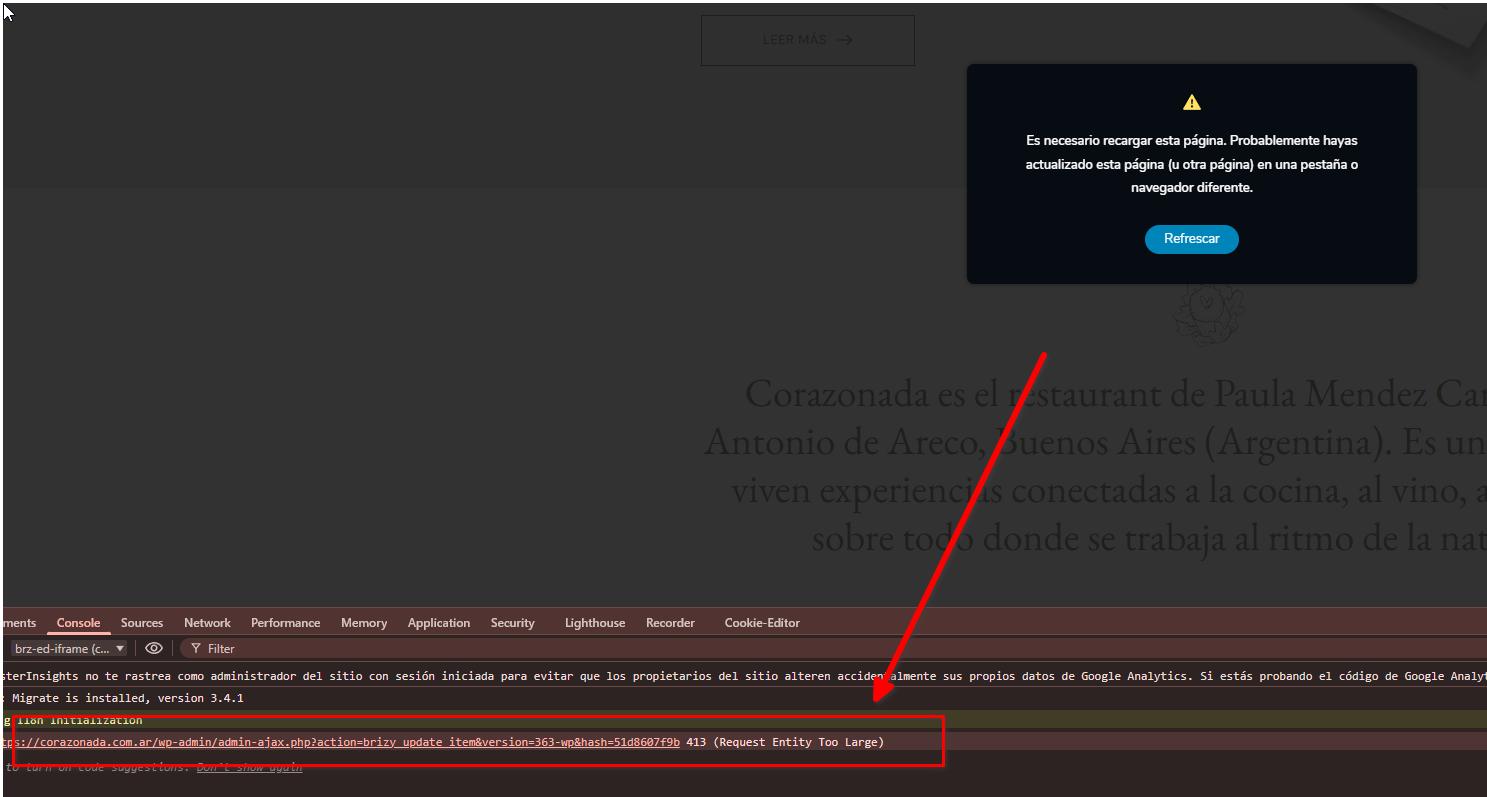
To resolve this, please contact your hosting provider and ask them to temporarily disable ModSecurity for testing. If they are unable to disable it, please ask them to increase the SecRequestBodyLimit and SecRequestBodyNoFilesLimit values as described in the following article:
https://support.brizy.io/hc/en-us/articles/22590197512210
The article also includes additional troubleshooting steps that may help resolve the issue.
Kind regards,
Ariel H.0 -
Hi i', having the same issue with this site:
can you explain me why this is happening? there is a way to avoid this in the future? this is so frustrating...0 -
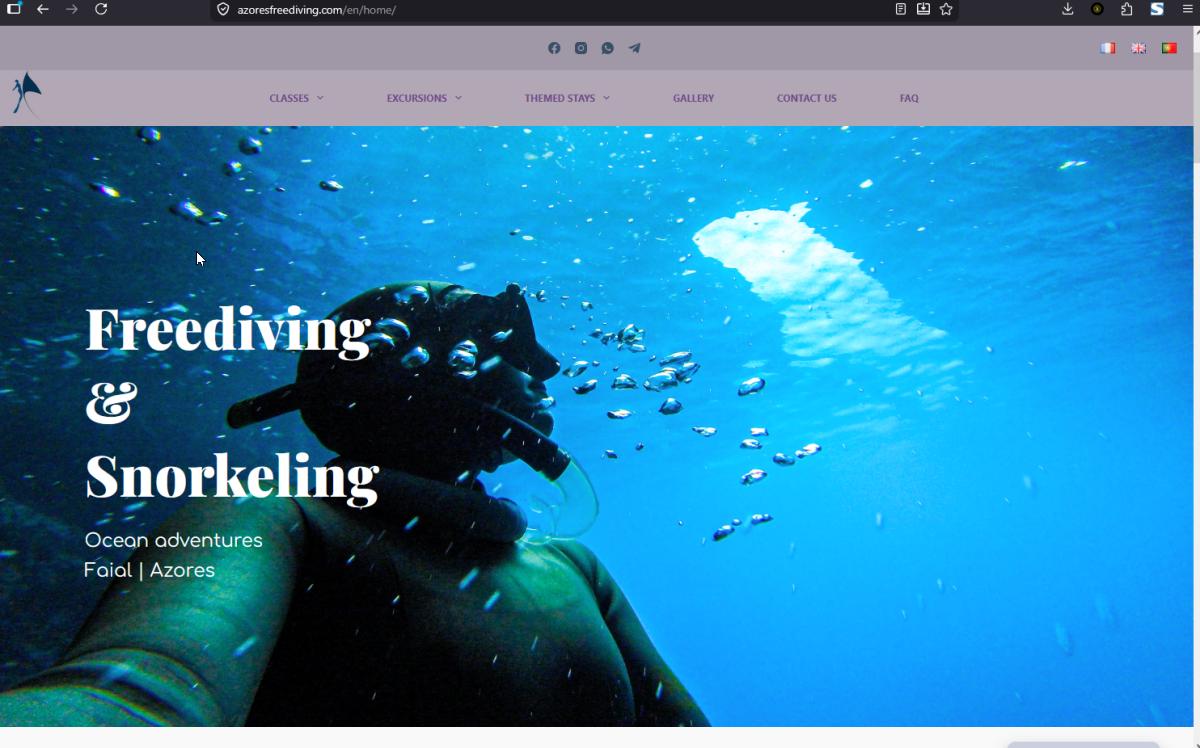
Hi team brizy, I noticed that the problem remains on my english website azoresfreediving.com/en, can you help me please ? Same credentials. Thanks a lot for your help.
0 -
Hi Gera,
We've fixed the issue on our end.
Could you please double-check your website and let us know if everything looks good? If you notice anything unusual or if there's anything else we can help with, just let us know.
Kind regards,
Ariel H.0 -
Hi Ondine,
We've fixed the broken width issue on the translated pages.
Could you please check your website again and let us know if everything looks correct? If you notice anything unusual or if there's anything else that doesn't seem right, please let us know and we'll be glad to check further.
Kind regards,
Ariel H.0 -
Hi Ariel,About corazonada.com.ar I did what you asked. Now mod security is deactivated. Can you please fix the problem? Thank you!0
-
Hi Gera,
Thank you for the update.
The 413 error is no longer occurring, and you should now be able to make changes to your pages again.
I've also recorded a short screencast demonstrating this here:
https://youtu.be/fEPIXB0hI4kWhen testing, please make sure to clear your browser cache first. If the issue still appears, try opening the site in an incognito/private window or using a different browser to rule out any cached files.
Please let us know how it goes or if you notice anything else unusual.
Kind regards,
Ariel H.0
Please sign in to leave a comment.
Comments
14 comments