Brizy PRO update corrupting Gravity Forms (it seems)

Hi guys
I have the same issue as Daniel, it seems all Gravity Forms (in my case) have been corrupted with the latest release that I just installed today. All forms are now being displayed in a completely unusable way, see screenshots. It seems that the problem is mainly (only) there when adding a shortcode/embed code to a Brizy element. I.e. when adding a shortcode in a column.
When just adding the shortcode element to a page it works, but that's obviously not how it should only be.
Please release a fix asap.
When shortcode is added on it's own (not inside any other element), Gravity Forms display just fine.
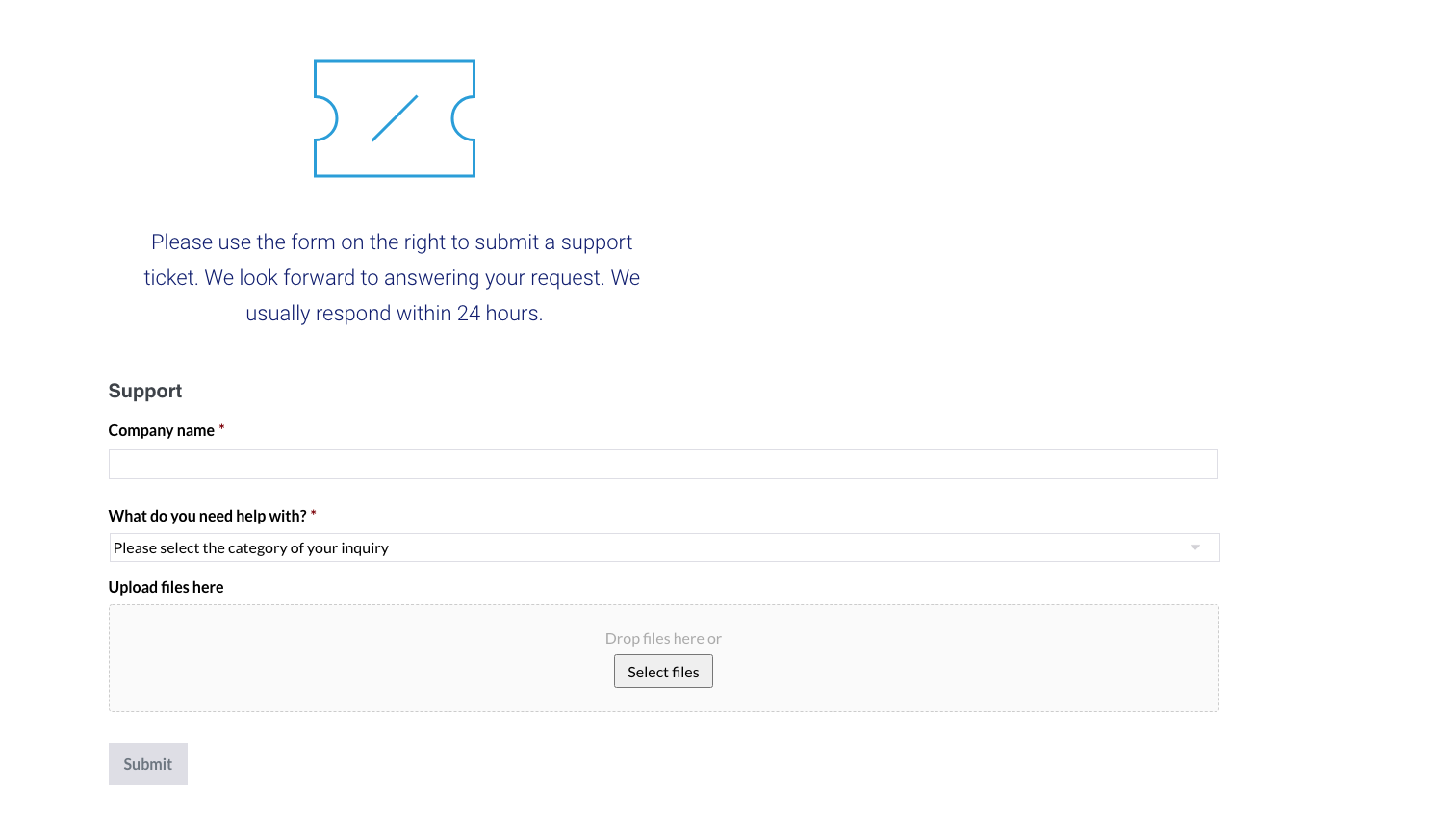
When added inside an element, for example a column, the styling and such gets corrupted:
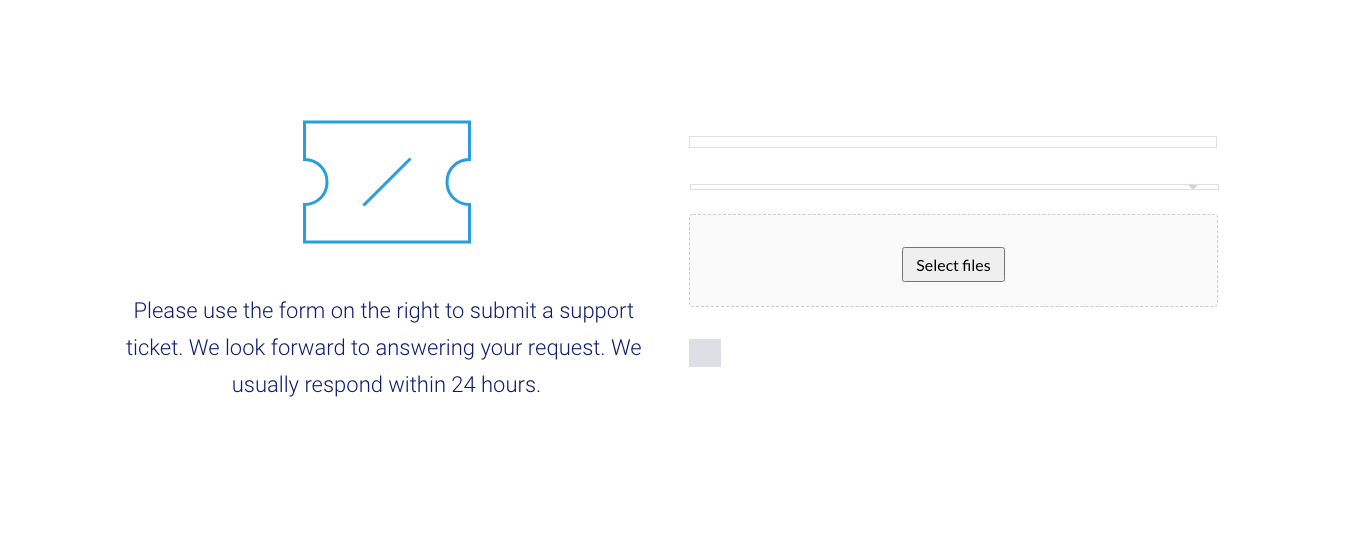
-

Hi,
I have already responded to a comment from yours in a post. We found the problem and already fixed it. Now we are preparing an update with this fix. Sorry for the created inconvenience.
0 -

I'm no tech expert - but I found a workaround for now.
If you take your embed code and take it outside of any row or column within brizy editor and place it directly on the page, it displays properly...well it did in my case!
Good luck I'm glad there is a fix on way. Top work!
0 -
Hi Robert,
Yes, you are right. The problem occurs only when the item is in the column. This has already been fixed and will be included in the next update.
0
Please sign in to leave a comment.
Comments
3 comments