Shortcode element not working

Hello,
after upgrading to Brizy (and Brizy Pro) ver. 2.1.0, all HTML instructions inside "shortcode Brizy elements" stop working.
Also some shortcode related to plugins installed in my WP stop working.
Thank you for your kind help and regards.
Daniel
-

Hi Daniel,
I just checked this with a Contact Form 7 shortcode and works as it should. Can you give us an example of a shortcode that doesn't work for you so we can test it? Does it work on a non-Brizy page?
0 -
Hi Alex,
effectively I realized that problem comes with HTML only. I often use shortcode element in Brizy to put text in justify alignment. That's a workaround because Brizy text boxes doesn't work correctly with all browsers, when justify is selected.
Since last version of Brizy if I put a code like this in "shortcode Brizy element", everything was fine:
<p style="text-align: justify;"><span style="font-family: Montserrat,sans-serif; color: #a7a7a7; line-height: 1.8em; font-size: 0.875em; font-weight: 400;">This are some words to test justify alignment in Brizy<br>TEST TEST TEST</span></p>
Now, after upgrading to ver. 2.1.0 , Brizy shortcode element does not work and showing everything blank.
Thank you and regards.
Daniel
0 -

Hi guys
I have the same issue as Daniel, it seems all Gravity Forms (in my case) have been corrupted with the latest release that I just installed today. All forms are now being displayed in a completely unusable way, see screenshots. It seems that the problem is mainly (only) there when adding a shortcode/embed code to a Brizy element. I.e. when adding a shortcode in a column.
When just adding the shortcode element to a page it works, but that's obviously not how it should only be.
Please release a fix asap.
When shortcode is added on it's own (not inside any other element), Gravity Forms display just fine.
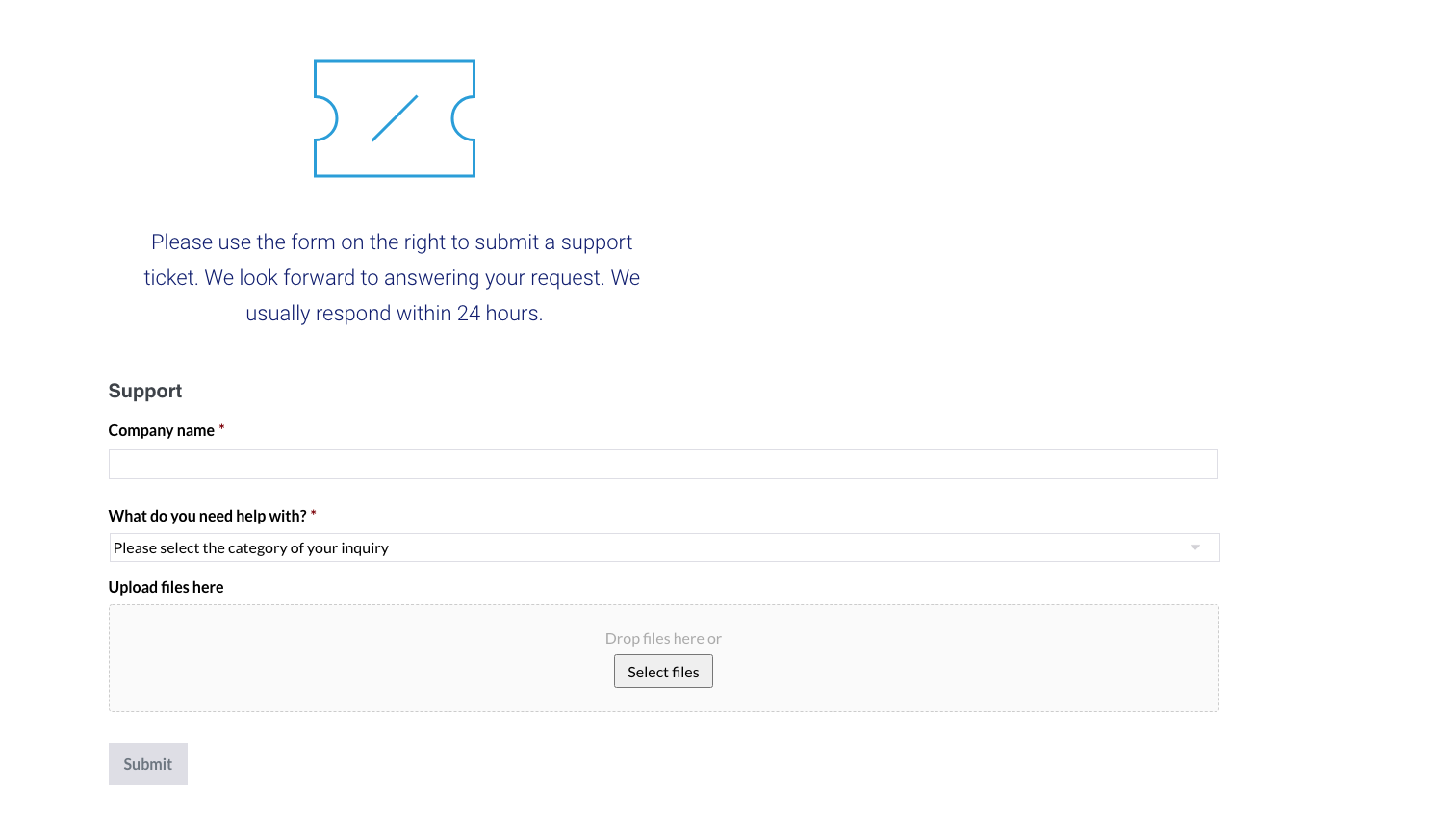
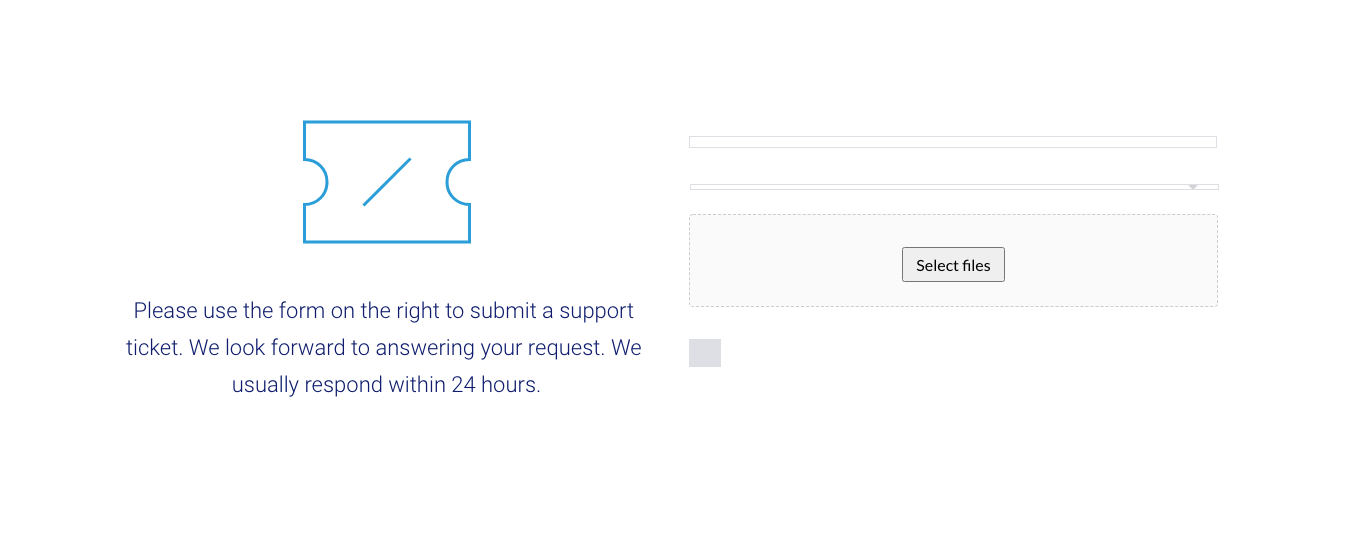
When added inside an element, for example a column, the styling and such gets corrupted:
 0
0 -
Hey guys
Just a quick update from my side: I've just restored my site from a backup form Friday, November 6th, and now all my forms work great again. The only update that had been in between was the Brizy PRO update, I believe on November 7th. So there's something not right in the update.
/Mikkel
0 -
Hi guys,
Thanks Mikkel for the details. Your comments helped me reproduce the problem. It seems that the embed and shortcode elements do not work correctly when added to the column, but they work as they should if are added separately. I have already sent this to devs and we will fix it as soon as possible. Sorry for the created inconvenience.
0 -
You're welcome Alex, glad to be able to help you guys fix it. Thanks for the quick response.
/Mikkel
0 -
 0
0 -
Hi guys,
I've updated Brizy Pro to ver. 2.1.1 and Brizy to ver. 2.1.2
Now both custom HTML codes and plugins shortcodes works normally.
Thank you very much Alex!
Daniel
0 -
I'm glad to hear that and sorry for the created inconvenience ;)
0
Please sign in to leave a comment.
Comments
9 comments