Extra pages won't publish through server sync

Hi there,
My website is published using server sync
And it works fine
But my pages don't work
https://lensell.online/excel-add-in/
https://lensell.online/public-financial-data
https://lensell.online/lei-registration
But they work with the Brizy sub domain
https://avocado3425512.brizy.site/excel-add-in
https://avocado3425512.brizy.site/public-financial-data
https://avocado3425512.brizy.site/lei-registration
Would appreciate some help!
Thanks
-

Hi,
Could you please check the access file? Do you have there some additional rules set by default by the hosting provider? We noticed that sometimes users add some new conditions and rewrite our Brizy htaccess file that causes such inconveniences.
Thanks!
Best regards,
Sandra0 -
Hi Sandra, thanks for your help.
Which one is the access file? And what might some of the rules be?
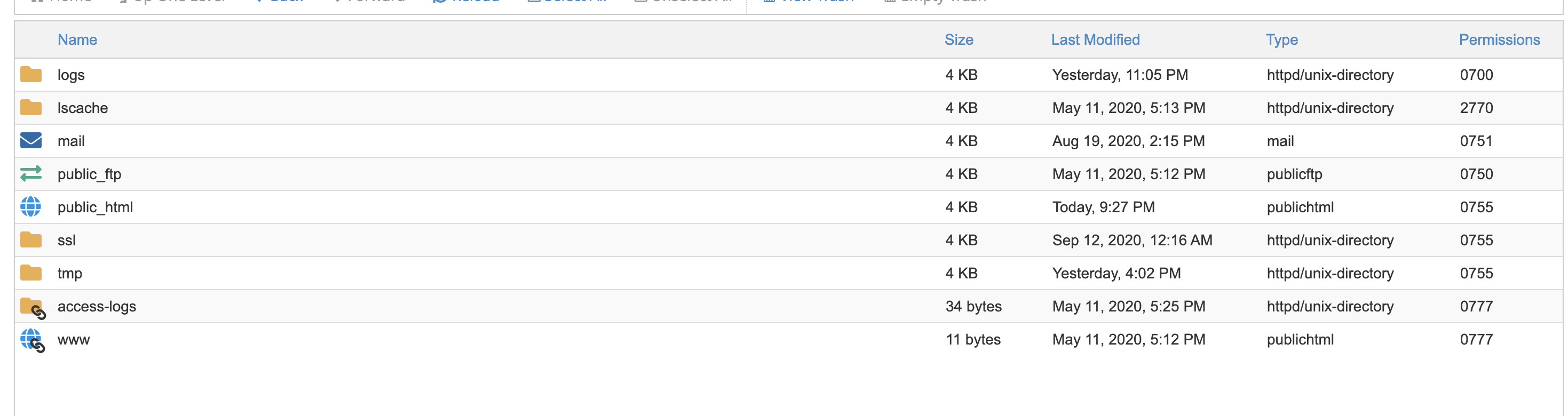
The server sync files are in the public_html folder, as shown below
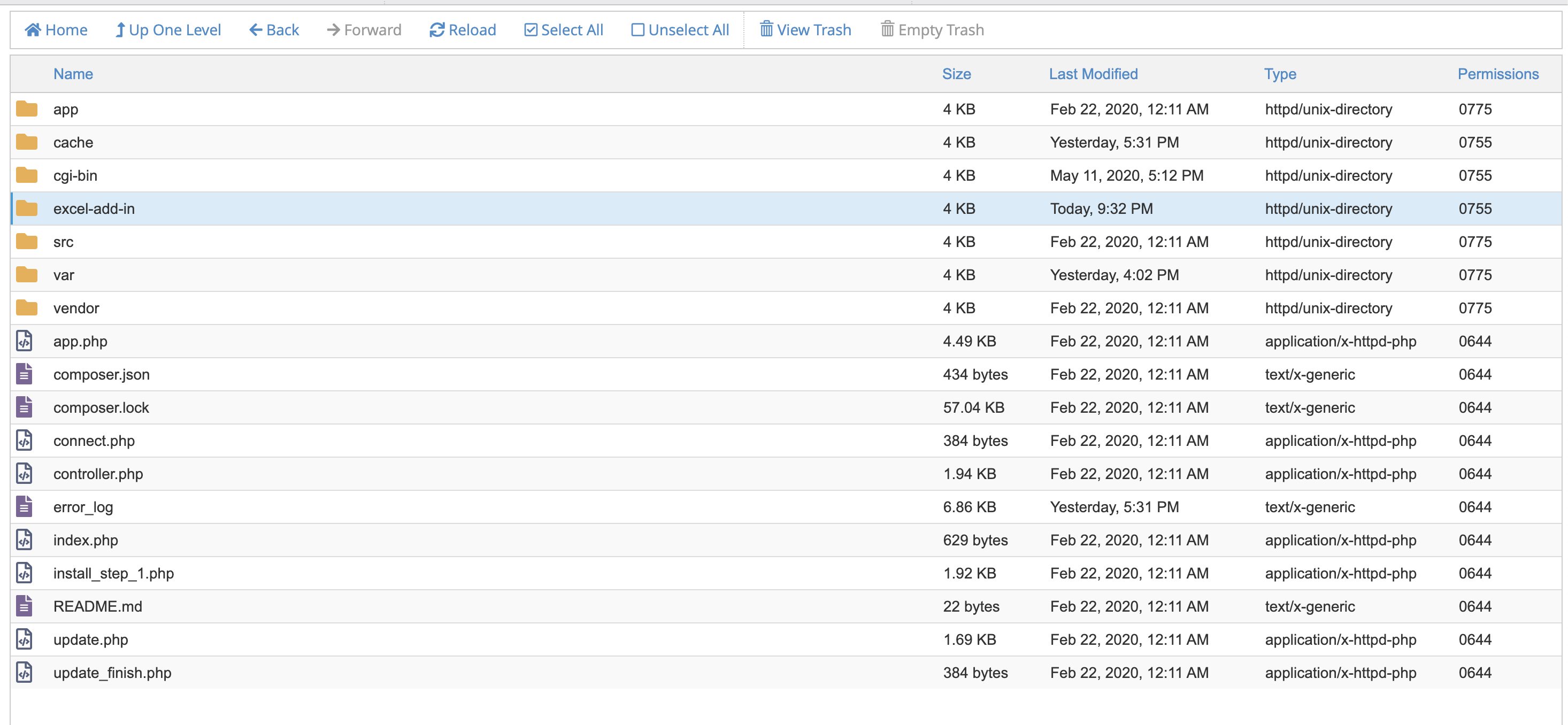
I'm not sure if I need to create folders for the sub-pages or not either?
I'm testing the page - https://lensell.online/excel-add-in/ with an index.html file and that seems to work OK
Thanks for your help, I'm not too familiar with the hosting settings!
0 -
Could you please send us the Cpanel credentials to this site? I created a private ticket on this request. You have to receive a notification regarding this on email. Could you send to us in that private message the Cpanel credentials to this site?
Thanks!
Best regards,
Sandra0 -

Hi i have the same issue.
I created a page. server synced it - works fine. Created a second page on that project with a new permalink, but it doesnt show on my website. only the first page. So what needs to be done for this? Thank You
0 -
Hi,
Could you please give us more details regarding the issue you encounter? Did you follow all these steps to publish the site using the Server Sync method? Recently we updated this article and add some other details. How did you create a new page with a new permalink? Where did you save it?
Thanks!
Best regards,
Sandra0 -
I always use server Sync. The video tutorial you have shows that you can create multiple pages which is simple. But when i press update/publish once the new page is created on my current project, that page doesnt show on my site through the permalink. I even reuploaded the zip file but still no fix for this. I assumed that this will be something automatic but it isnt. The article that you linked to doesnt even mention or resolve this problem. i am installed to root.
So that you know, the main page works fine without any problem. Adding new pages, giving them permalinks, i cant access it on the live site.
0 -
Hi Ali,
Could you please send us the URL link of the live site and the URL link of the Cloud project? We will investigate this problem.
Thanks!
Best regards,
Sandra0
Please sign in to leave a comment.
Comments
7 comments