HELP! I update Brizy and have this fatal error? What can I do?

Hello I just updated and get this fatal error I cannot go into the backend and have no update Please help, this client make me crazy if I do not make the changes she will kill me Please help ;)
Best wishes
Fatal error: Uncaught Error: Class 'BrizyPro_Main' not found in /homepages/10/d714097847/htdocs/clickandbuilds/doctormo/wp-content/plugins/brizy/editor.php:186 Stack trace: #0 /homepages/10/d714097847/htdocs/clickandbuilds/doctormo/wp-includes/class-wp-hook.php(287): Brizy_Editor->resetPermalinks('') #1 /homepages/10/d714097847/htdocs/clickandbuilds/doctormo/wp-includes/class-wp-hook.php(311): WP_Hook->apply_filters(NULL, Array) #2 /homepages/10/d714097847/htdocs/clickandbuilds/doctormo/wp-includes/plugin.php(478): WP_Hook->do_action(Array) #3 /homepages/10/d714097847/htdocs/clickandbuilds/doctormo/wp-settings.php(540): do_action('init') #4 /homepages/10/d714097847/htdocs/clickandbuilds/doctormo/wp-config.php(83): require_once('/homepages/10/d...') #5 /homepages/10/d714097847/htdocs/clickandbuilds/doctormo/wp-load.php(37): require_once('/homepages/10/d...') #6 /homepages/10/d714097847/htdocs/clickandbuilds/doctormo/wp-admin/admin.php(34): require_once('/homepages/10/d...') #7 /homepages/10/d714097847/htdocs/clickandbuilds in /homepages/10/d714097847/htdocs/clickandbuilds/doctormo/wp-content/plugins/brizy/editor.php on line 186
-

Hi,
Did you receive this problem when trying to update Brizy Free or Brizy Pro? From what version did you make the update? Could you please try to delete the current version of Brizy Pro and install it again manually?
For this, please follow these steps:
1 - Delete the current version of Brizy Pro;
2 - Go to your Brizy account;
3 - Download the latest Brizy Pro version (2.0.4) - don't unzip the folder;
4 - Go back to WP dashboard in Plugins -> Add new -> Upload plugin;
5 - Upload the zip folder you downloaded from Brizy account;
6 - Activate the plugin;
7 - Activate the license.Best regards,
Sandra1 -

I have the same problem with updating Brizy.
Currently, when the site is working, we have these versions:
PHP 7.3
Brizy 2.0.7Brizy Pro 2.0.4
When I change PHP to version 8.0+, the site gets damaged.
When I update Brizy from version 2.0.7 to 2.6.4, the site crashes (Uncaught Error: Class 'BrizyPro_Main' not found in)
When I do it according to the instructions, i.e. I uninstalled Brizy Pro and manually downloaded brizy-pro-2.6.3.zip, after uploading to the site, the effect is as in the picture, most of the content of the site disappears and some fragments remain.How to do it to perform all the updates without damaging the site?
The site is currently running in the old version
Maybe upload in a few steps. Starting with an older version (but newer than 2.0.7) and so step by step newer and newer version until I reach the newest one.
The only question is whether this is a good solution and whether you have older versions to download.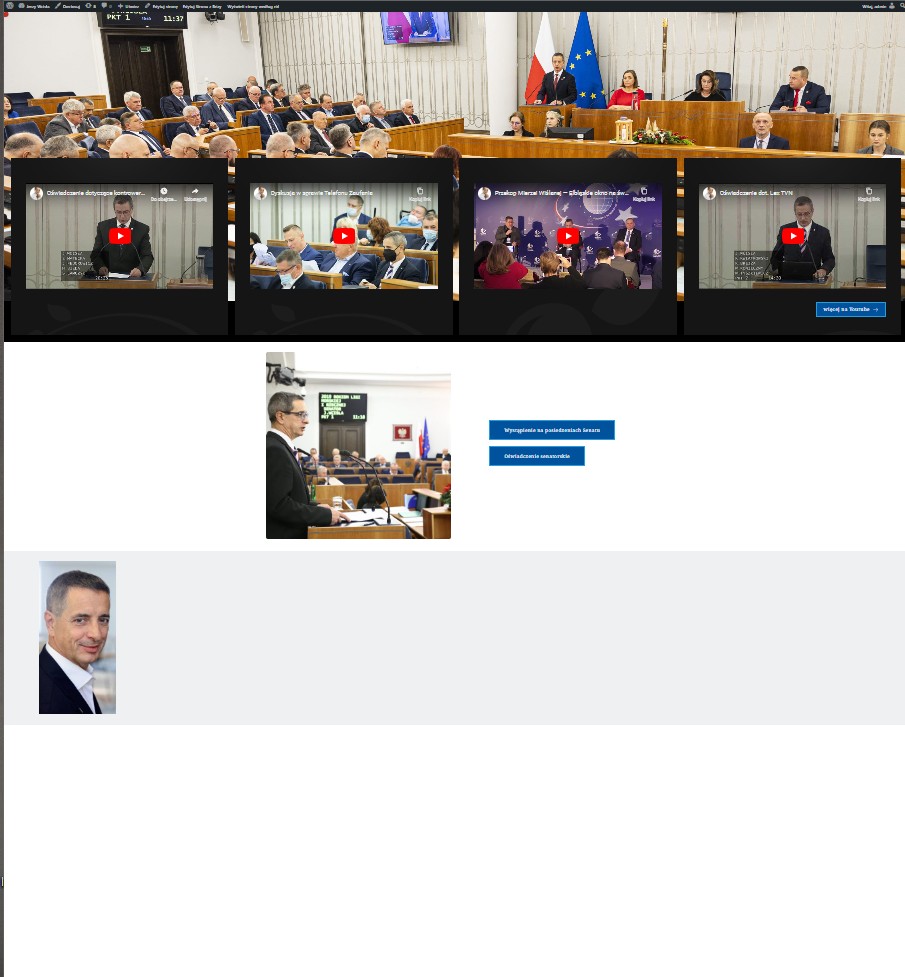 0
0 -

Hi Adrian,
We're sorry to hear you're having this issue with Brizy.
Please provide us with temporary access to your WP Admin page so we can take a look. Please add us as an Admin user to your WordPress Dashboard and send the following details to communitysupport@brizy.io.
Community Post link: https://support.brizy.io/hc/en-us/community/posts/360073131392
WordPress Admin URL:
Username:
Password:Additionally, we will also need temporary access to cPanel:
cPanel host address:
Username:
Password:Best regards,
Ariel H.0 -
Hi Adrian,
Thank you for your cooperation.
We attempted to log in to your hosting panel, but we were redirected to a page that requires a different set of credentials.
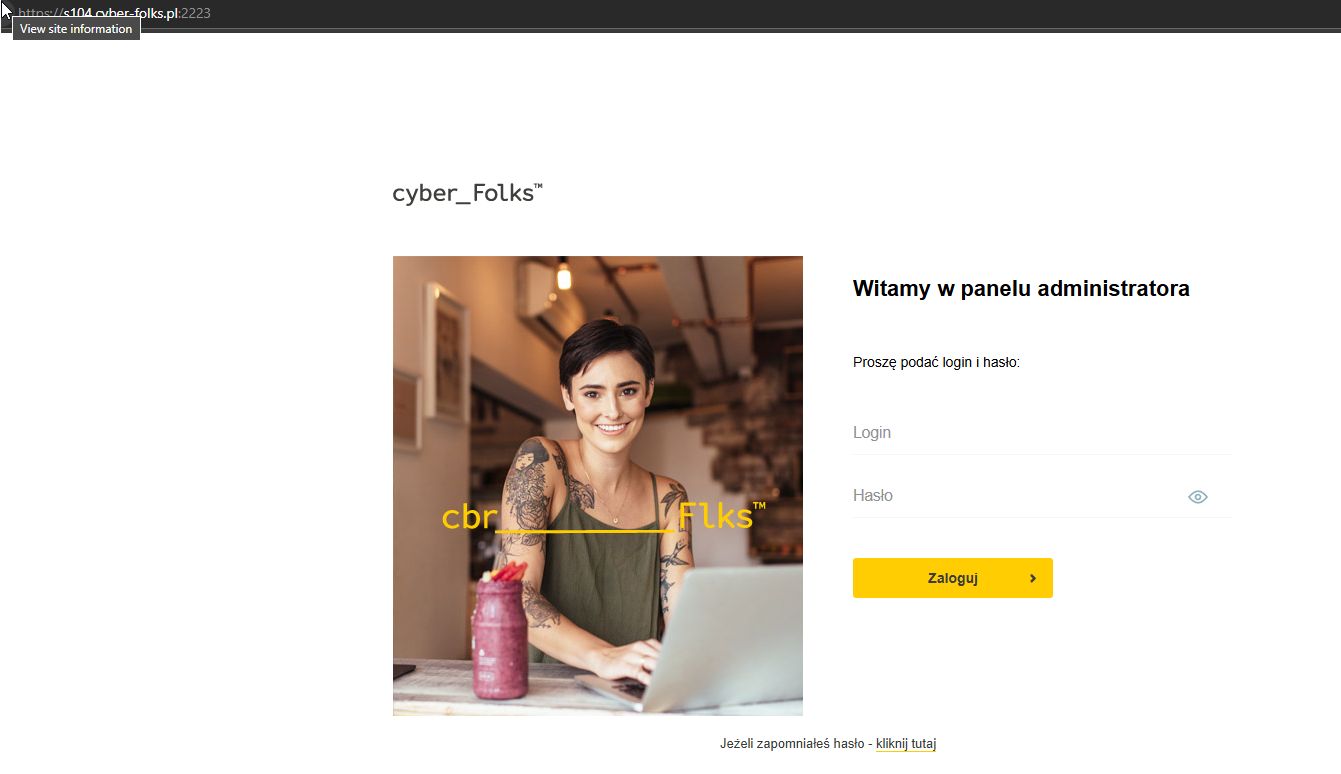
Best regards,
Ariel H.0 -
Hi Adrian,
Apologies for the inconvenience. In our effort to resolve the issue, we went ahead and updated Brizy, Brizy Pro, and WordPress to the latest versions, which unfortunately triggered the error on the front end.
Regrettably, the credentials provided are still not working. Could you please ask them to provide the correct Hosting Panel credentials so we can revisit and address the issue? It would be helpful if they could try logging in on their end first to verify the credentials and send us the updated details.
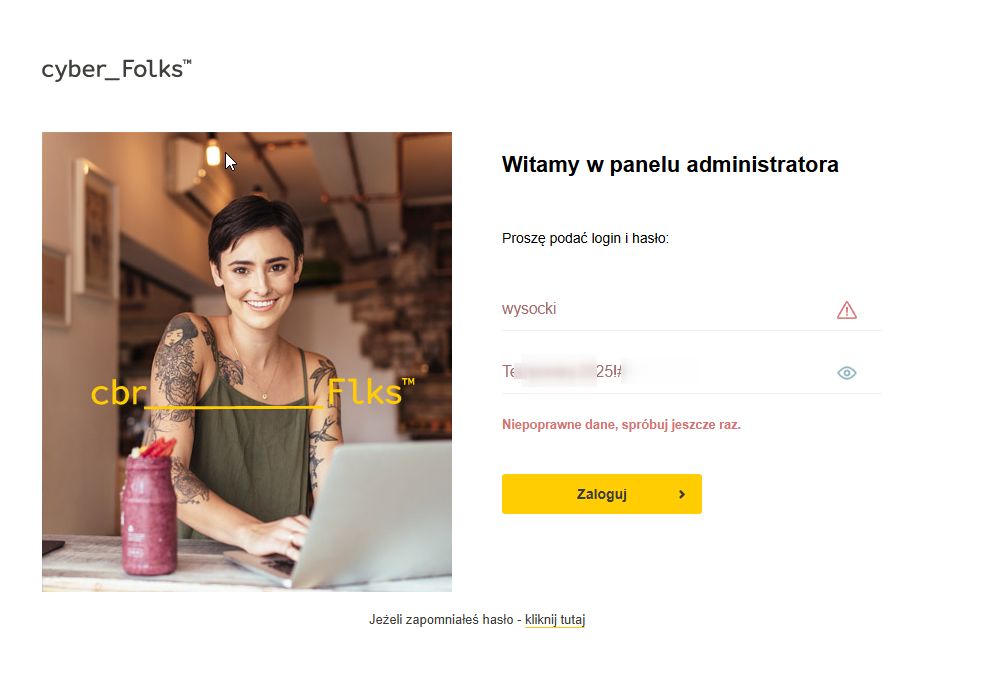
Kind regards,
Ariel H.0 -
Hi Adrian,
Thank you for your cooperation. We are still reviewing your site. While it is currently live, the issues persist. Please allow us some time to thoroughly investigate, and we’ll get back to you as soon as possible.
Best regards,
Ariel H.0 -
Hi Adrian,
Thank you for your patience. By any chance, does your hosting provider retain old backups of your site? If you have a backup available, could you restore it so we can see how the page appeared before the PHP version update? Unfortunately, I no longer have access to the older versions.
Additionally, the Wayback Machine shows that this block has been empty since December 5, 2023. However, if you check back to June 2023, this is what appears:
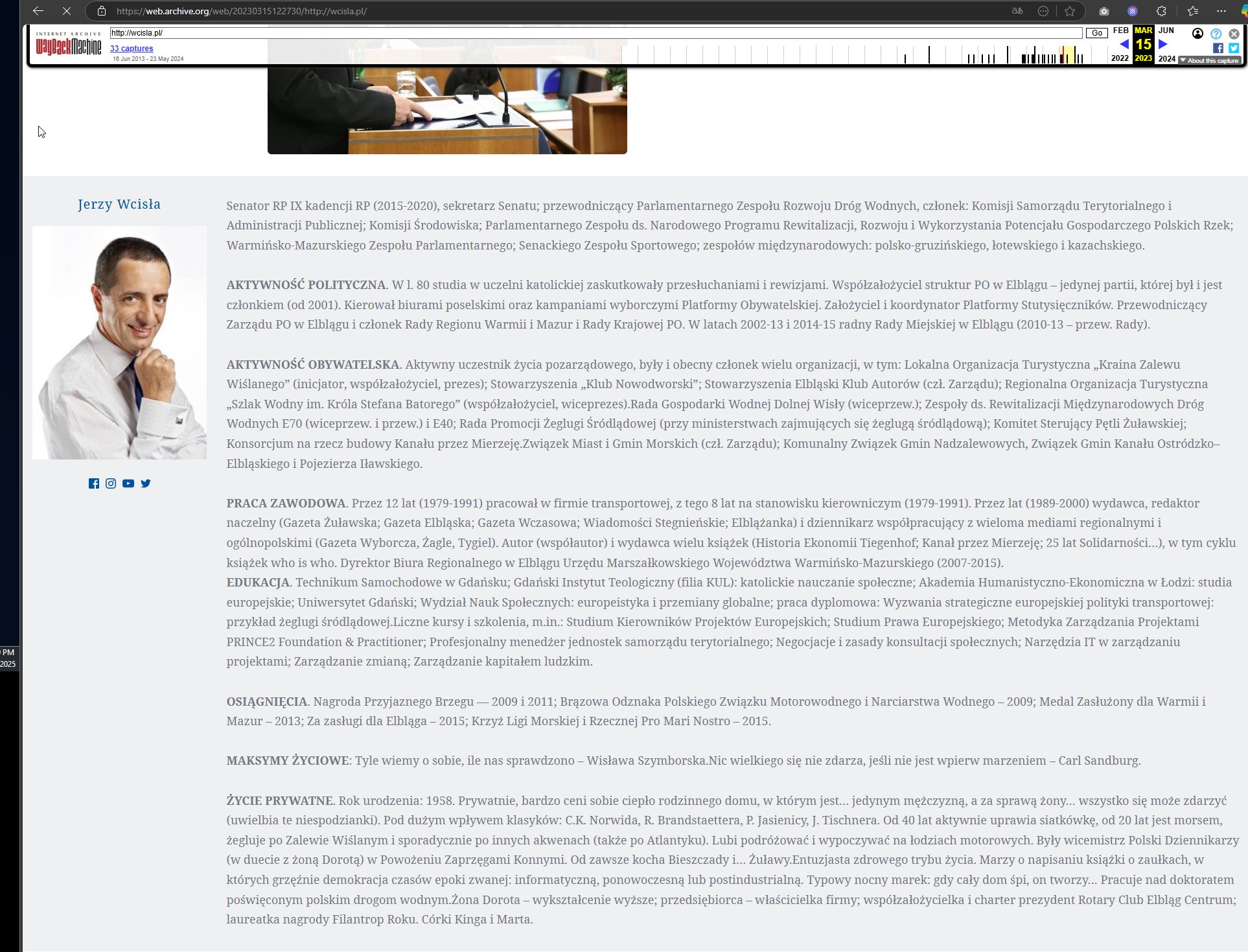
If recovering this block isn’t possible, you might consider rebuilding it using the content found on this link: https://web.archive.org/web/20230315122730/http://wcisla.pl/
I look forward to your response.
Best regards,
Ariel H.0 -
Hi Adrian,
We recommend contacting your hosting provider to restore your site from their backup. While we would like to assist, we're not familiar with their platform, and attempting to restore this ourselves may cause further complications. Additionally, this issue falls outside the scope of our support.
Once your site is restored, please let us know, and we'll be happy to help you update Brizy and Brizy Pro.
Best regards,
Ariel H.0
Please sign in to leave a comment.
Comments
8 comments