Saved Blocks and Global Blocks are taking too much time to load

Hello,
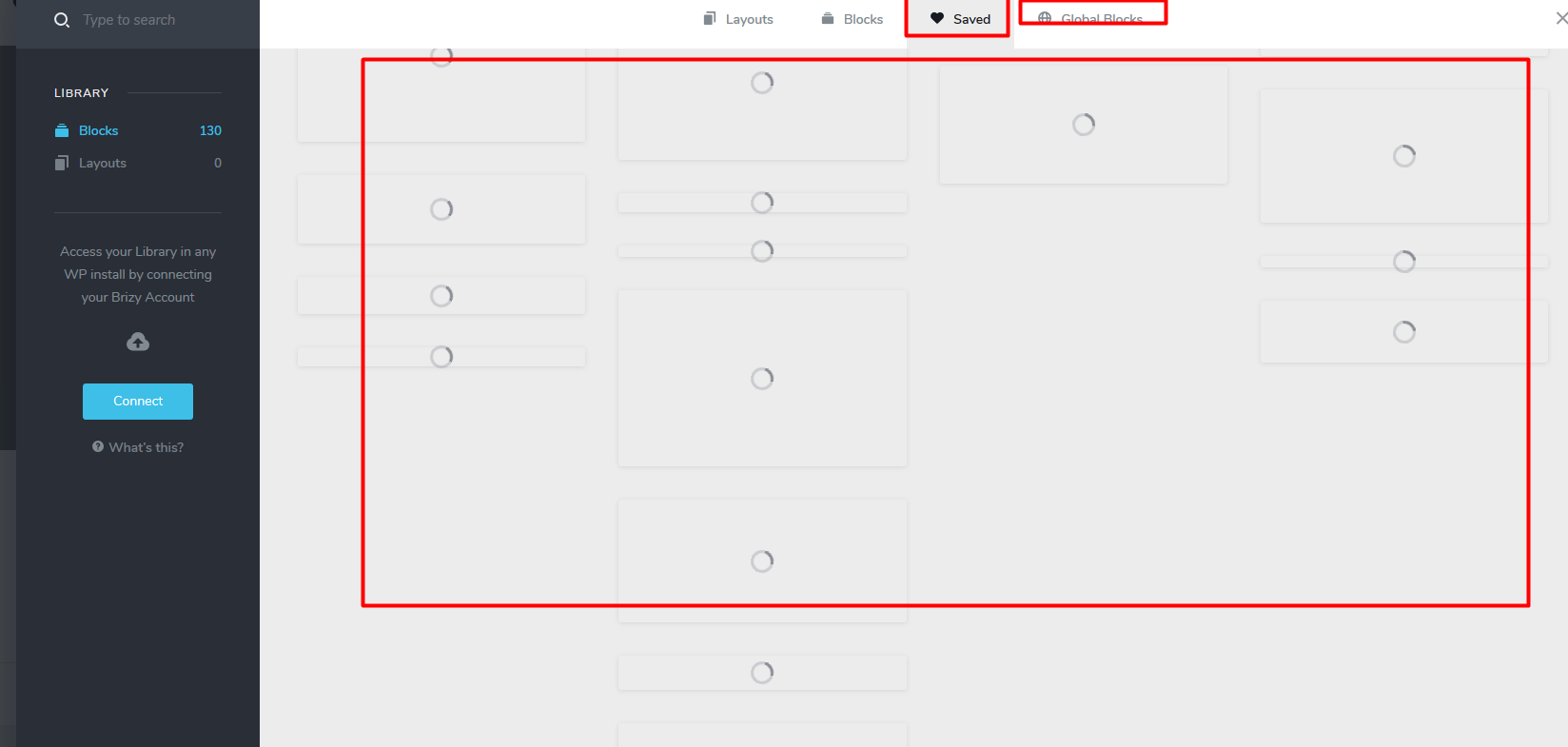
I have 130 Saved Blocks and Global Blocks. When I tried to add a saved block on my new page, the blocks are taking too much time to load. It took 2-3 min to load properly. I have latest Brizy plugin.
These are saved on my website and server. So, these have to load fast asap. Please let me know, why it's loading too lazy? This is wasting my time.
Regards,
Nirmal Singh
-
 0
0 -

Hi,
Could you please make some basic checks?
- Do you have the latest Brizy versions - Free 2.0.6 and PRO 2.0.4?
- If you change the theme do you have the same problem?
- Do you have the same problem if you disable all external plugins?
Thanks!
Best regards,
Sandra0 -
I have the latest Brizy plugin.
Unable to change the theme because I am using the plugin on multisite
0 -
Thank you! We already created an issue on this request and sent it to our developers. Please allow us a bit more time to investigate it. When we will receive some notification from them, we will inform you too!
Thanks!
Best regards,
Sandra0 -
Hi,
Our developers need the WP credentials of your site to check this problem more deeply. I created a private ticket on this request. You had to receive a notification regarding this on email. Could you send to us in that private message the WP credentials to this site?
Thanks!
Best regards,
Sandra0 -

I have a similar issue!
Although saving a block or turning it into a global block takes sometimes 5-10min or even 20 on a 225 Mbit/100Mbit connection.
0 -
Hi,
Do you receive this problem on the Safari browser? At the moment we have a problem with saving a layout on the Safari browser. We will fix it but in meantime, could you please use the Chrome browser?
Thanks!
Best regards,
Sandra0 -
I am using Chrome exclusively for Brizy as mentioned by on of our engineer.
0 -
@Sandra Naumann - Our developers are already investigating the problem you reported. When we will receive a notification from our team we will inform you too!
Thanks!
Best regards,
Sandra0 -
Thanks!
0 -

HI,
Same issue here, I bare started the site. With minimum plugin, brizy, brizy pro. Problem persist even with default WP Theme. Here's the screen shot...
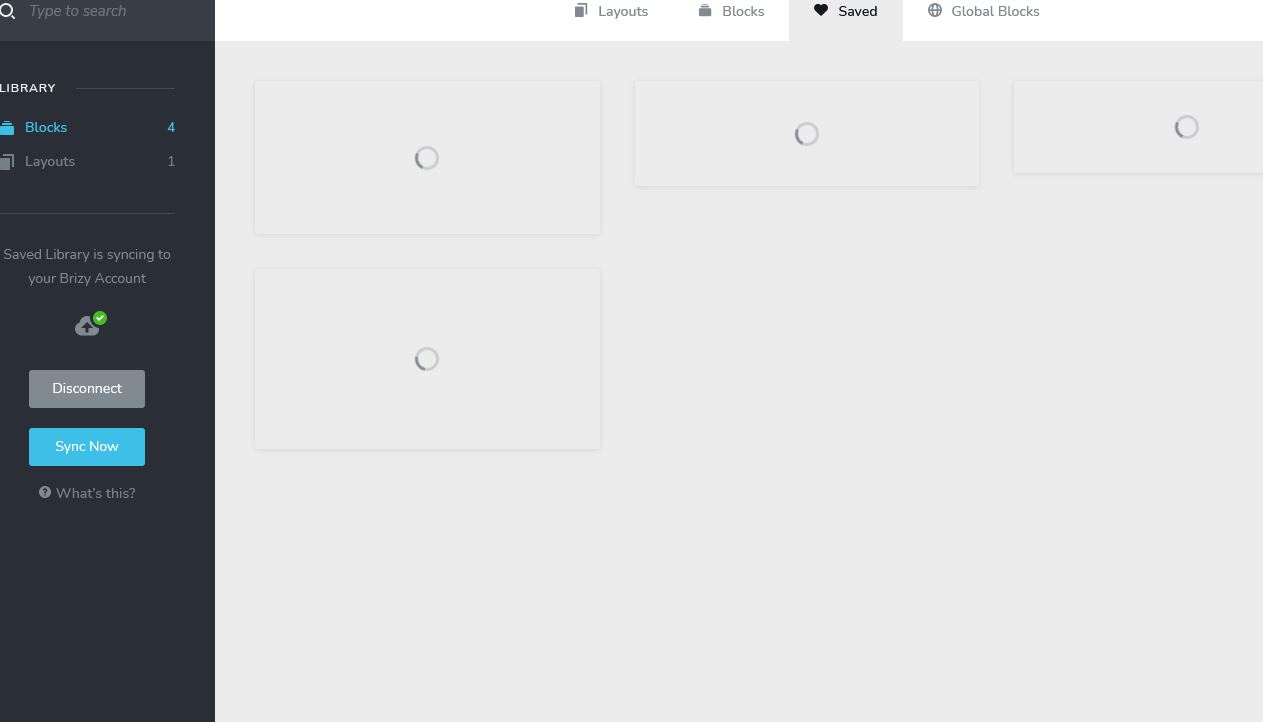
Please advse
0 -
Hi,
Could you please check if you have the latest Brizy Free 2.2.6 and Brizy Pro 2.2.2 version? Also, could you please temporary deactivate all external plugins (except Brizy Free and Brizy Pro) and activate a WordPress default theme?
When did you encounter this inconvenience? What were your previous actions?Best regards,
Sandra0 -
Hi Sandra,
1) Brizy Free 2.2.6 and Brizy Pro 2.2.2 version : YES
2) Temporary deactivate all external plugins (except Brizy Free and Brizy Pro) : YES
3) Activate a WordPress default theme: YES
4) When did you encounter this inconvenience? What were your previous actions?
I am using Blocksy Theme to design my home page.
This is is FRESH install, running on cloudways.
Please Advise
0 -
Hi Sandra,
By the way, I also tried in Firefox ,Chrome and also Microsoft Edge browser with the following settings done, problem still persisit
1) Brizy Free 2.2.6 and Brizy Pro 2.2.2 version : YES
2) Temporary deactivate all external plugins (except Brizy Free and Brizy Pro) : YES
3) Activate a WordPress default theme: YES
4) When did you encounter this inconvenience? What were your previous actions?
I am using Blocksy Theme to design my home page.
This is is FRESH install, running on cloudways.
Please Advise
0 -
Hi, Anybody There?
0 -
Hi,
Thank you for all these details!
We would like to check this inconvenience from your account. I have created a private ticket on this request. You had to receive a notification regarding this on email. Could you send us in that private message the WP credentials to this site?Thanks!
Best regards,
Sandra0 -
Hi Sandra,
Mssg Send~
Thanks
0 -
Hi,
Thank you! As soon as possible, we will check your dashboard and will send you a reply in the private chat.
Thanks!
Best regards,
Sandra0 -

Hi Sandra,
I'm experiencing the same issue.
- Tested on both Brave browser and Chrome.
- Deactivated ALL plugins except Brizy Pro and Brizy
- Disconnected then reconnected by Brizy Library
Please create a ticket for me under admin@mispineandjoint.com
0 -

Hello David!
I've created a private ticket, you should receive an email notification regarding this. In this ticket, please, provide us the link to your website and admin access to the WP dashboard, we would like to check the problem from your dashboard.
Kind regards,
Mihail
0 -

Did anyone get this resolved?
0 -

Hi,
Thank you for reaching out to us.
The problem in question was addressed two years ago. If you are currently experiencing this issue, I recommend trying the following steps and see if this will help.
- Deactivate one plugin at a time and check if the issue is resolved after each deactivation. This will help identify if the problem is caused by a specific plugin.
- Temporarily switch to a different theme and observe if the issue persists. This will help determine if the theme is causing the problem.
If the above steps do not resolve the issue, we kindly request temporary access to your WordPress Admin credentials. Please add us as a user to your WordPress Dashboard and send the following details to communitysupport@brizy.io:
Community Post link: https://support.brizy.io/hc/en-us/community/posts/360072644731
WordPress Admin URL:
Username:
Password:Please ensure that you have a full backup of your website before granting access, as a precautionary measure.
Best regards,
Ariel H.0
Please sign in to leave a comment.
Comments
22 comments