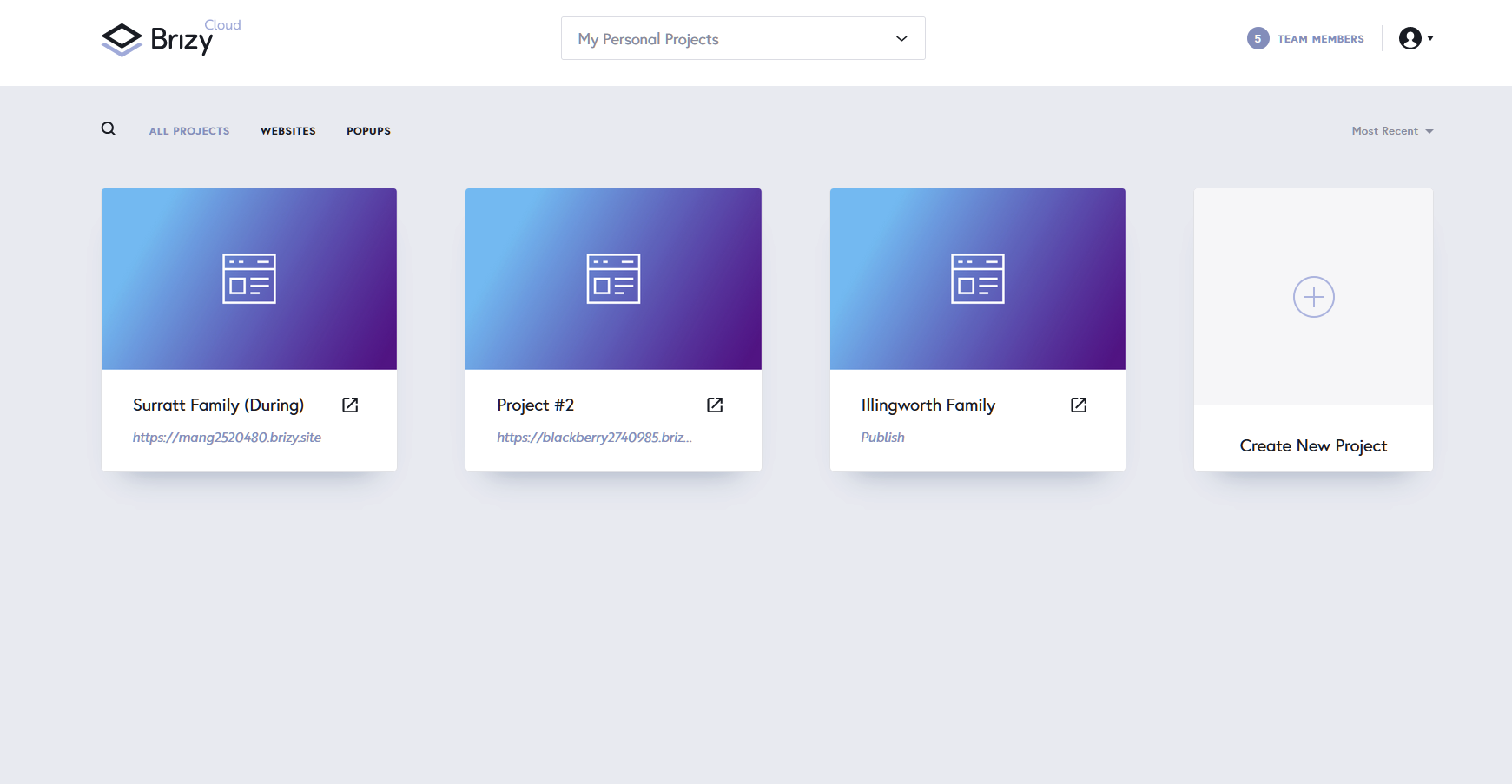
Site Screenshots Not showing in the Brizy cloud Pro accounts.

Site Screenshots Not showing in the Brizy cloud Pro accounts.
Avatar not showing up on in Dashboard.
And when adding team members, there is no reference anywhere (?) to what a team member role type does
-

Hi,
Can you please send us some screenshots of the problem? Did you check this in a different browser? Do you have the same problem?
0 -
 0
0 -
Hi Sam,
that's how it works right now. The site preview does not appear on the cloud dashboard and the avatar is a default picture. Both are on our feature request list and will be added along the way.
As for the team member: if you hover over the role link, the rights to this role will appear: https://jmp.sh/TElh5FZ
0 -
Ok. So what might help us PRO users is:
If this info: https://jmp.sh/TElh5FZ is post somewhere..
Also, some ideas for the future....
It would be nice if we can make side notes on each section. For instance, you have the "Viewer" team member option. This is good for clients to be able to view, not change, but add in notes. Editors and managers should be-able to reply.0 -
Hey Sam,
you can find this info here: https://support.brizy.io/hc/en-us/articles/360036481071-Team-Members-Roles
I will discuss with the team your proposal with notes.
0
Please sign in to leave a comment.
Comments
5 comments