Popup brizy cloud

Hi,
I'm using brizy cloud Pro and I'd like to insert popup on my page. Unfortunately I can't make a popup global, it loads for hours and never works. In this way I can't use triggers and conditions functionalities. Am I missing something?
Thank you
-

Hi,
How did you create the pop-up? Did you create it internally on an element or did you create it externally in the Brizy Cloud dashboard?
Could you please try to log-out from the Brizy dashboard, clean the browser cache and then log-in again? Do you have the same problem?
Thanks!
Best regards,
Sandra0 -
Hi Sandra,
I created it externally in the brizy cloud dashboard as I'd like it to appear with triggers and conditions not clicking on a single element.
I tried to clean the cache and log-in again but nothing change, I'm only able to see triggers (not conditions) and when I make it global it loads and loads :)
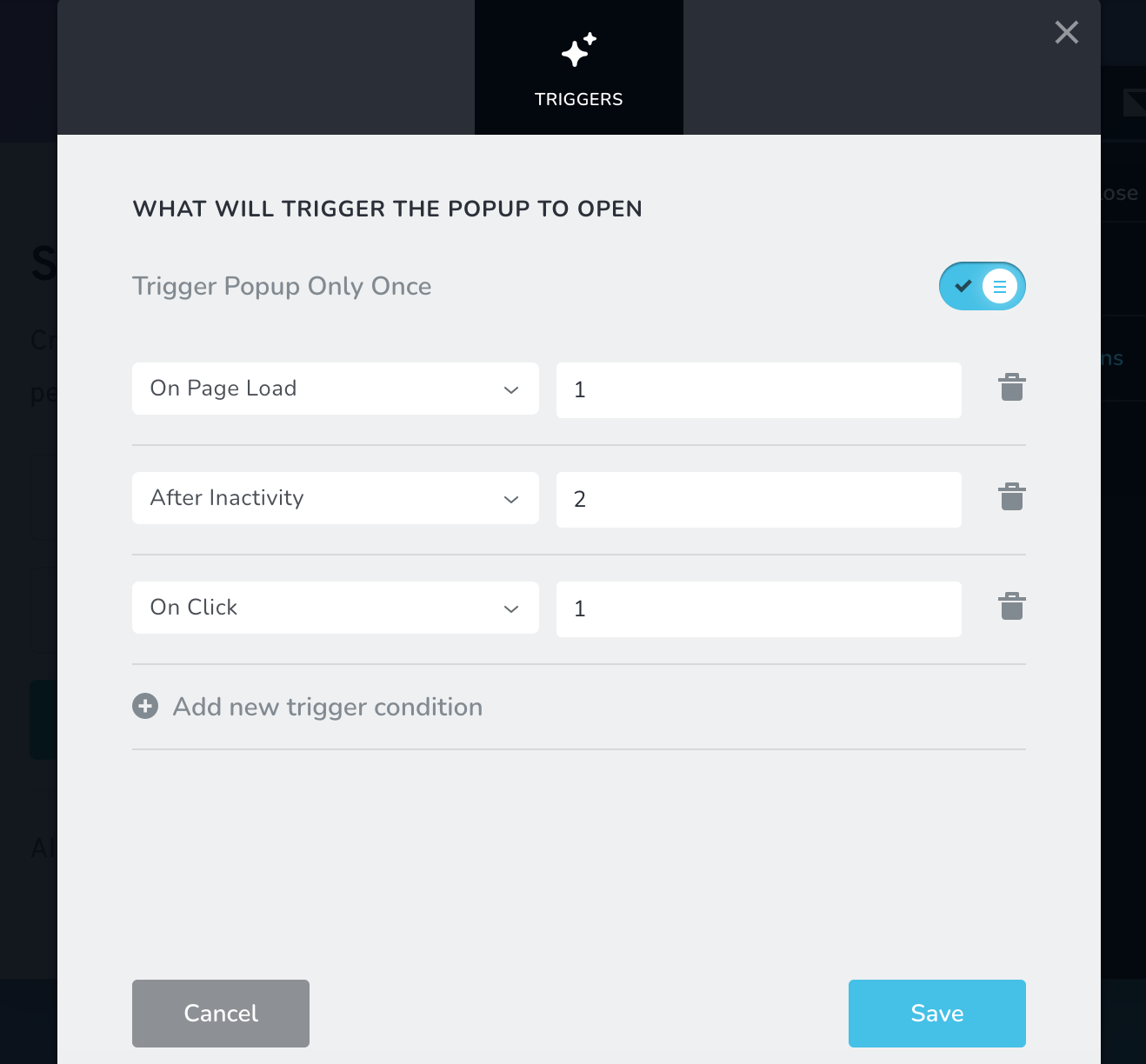
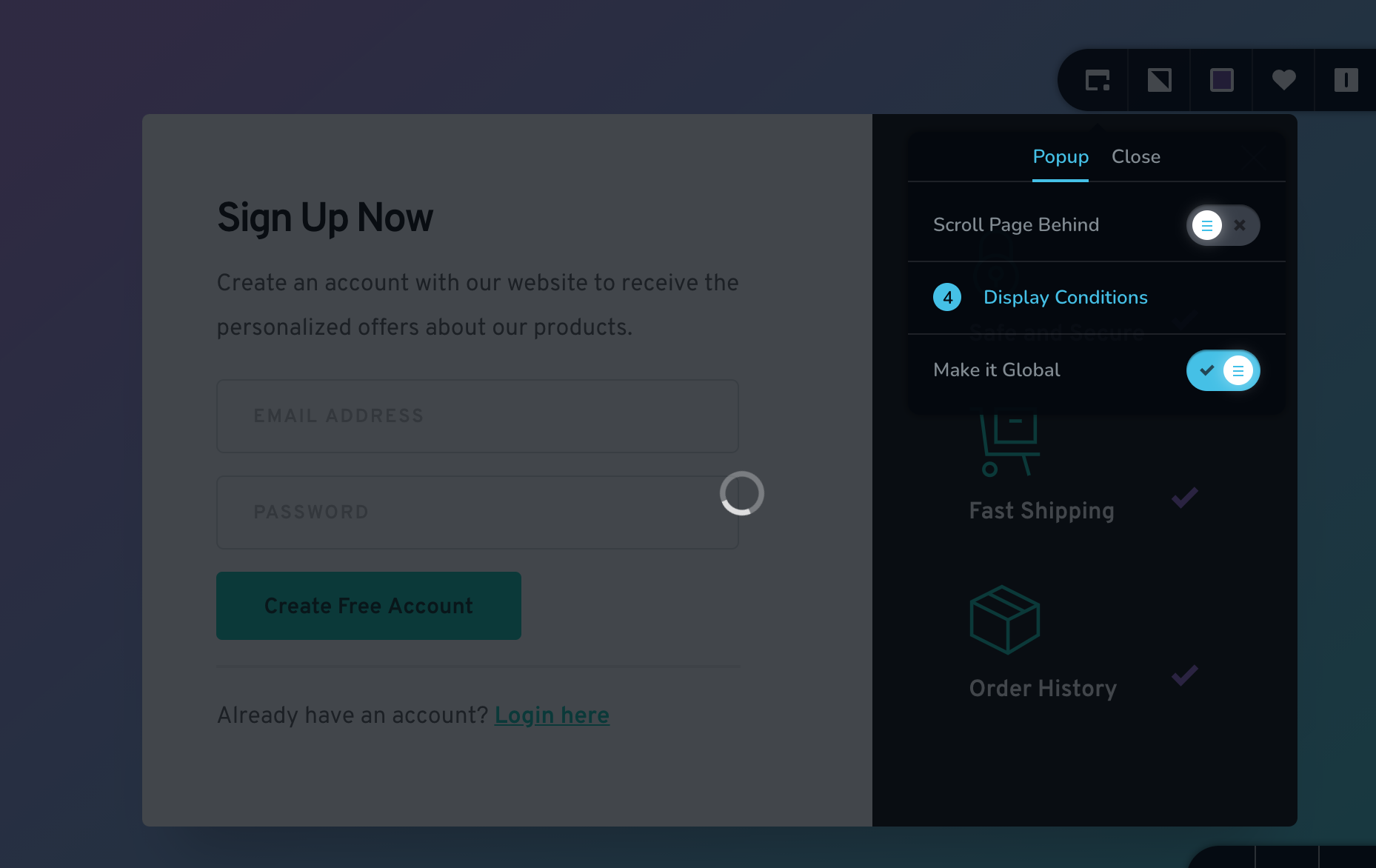 0
0 -
Hi,
When you create an external pop-up and want to display it on a certain project, you need to copy the embed code of the pop-up and add it in the Settings -> Code Injection -> Footer of the project you want to display https://jmp.sh/caLvdwb. In such a way, the pop-up will be displayed on all pages from the project you added. See here an article on this topic.
The "Make it global" option inconvenience - could you please log-out from Brizy Cloud, clean the browser cache and then log-in again? Could you also click on the "Update" button and then check again this option? Do you have the same problem?
Thanks!
Best regards,
Sandra0
Please sign in to leave a comment.
Comments
3 comments