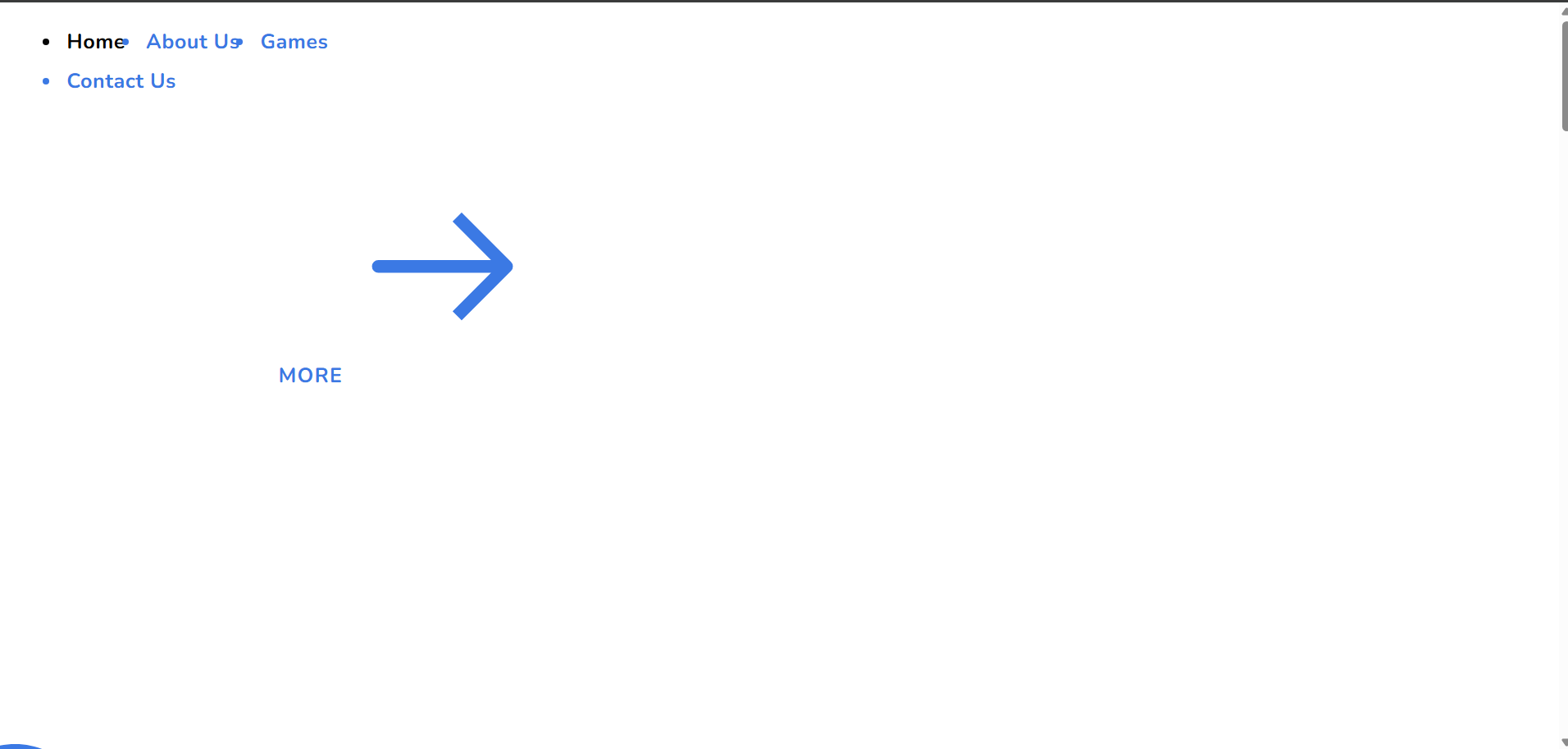
website not displaying properly after update

After updating the Brizy WordPress plugin, the website is not displaying properly.
All new updates do not work. Please help.
-

Hi Oussama,
Could you please try making a small adjustment to the Global Header, such as temporarily adding some padding, then hit Update and check the front-end if it fixes the issue? This forces the affected pages to recompile.
If the issue still persists afterward, please send us your site credentials so we can further investigate on our end.
Kindly send the following details to communitysupport@brizy.io:
Community post link: https://support.brizy.io/hc/en-us/community/posts/35767361759634
WordPress Admin URL:
Username:
Password:We’ll be glad to assist as soon as we have access.
Best regards,
Ariel H.0 -
Issues still persist.
Am Sent credentials.
Thanks
0 -
Hi Oussama,
Thank you for your cooperation, we’ve fixed the issue on your site.
The issue was resolved by temporarily adjusting the width of each affected block and hitting Update, which forced the blocks to recompile properly. This is demonstrated on this screencast - https://youtu.be/k6KW04mBaYU
Please check on your end and let us know if everything is working correctly now or if there’s anything else we can help you with.
Kind regards,
Ariel H.0 -

Hi,
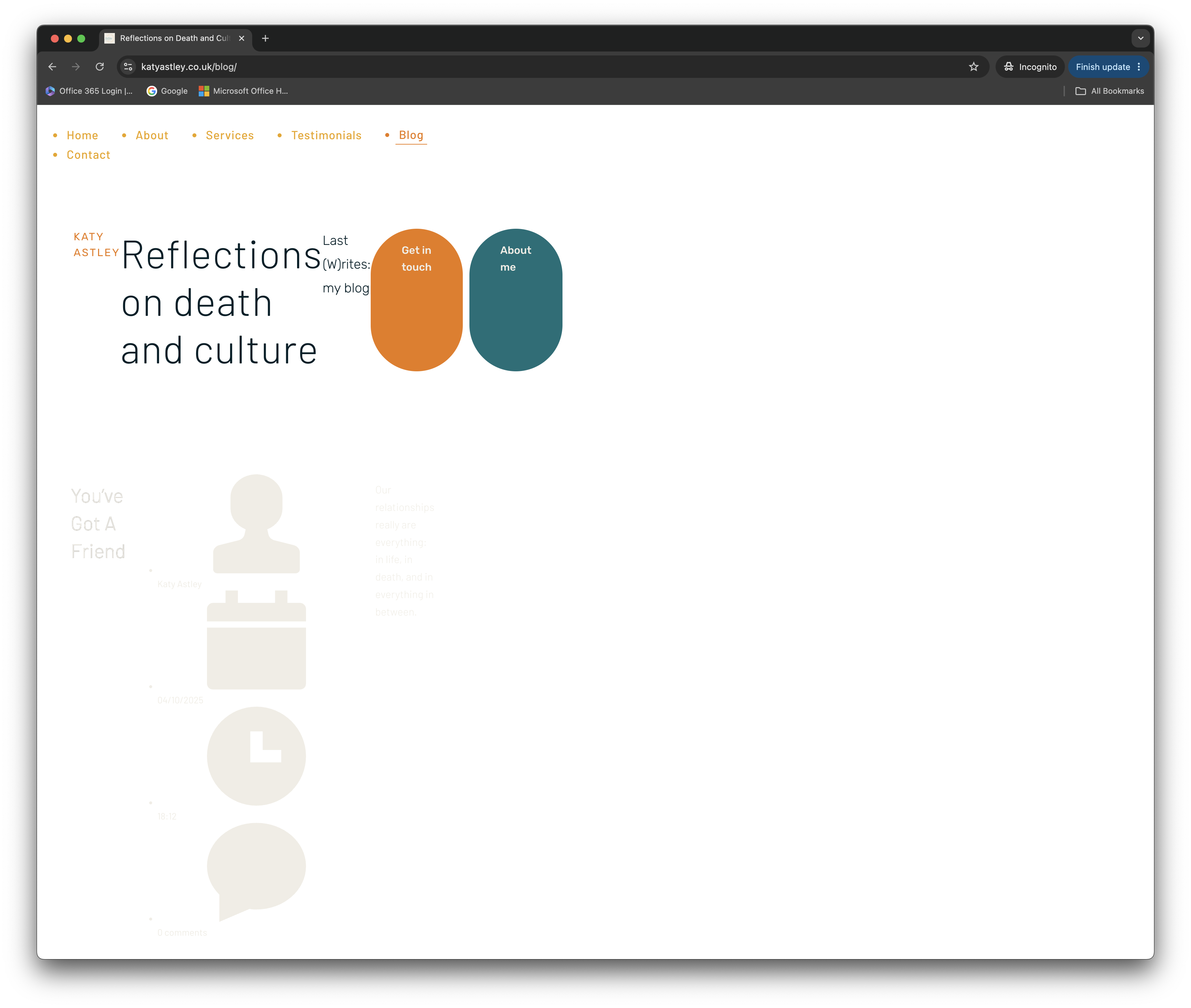
I am in a very similar situation and the solution proposed does not work for me.
I was editing global blocks and got into this situation, removed the global block on the other pages and it did solve the problem, but the blog page does not seem to want to display properly. I've also deactivated the cache plugin, but it did not change anything... Any ideas what else I can do to solve this issue?
Many thanks in advance.
Best,
Anne.
 0
0 -
Hi Anne,
Could you please provide temporary administrator access to your WordPress dashboard so we can take a closer look at the issue?
Kindly send the following details to communitysupport@brizy.io:
Community post link: https://support.brizy.io/hc/en-us/community/posts/35767361759634
WordPress Admin URL:
Username:
Password:We’ll be glad to assist as soon as we have access.
Best regards,
Ariel H.0 -
Hi Anne,
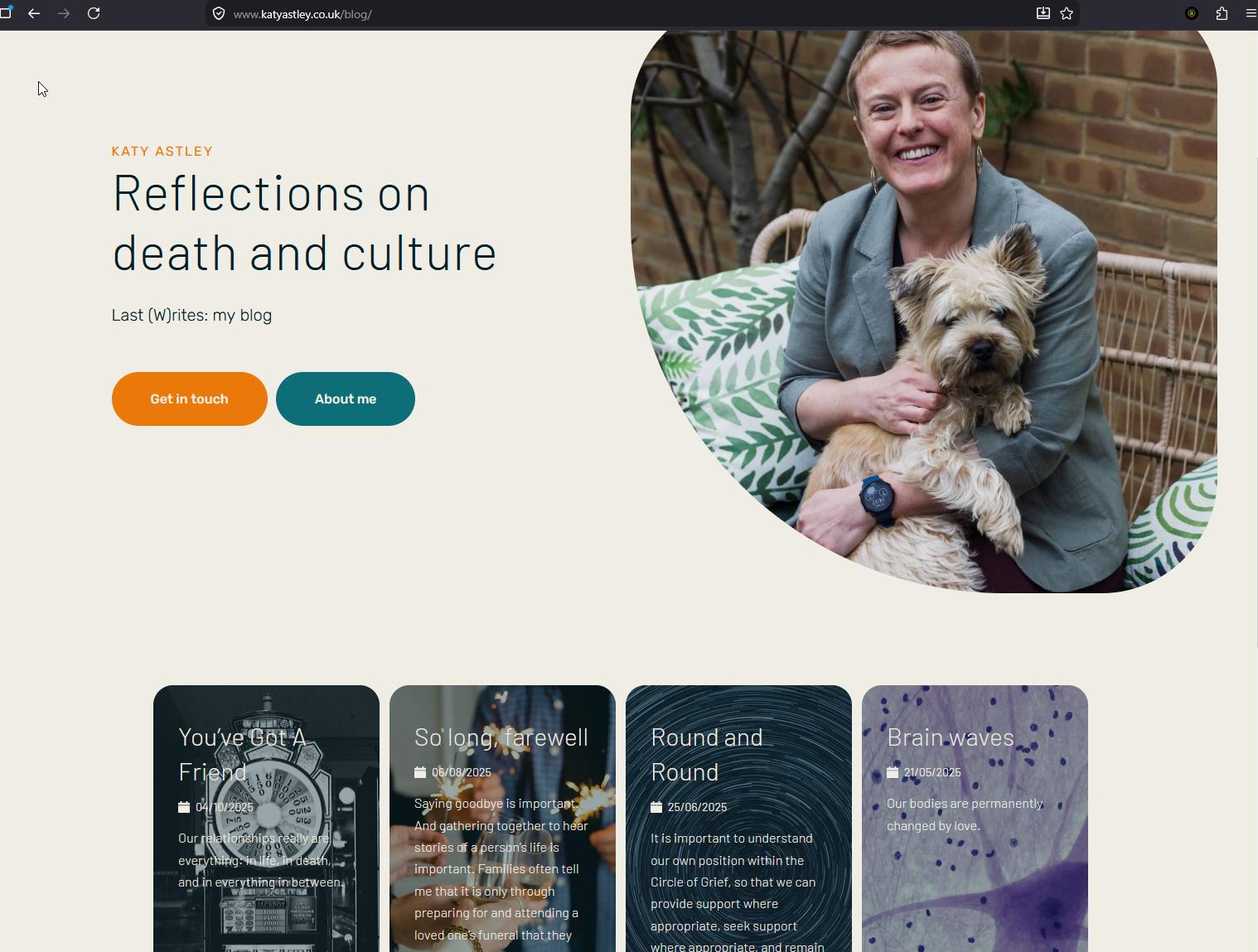
The issue appears to be caused by hard caching. The fastest way to resolve it was to temporarily add the "www" prefix to your domain.
We updated the following setting:
WordPress Dashboard → Settings → General
- WordPress Address (URL)
- Site Address (URL)Both were changed from:
https://yourdomain.comIf you prefer to keep the domain without the "www" prefix, please first purge any server-side cache from your hosting panel/CDN, then you can safely remove the "www" prefix again from those same settings.
Best regards,
Ariel H.0
Please sign in to leave a comment.
Comments
6 comments