This Page Needs a Refresh....ERROR MESSAGE!!!

Hello Brizy,
Please see the following screenshot. After updating both Brizy plugins to 2.8.13 and Brizy Pro to 2.8.7 the following message is appearing on all pages when trying to update them.
We are on GoDaddy. Please assist. Thank you.
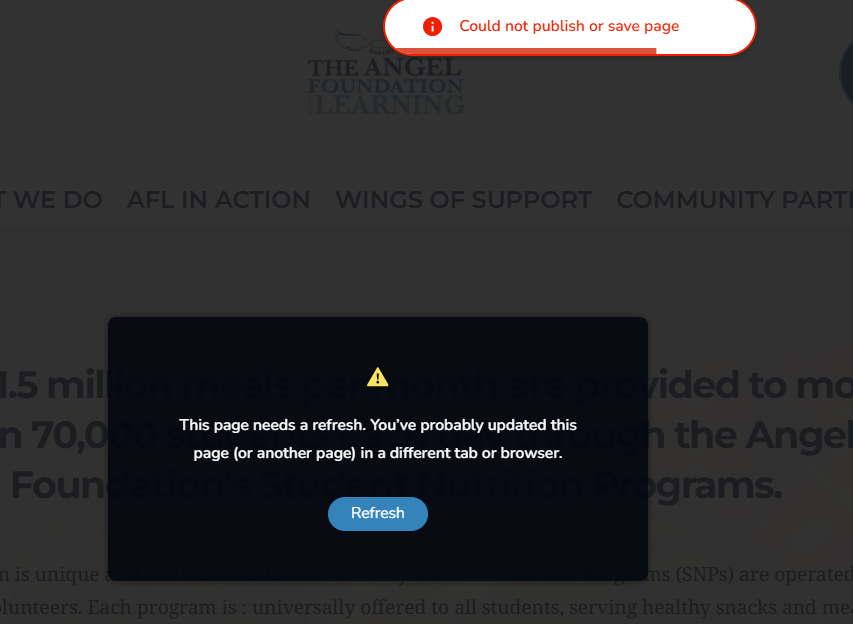
-
I have emailed you the necessary login information to our WordPress Dashboard and cPanel.
0 -

Hi Gus,
Thank you for reaching out.
We haven’t received your site credentials or cPanel access yet. Could you please send the following details to communitysupport@brizy.io:
Community Post: https://support.brizy.io/hc/en-us/community/posts/35315777468050
WordPress Admin URL:
Username:
Password:FTP / cPanel Host Address:
Username:
Password:Once we receive the information, we’ll review it as soon as possible. Please follow the format above so we can easily locate your request.
Best regards,
Ariel H.0 -
Hi Gus,
Thank you for your cooperation.
It looks like the issue is caused by a limit on your server. When you edit a page in Brizy, all the content is sent to the server when you click update. As more blocks are added, the amount of data being sent becomes larger. Once it goes beyond what the server allows, the request gets rejected, which is why you’re seeing the error and the page won’t save.
We were able to confirm this by reducing the number of blocks on the page, when the content is smaller, the update goes through successfully.
This is demonstrated on this screencast - https://youtu.be/Nz-IWtnAkbAWe’ve seen a similar case before where another user was able to resolve the issue by updating their server settings, specifically, increasing the body size limits in their ModSecurity configuration, which was blocking larger save requests. This may be something you could check with your hosting provider. For more details, please refer to this support thread: https://support.brizy.io/hc/en-us/community/posts/27240442687378
Please try this and let me know how it goes.
Best regards,
Ariel H.0 -
Thank you Ariel. Do you know what the body size limit increases or values should be in ModSecurity in order for this to work properly?
0 -

Hello Gus,
Kindly update the ModSecurity configuration file with these two directives.
SecRequestBodyLimit 4194304 # Limit request bodies to 4 MB
SecRequestBodyNoFilesLimit 2097152 # Limit non-file request bodies to 2 MB
0
Please sign in to leave a comment.
Comments
5 comments