non-editable menu at the top of the page

Hello. After updating to version 13, the menu in the top bar appears as many times as it's inserted on the page. This is only visible in the desktop version. I can't revert to the previous version—it would waste two days of content development. Please help.
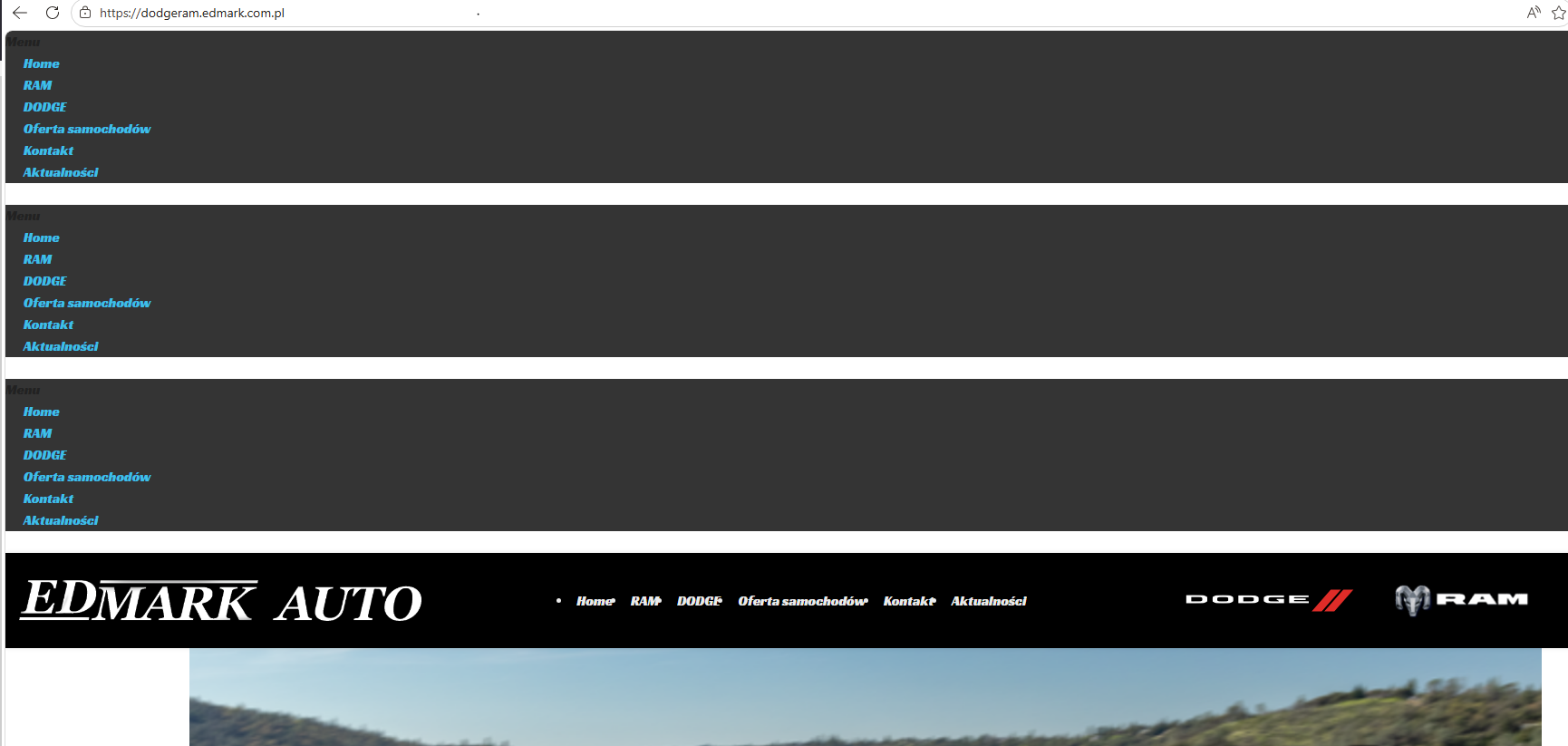
-

Hello Mirosław,
Can we look at your WordPress dashboard to help you resolve this issue? Please add a new user to your WordPress Dashboard and send the following details to our email: communitysupport@brizy.io
- Support Forum reference: https://support.brizy.io/hc/en-us/community/posts/35284708773650
- WordPress Admin URL:
- Username
- Password
Your email must include a link to this thread's URL, otherwise we will be unable to locate your support ticket. Please notify us in this thread when you send us the email.
0 -
Hello Mirosław,
We have purged the WP Fastest cache. Can you please check if the issue is resolved?
0 -
the problem still exists, disabling the cache plugin didn't help either.
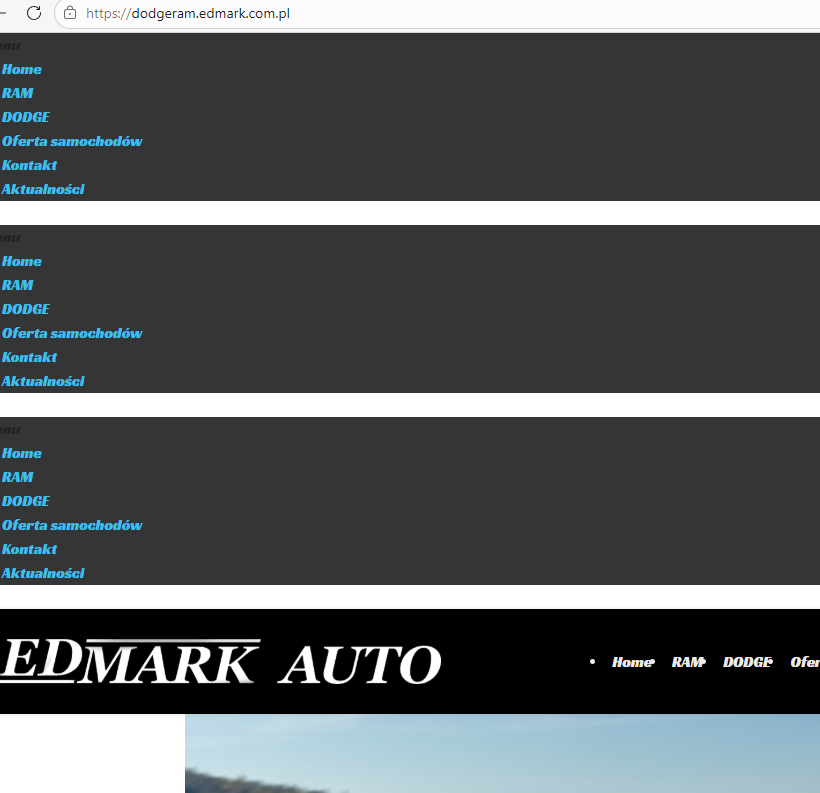 0
0 -
Hello Mirosław,
We see this design at our end. Can you test using a different computer, a different browser or a different intenet service provider?
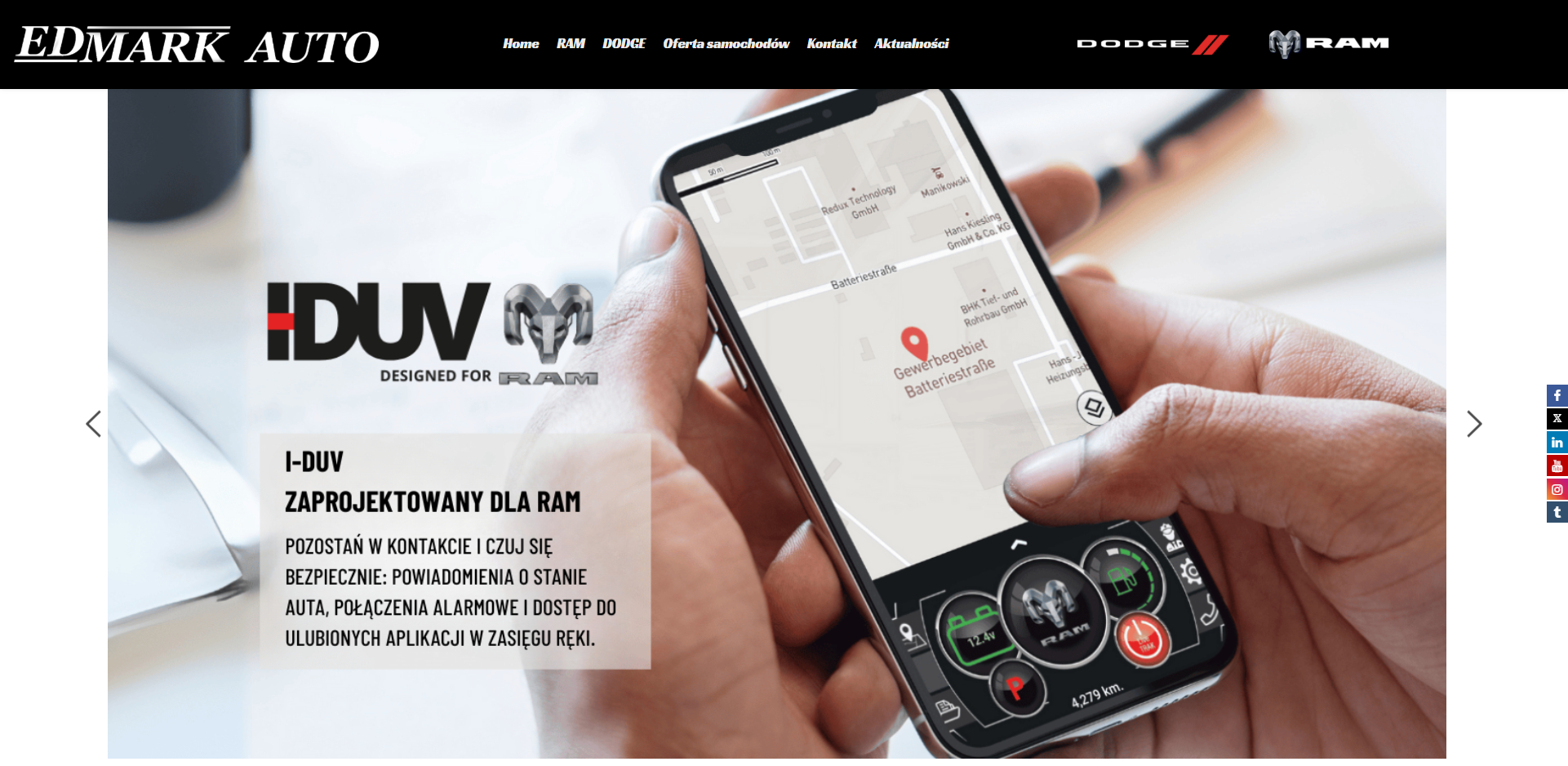 0
0 -
I can see it regardless of the browser and computer, other internet sources don't help either.
0 -
Hello Mirosław,
Pleae deactivate the WP Fastest Cache plugin and check again.
0 -
It works, what WP Fastest Cache setting should I change?
0 -
Hello Mirosław,
Kindly disable these options first and check if the issue returns.
- Minify HTML
- Minify CSS
- Combine CSS
- Combine JS
Enable one option at a time to see which one interferes with the website menu.
0
Please sign in to leave a comment.
Comments
8 comments