Starter Templates Not Showing

Hello. I just installed PRO. When I go to the starter templates, all the images are broken. When I click on one of the starter templates' preview buttons, the website it goes to is broken. I have disabled all other plugins and third-party themes.
Please help
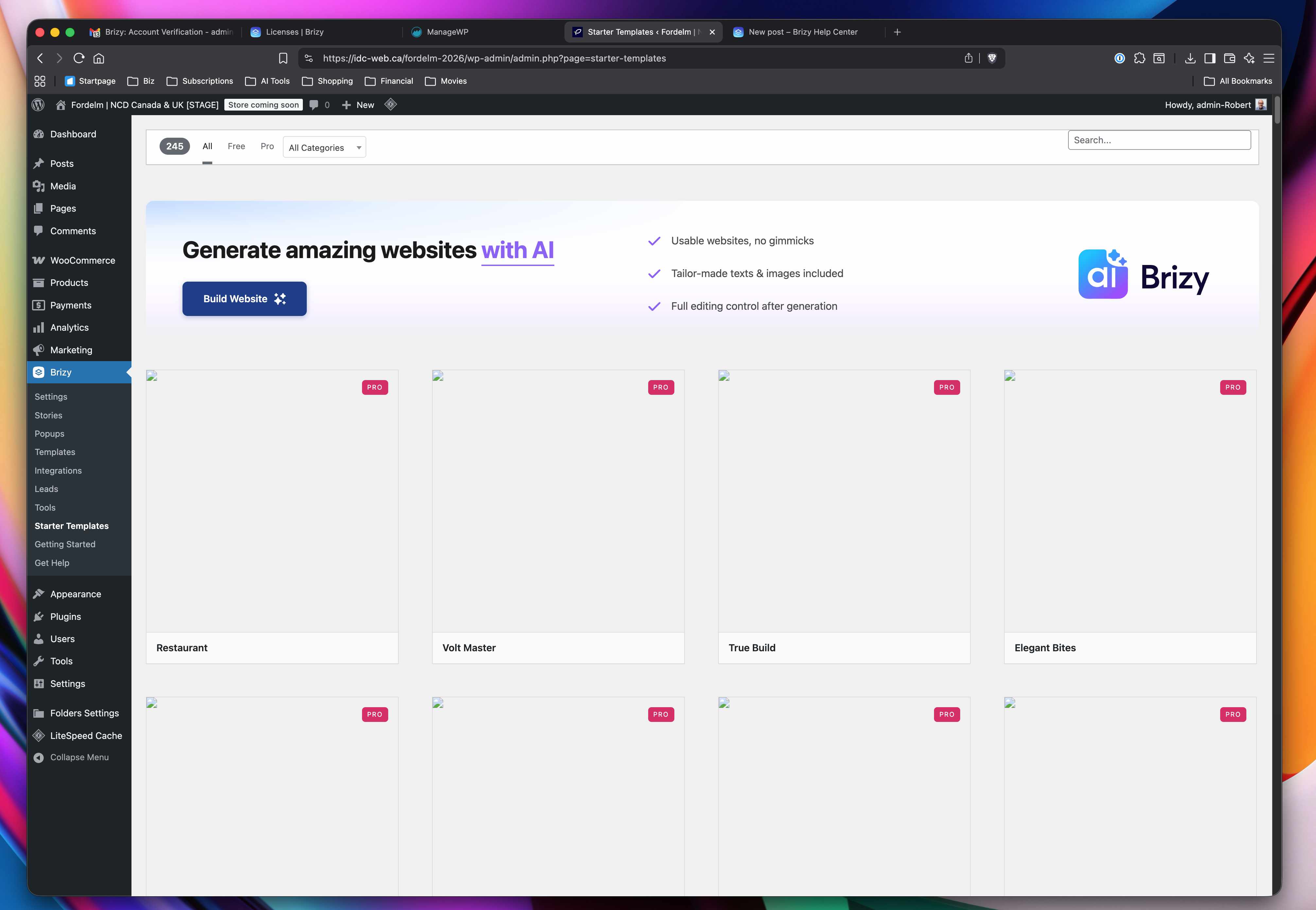
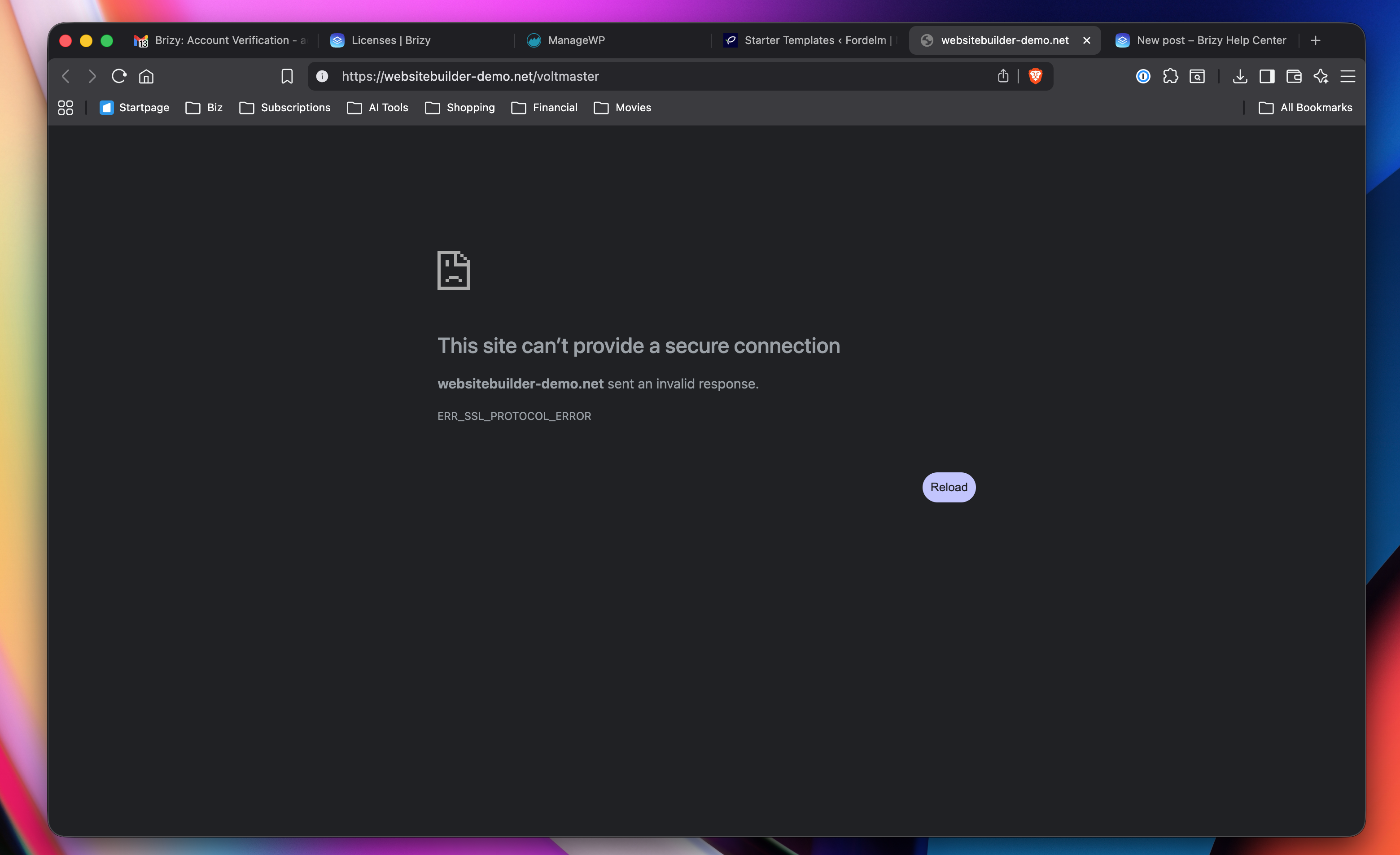
-

Hello Robert,
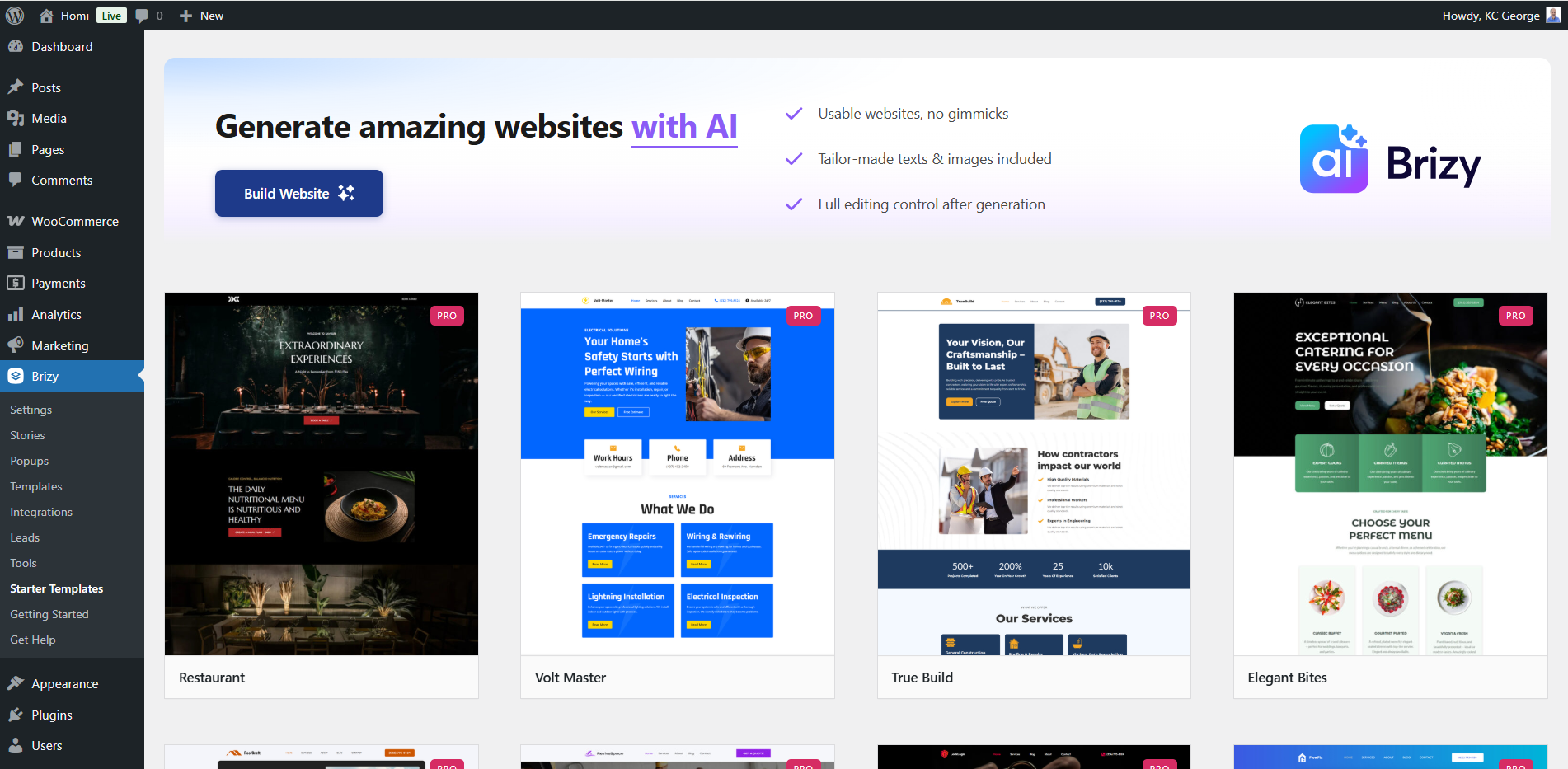
Brizy Starter Templates should ideally display like this.
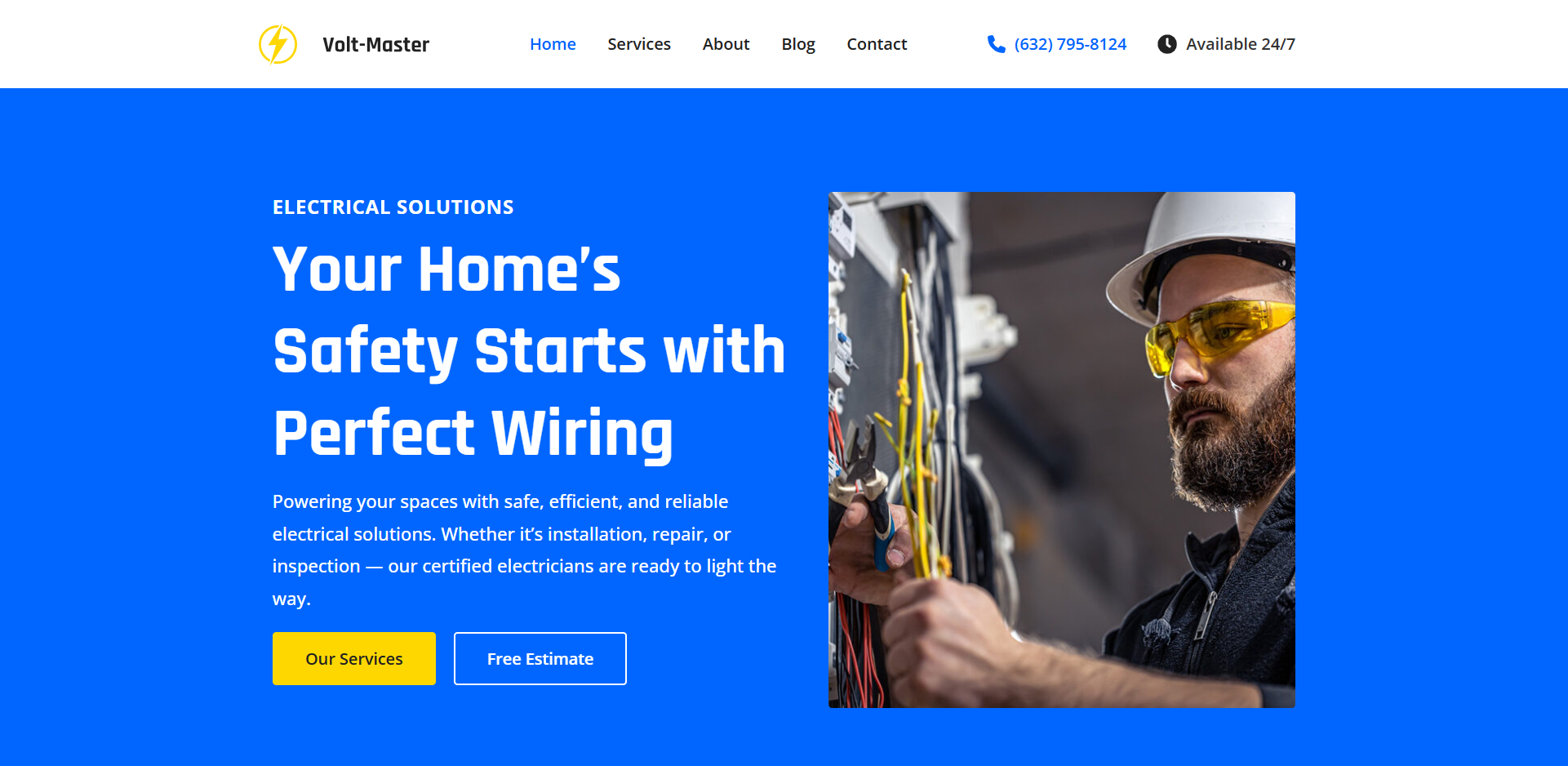
And the "Volt Master" template preview should ideally look like this.
Can we look at your WordPress dashboard to help you resolve this issue? Please add a new user to your WordPress Dashboard and send the following details to our email: communitysupport@brizy.io
- Support Forum reference: https://support.brizy.io/hc/en-us/community/posts/35173668345874
- WordPress Admin URL:
- Username
- Password
Your email must include a link to this thread's URL, otherwise we will be unable to locate your support ticket. Please notify us in this thread when you send us the email.
0 -
Thank you. I've sent the info as requested.
0 -

Hi Robert,
Thank you for your cooperation
We checked on our end and everything appears to be working properly.
Could you please try opening the editor in incognito mode or using a different browser to see if that makes any difference? This can help rule out any browser-related issues.
Here’s a screencast from our side for reference:
https://youtu.be/2X5MN_DvPWkPlease try this and let me know how it goes.
Best regards,
Ariel H.0 -
Thank you. I tried it on other browsers and in incognito mode
- Brave - does not work ❌
- Brave (Incognito) - does not work ❌
- Chrome - does not work ❌
- Chrome (Incognito) Does not work ❌
- Chrome with VPN on - Does not work ❌
- Chrome with all plugins disabled and Incognito mode - Does not work ❌
- Safari - Does work ✅
- Arc - Does work ✅
I could work in Arc or Safari, but I'd like to use Brave, my default browser.
0 -
Hi Robert,
Thanks for testing this across multiple browsers.
Since the issue is happening in both Brave and Chrome but not in Safari or Arc, it looks like it may be related to how Chromium-based browsers are handling or blocking certain resources.
Could you please try the following on Brave:
1. Clear cache and site data for your website
2. Disable Brave Shields for your site (click the lion icon in the address bar > turn Shields off)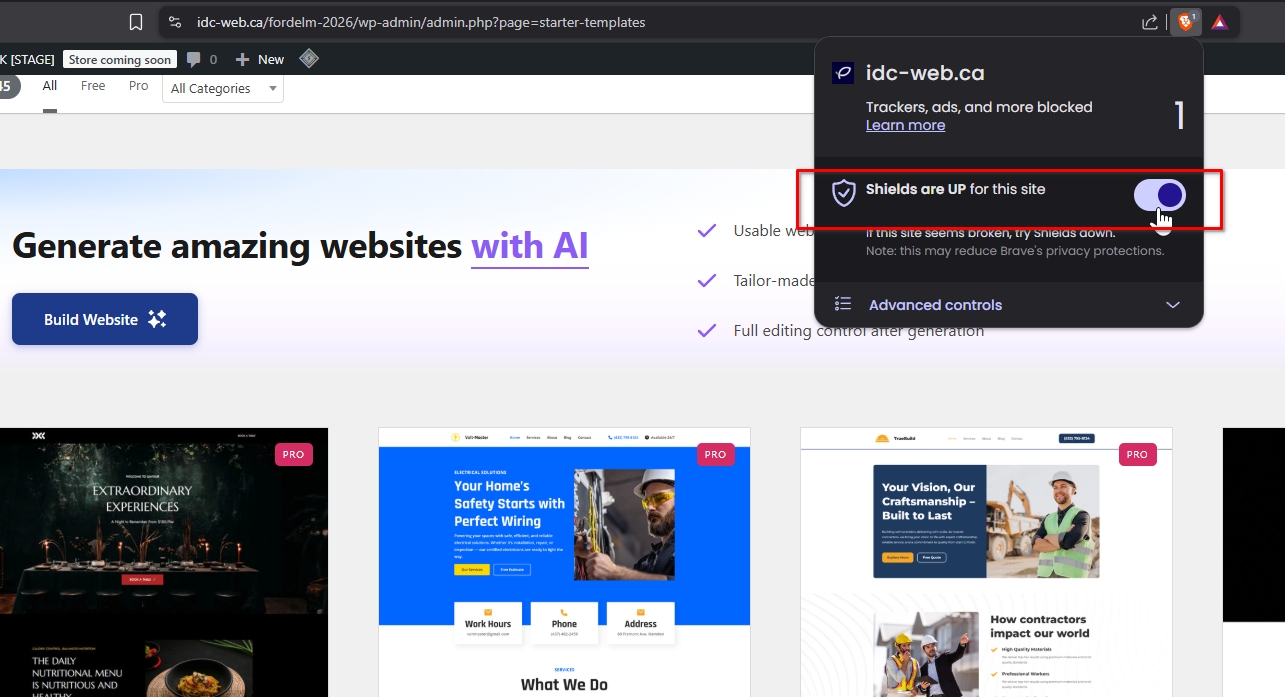
3. Make sure JavaScript, images, and third-party cookies are allowed (brave://settings/content)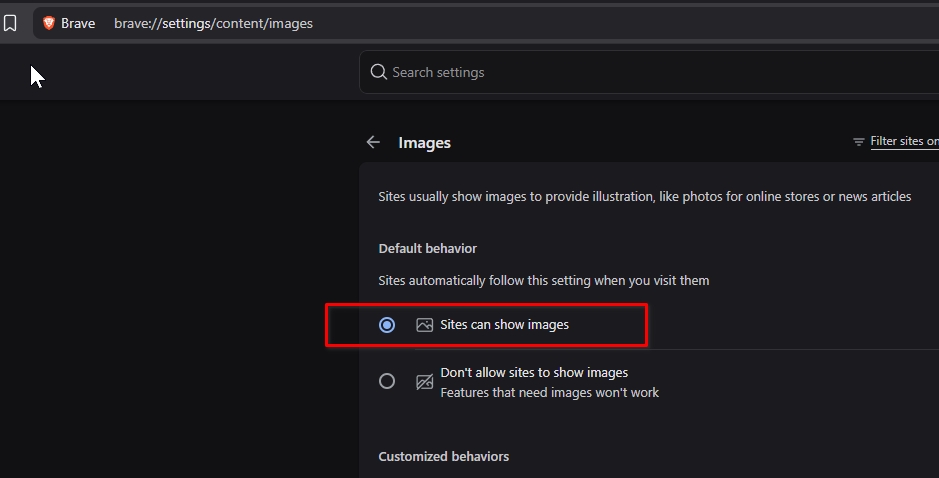
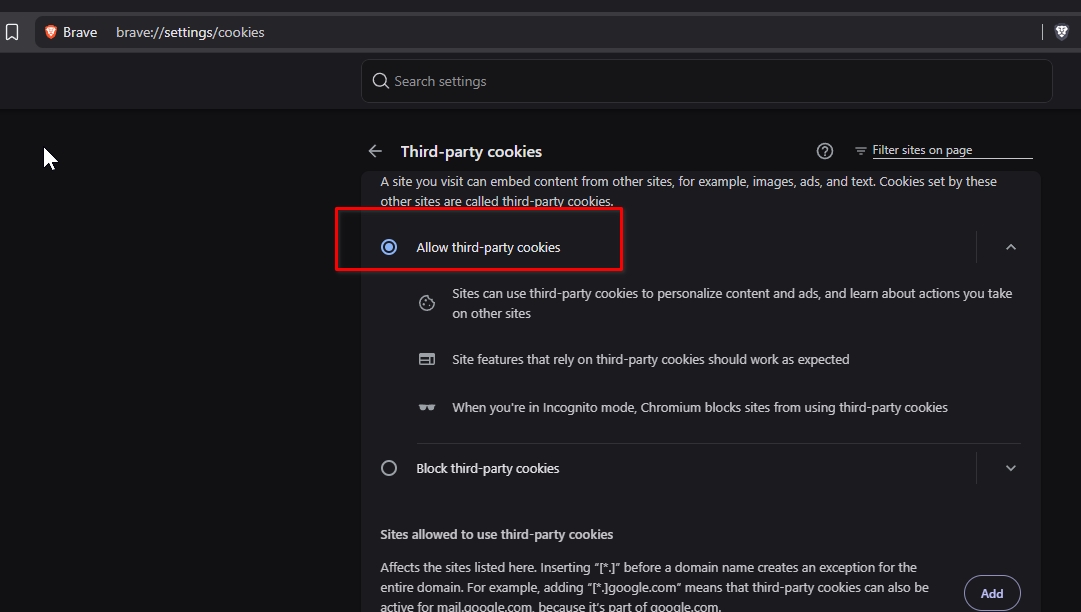
Additionally, please try clearing local storage:
1. Open your site in Brave
2. Right-click anywhere on the page > click “Inspect” (or press F12)
3. Go to the “Application” tab
4. In the left sidebar, expand “Storage” > click “Local Storage”
5. Right-click your site URL > click “Clear”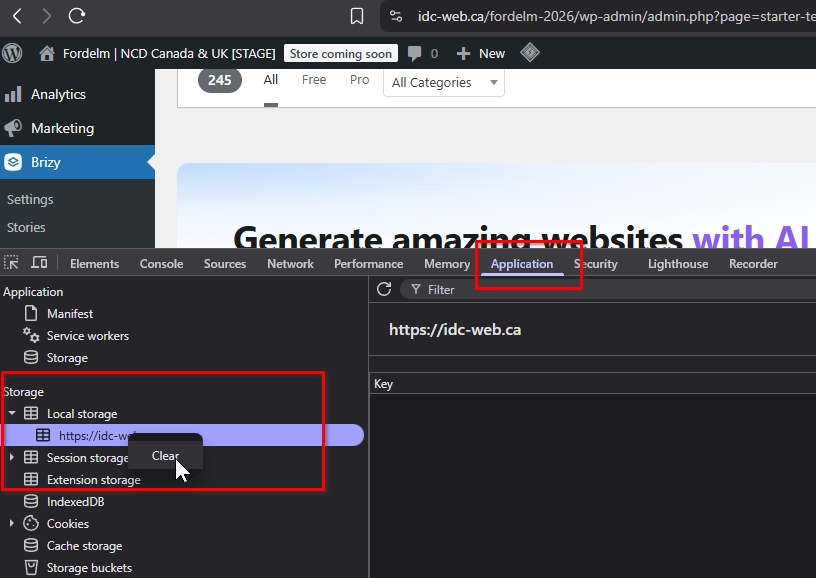
After that, refresh the page and check again.
Kind regards,
Ariel H.0 -
Hello, I've followed all of your steps but haven't had any luck. It did not fix the issue
0 -
Hi Robert,
The issue appears to be related to your browser rather than Brizy. I tested your site using Brave Browser on my end, and the problem does not occur.
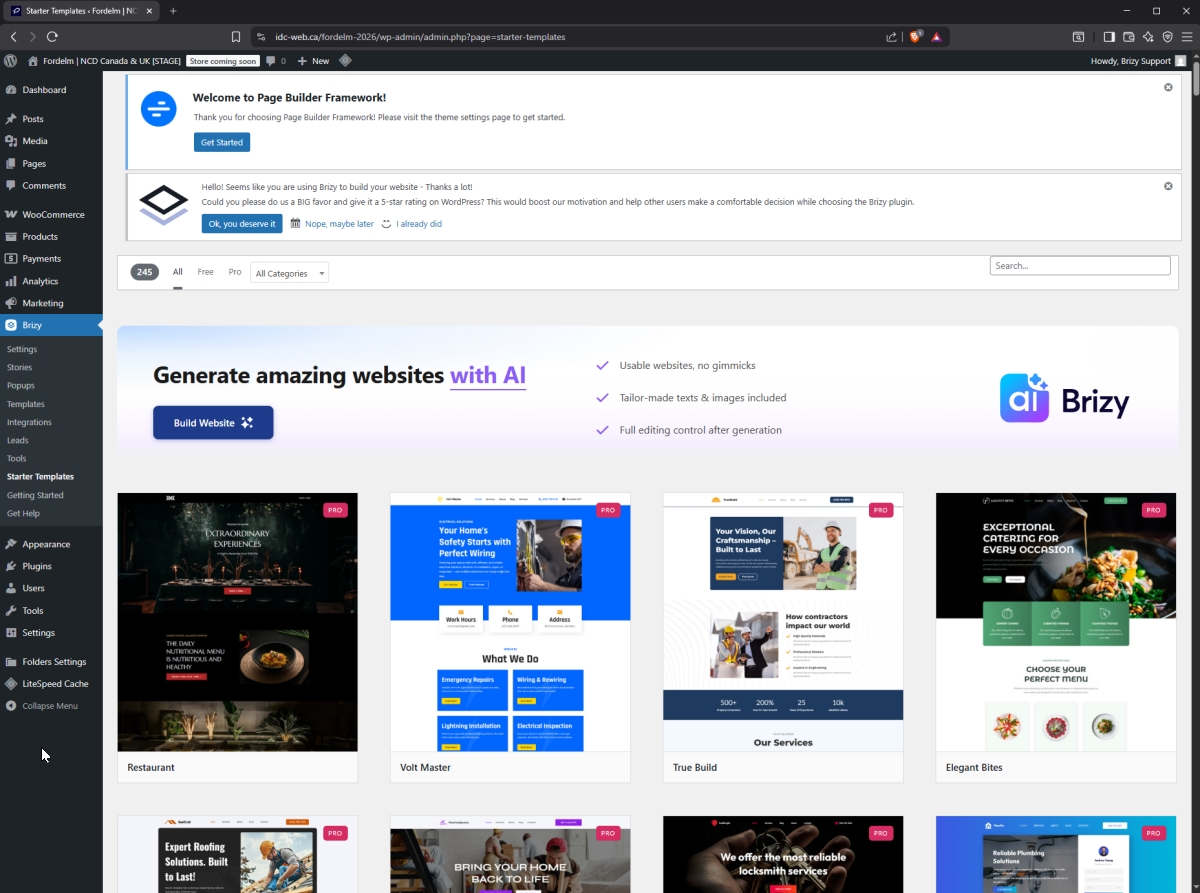
If you prefer to continue using Brave, please back up your bookmarks and reset it to its factory settings. This can help resolve browser-related conflicts.
Kind regards,
Ariel H.0 -
Thanks. I'll use Arc or Safari for now, at least while I use a template to set up. Appreciate your help.
0
Please sign in to leave a comment.
Comments
8 comments