Adding z-index to a carousel to make contents of the carousel be on top

i am trying to make the carousel column with an image to be on top of the block section above it but it has failed to work. I gave the section, the carousel, the contents of the carousel a Z-index of 100 and 200 but it is not working. Could you help me with how this can be achieved.
the website in question is under development and can be accessed via https://lacel.tech/selfdrive and i would like the image in the carousel to be above the section above it (road picture) but instead it reduces the image height and pushes it behind. the screenshot is attached.
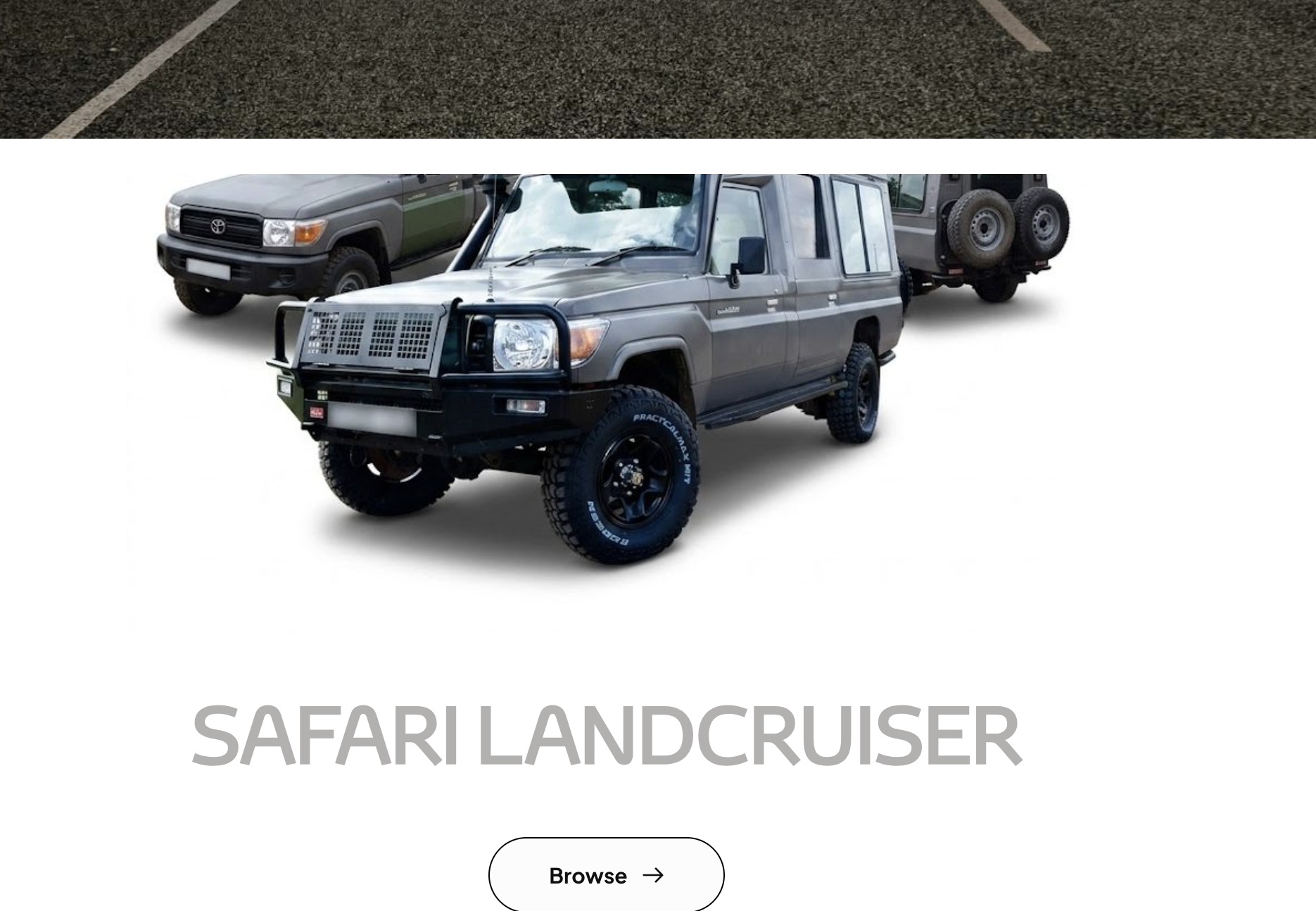
-

Hi Edger,
Thank you for reaching out.
Just to confirm, are you trying to have the carousel overlap and sit on top of the image in the section above (similar to the effect shown in your screenshot)?
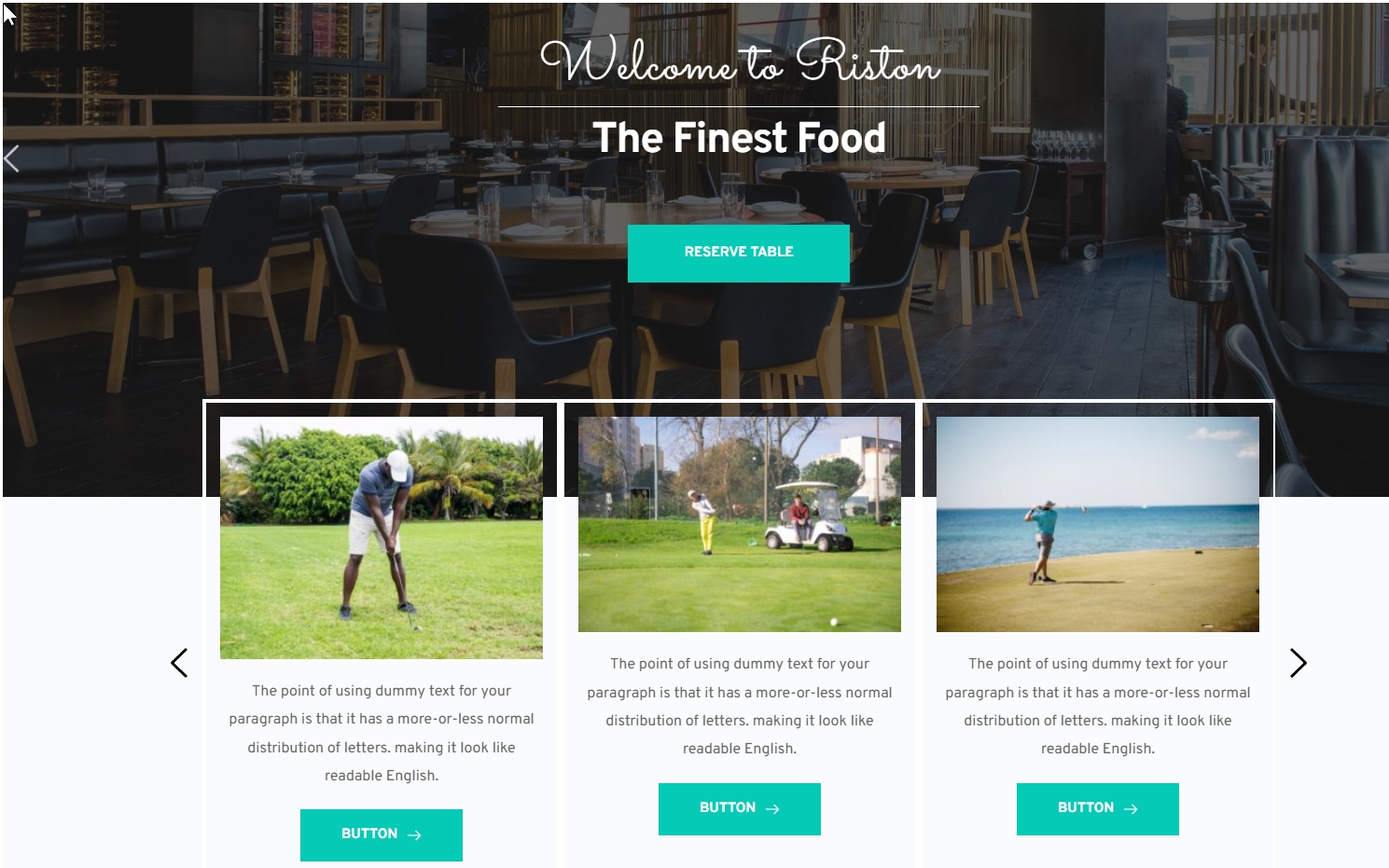
If that’s the case, we tried to replicate the setup on our end, but we weren’t able to reproduce the same behavior where the carousel is pushed behind or its height is reduced.
Could you please share your site’s login credentials with us at communitysupport@brizy.io so we can take a closer look at how it’s currently set up? Kindly send the following details to communitysupport@brizy.io:
Community Post: https://support.brizy.io/hc/en-us/community/posts/35064872771346
WordPress Admin URL:
Username:
Password:We’ll review it as soon as we receive the access.
Best regards,
Ariel H.0 -
I have shared the logins on mail
0 -
Hi Edgar,
We haven’t received the site credentials yet. Could you please review and resend them when you have a moment?
Thank you!
0 -
Hi Edgar,
Just following up on my previous email to check if you had a chance to review it. Please let us know when you’re ready to share the details so we can proceed and help you fix the issue.
Kind regards,
Ariel H.0 -
I really did send these several times and i have just sent another email a few minutes back please let me know if it has come through.
0 -
Hi Edgar,
We use Google Workspace for emails, and we weren’t able to find your Community Post link and nothing came up in search, and there’s nothing in spam either.
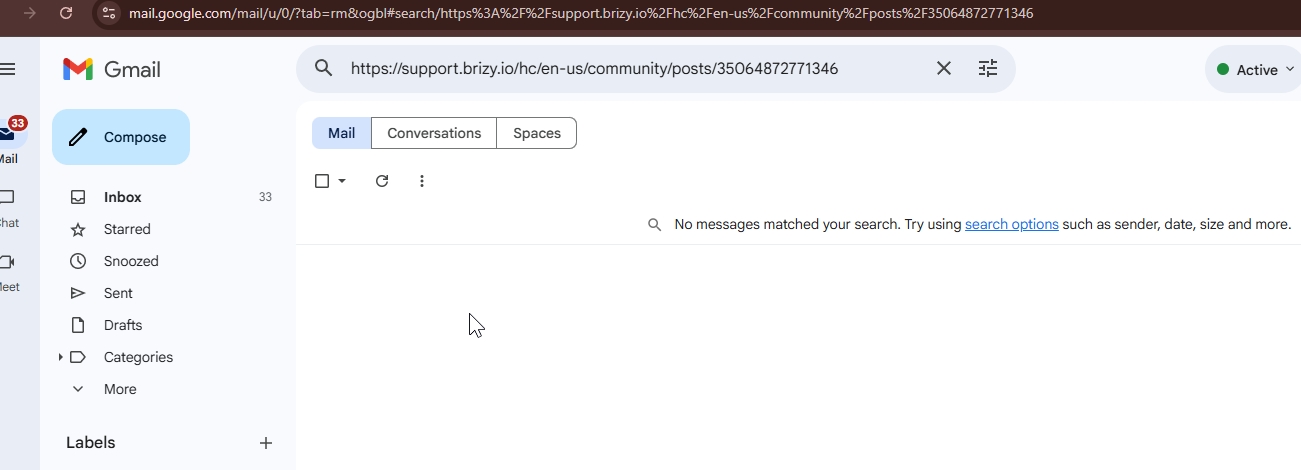
If you did follow the format, it’s possible that your email address is being blocked on our side. As an alternative, could you please share the credentials directly in the community support thread? They won’t be publicly visible, as we review submissions before making them visible on the forum.
Best regards,
Ariel H.0 -
Hi Edgar,
It appears the message was sent to support@brizy.io instead of communitysupport@brizy.io, which is where we normally expect these. A colleague mentioned the credentials were received there.
About the issue, it looks like the negative top margin was applied directly to the image. This won’t work as expected because the container is set to hide overflow, which causes the image to get cut off.
To achieve the effect you’re after, the negative top margin should be applied to the block that contains the carousel, rather than the image itself. This allows the entire carousel to overlap the section above without being clipped. This is demonstrated on this screencast - https://youtu.be/tJBUBfbjTmg
If you have any further questions, please let us know.
Best regards,
Ariel H.0 -
I have seen the edit but I had actually done that but i guess since I had edited most of them there was conflict somewhere and it was not working. It works now
Thank you Ariel
0
Please sign in to leave a comment.
Comments
8 comments