Entire website completely messed up

Hello,
I use the Brizy Pro WordPress plugin.
Our web is completely messed up. I think it had to do with the update. I've tried re-saving pages in an effort to reboot the Brizy build, but nothing is working. I'm already running an old version of WordPress as the theme in order to have Brizy function properly.
Please help, I will add you to my web as an admin.
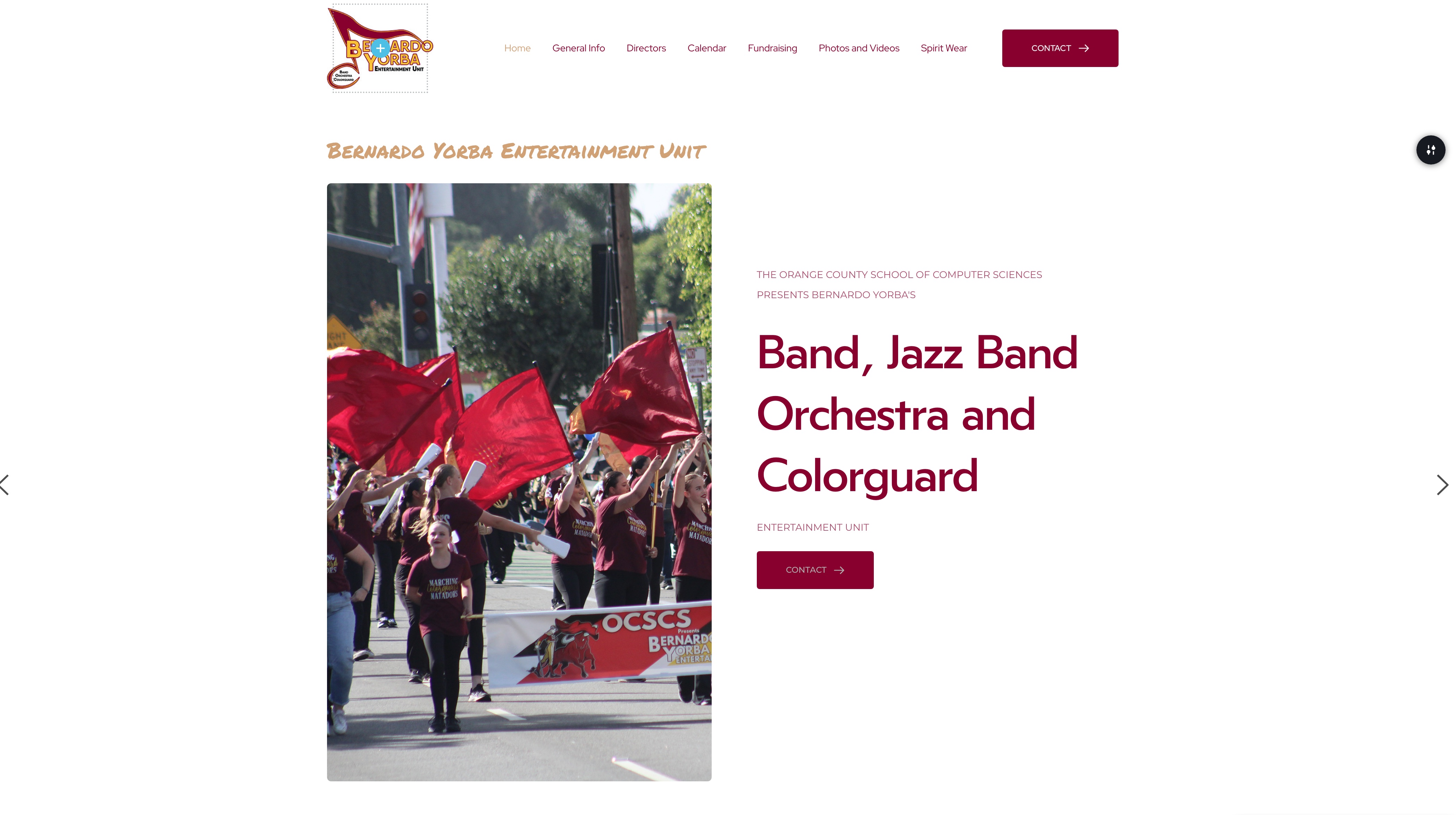
Should appear like this:
Please help. Thank you,
KD
-

Hello Kristen,
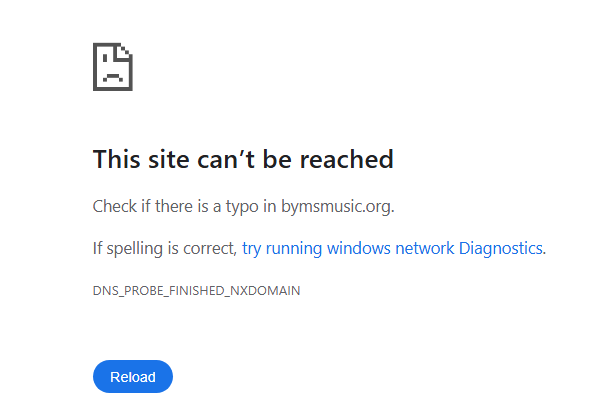
At the moment, your website is returning "This site can’t be reached" error. Kindly work with your hosting provider to fix this error.
Once the above error is fixed, add a new user to your WordPress Dashboard and send the following details to our email: communitysupport@brizy.io
- Support Forum link: https://support.brizy.io/hc/en-us/community/posts/34032423035794
- WordPress Admin URL:
- Username
- Password
Your email should include a link to this thread's URL, otherwise we will be unable to locate your support ticket. Please notify us in this thread when you send us the email.
0 -
My client neglected to pay their hosting bill and so service was suspended. Very frustrating.
I have just paid the bill myself so that we can move forward with fixing the site. It should be back momentarily.
0 -
Site hosting is restored, but display still needs help. Please advise.
0 -

Hi Kristen,
Thank you for your patience.
We’ve temporarily set your website to Maintenance Mode so we can look into the issue. Please note that this may take a little more time, and we sincerely apologize for the inconvenience.
We’ll keep you updated as soon as we have more information.
Best regards,
Ariel H.0 -
Ok, thank you! I use Brizy for several other sites, and they are all displaying fine.
0 -

some of us hav more than 50 websites built with brizy , They are all broken
0 -
Hi Robert,
We’ve released Brizy 2.8.5 and Brizy Pro 2.8.2. Could you please update your websites to these latest versions and check if this helps resolve the issue?
We apologize for the inconvenience and appreciate your patience. Please let us know how it goes or if you need any further assistance.
Best regards,
Ariel H.0 -
Hi Kristen,
Could you please check again on your end and let us know if the issue is now resolved?
If you’re still experiencing any problems, feel free to share more details and we’ll be happy to assist further.
Best Regards,
Ariel H.0 -
Hi Ariel,
Everything looks as it should and is resolved, thank you.
Moving forward, is there something I can do on my end to prevent this from happening again?
Thank you,
Kristen0 -
Hi Kristen,
I am glad that this is now sorted out.
I’d recommend using a backup plugin such as All-in-One WP Migration or WPvivid to create a backup of your website each time you make updates. This will allow you to easily restore a previous working version of your site in case anything breaks on the live version.
If you have any further questions, please let us know.
Best regards,
Ariel H.0 -
Good advice, thank you. WP backups have always been intimidating to me and a hassle, but I know they are important. I'll install this plugin you recommended, thank you.
Keep up the good work with Brizy, I really love using it!
0
Please sign in to leave a comment.
Comments
11 comments