Contact Form CTA button - Unable to customize

Whenever I click on the CTA button to change the color or the text, it immediately changes to the image attached. It does so with or without having a a form set up and connected to one of the apps, i.e Mailerlite. Please help. 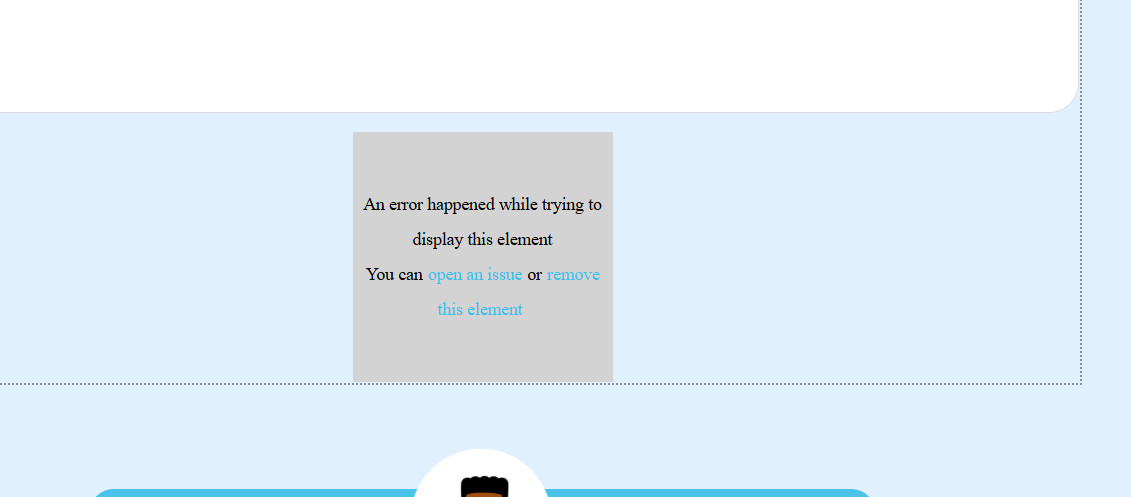
-

Hello Zakkiyah,
This error usually occurs when using incompatible versions of Brizy and Brizy Pro. For exampe, these are compatible versions.
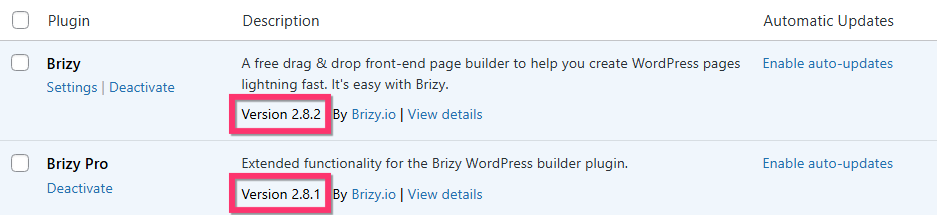
Can you please share with us your Brizy and Brizy Pro versions?
0 -

I am having the same issue and my versions of Brizy Builder (2.8.2) and Brizy Pro (2.8.1) are compatible, as shown above.
0 -
Hi KC, I do have two different versions but its always been this way. How do I update Brizy Pro? I dont see an option for auto updates.
 0
0 -
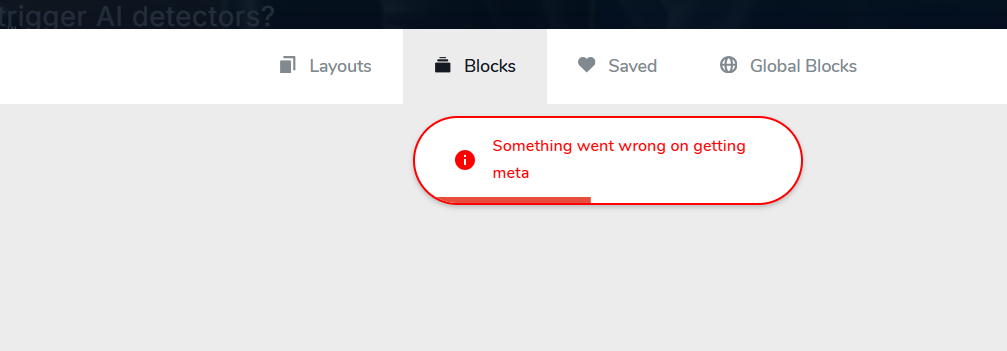
I have a second issue, as well. I keep getting this error message everytime i try to add a new block.
 0
0 -
Hello Zakkiyah,
To install the latest Brizy Pro version, kindly follow these steps
- Deactivate and delete the Brizy Pro plugin
- Sign in to your Brizy account at https://www.brizy.io/account/login
- Scroll down to the heading "Brizy WordPress plugin" and click on the button "Download Brizy Pro 2.8.1"
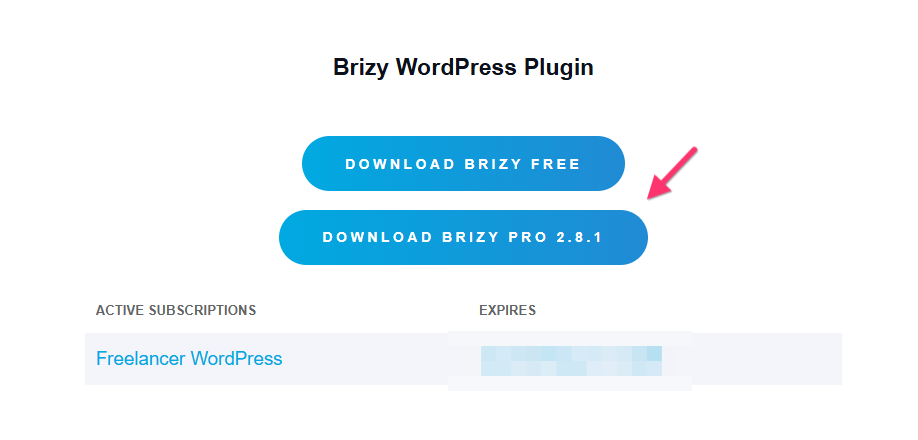
After installing Brizy Pro 2.8.1, if you continue to see any of the above two errors, kindly get back to us.
0 -
Hello Jace,
Can we look at your WordPress dashboard to help you resolve this issue? Please add a new user to your WordPress Dashboard and send the following details to our email: communitysupport@brizy.io
- Support Forum link: https://support.brizy.io/hc/en-us/community/posts/34028347989138
- WordPress Admin URL:
- Username
- Password
Your email should include a link to this thread's URL, otherwise we will be unable to locate your support request. Please notify us in this thread when you send us the email.
0 -
Dear KC George,
I have sent the email as requested, from: elitedentalmanagementperth@gmail.com
Thank you
0 -

Hi Jace,
Thank you for your message.
Could you please try it again? We’ve recently released an update that should address the issue.
Please let us know how it goes.
Best regards,
Ariel H.0 -
Resolved, thank you
0 -
Hi Ariel,
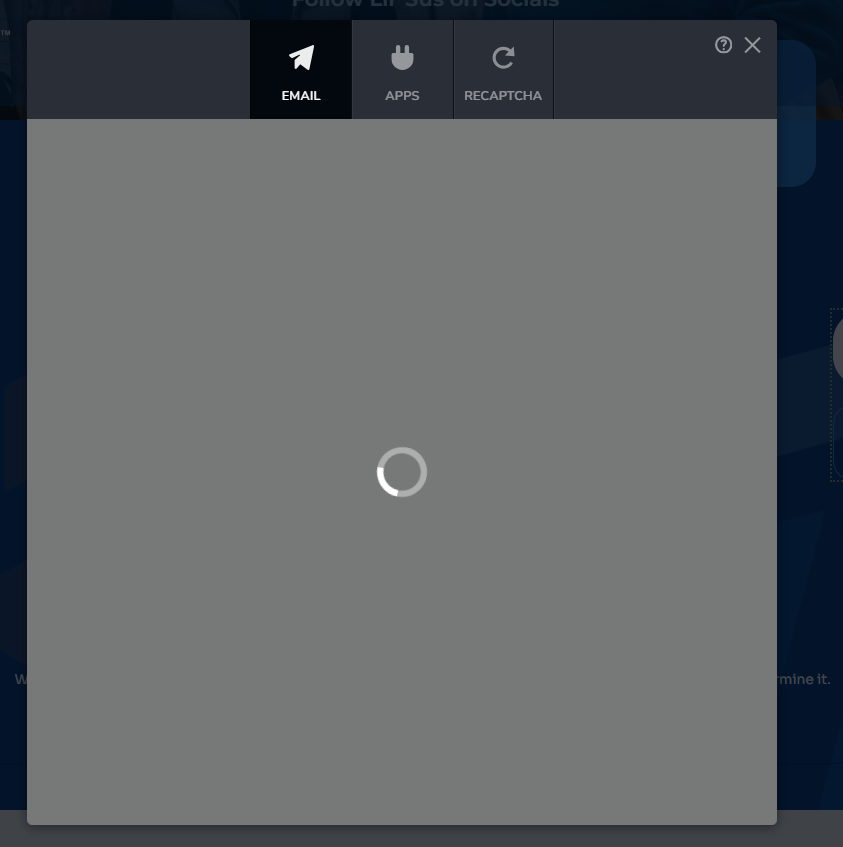
It was working for a few minutes but now it seems to be stuck. Not sure if this is for everyone or just for me.
 0
0 -
Hi Zakkiyah,
Thank you for your message.
We checked the form on our end and it appears to be working properly. This is demonstrated on this screencast - https://streamable.com/683vk2
Could you please try duplicating the form using the duplicate tool as shown in the screencast?
If the issue still persists, please try clearing your browser cache or checking the site using another browser to see if that makes any difference.
Please let us know how it goes and we’ll be happy to assist you further.
Best regards,
Ariel H.0
Please sign in to leave a comment.
Comments
11 comments