Website broke

Hi, all I did was log in and add a global block to my links page, and my website broke. You can view the website here: https://erinptcanning.com/links. My website looks fine on the backend, so no idea why it's all wonky on the frontend. PLEASE HELP!
Ps. I'm using version 2.8.1 for both free and pro.
-

Hello Erin,
We apologize for the inconvenience. If you have access to "File Manager" in your hosting control panel, kindly download the CSS file from https://jmp.sh/XSTZzOUo and upload to the following folder and purge server cache to fix the issue.
/wp-content/plugins/brizy/public/editor-build/prod/editor/css
If you need help with uploading the file, please add a new user to your WordPress Dashboard and send the following details to our email: communitysupport@brizy.io
- Support Forum link: https://support.brizy.io/hc/en-us/community/posts/33961175981330
- WordPress Admin URL:
- Username
- Password
Your email should include a link to this thread's URL, otherwise we will be unable to reference your support request. Sending a password reset link is insufficient. Please notify us in this thread when you send us the email.
0 -
Thank you! Email sent!
0 -
Hello Erin,
I have uploaded the CSS file. Please check if all pages of your website are loading fine.
0 -
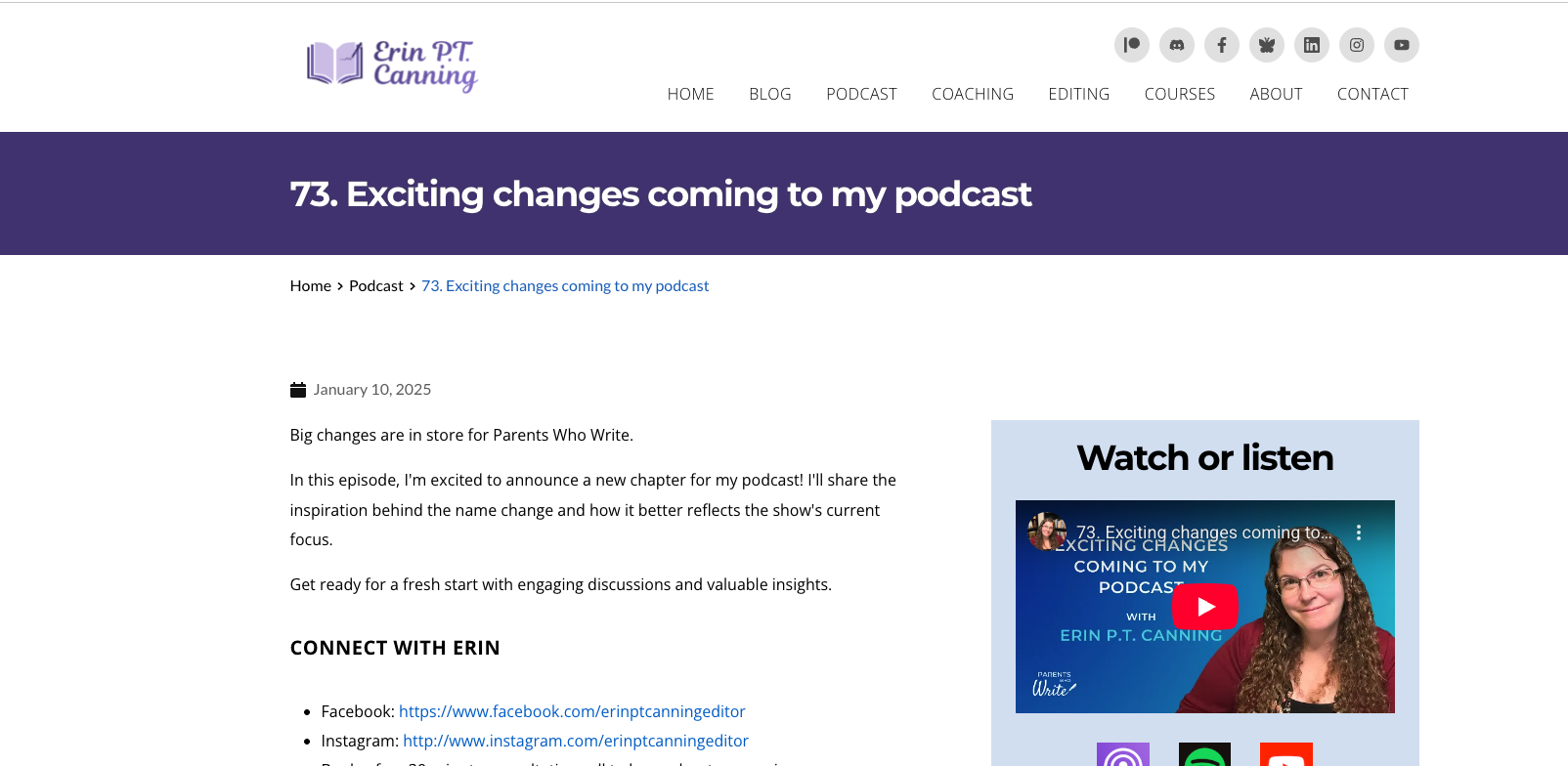
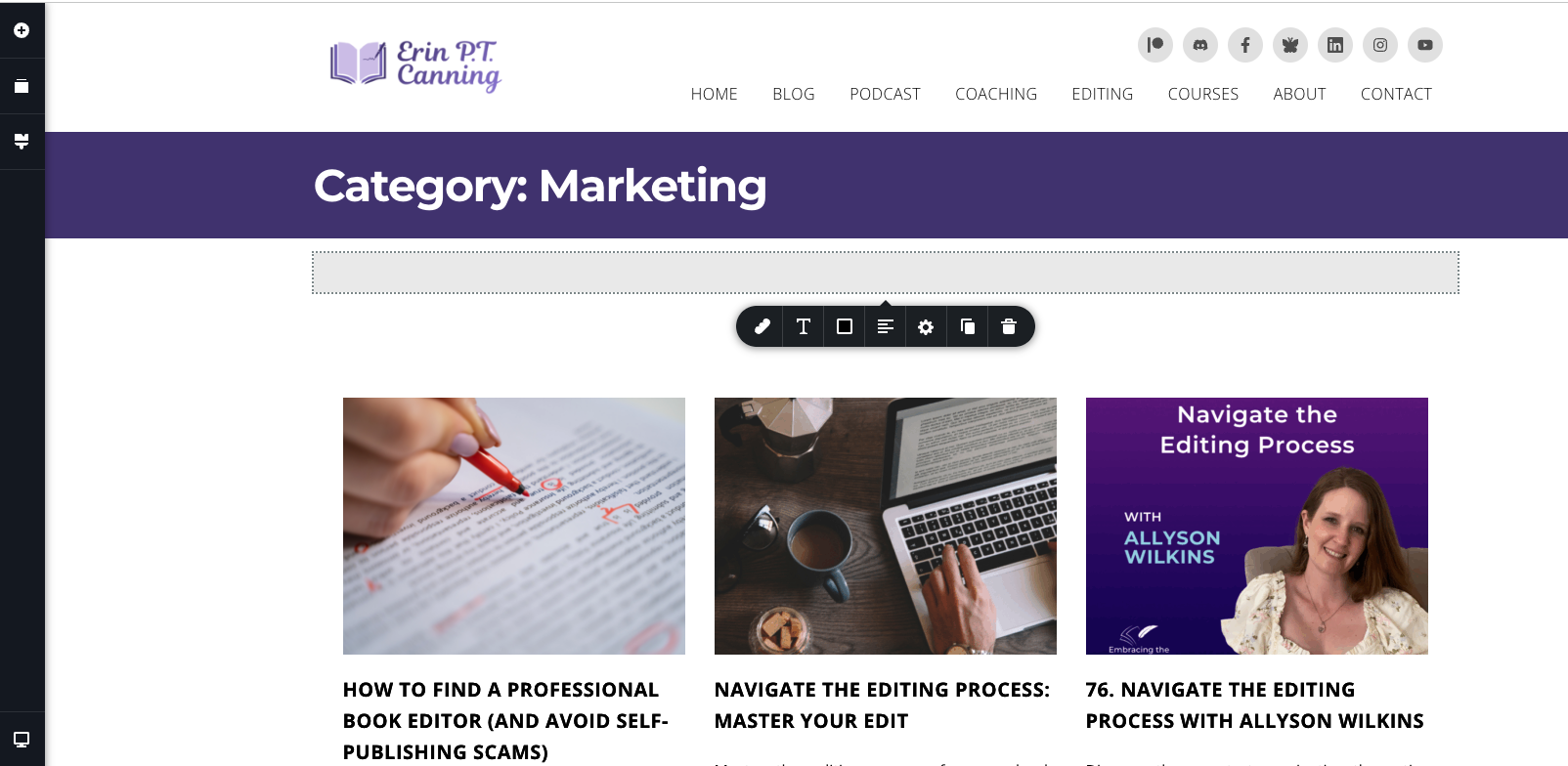
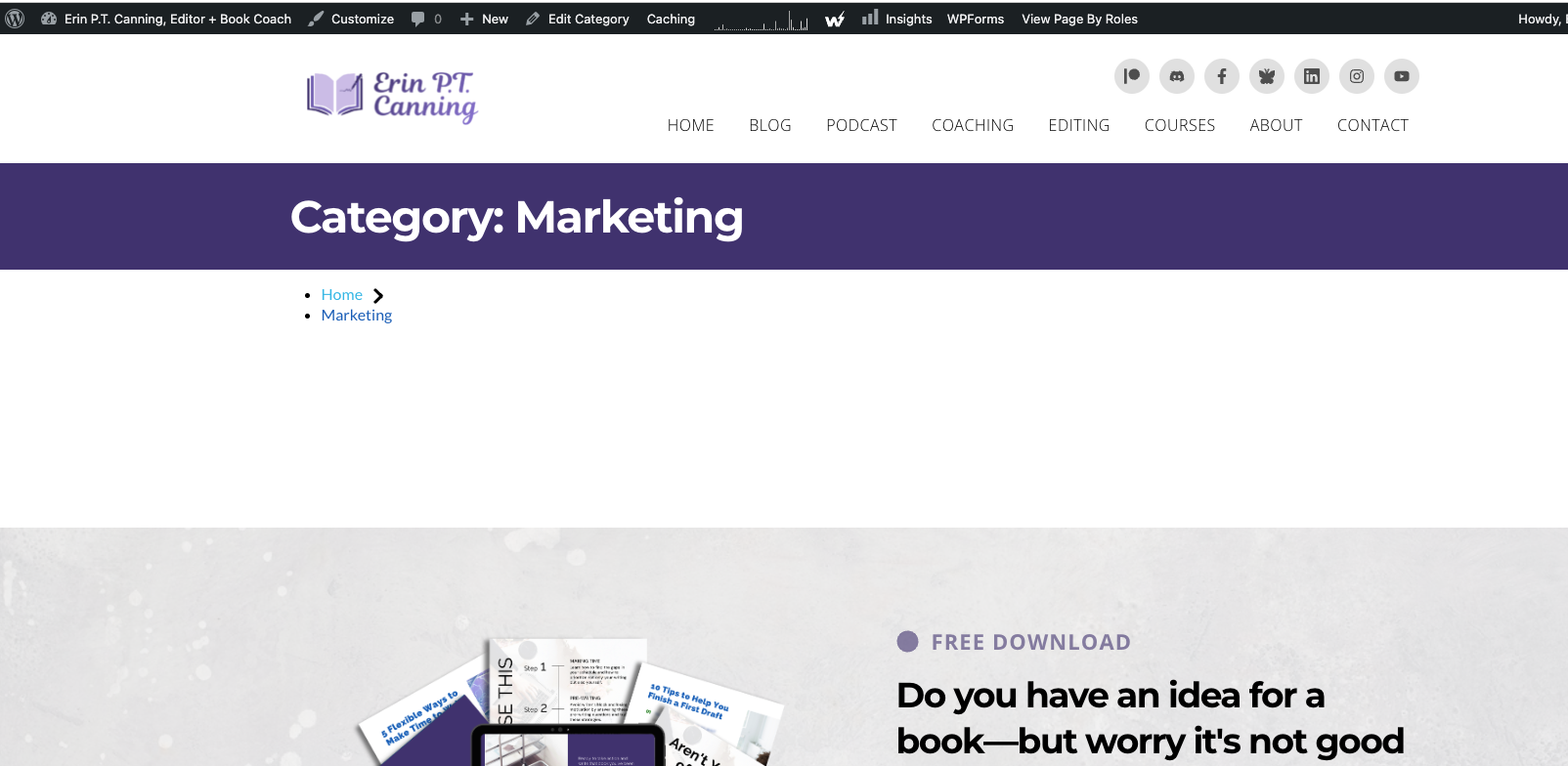
Hi! Mostly everything's looking good, but something's happened to my breadcrumbs on my template pages. See attached images. Image 1 is what my breadcrumbs look like on non-templated pages (and what they used to look like on the templates too). Image 2 is what I see on the backend when I edit the template using Brizy. And image 3 is what the template looks like when the template page looks like live.
 0
0 -
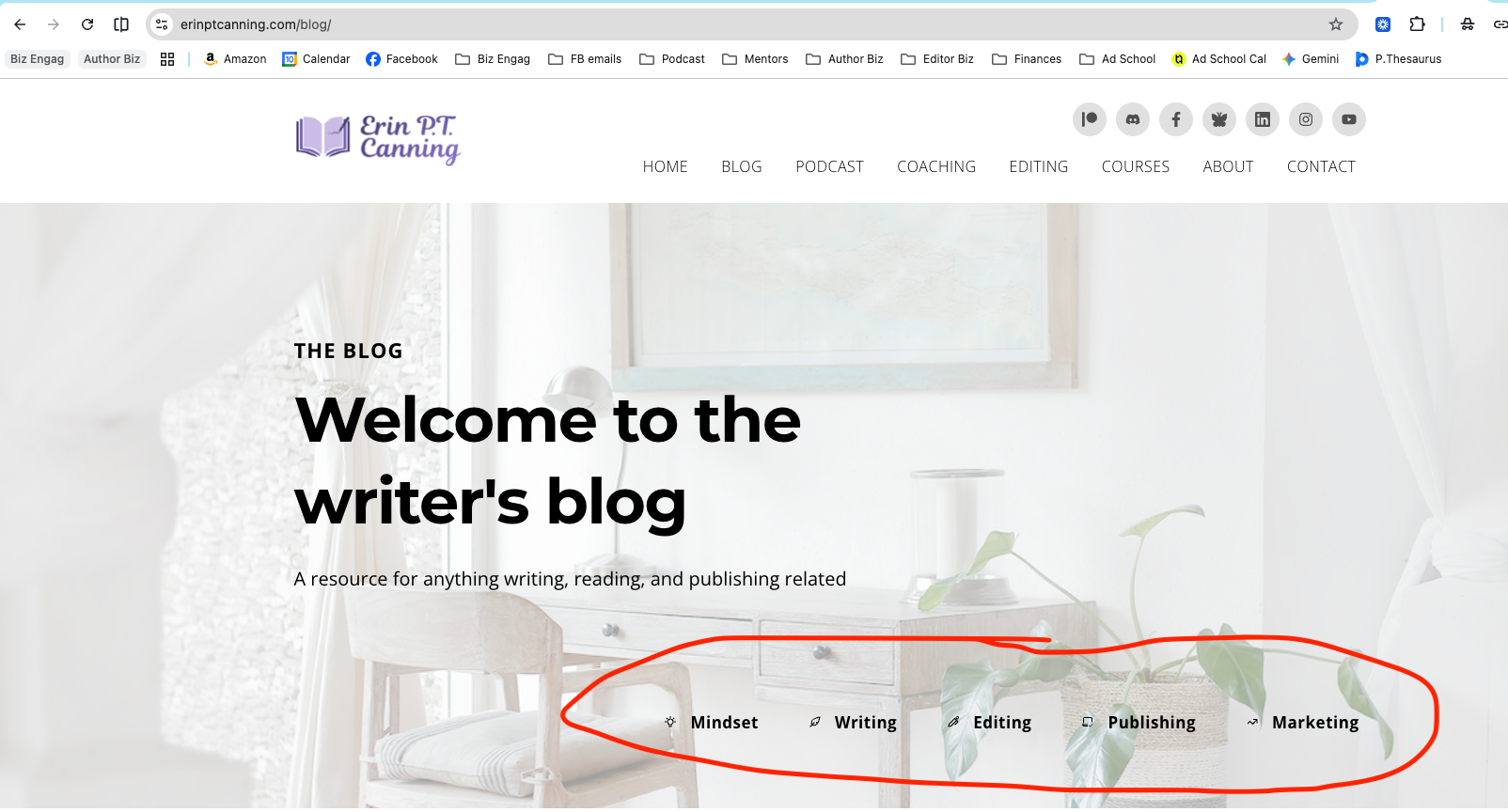
Ps. The template pages are all of the categories under Blog.
 0
0 -
Hello Erin,
Thank you for bringing the issue with Breadcrumbs to our notice. We have escalated this to our developers. We will work on developing a fix for this issue, which will be released as part of a future update.
0 -
Thanks.
0 -
Hello Erin,
When checking now, the breadcrumbs displays correctly in your blog category archives. For example, at https://www.erinptcanning.com/category/writing/
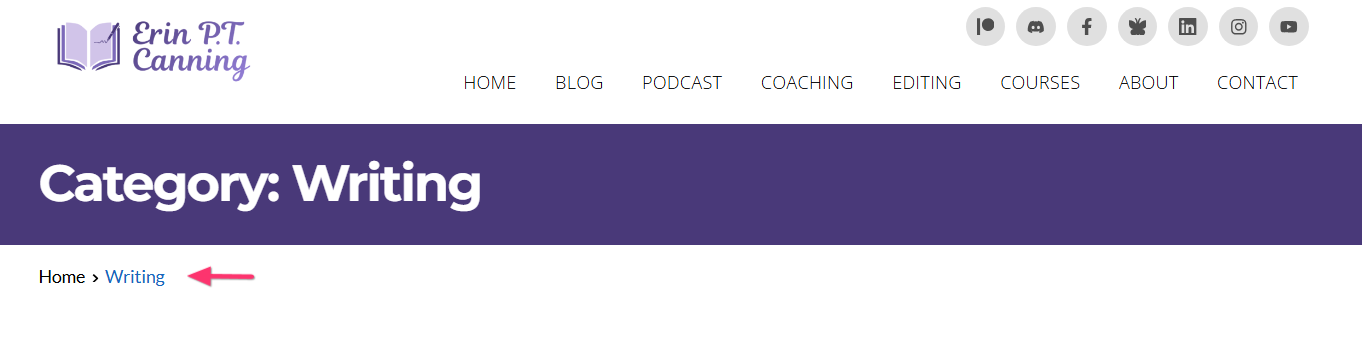
Is the issue already resoved for you?
0 -
Yes, thank you!!!
0
Please sign in to leave a comment.
Comments
9 comments