Problem with latest WP versions

Hi
Hey, I have problems with the latest updates on several WP sites.
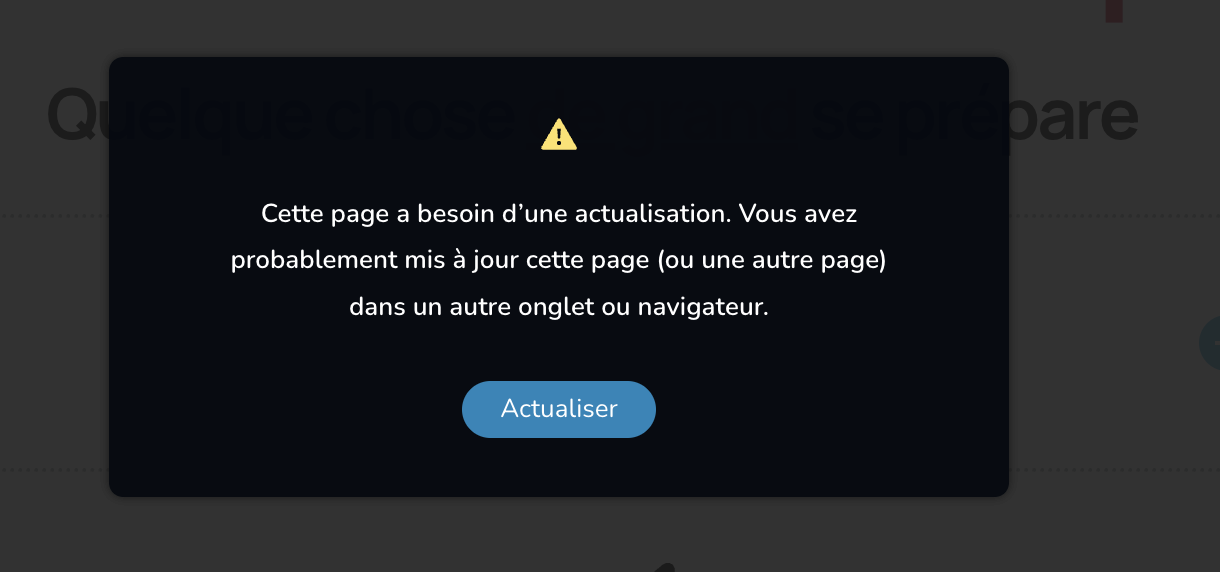
I can't save anything, hitting the update button tells me "this page needs a refresh", and kicks me out of my website on refresh !
Can you help ?
I have no problems on websites I have not updated yet.
Thanks
-
he free version seems to be involved. It happens on a website with only the free version, but also on websites with free and pro installed.
0 -

Hi,
Thank you for contacting us.
Kindly disable all other plugins except Brizy and Brizy Pro to check if one of them might be causing a conflict.
If it still doesn’t resolve the problem, please provide us with temporary access to your WordPress Admin so we can investigate further. Kindly add us as an Administrator user and send the following details to communitysupport@brizy.io.
- Community Post link: https://support.brizy.io/hc/en-us/community/posts/33948484862610
- WordPress Admin URL:
- Username:
- Password:
Looking forward to your reply.
Best regards,
Ariel H.0 -
Hi,
Thank you for your cooperation.
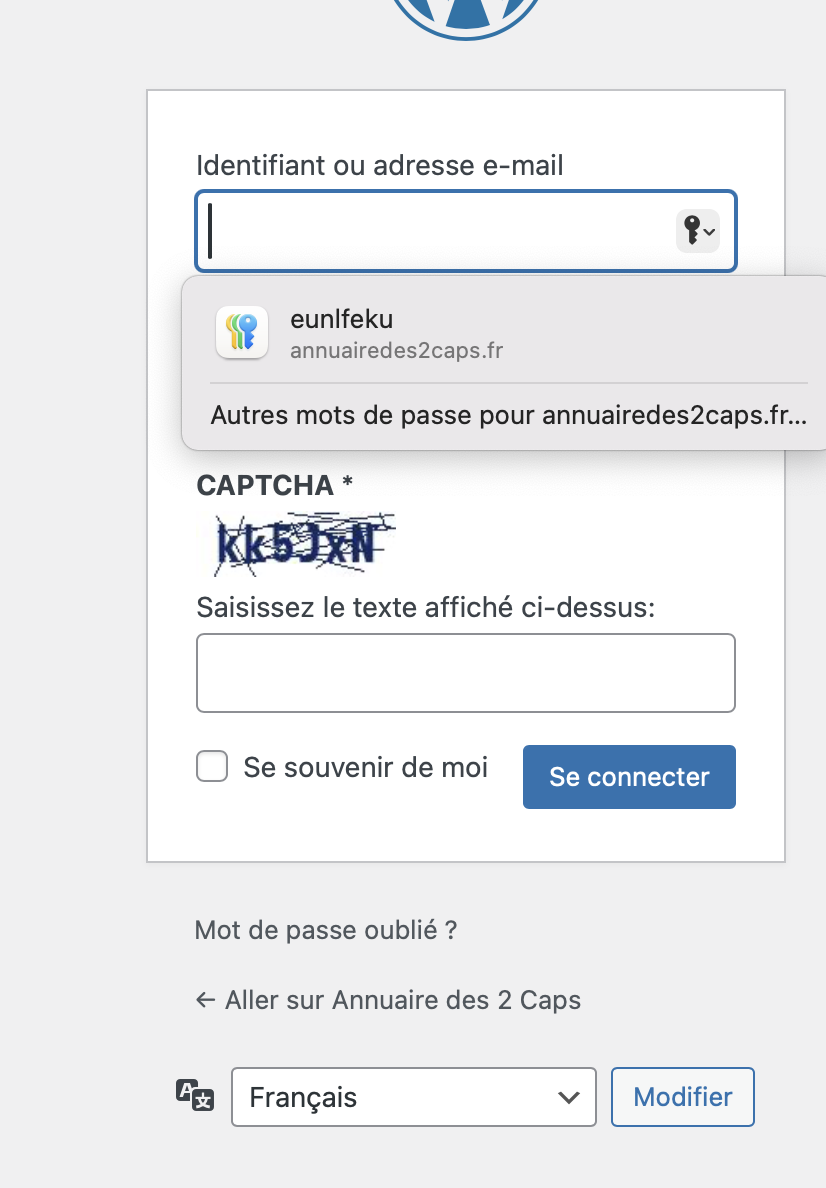
It appears that the issue is caused by a conflict with the Captcha Code plugin. When the plugin is disabled, the issue no longer occurs.
As a workaround, we recommend temporarily disabling this plugin while working on your pages and then enabling it again once you have finished editing and publishing.
You may also want to consider reaching out to the developers of the Captcha Code plugin to inform them about this behavior, as they may be able to investigate further and possibly provide a more permanent solution.
Kind regards
Ariel H.0 -
Hi Yves,
Thank you for the update. We did not update any of the existing pages, we only created a page called _test to reproduce the issue and removed it afterwards. You can see this in the screencast here:https://streamable.com/8ad5sa
I attempted to log in to fix the issue, but it appears that someone is currently working on the pages.
To resolve it, please use the Reorder Blocks option in the editor and simply drag the footer block down to the bottom of the page.
Best regards,
Ariel H.0
Please sign in to leave a comment.
Comments
4 comments