Bullder doesn't work and main page is broken - https://funartlab.it/

Hello,
my wordpress website has your plugin installend, pro version.
Actually the builder doesn't open and it's broken.
Same for the main page, it doesn't load anymore.
Can you kidly provide support?
I prepared an account for you:
-

Hi Michela,
Thank you for contacting us.
Based on what we’re seeing, the issue is most likely related to ModSecurity on the server, as it can sometimes block certain requests made by the editor.
To address the issue, please disable ModSecurity as described in this support article:
https://support.brizy.io/hc/en-us/articles/22590197512210If you prefer not to disable ModSecurity, you may also increase the SecRequestBodyLimit and SecRequestBodyNoFilesLimit values as described in the article.
Additionally, it would also help to ask your hosting provider to update the server’s PHP version from 7.4 to PHP 8.0 or higher, as newer PHP versions are better supported and can help prevent compatibility issues.
If you don't have access to ModSecurity in your hosting panel, please reach out to your hosting provider for assistance.
Best regards,
Ariel H.0 -
Hello Ariel,
thanks for reaching out.
I don't get why the plugin was working fine before last week.
So I have to update PHP and also disable ModSecurity?
Thanks
0 -
Hi Michela,
Thank you for your reply.
It may have worked previously because server rules, PHP configuration, or ModSecurity policies can change after hosting updates or security rule updates.
You don’t necessarily need to disable ModSecurity. If you prefer to keep it enabled, you can instead increase the SecRequestBodyLimit and SecRequestBodyNoFilesLimit values as described in the article we shared earlier.
Since these settings are managed at the server level, it would also be best to reach out to your hosting provider so they can apply the changes for you, including updating the PHP version.
Please let us know if you have any questions.
Best regards,
Ariel H.0 -
Hello,
php is updated to the last version now.
Also, we followed your guide but there is no modsecurity in our host configs, also in the htaccess file.
The plugin still doesn't work, I rly need help, the website is offline since 1 week!!
Can you provide another way to fix this issue?
0 -
I keep getting the popup "Missing project data in config" even I try to create new pages.
0 -
Hi Michela,
Could you please also provide temporary access to your hosting console or cPanel? This will allow us to further investigate the issue on our end.
Best regards,
Ariel H.0 -
Hello,
yes, where I can send you the login?
Thanks
0 -

Hello Michela,
Kindly send the following details to our email: communitysupport@brizy.io
- Support Forum link: https://support.brizy.io/hc/en-us/community/posts/33890096409234
- WordPress Admin URL:
- Username
- Password
Your email should include a link to this thread's URL, otherwise we will be unable to reference your support request. Please notify us in this thread when you send us the email.
0 -
Mail sent as you requested with every login on it
Let me know, thanks
0 -
Hi Michela,
Thank you for sharing the login details.
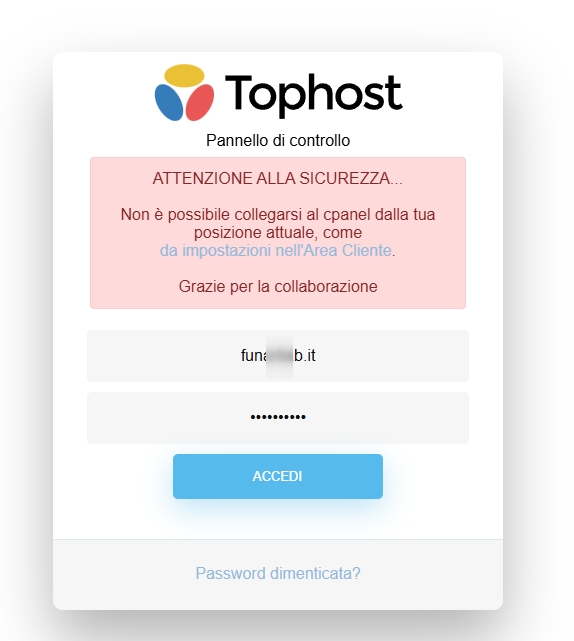
Unfortunately, the credentials didn’t work on our end. Could you please review them and send the correct details again.
Best regards,
Ariel H.0 -
Sent new password, can you retry?
thank you
0 -
Hi Michela,
Thank you for your patience.
I’ve asked one of my colleagues to take a closer look at this issue. I’ll get back to you as soon as I have any updates.
Best regards,
Ariel H.0 -
Hello there,
any news?
0 -
Hi Michela,
Thank you for the update.
It appears that the issue may be caused by a faulty WordPress installation. To resolve this, please try using the WP Reset plugin to reset your WordPress installation and then re-install Brizy and Brizy Pro.
Unfortunately, the homepage that was previously created can no longer be retrieved.
Please let us know once you’ve tried this or if you need any assistance along the way.
Best regards,
Ariel H.0 -
Hello,
there is no way to retrieve the previous homepage as a backup?
0 -
Anyway the update was automatic so how I could prevent this scenario?
0 -
Hi Michaela,
Thank you for the update.I’d recommend using a backup plugin such as All-in-One WP Migration or WPvivid to create a backup of your website each time you make updates. This will allow you to easily restore a previous working version of your site in case anything breaks on the live version.
Unfortunately, there isn’t another way to recover the previous page. My apologies for the inconvenience.
Best regards,
Ariel H.0
Please sign in to leave a comment.
Comments
17 comments