its not possible to set the language of the page to german

Hi,
I have created my website in german, I am about to publish it, but I want to create a translation into english. my brizy cloud account seems to think that the website is in english though, and somehow it is impossible to change the language to german.
I would be glad to receive some help with this.
-
 0
0 -
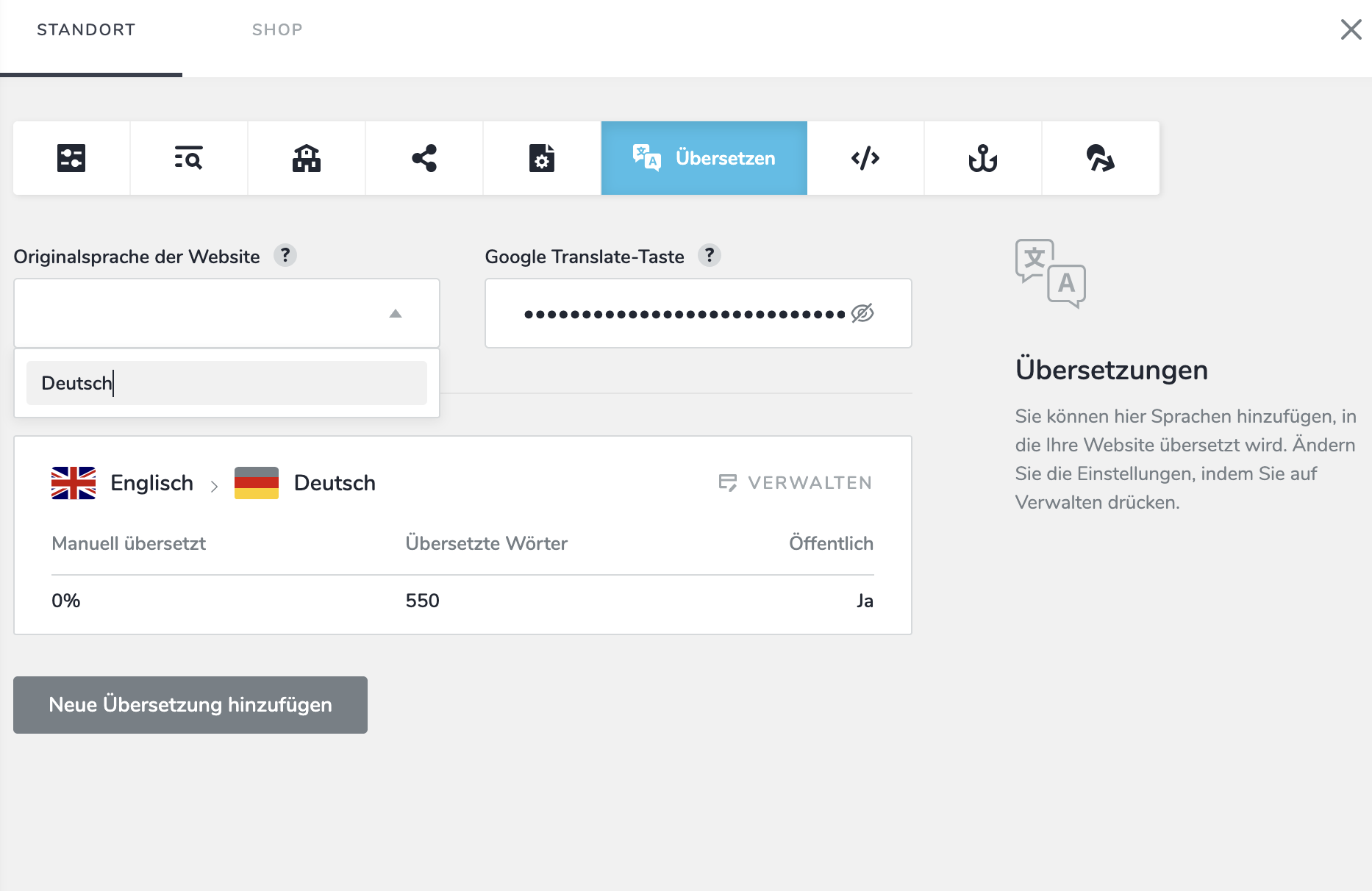
I cant choose german as a language and when i type it in it is not being accepted
in the next step i cannot choose english as the translation-language either, since it believes the website is already in english
0 -

Hello Helena,
Kindly remove the translation you have added by clicking on the "Manage" option.
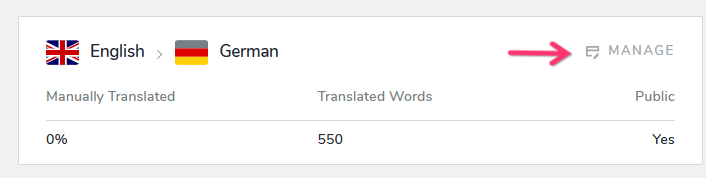
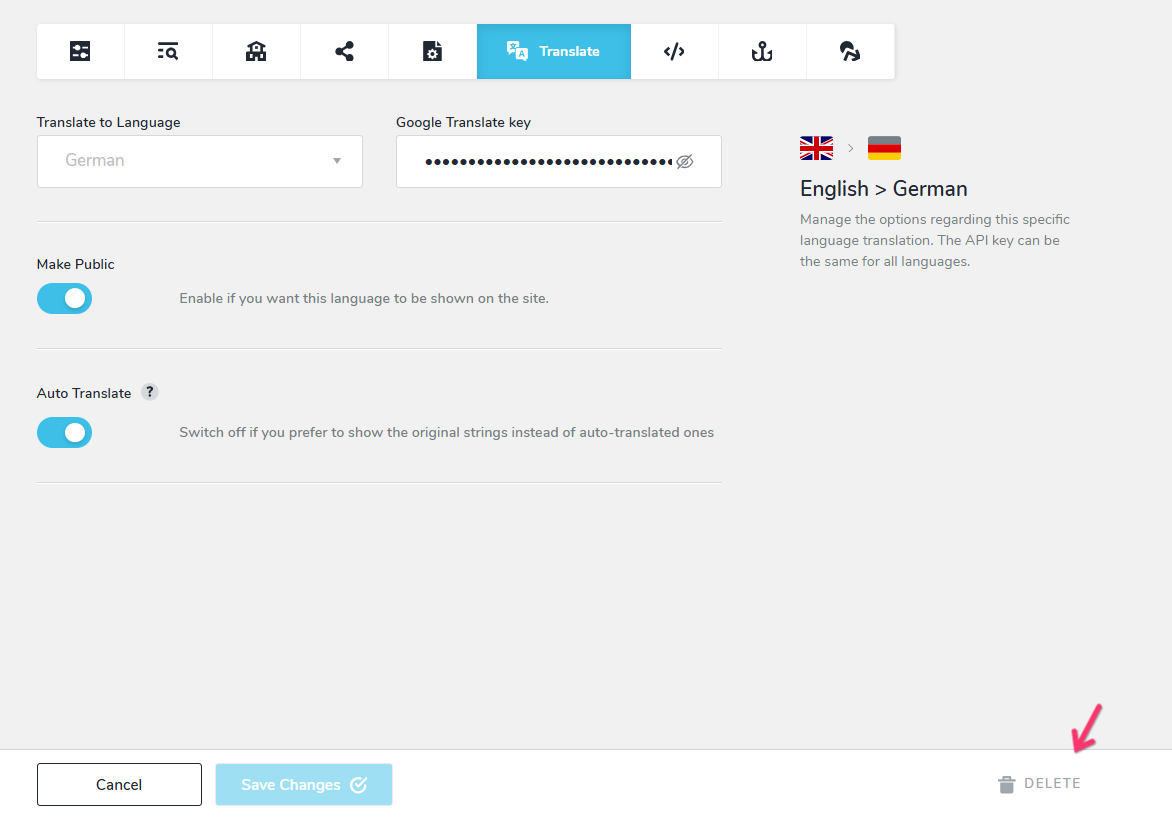
Then select the "Delete" button at the bottom
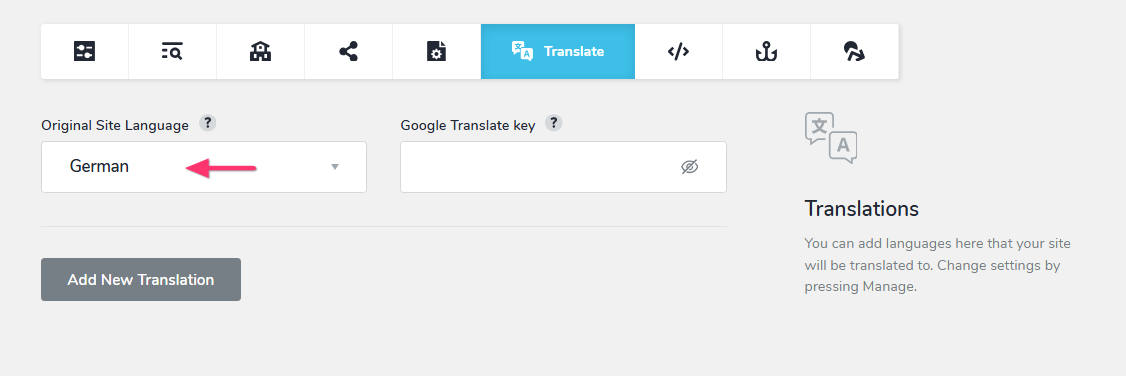
Now set your "Original Site Language" as "German"
 0
0 -
thnak you, it seems to work ;)
0 -
thank you for the help, i could make the necessary changes.
0 -
I have a new issue though.
on one pf my pages one textelement is missing when i view it in the mobile version. it is visible in the desktop and tablet version, but not in the mobile. do you have an idea, what could have happend?
I have fixed my website according to your earlier advise and the text element is one of four textelements in a column... so all the elements have been in their right places so far, no more floating around or dissaperaring as it happend when their position was absolute...
do you have an idea what could have happend here?
thank you for your help
helena
0 -
Hello Helena,
Kindly let us know on which page you are facing the above issue. For the specific text which is missing in the mobile view, please take a screenshot of the same text in the desktop design and share it with us. We will examine why it is missing in the mobile view.
0 -
Dear KC George, thank you for the quick reply.
The issue occurs in the page blog:kreativität
0 -
i cannot send a screenshot of the desktop view, because the file is to big, i have tried sevreal with several fotos... also the tablet view pictures are too big...
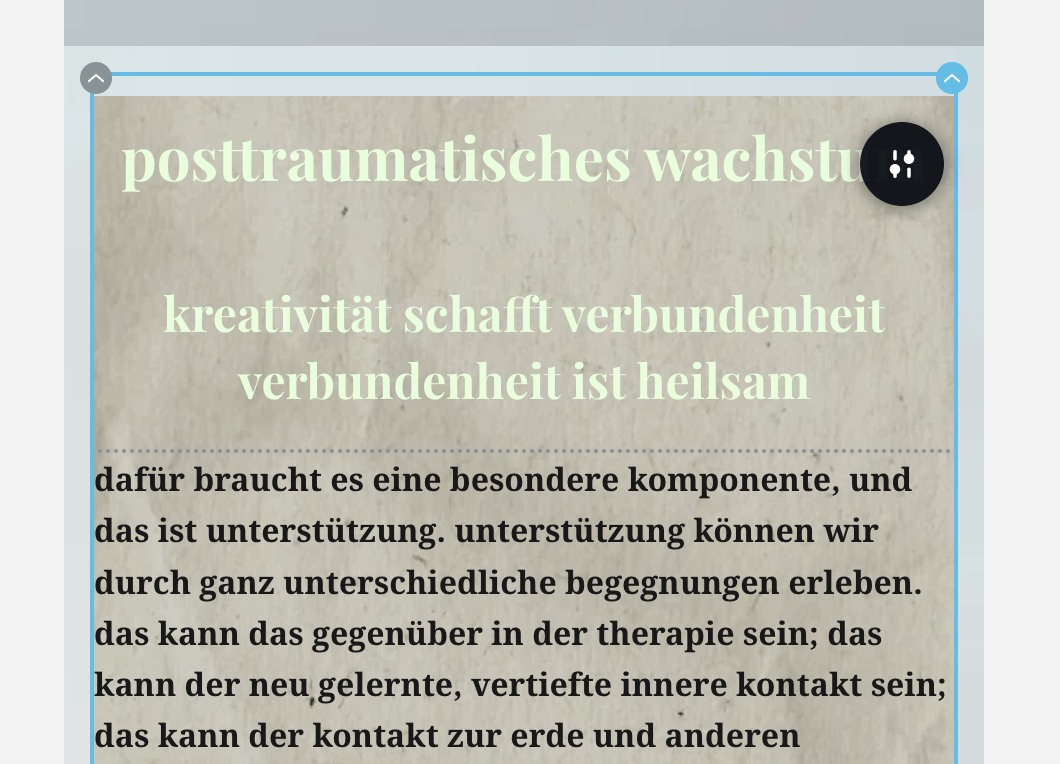
here is a photo of the missing thext between the two headlines in the mobile view...
 0
0 -
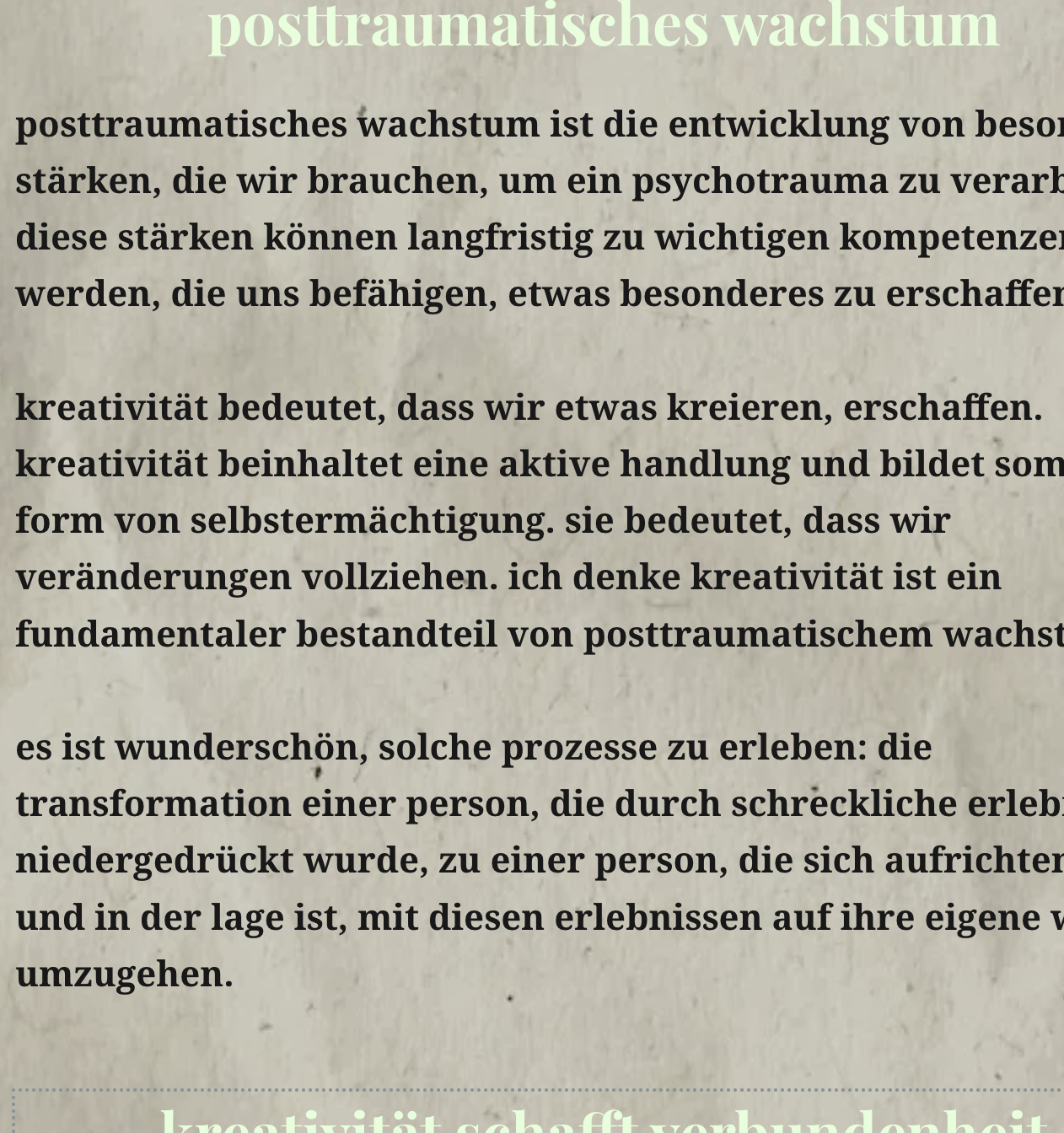
;) i managed to take a smaller pic of the tablet view with the textelement, taht is missing in the mobile view
 0
0 -
Hello Helena,
The issue was due to the formatting of the text that was pasted from an external source. I have cleared the formatting and now it displays correctly in the mobile design view. Please check.
0 -
Hej it is still missing, i just checked... I closed and opened tha project, but it hasn´t appeared...
0 -
Hello Helena,
You may have saved your version of the project by clicking the "Update" button at the lower right corner after I had fixed the issue on your website. Please make sure that none of the project pages are open in any browser window, that you have logged out of the project and confirm it here. After that, I'll make the same change once again.
0 -
alright thank you, i logged out of my project now ;)
0 -
Hello Helena,
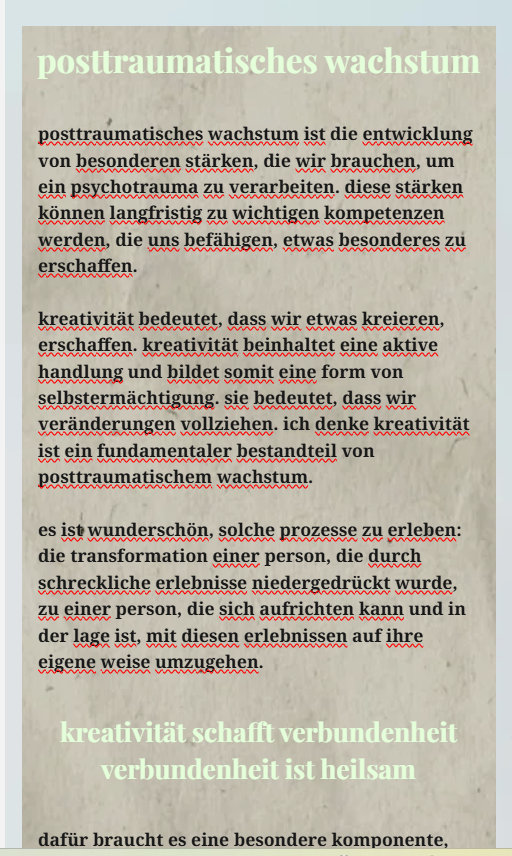
Please check again if you can see the missing text in the mobile design view
 0
0 -
yes it is there, thank you
0 -
hi again, and thank you for your help.
there are still two remaining problems that I would like to solve, before i go online with my website:
no. 1 is the translation: I have enabled the translation for the home page, but in the preview the button does not react, and it says german, although the page is already in german. it is supposed to say english (for en english translation) and of course it is supposed to work.
no.2 are the menus: they work only partially in the previews of all pages. anytime the menu is supposed to open another page, it doesn´t work. it only works for blocks on the same page. the buttons or textelements that are linked to other pages work though...
what did I get wrong?
0 -
Hello Helena,
The reason why the hamburger icon and the language switcher are not clickable is because the image "healing with tree" overlaps with both the elements. You can fix this issue by replacing the negative top margin of -65 px you have applied to this image with a positive top margin of approximately 50 px following the procedure at https://jmp.sh/uu8n1llT. Both the language switcher and the hamburger icon will then become clickable.
0 -
Dear KC George,
thank you, that worked.
I still got some issues with the menu though:
in the menu of the home page the links to three blocks (was passiert pei traumatischem stress?/ therapeutische methoden/ über mich) and the impressum and datenschutz don´t work at all. the link to the blog page opens the homepage in a new tab....
in the menu of the blog page its basically the same thing. the link to the first block (kreativität) doesn´t work and neither do impressum oder datenschutz... the link to the home page opens the blog page in another tab...
in the menues of the impressum and datenschutz pages none of the links work: home / blog / impressum/datenschutz
in the menue of the blog article pages again none of the links work axcept for the home link, but it takes you only to the same page you are on...
would be very thankful if you could also help me with this issue
best,
Helena
0 -
hej I just figured out how to get the home page properly inte the menu, because i chose it from the side bar under pages... and now it works...
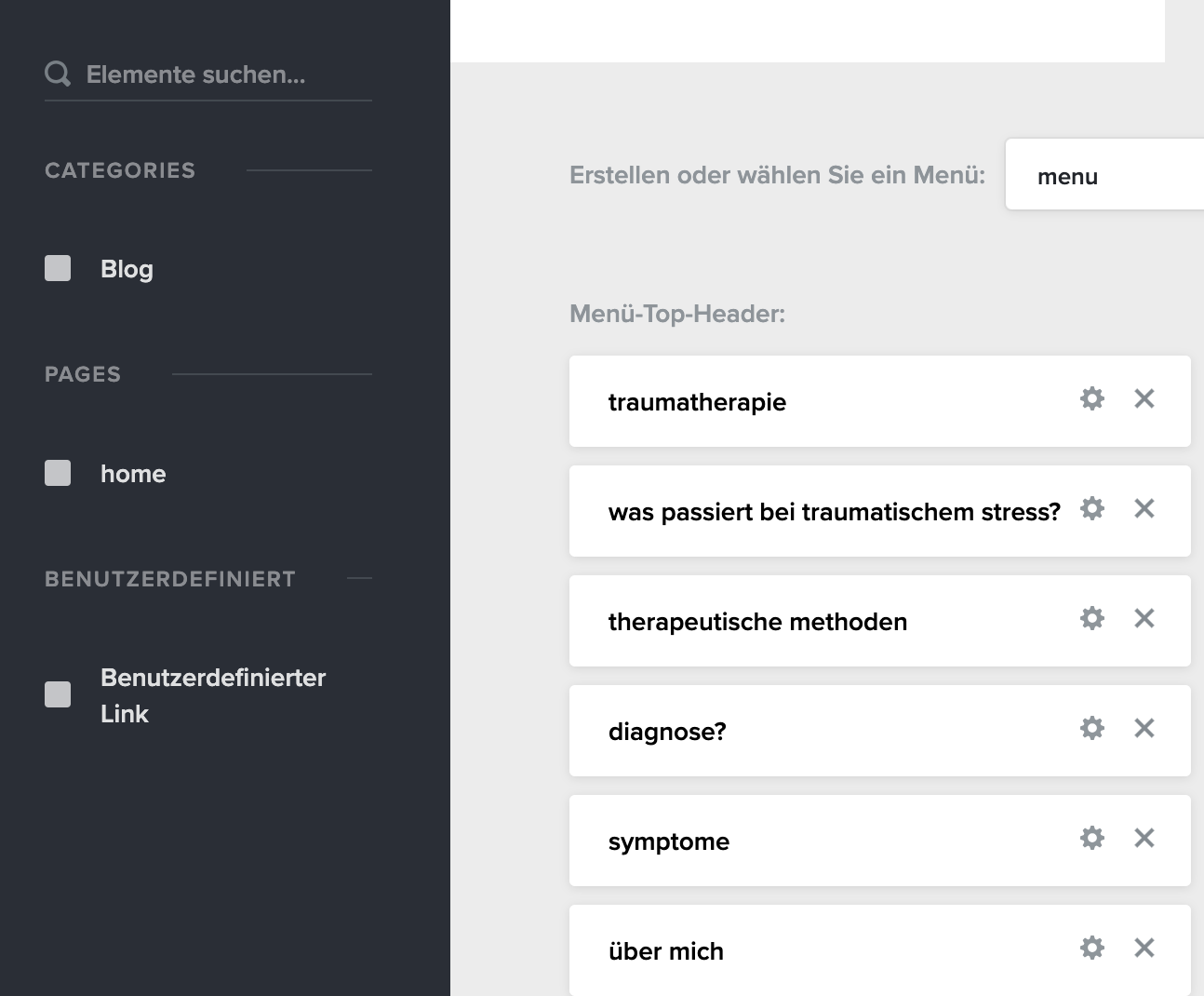
but I still don´t know what to do about the other pages (they are not listed under pages at the side... and i could not manage to list them there myself.
and I still don´t know what to do about the issue with the blocks...
0 -
Hello Helena,
Once you publish other pages, those pages will become available to be added to your menu.
0 -
okay, cool. what does publish actually mean? Because i have not yet uploaded my page - I have my own domain...
0 -
do you have any idea what could have gone wrong with these blocks? I checked their names and rewrote everythign bit still they don´t work...
0 -
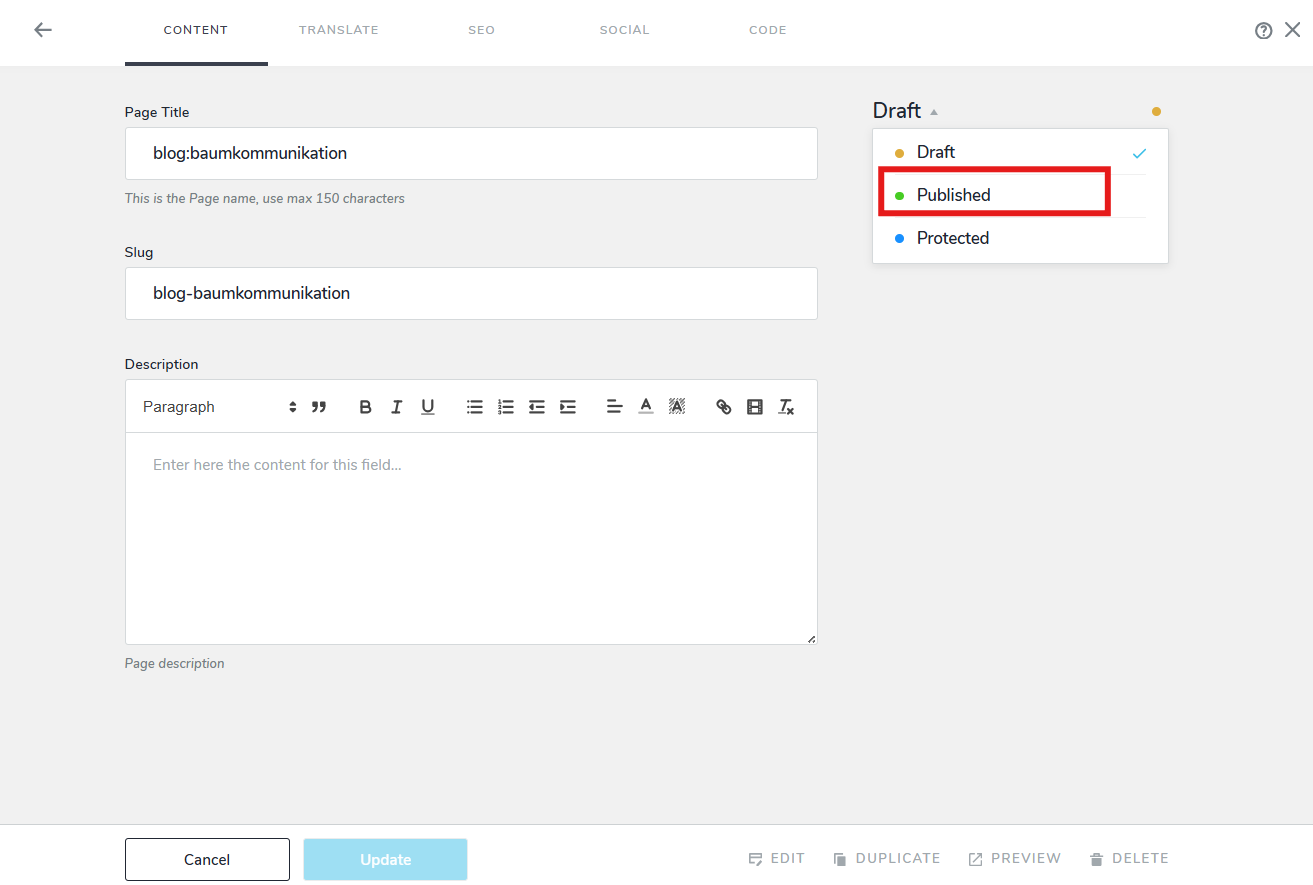
To publish a page, click on its name and set its status to "Published" from "Draft" and click on the "Update" button at the bottom.
 0
0 -
i know how to do it, i just wondered what it means when i haven´t yet uploaded the page - is it visible online after i click on publish?
0 -
I checked menu links to a few of your blocks on your homepage; all appear working fine. What is the issue you are facing with blocks?
0 -
in the menu of the home page the links to three blocks (was passiert pei traumatischem stress?/ therapeutische methoden/ über mich) don´t work at all.
in the menu of the blog page the link to the first block (kreativität) doesn´t work...
0 -
Your website will be accessible at the URL https://oxa51b980a.brizy.site after your pages are published. When you add a custom domain later, the website will be accessible on your custom domain.
0 -
Hello Helena,
Anchor links cannot have spaces. Kindly rename these blocks
- from "was passiert bei traumatischem stress?" to "was-passiert-bei-traumatischem-stress". The anchor link should be https://oxa51b980a.brizy.site/#was-passiert-bei-traumatischem-stress
- from "therapeutische methoden" to "therapeutische-methoden" and the anchor link should be https://oxa51b980a.brizy.site/#therapeutische-methoden
- from "über mich" to "uber-mich" and the anchor link should be https://oxa51b980a.brizy.site/#uber-mich
0 -
ah great, thank you for the explanation.
i will also check if i have accidentally put a space somewhere in the name of the block kreativität on the blog page.
0
Please sign in to leave a comment.
Comments
44 comments