Updated Brizy Plugins and Chrome and site styles are not loading

Hello I updated both brizy plugins for WP. I also updated to the latest Chrome as well and now my site is not being displayed correctly. The content is there by the styling seems to be lost. However when I go to Safari it displays correctly, Brave browser it does not display correctly. Any idea what is happening?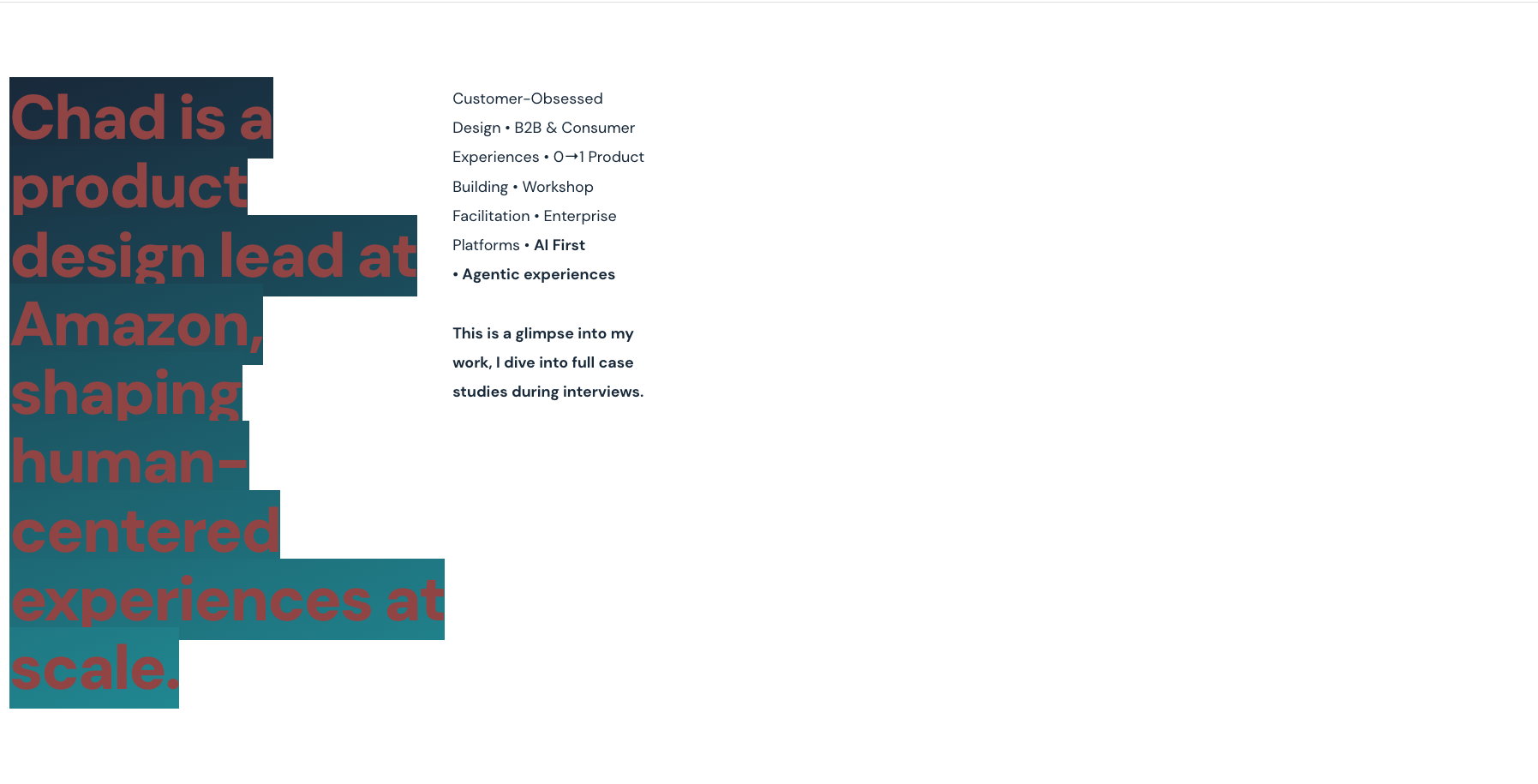

-

Hi Chad,
Thank you for contacting us.
Could you please provide temporary access to your WP Admin so we can take a closer look at your site? Kindly add us as an Admin user in your WordPress Dashboard and send the details to communitysupport@brizy.io:
- Community Post link: https://support.brizy.io/hc/en-us/community/posts/32817678092306
- WordPress Admin URL:
- Username:
- Password:
Best regards,
Ariel H.0 -
Hi Chad,
I just wanted to follow up regarding the temporary WordPress Admin access we requested so we can check the issue mentioned in your community post. Please let us know once you’ve added us as an Admin user and sent the details to communitysupport@brizy.io.
Best regards,
Ariel H.0 -

This is happening to me as well: https://miunitedaction.org
0 -

Hello Tbop,
I see the design at https://jmp.sh/UV928RjA when visiting https://miunitedaction.org. Are you not seeing this desing when visiting the website? If the issue is not resolved, kindly give us more details.
0 -
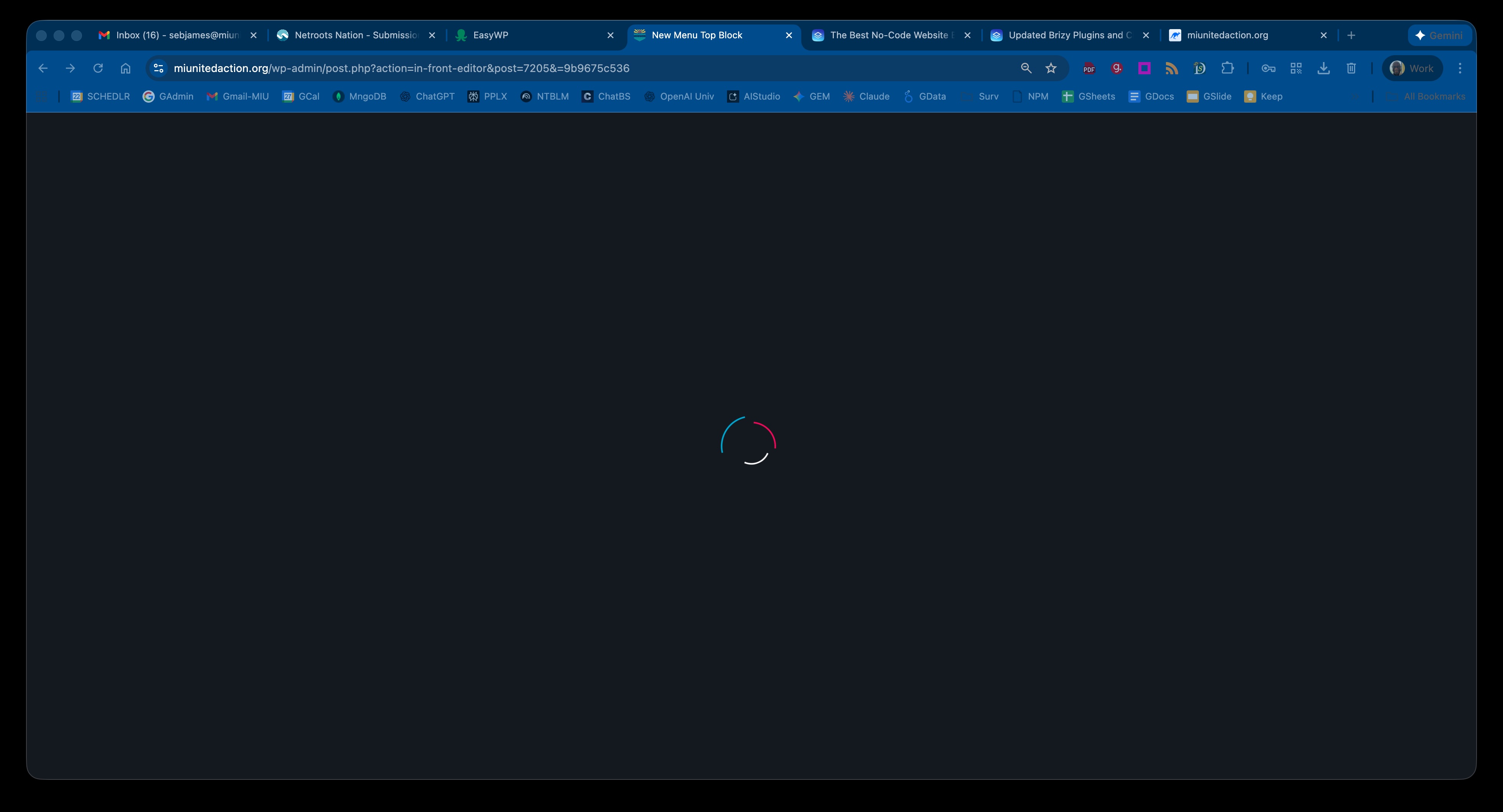
I see that. What I can't do is get from the page/post Edit page to the Brizy substrate.
I could for a short period of time last night. This morning, locked out again.
As soon as I saw this, I came here. Went back to take a screenshot.
 0
0 -
I can access my Michigan United install, but not the Michigan United Action. BTW, it's still spinning. I've cleared my cache in Chrome and my ClearCache plugin. Been running fine since '24.
0 -
Hi,
Thank you the update.
This issue often happens on sites using Wordfence or similar security plugins. Disabling the firewall or setting it to learning mode can usually resolve the problem. More information is available here: https://help.elegantthemes.com/en/articles/2395855-how-to-fix-saving-issues-while-wordfence-plugin-is-enabled.
If this is not the case, please confirm if you can replicate the issue with all other plugins besides Brizy and Brizy Pro disabled? Also, try using another theme and see if this makes any difference?
If the issue continues, this is something we need to inspect from your WP Admin page. Please add us as an Admin user to your WordPress Dashboard and send the following details to: communitysupport@brizy.io
Community Post https://support.brizy.io/hc/en-us/community/posts/32817678092306
WordPress Admin URL:
Username:
Password:Please make a full backup of your site as a precaution.
Best regards,
Ariel H.0 -
Holy schmolers!
Thanks brother! We got hit hard in '25. Someone came in and deleted a bunch of stuff at random; ruined our SEO for awhile. We added this to fight back. This makes a lot of sense. Will respond regardless.
0 -
Thanks! That was the fix!
0 -
UNFORTUNATELY, that was a temporary fix. Whatever it is, even after I deactivate my Security plugin, I still get the spinning nothing ball.
0 -
Hi,
Please follow the steps outlined in the previous thread to securely share your site’s login details with us, so we can take a closer look.
Best regards,
Ariel H.0
Please sign in to leave a comment.
Comments
11 comments