Popup not working after Brizy updates

Hi
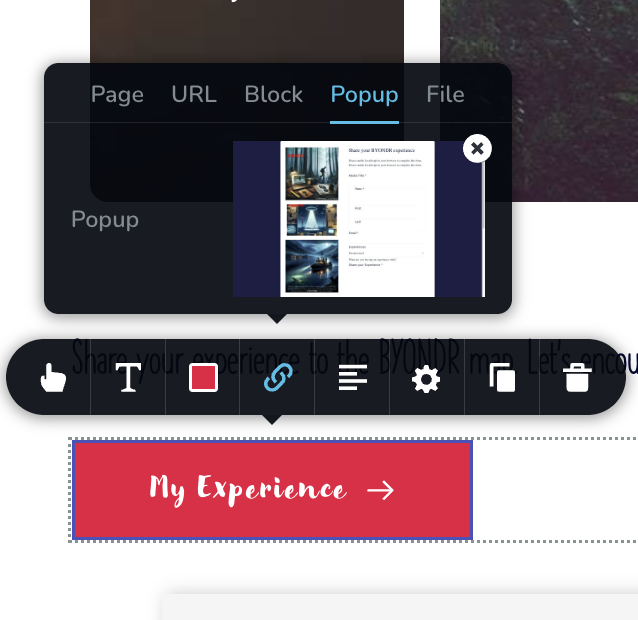
After some Brizy updates neither of my popups work. I've tried deleting the popup and adding it again but it's still not working. The first one should popup on siteload (registration). Second should load on My Experience button press. Site is www.byondr.io. These are the popups: 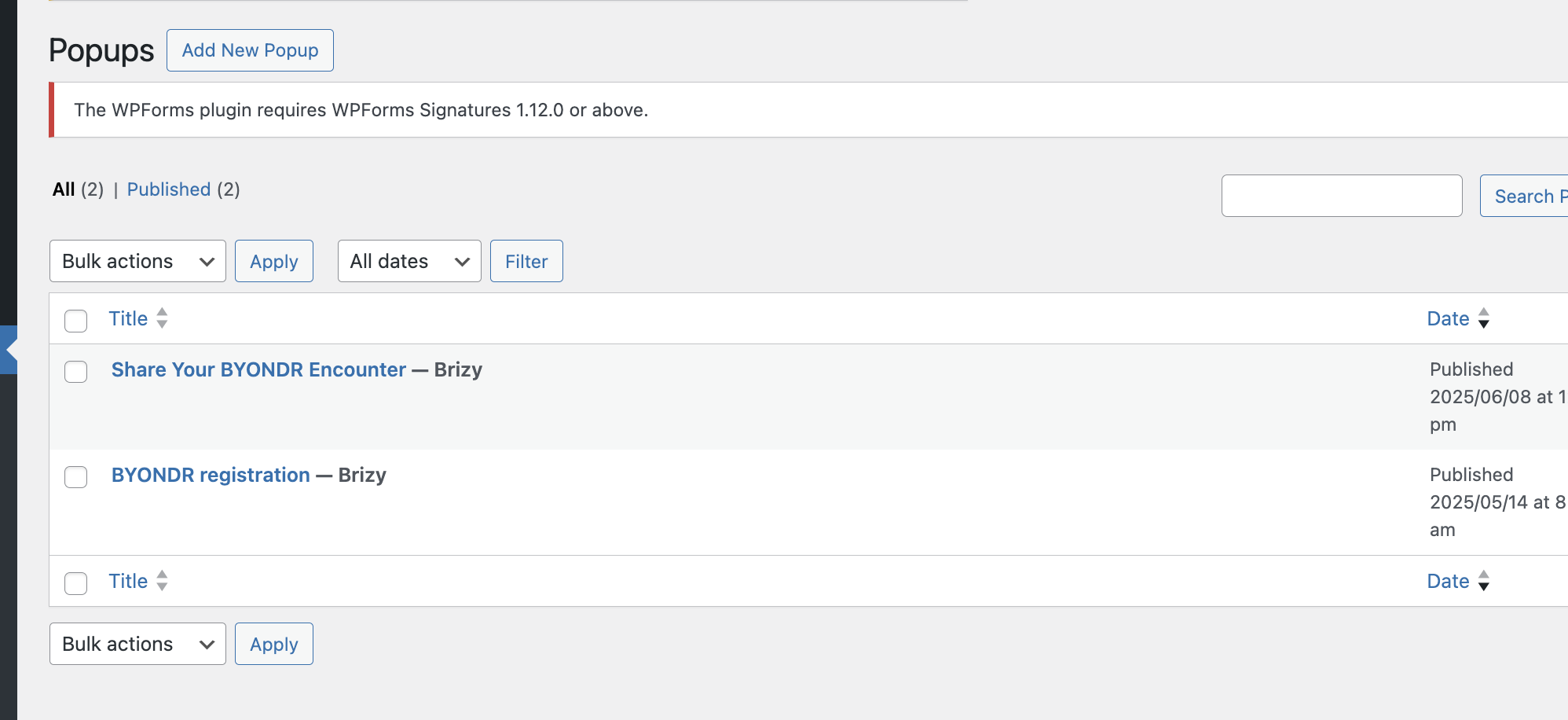
-

Hi Paul,
Thank you for contacting us.
Please try making a small change to the block that contains your button. Set the block width to 90%, then click Update to save the changes. After that, preview the front end and check if the popup works.
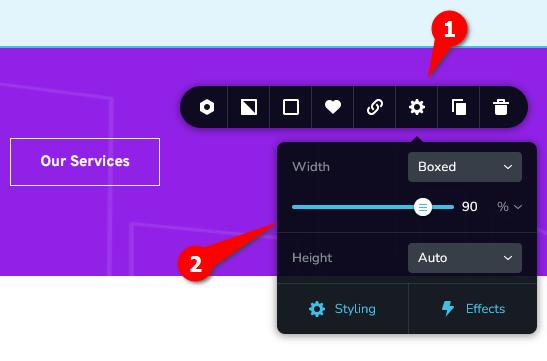
If it does, go back to the editor, revert the block width to 100%, and click Update again. This process forces the block to recompile, which can often resolve popup and layout issues.
If this didn't help, please provide us with temporary access to your WordPress Admin so we can take a closer look. Kindly add us as an Administrator user and send the following details to communitysupport@brizy.io.
Community Post link: https://support.brizy.io/hc/en-us/community/posts/31784253824530
WordPress Admin URL:
Username:
Password:Looking forward to your reply.
Best regards,
Ariel H.0 -
Hi Ariel,
Your first solution didn't resolve the issues so I've followed your instructions and sent access to the email you've provided.
Looking forward to your support.
Thanks,
Paul
0 -
Actually you are already registered as a user so I've sent a password update to you. Please let me know if you have any access issues.
0 -
Hi Paul,
Thank you for your cooperation.
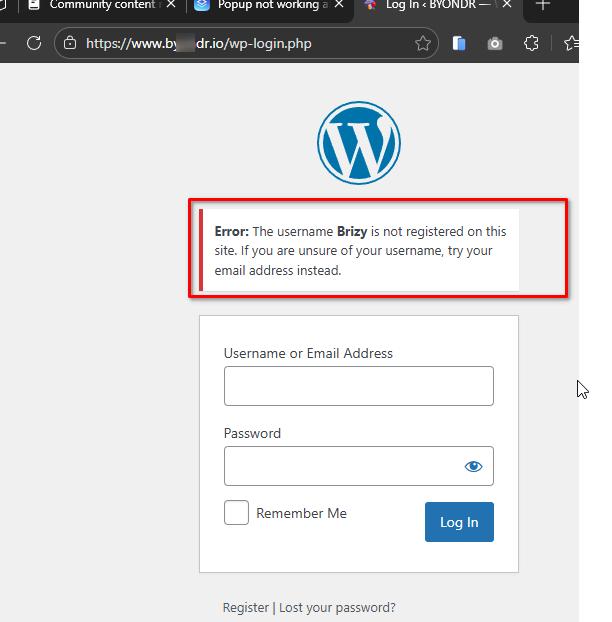
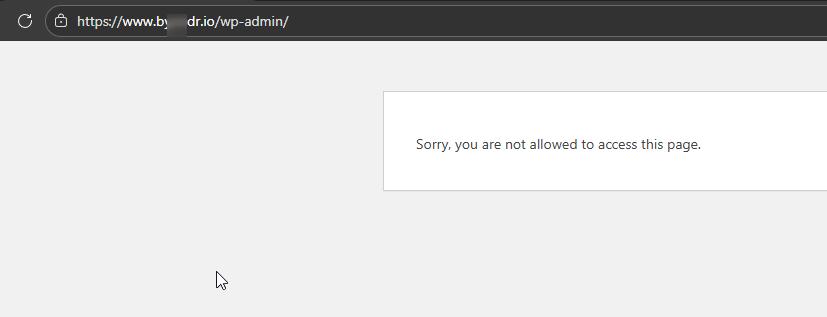
It seems the password isn’t working on our end. Could you please review and resend the correct details so we can proceed with inspecting your site?
Best regards,
Ariel H.0 -
Hi Paul, please also update the new user account to an administrator.
 0
0 -
Hi Paul,
I just wanted to follow up regarding the temporary WordPress Admin access we requested so we can check the issue on your website.
Best regards,
Ariel H.0
Please sign in to leave a comment.
Comments
6 comments