Home page URL creating a string of extra unwanted text

Hi,
I am getting a string of extra text after my home page URL. I have cleared my cache etc and tried incognito, I even switched off my chrome extensions, however it still shows. I understand that it is a known issue. How do i resolve it please?
Kind regards Nigel.
https://www.brainslim.com/#dupxuffnsrfedrkxolifymghrwqbcozhmcpu_dupxuffnsrfedrkxolifymghrwqbcozhmcpu
-

Hello Nigel,
We are not aware of a known issue of URL paramters being added to homepages. I tried to reproduce the issue by following these steps, but could not
- Clicked on the URL https://www.brainslim.com/ and the website opens without any URL paramters.
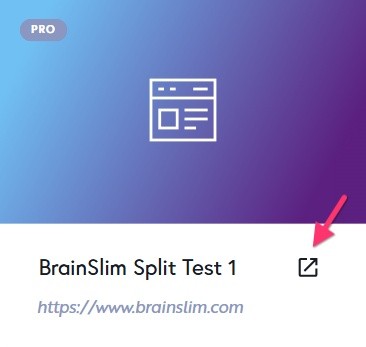
- Clicked on the "Preview" icon in your project thumbnail and the website loaded without any URL paramters.
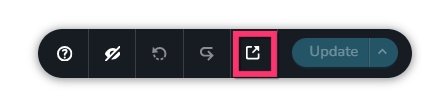
- Clicked on the "Preview" icon at the bottom right corner of the editor and the website opened without any URL parameters.
Kindly let us know the steps we must follow to see the URL parameters being added to your homepage.
0 -
Hi,
Thank you for checking this. I'm happy that it is not showing up when you investigated this. My computer is old now, so I guess it's an issue with my computer some how.
In closing may I ask one more question.
My website: https://the successmindcoach.com is not working on Brizy Cloud as it was built on your legacy infrastructure. I have tried to update it by porting it over, however it's not updating to your new system.
https://www.thesuccessmindcoach.com/?system_page_access_token=ddc8d745dd3f297ba8f1c3f9912a814eThe project is running a legacy version of Cloud and cannot be properly processed.
Kind regards
Nigel0 -

Hi Nigel,
Kindly follow these steps to migrate a legacy project to the current format
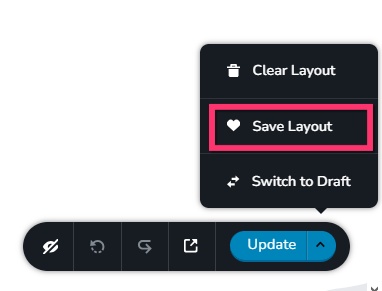
1. Save the homepage as a design layout in the deprecated project by selecting the "Save Layout" option towards the bottom right corner.
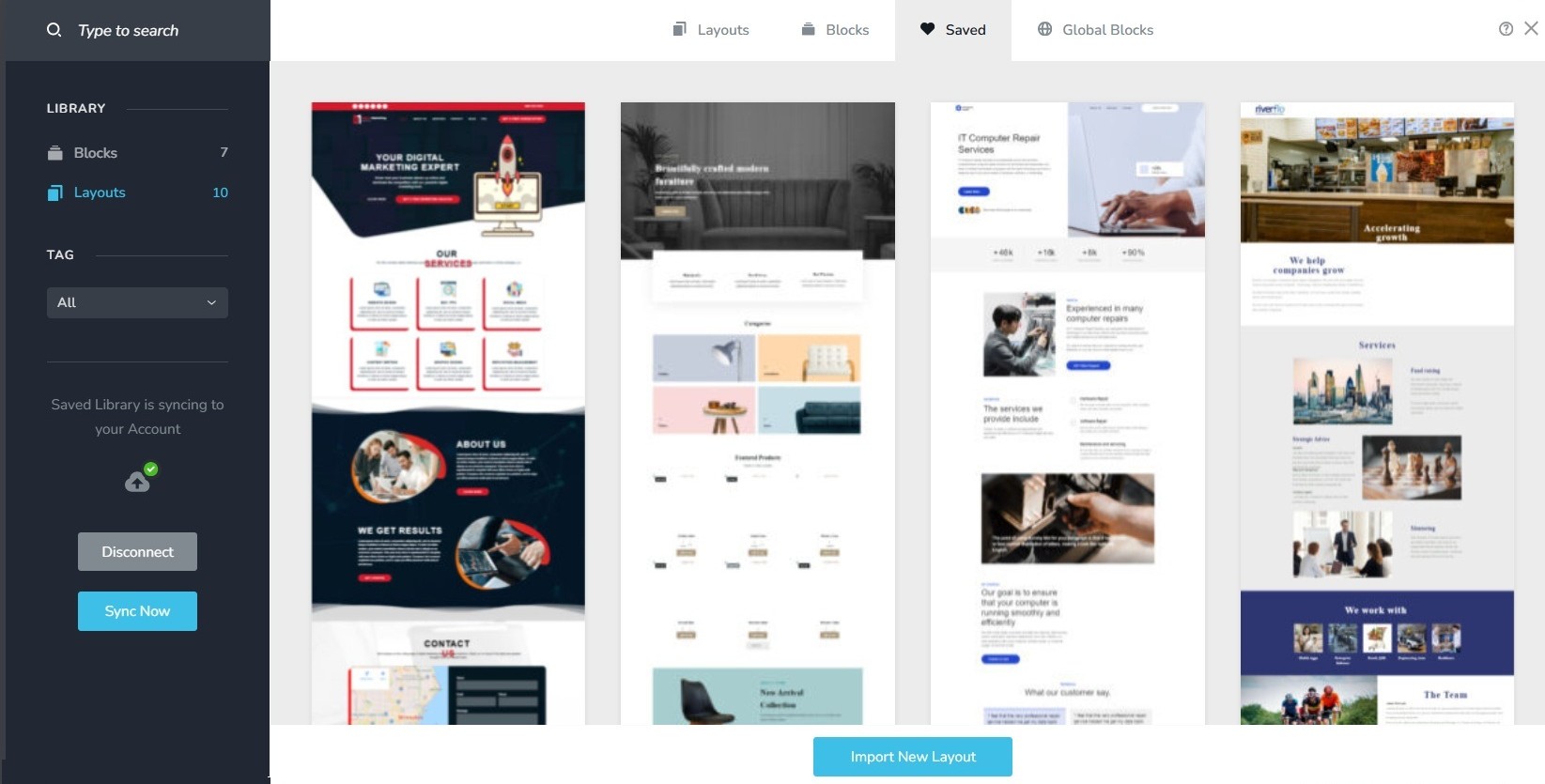
2 In a new browser tab, open the Brizy Cloud dashboard and add a new project and and import the page layout saved in step 1, by selecting the appropriate design from the "Saved Blocks and Layout Library"
3. Repeat steps 1 and 2 for all pages. While transferring content, please also transfer meta data like SEO title and description, social sharing images etc.
4. Copy paste the global styles and typography from the deprecated to the new project
5. Recreate menu, setup global blocks and display conditions ( if you were you using global blocks)
6. Re-setup the email notifications for Brizy forms in the new project
7. Once all content is successfully migrated, add the custom domain to the new project following the procedure at https://support.brizy.io/hc/en-us/articles/360041764052-Add-A-Custom-Domain
You could also look at https://jumpshare.com/o4DkpPqC where we walk you through the migration process.
Best regards,
Ariel H.0 -
Hi, I am still getting a string of random text after my URL:
Your website hosting: https://www.brainslim.com/#dupxuffnsrfedrkxolifymghrwqbcozhmcpu_dupxuffnsrfedrkxolifymghrwqbcozhmcpu
Incognito: https://www.brainslim.com/#dupxuffnsrfedrkxolifymghrwqbcozhmcpu_dupxuffnsrfedrkxolifymghrwqbcozhmcpu
Also the first two sales buttons on my site don't work. They should go to the offer section. All other buttons work as they should.
I wasted $50 in Facebook ads, as people clicked on the buttons and left the page when they didn't work :-(I know you have tried to replicate the issue, however it has not gone away for me.
Please can you fix this.
Kind regards
Nigel.0 -
Hello Nigel,
Could you perhaps create a screen recording to demonstrate the problem of random text strings appearing after the URL? You could use a service like https://www.loom.com/ to create a screen recordind. We cannot investigate the issue because we are unable to replicate it on our end.
Before you can hyperlink to a block within a page, you must first name it. I've named your offer block "free-offer" and now all buttons on your homepage should lead to https://www.brainslim.com/#free-offer.
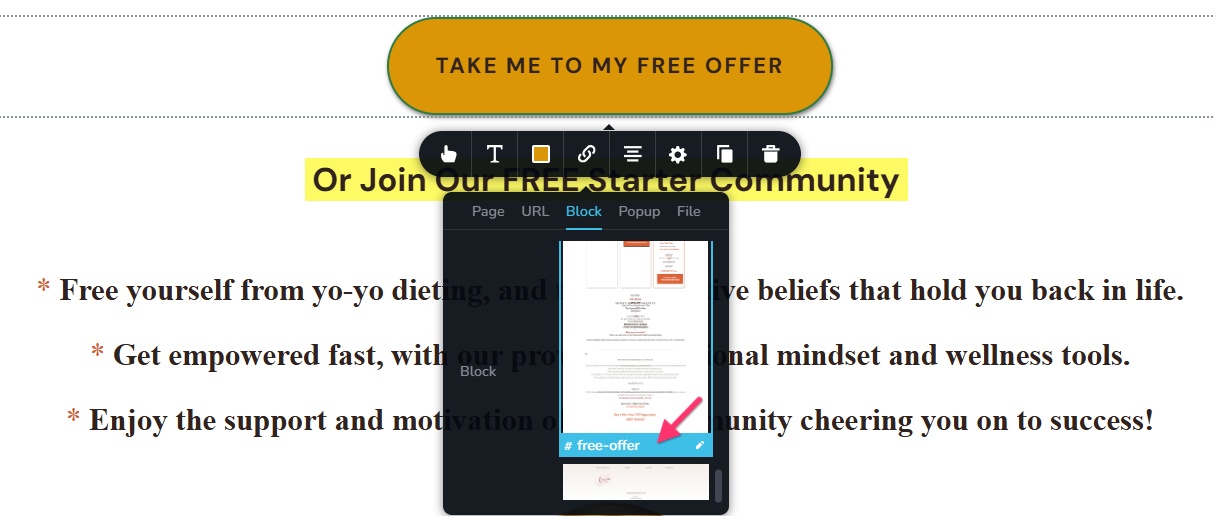 0
0 -
Hi,
I didn't name a block, i just clicked on the block that i wanted to hyper link, it highlighted the block with a boarder and a tick and it worked. That's why i couldn't understand why it wasn't working for the top two button, done the same way.
The links to the blocks are working now, and the string of text URL has stopped in both your hosting and incognito.
Very strange. I'll keep you posted on any changes and will video it, should it happen again.
Thank you for your help.
Kind regards
Nigel
0
Please sign in to leave a comment.
Comments
6 comments