Migration Not An Option

I did not see that I needed to migrate my sites until today. Since the pink ribbon to migrate is not there, how am I supposed to migrate my sites?
-

Hello Emily,
The only option now is to migrate the project to the current format manually. Kindly follow these steps.
- Save the homepage as a design layout in the deprecated project by selecting the "Save Layout" opiton towards the bottom right corner.
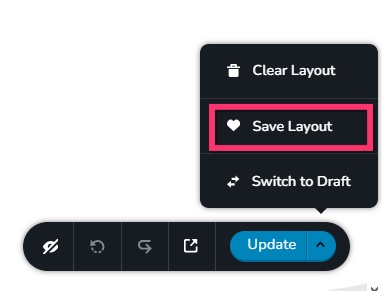
- In a new browser tab, open the Brizy Cloud dashboard and add a new project and and import the page layout saved in step 1, by selecting the appropriate design from the "Saved Blocks and Layout Library"
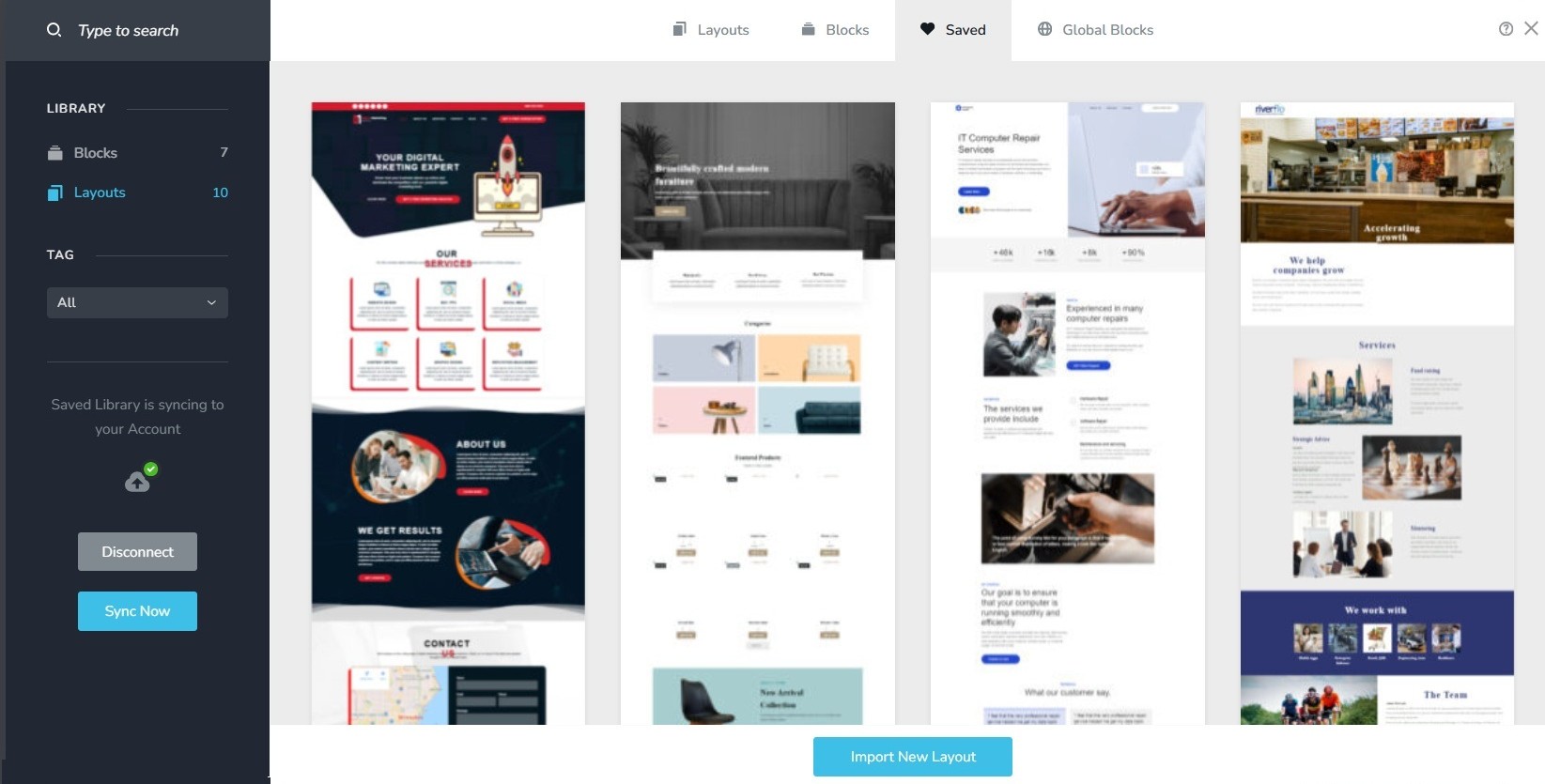
- Repeat steps 1 and 2 for all pages. While transferring content, please also transfer meta data like SEO title and description, social sharing images etc.
- Copy paste the global styles and typography from the deprecated to the new project
- Recreate menu, setup global blocks and display conditions ( if you were you using global blocks)
- Re-setup the email notifications for Brizy forms in the new project
- Once all content is succesffuly migrated, add the custom domain to the new project following the procedure at https://support.brizy.io/hc/en-us/articles/360041764052-Add-A-Custom-Domain
You could also look at https://jumpshare.com/o4DkpPqC where I walk you through the migration process.
0 - Save the homepage as a design layout in the deprecated project by selecting the "Save Layout" opiton towards the bottom right corner.
-
I cannot get into my original site. It says "something went wrong" and won't open. Please help me migrate!
0 -

Hi Emily,
Thank you for the update.
I wanted to inform you that, unfortunately, migration is no longer possible for this project. We initially announced this change in mid-June and later extended the migration deadline to October 15th to give users additional time. Since that deadline has passed, the migration tool has been fully withdrawn.
At this point, legacy sites are no longer accessible in the editor, which means they can’t be migrated or edited further. The only available option now is to rebuild the website from scratch. I understand this isn’t ideal, and I’m very sorry for the inconvenience this may cause.
If you’d like, I can outline the best approach for rebuilding the site or help answer any questions as you get started.
Best regards,
Ariel H.0
Please sign in to leave a comment.
Comments
3 comments