Auto Migration for Legacy projects

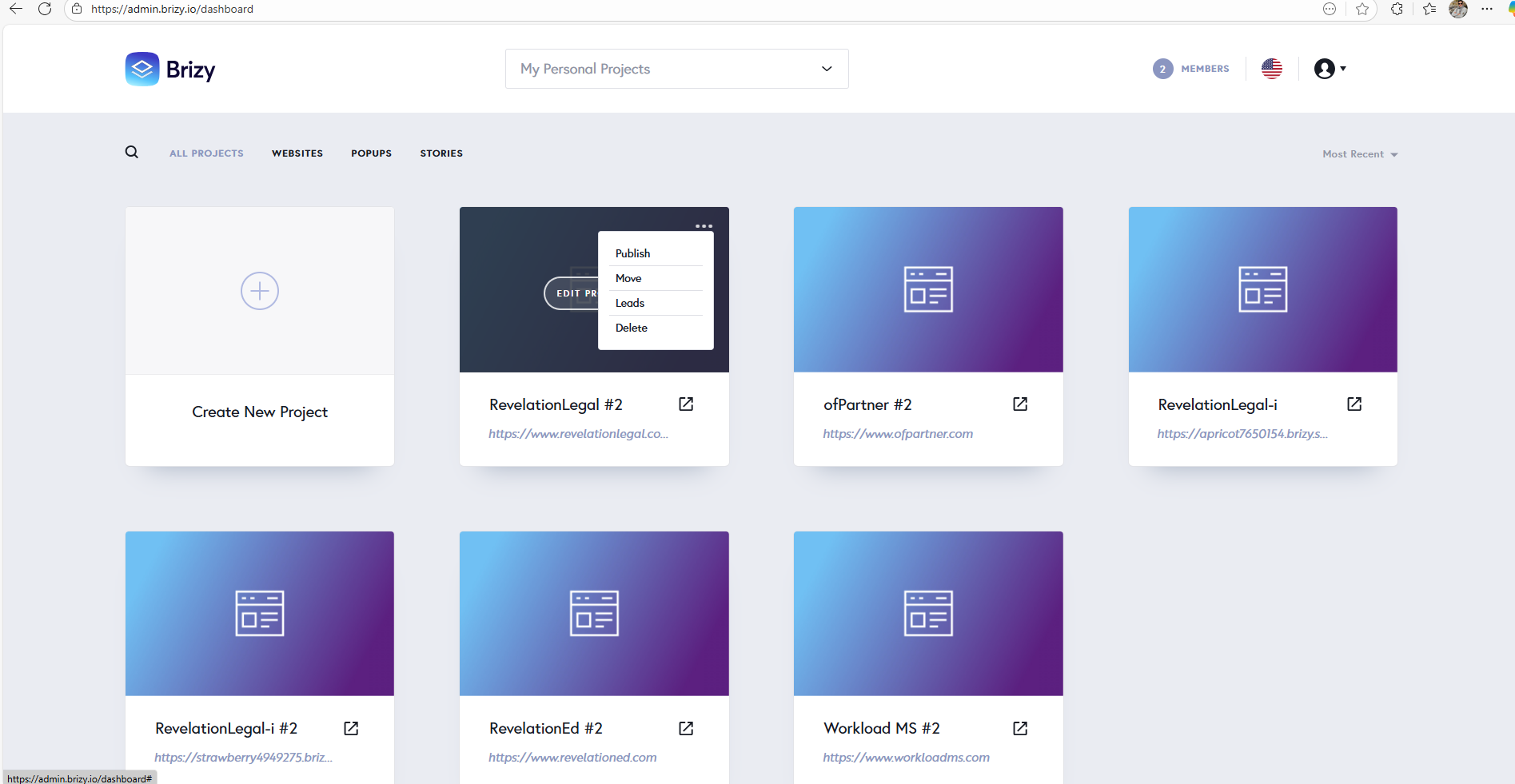
While launching the project (https://www.ofpartner.com) it is throwing error "The project is running a legacy version of Cloud and cannot be properly processed." and my projects are using the legacy project format.
Looking forward for quick response.
-

Helllo William,
We initially launched the migration tool in mid June, 2025 and all user dashboards carried the notification reqeusting users to migrate deprecated projects by August 1st.

A newsleter was also sent to Brizy users on June 19th requesting users to migrate their deprecated projects. We later extended the deadline for migrating deprecated projects to October 15th. After the deadline, the migration tool was withdrawn. The only option now is to migrate the project to the current format manually. Here are the steps.
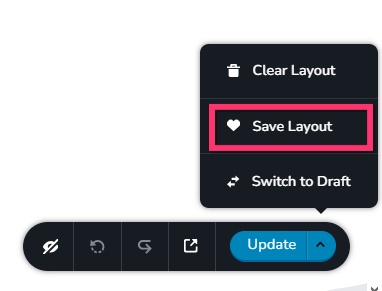
- Save the homepage as a design layout in the deprecated project by selecting the "Save Layout" opiton towards the bottom right corner.
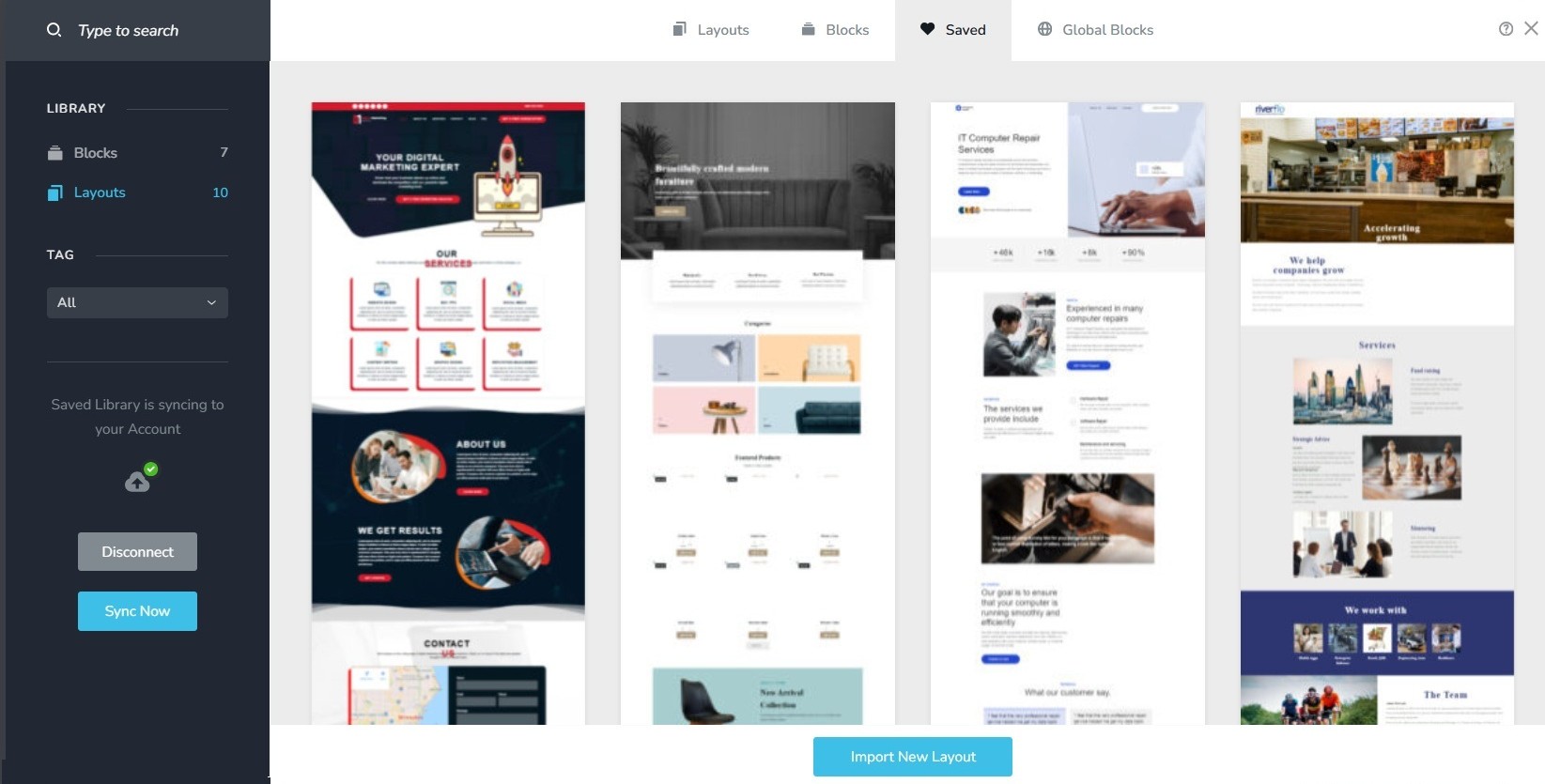
- In a new browser tab, open the Brizy Cloud dashboard and add a new project and and import the page layout saved in step 1, by selecting the appropriate design from the "Saved Blocks and Layout Library"
- Repeat steps 1 and 2 for all pages. While transferring content, please also transfer meta data like SEO title and description, social sharing images etc.
- Copy paste the global styles and typography from the deprecated to the new project
- Recreate menu, setup global blocks and display conditions ( if you were you using global blocks)
- Re-setup the email notifications for Brizy forms in the new project
- Once all content is succesffuly migrated, add the custom domain to the new project following the procedure at https://support.brizy.io/hc/en-us/articles/360041764052-Add-A-Custom-Domain
0 - Save the homepage as a design layout in the deprecated project by selecting the "Save Layout" opiton towards the bottom right corner.
-

We need a VIDEO showing all these steps in action. Your verbal directions are not crystal clear to a beginner.
0 -
Hello James,
I have replied to you at https://support.brizy.io/hc/en-us/community/posts/30611806894866. Let's continue the discussion there.
0
Please sign in to leave a comment.
Comments
3 comments