Issue connecting the domain psique.lat to Brizy Cloud

Hello Brizy Support Team,
I’m experiencing an issue while trying to connect my domain psique.lat (registered with Namecheap) to my website on Brizy Cloud.
I have followed all the setup steps and correctly entered the DNS records as indicated:
-
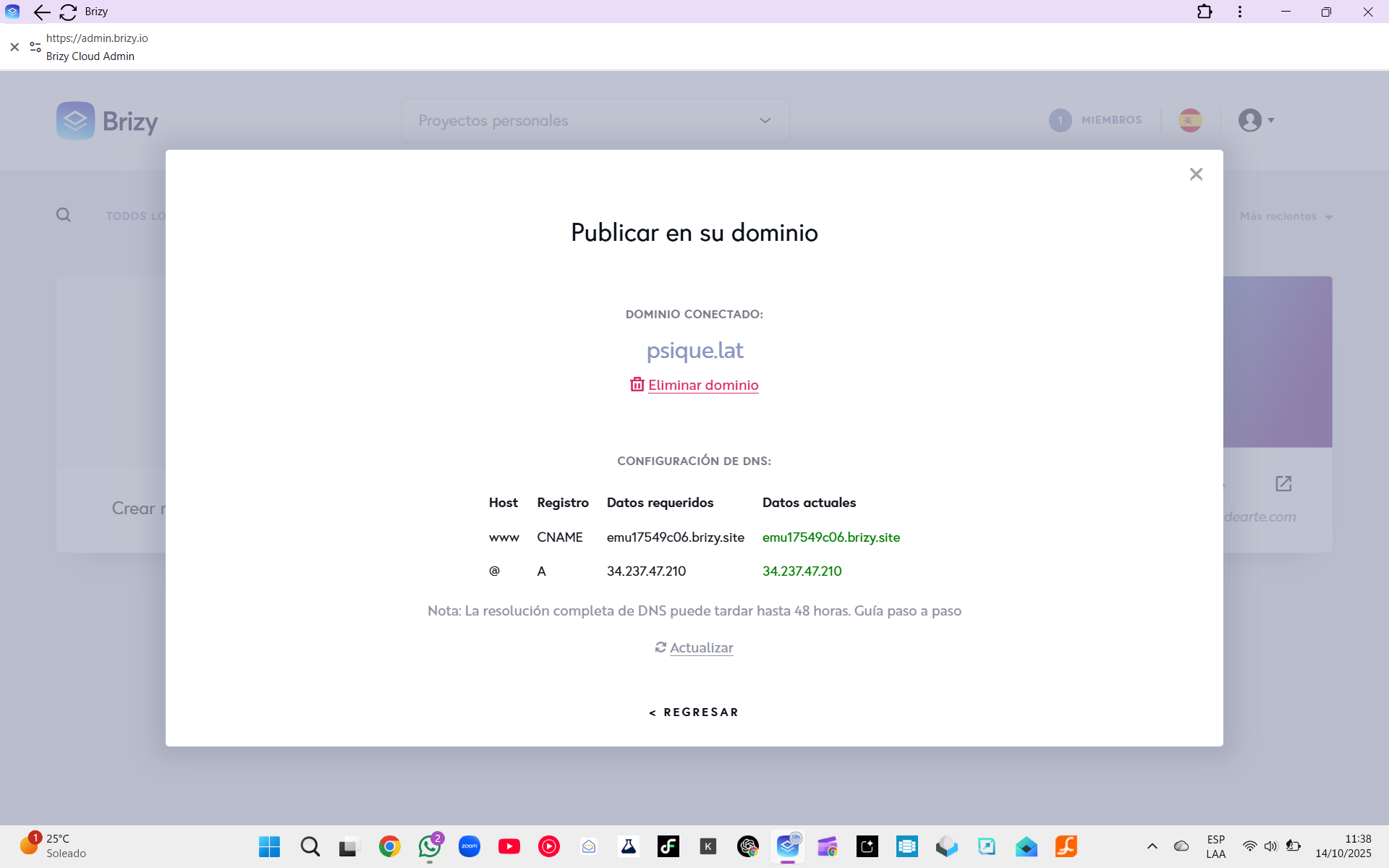
CNAME (www): emu17549c06.brizy.site
-
A (@): 34.237.47.210
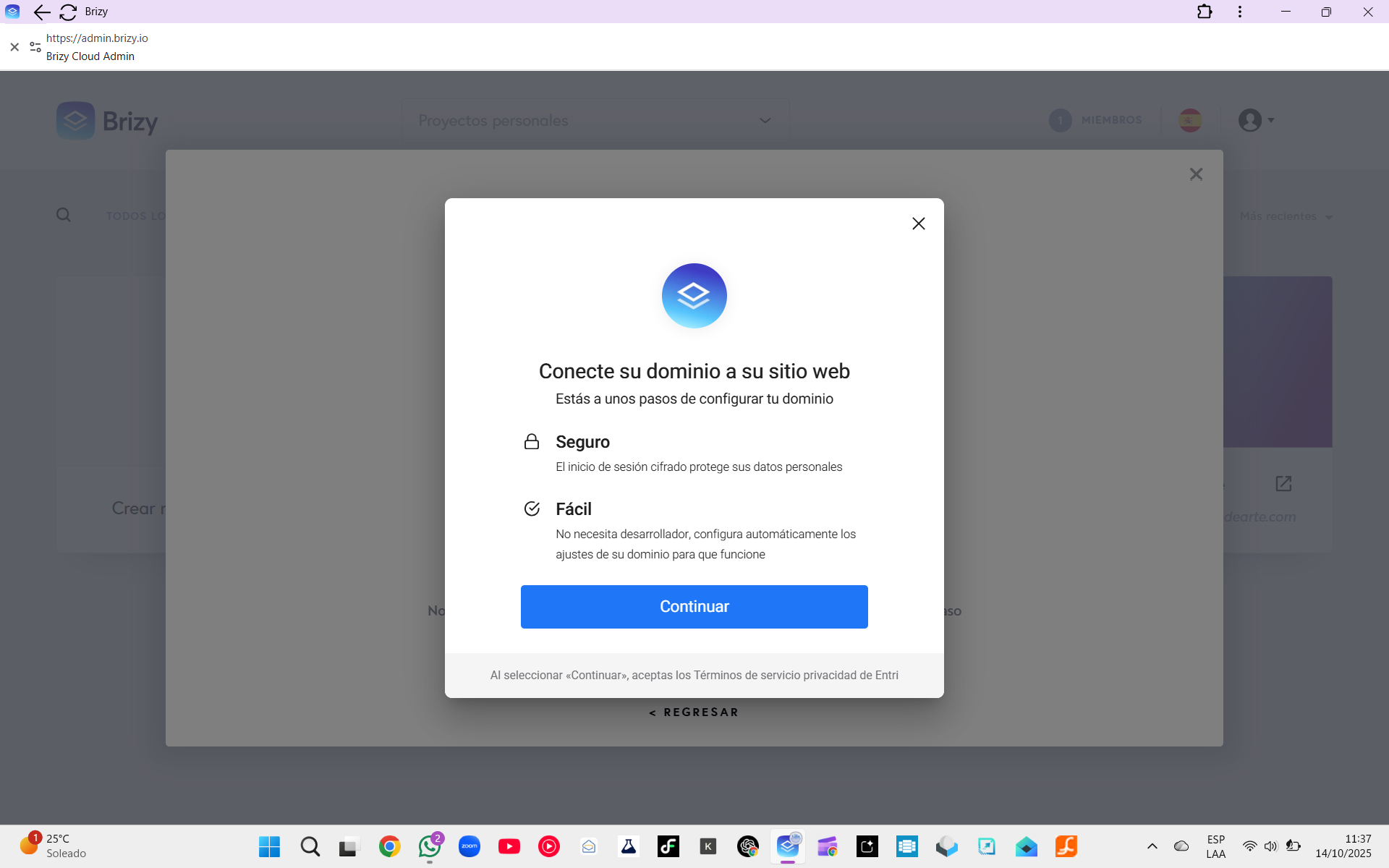
However, when I attempt to connect the domain from Brizy, I keep seeing the message “Connect your domain to your website”, and the connection never completes. Even after deleting and re-adding the domain, the same prompt appears.
Additionally, when I visit the domain (https://psique.lat) in a browser, it shows the error message “Project not configured.”
I’ve attached screenshots from Brizy and Namecheap showing the DNS configuration for your review.
Could you please check from your end? The DNS records seem to be set up correctly, but the project doesn’t appear to link properly to the domain.
Thank you for your assistance,
-

Hi Leonardo,
Thank you for contacting us.
It looks like the CNAME record for your domain psique.lat is not set correctly. Could you please update the CNAME record for www to point to dugongc4430276.brizy.site exactly as shown?
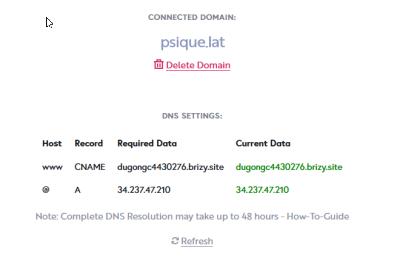
Once you’ve made the change, please allow some time (usually up to 48 hours) for DNS propagation, then you can click Refresh in your Brizy dashboard to confirm the connection.
Best regards,
Ariel H.0 -
Hello Ariel, and thank you for your kindness.
My domain psique.lat is already connected and verified in Brizy Cloud.
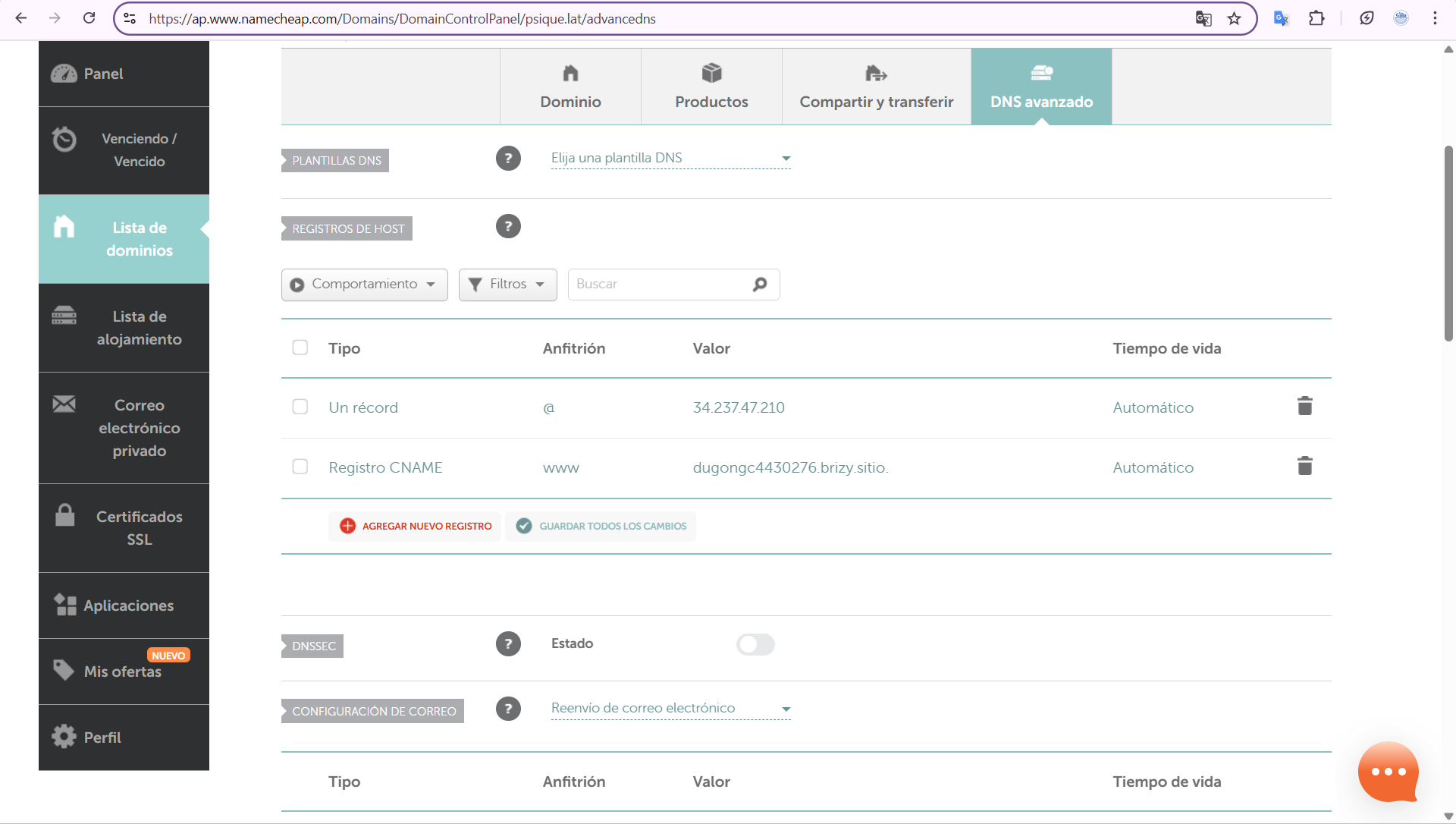
The DNS configuration on Namecheap has been correctly updated as follows:-
A Record (@): 34.237.47.210
-
CNAME (www): dugongc4430276.brizy.site
However, when visiting the website https://www.psique.lat, it shows the message “Project not configured.”
It seems that Brizy’s servers might still have cached the previous CNAME or the old project ID that I deleted.
I would really appreciate it if you could refresh or clear the internal mapping of my domain so that it correctly points to the new project.I’m attaching a screenshot of the current DNS configuration in Namecheap, which matches exactly the value shown in Brizy Cloud.
Thank you again for your attention and kind help,
Leonardo Maldonado
 0
0 -
-
Hi Leonardo,
Thank you for your patience, and I apologize for the delay. We’re still working on resolving this issue and have escalated it to our senior support team for further review. We’ll keep you posted as soon as we make any progress.
Best regards,
Ariel H.0 -

Hello Leonardo,
We have revised the procedure to add a custom domain. Kindly refer to https://support.brizy.io/hc/en-us/articles/360041764052-Add-A-Custom-Domain for the revised procedure. Please follow the procedure in this article to add the custom domain, especially from Step 4.
0
Please sign in to leave a comment.
Comments
4 comments