Brizy Cloud Pro, updated page is not saved

Hi,
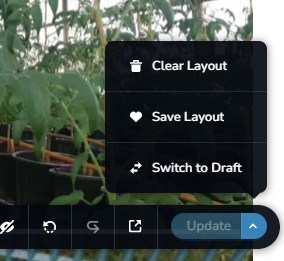
Site has already been published month's ago in Brizy Cloud, on custom domain and is working fine. I just need to edit the homepage page so I did, "update" the page but it's not reflected on live site on different browsers and devices. What am I missing?
Thank you for your assistance,
RJ
-

Hello RJ Carino,
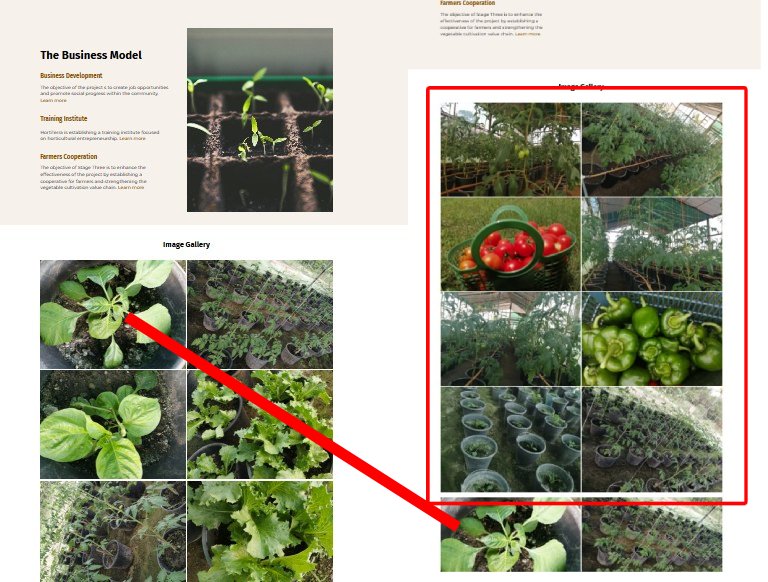
I see the design at https://jmp.sh/PTnEx8D1 when visiting your website https://www.hortiterrafarms.org/. Do you mean that your editor design is significantly different from the fronted design?
0 -
Hi George,
Just few pics added to the Gallery.
Thanks
 0
0 -
Hello RJ Carino,
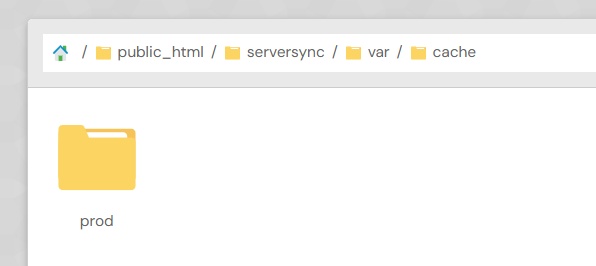
Kindly sign into your hosting Control Panel and delete all content under the /var/cache/ folder and check if the issue gets resolved.
If this does not help, we will would like to have FTP access to your hosting server to troubleshoot this issue for you.
0 -
Hi,
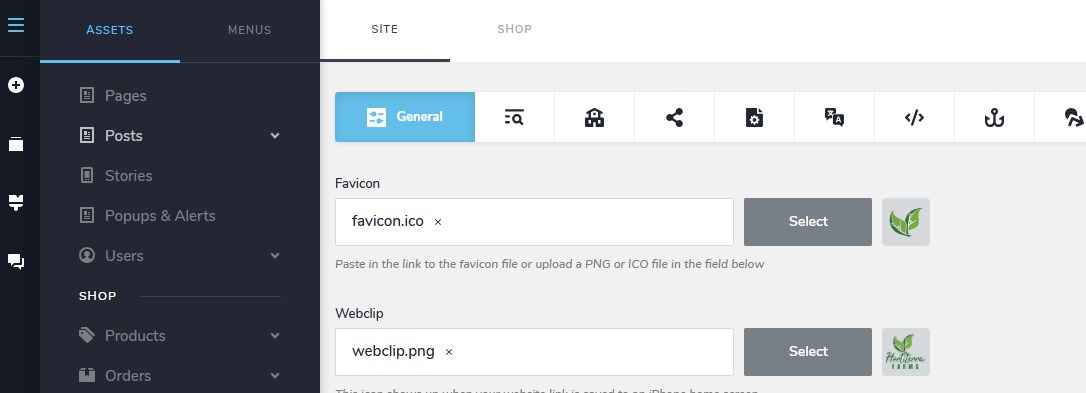
Aren't you the one hosting the website, Cloud Pro? I created the site on this platform. I only have Dashboard. I don't have access to Brizy control panel. Where and how do I access that?
 0
0 -
Hello RJ Carino,
You are not hosting https://www.hortiterrafarms.org/ with Brizy Cloud. You decided to host this project on an external server using the "Server Sync" publishing option. Looks like https://buyvm.net/ is currently hosting it.
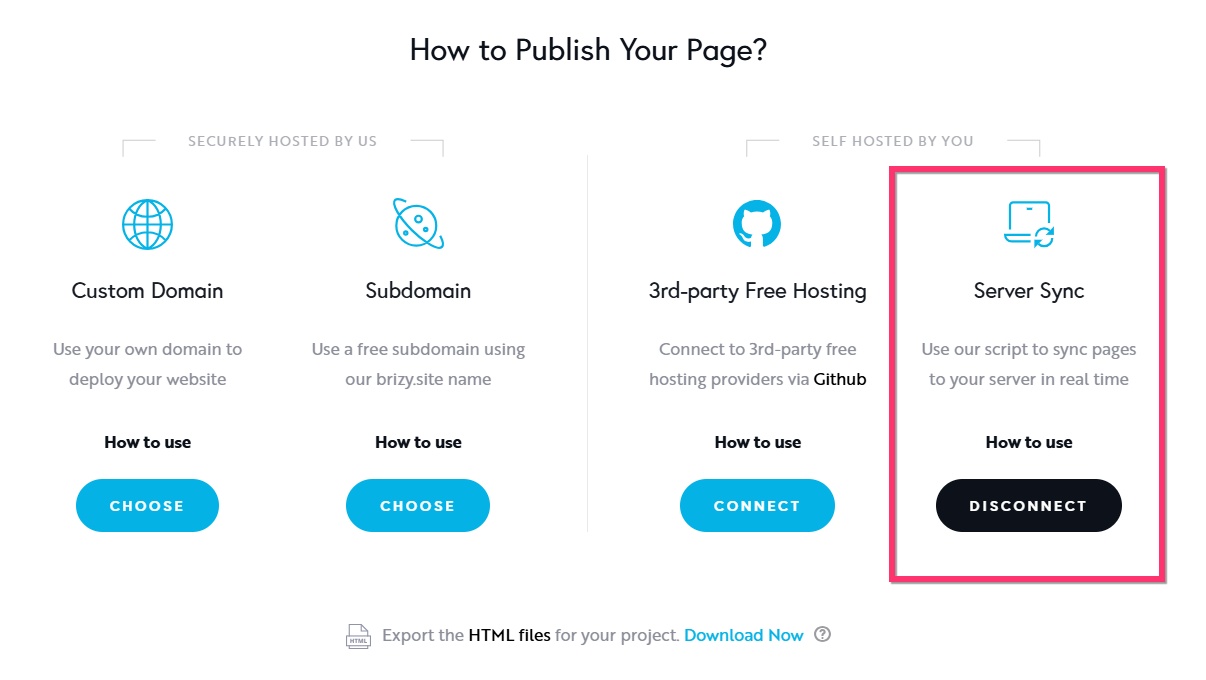
You have the option to disconnect "Server Sync" and and add your custom domain to Brizy Cloud following the procedure at https://support.brizy.io/hc/en-us/articles/360041764052-Add-A-Custom-Domain. You project will be hosted with Brizy Cloud, if you follow this procedure.
0 -
Hi George,
It's fixed now after I deleted the cache folder.
Thank you for your assistance,
RJ
0
Please sign in to leave a comment.
Comments
6 comments