Legacy version??

Hello.
When opening my www https://shopsafe.brizy.site/. it displays ....
"The project is running a legacy version of Cloud and cannot be properly processed"
Can you guide me on how to correct this please?
Cheers Jillian
-

Hello Jillian,
Your project "Shop Safe" is a deprecated project. Kindly migrate this project to the CMS format. Once you complete the migration, it will work well.
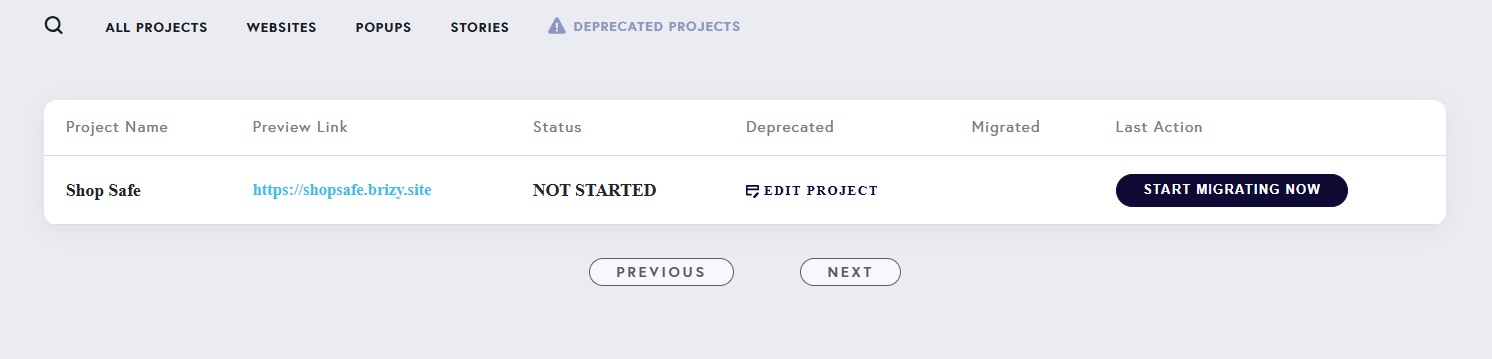
Kindly read through the migration process outlined at https://support.brizy.io/hc/en-us/articles/25721772363666 and follow the procedure to migrate your project.
0 -
Thank you KC George. much appreciated.
I have initiated the process as per instructions. What is the typical duration for this process from Pending to Complete? Hours or Days?
Cheers Jillian0 -
Hello Jillian,
Ideally the process should complete within 24 hours.
0 -
Thanks again.. I'm now coming up to the 3-day mark and the status is still IN PROCESS.
Are you able to assist from the back end and finalise the migration?
Cheers Jillian0 -
Hello Jillian,
The migration process could not be completed. We are looking into it. Kindly give us some time to get back to you
0 -
Hello Jillian,
We have manually migrated your project. Name of the migrated project is "Shop Safe -MIGRATED" Kindly reconfigure email notifications for the forms in your migrated project and ensure everything looks identical in both projects.
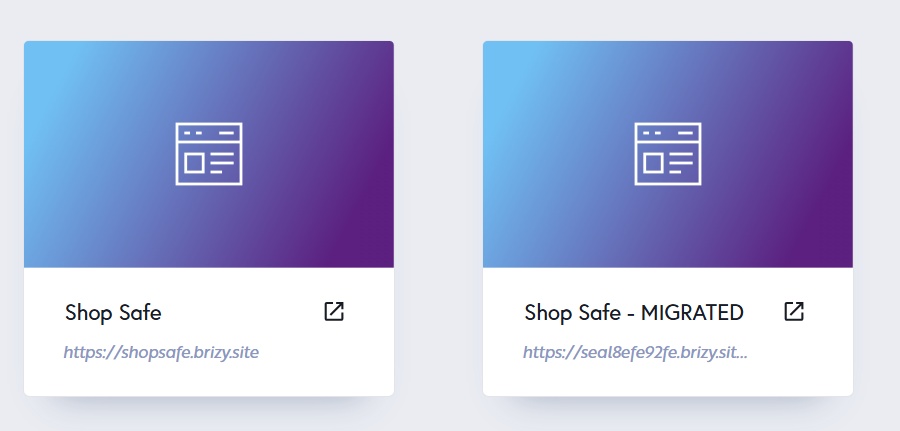
When both projects are identical, feel free to delete the original Shop Safe project.
0 -

Experiencing this same issueand there is no Deprecated Projects notice or Start Migrating Now button.
0 -

I'll need mine manually migrated as well
0 -
Hello Rich and George,
A facility to migrate deprecated projects to current format was launched in mid June and we had a dashboard notification reqeusting users to migrate all deprecated projects by August 1.

A newsleter was sent to Brizy users making the same request.
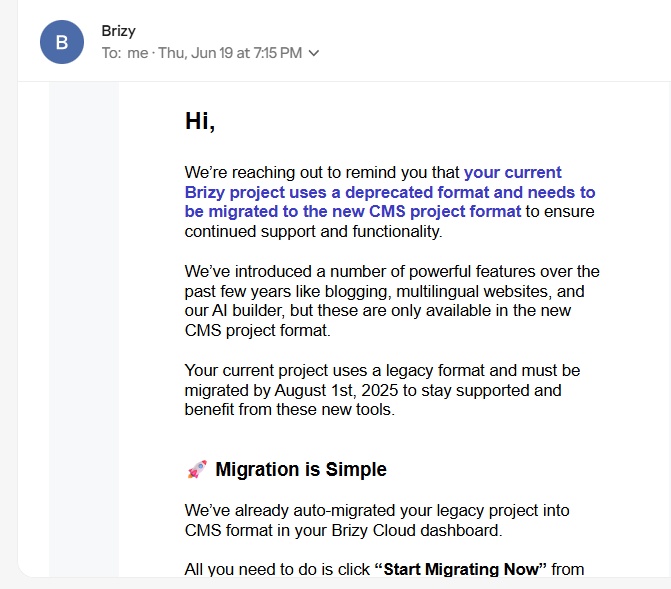
We later extended the deadline for migrating deprecated projects to October 15th. Since we have crossed the deadline, the migration tool is withdrawn. Now the only option is to migrate the project to the current format manually. Here are the steps to migrate it.
- Save each page as a design layout in the deprecated project by selecting the "Save Layout" opiton towards the bottom right corner.
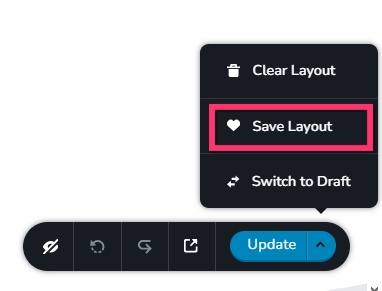
- In a new browser tab, open the Brizy Cloud dashboard and add a new project and add pages one by one and import the page layouts saved in step 1 to its respective pages, by selecting the appropriate design from the "Saved Blocks and Layout Library"
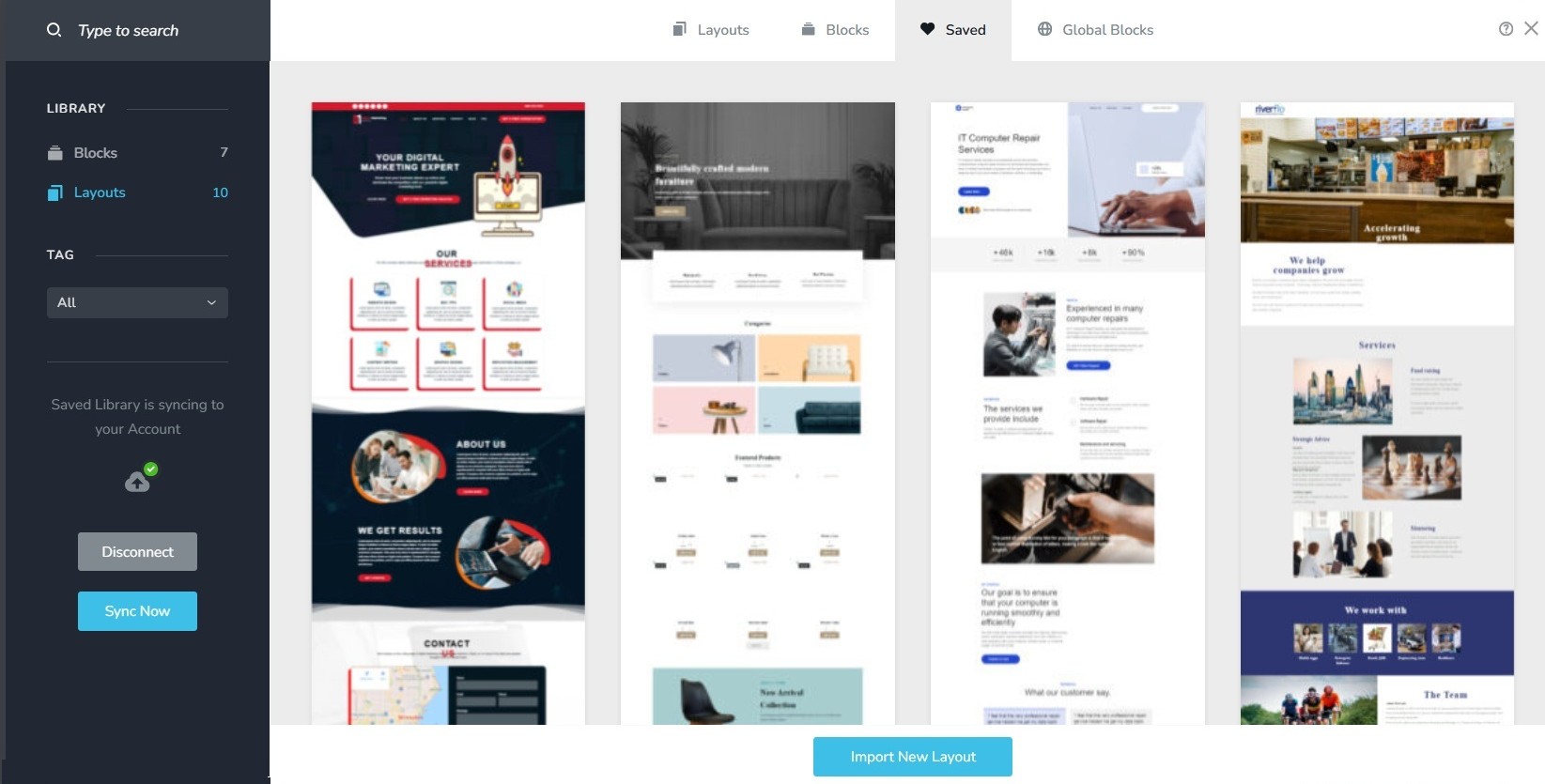
- Repeat steps 1 and 2 for all pages.
- Copy paste the global styles and typography from the deprecated to the new project
- Recreate menu, setup global blocks and display conditions
- Re-setup the email notifications for Brizy forms in the new project
- Once all content is succesffuly migrated, add the custom domain to the new project following the procedure at https://support.brizy.io/hc/en-us/articles/360041764052-Add-A-Custom-Domain
0 - Save each page as a design layout in the deprecated project by selecting the "Save Layout" opiton towards the bottom right corner.
-
@kc George
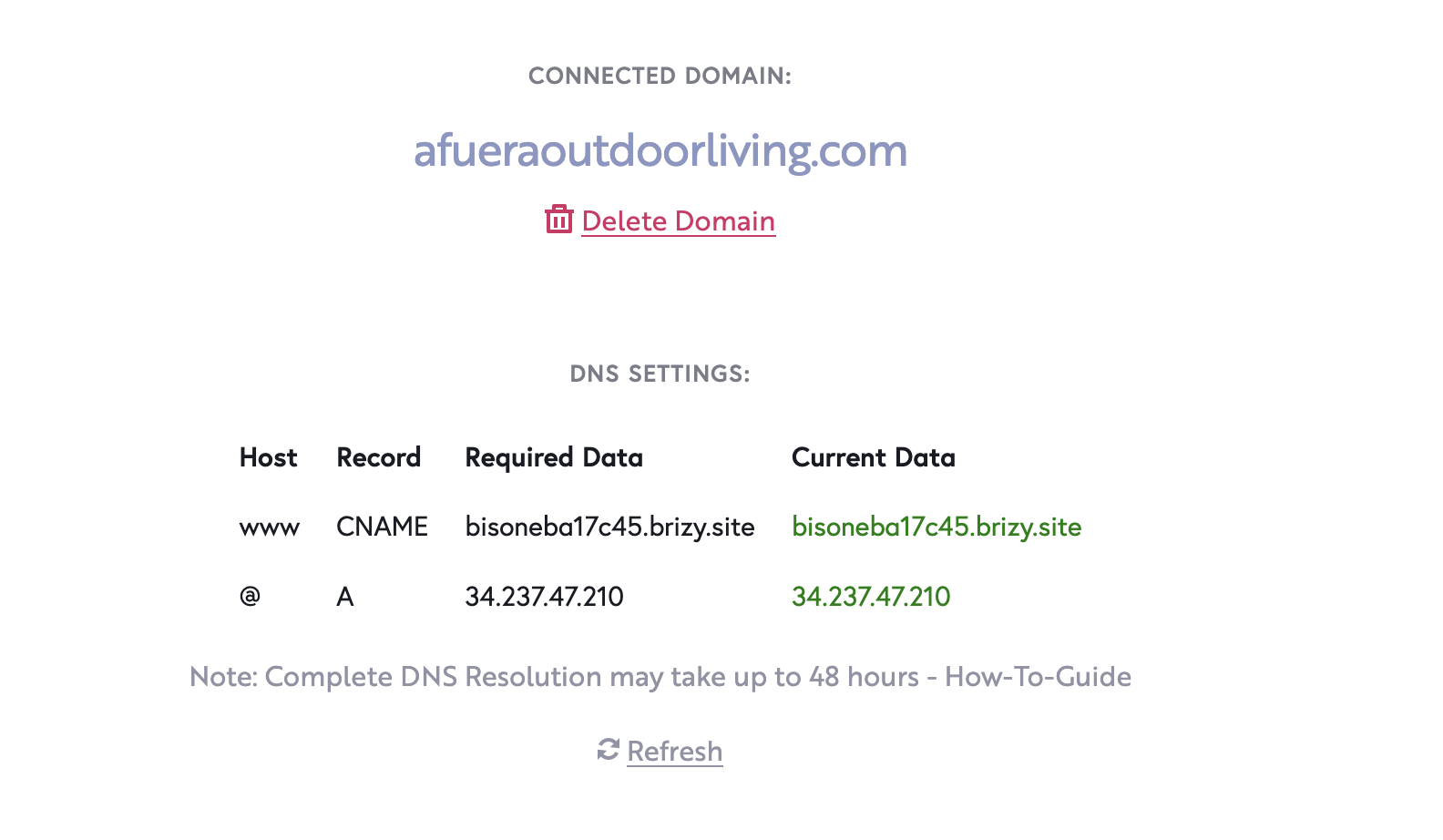
I have already done this and migrated the domain to this new site with no success
Please help
0 -
 0
0 -
Hello George,
We have fixed this issue with your website. https://www.afueraoutdoorliving.com/ should work fine now. If you continue to see the same error, kindly reload the page in your browser by selecting the "Reload" icon.
 0
0
Please sign in to leave a comment.
Comments
12 comments