Youtube Video dont show the correct ratio

Hi Guys!
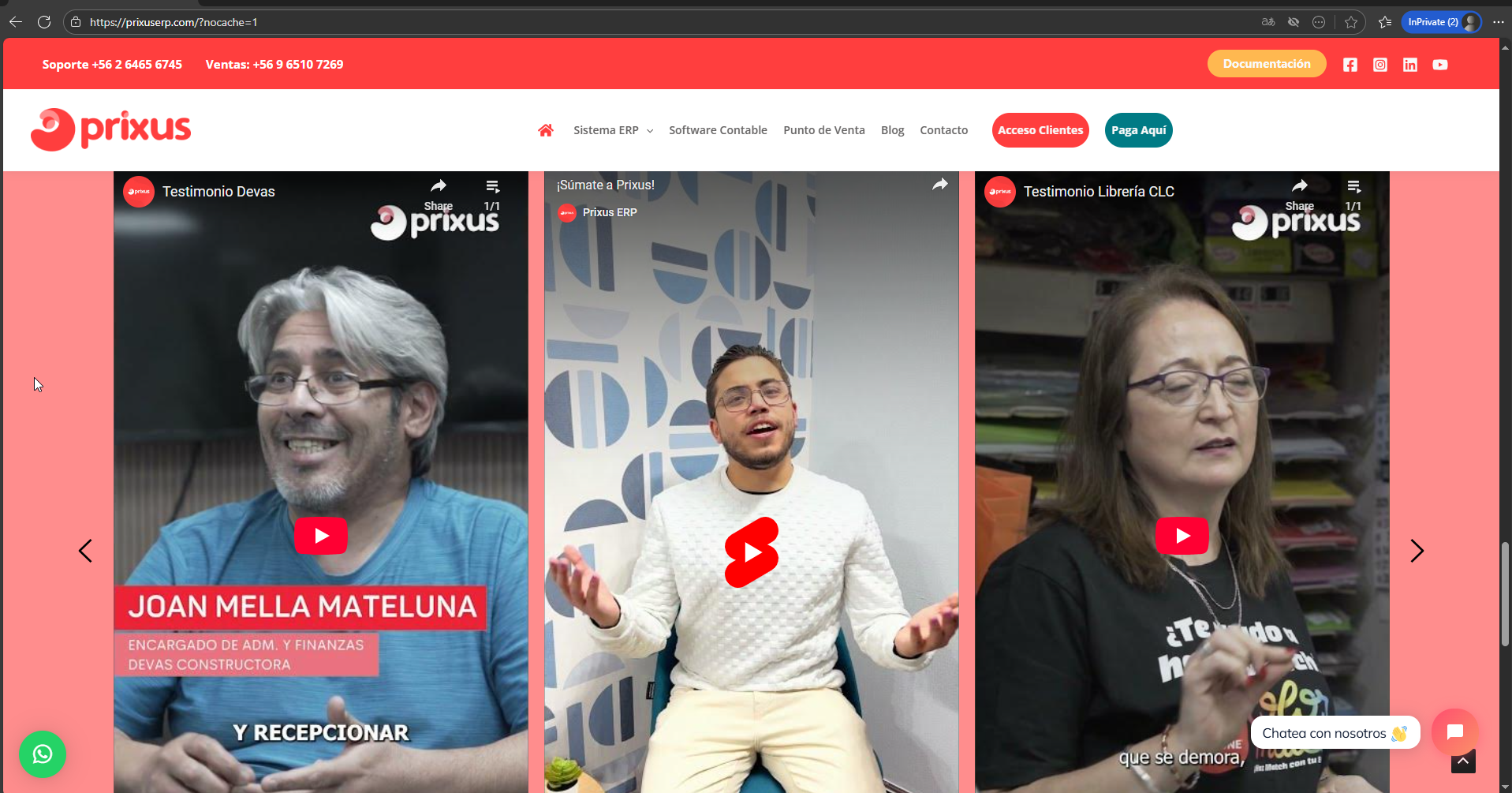
If you see the images you can check that on the editor work fine the ratio but when you save and see the result its showed 16:9 and not 9:16


-

Hello Leonardo,
To troubleshoot this issue, can we have a look at your WordPress Dashboard? Please add a new user to your WordPress Dashboard and send the following details to our email: communitysupport@brizy.io
- Support Forum link: https://support.brizy.io/hc/en-us/community/posts/28999591666322
- WordPress Admin URL:
- Username
- Password
Please let us know in this forum when you send us the email.
0 -

Hi Leonardo,
Thank you for your cooperation.
It looks like this is a hard caching issue. When you open the page with extra parameters (https://prixuserp.com/?nocache=1), it bypasses the cache and shows the video in the correct aspect ratio. Without the parameter, the cached version (https://prixuserp.com/) is still being served, which is why the issue appears.
To fix this, you can try clearing your site cache (from your caching plugin or hosting), as well as your CDN cache if you’re using one. Clearing your browser cache can also help. This should ensure visitors always see the updated version of your site.
Best regards,
Ariel H.0
Please sign in to leave a comment.
Comments
2 comments