The remote server response code is 403.

Not able to activate license key
website address : https://digitaltusk.in/
kindly fix the issue asap
regards
-
Hi there , any update
0 -

Hi Kishore,
My apologies for the delay.
To help resolve the issue, could you please provide us with temporary access to your WordPress Admin dashboard (with administrator rights) along with your license key, and send the following details to communitysupport@brizy.io)?
Community Post link: https://support.brizy.io/hc/en-us/community/posts/28956674163474
WordPress Admin URL:
Username:
Password:
License Key:Looking forward to your reply.
Best regards,
Ariel H.0 -
email sent kindly resolve the issue
regards
0 -
Hi Kishore,
My apologies for the delay.
We’ve now activated Brizy Pro on your website. You can now start using all the Pro features.
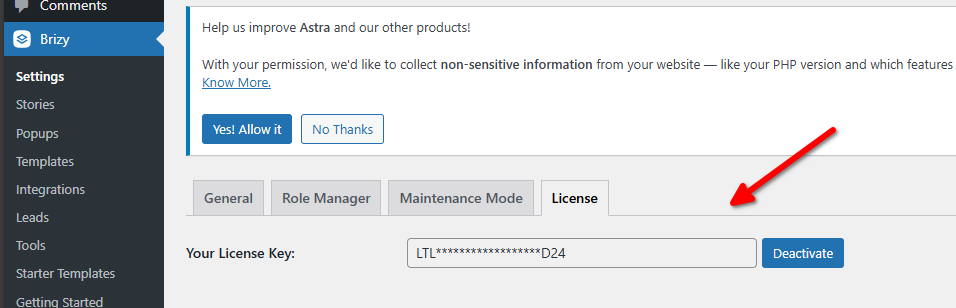
Best regards,
Ariel H.0 -
what was the issue?
0 -
Hi Kishore,
Thank you for the update.
Your server was blocked from our licensing server, which is why you were seeing the 403 error when trying to activate the license. We’ve manually activated the license for you, so everything should now be working. Apologies for the inconvenience caused.
Best regards,
Ariel H.0
Please sign in to leave a comment.
Comments
6 comments