Problem with Brizy builder Wordpress - Icons position

Hi, I'm having a problem with Brizy Builder for WordPress. Specifically, I'm having a problem with the icon positioning. Every time I insert an icon, the position is accentuated all the way to the left. I can't center the icon. I also tried inserting some icons with text from your block kits, but it still gives me the same error. I'm attaching an example of both the desktop and mobile versions. The Brizy preview appears to be correct, but when viewed on any smartphone, the position is incorrect. I use the free Astra theme (which I've never touched) and Brizy Builder. Can you please help me?
Attached are the following screenshots:
1) The Block as seen on a desktop
2) The mobile preview version of Brizy
3) The actual view on a smartphone
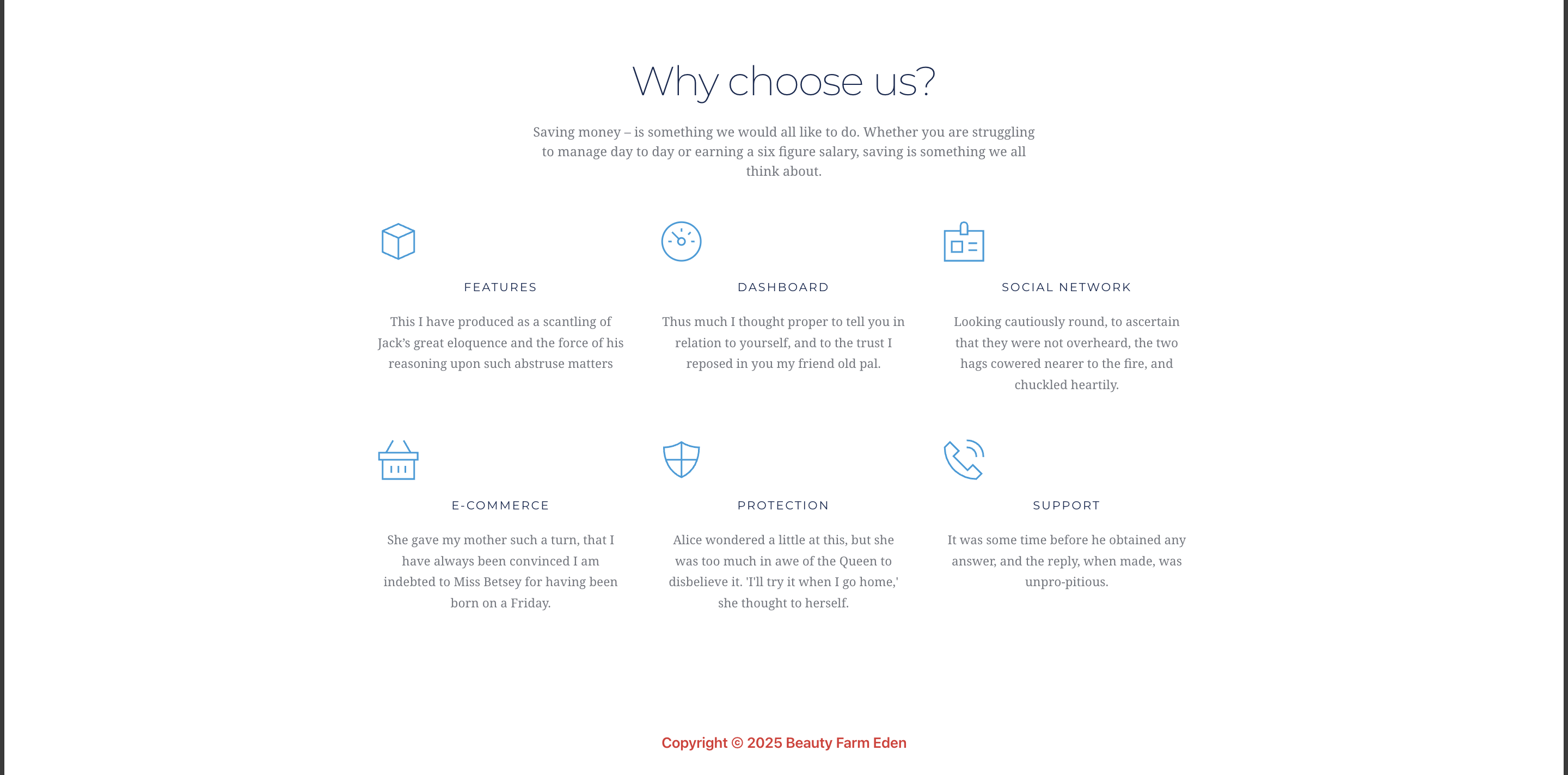
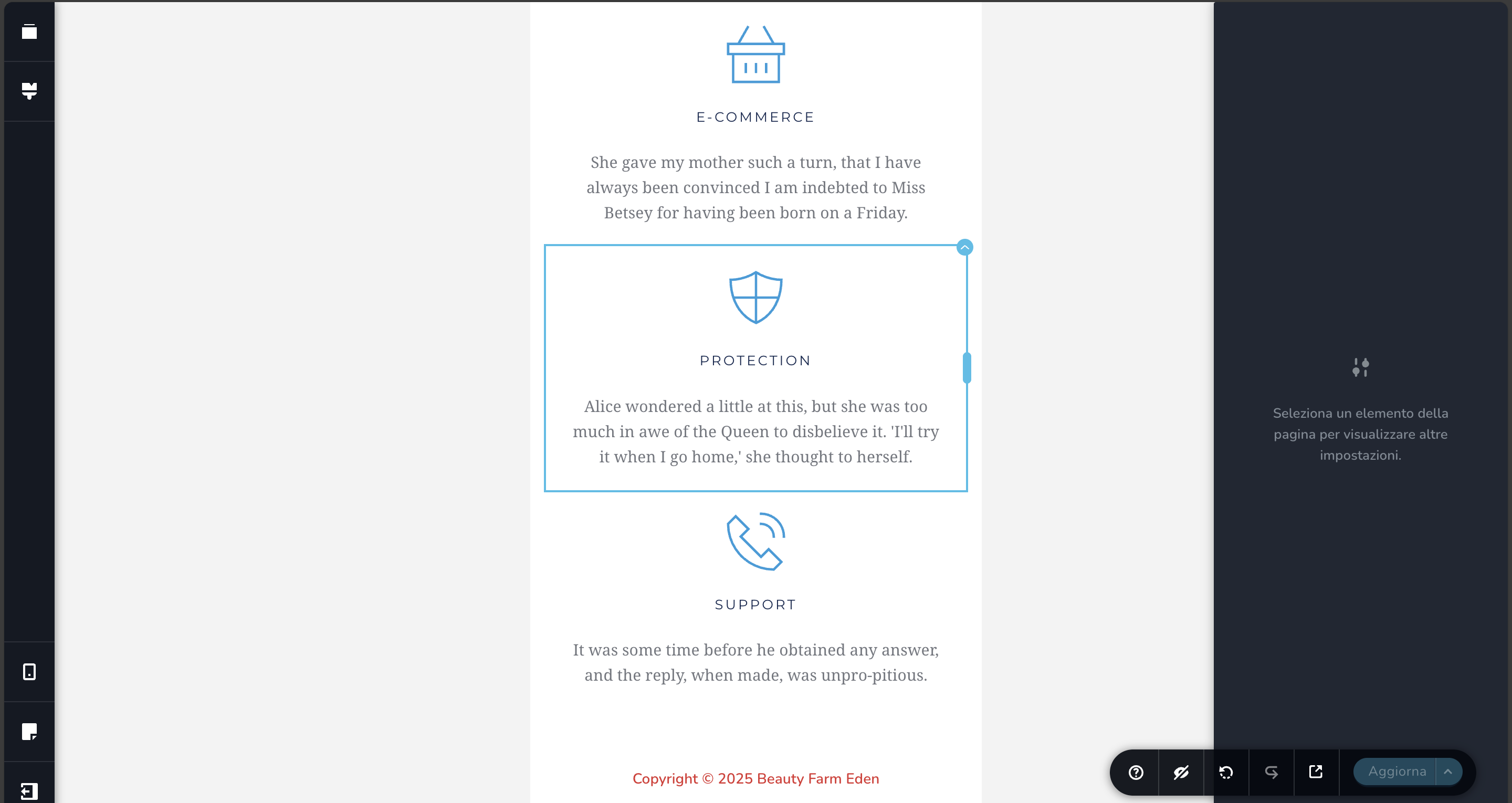

-

Hi Juancarlos,
Could you please share the URL of your site so we can inspect it?
In the meantime, kindly try temporarily switching to another theme and see if this helps fix the issue.
Looking forward to your reply.
Best regards,
Ariel H.0 -
Hi Juancarlos,
Thank you for the update.
Please share your WordPress admin login details with us so we can take a closer look. Kindly add us as an Admin user to your WordPress Dashboard and send the following details to communitysupport@brizy.io.
Community Post link: https://support.brizy.io/hc/en-us/community/posts/28722782257426
WordPress Admin URL:
Username:
Password:Also, please include the URL of the problematic page.
Looking forward to your reply.
Best regards,
Ariel H.0 -
Thanks so much for your help. I tried changing themes first, but it didn't work. I solved it by clearing the cache.
Thanks for the support, and keep up the good work.0
Please sign in to leave a comment.
Comments
3 comments