Another update disaster.

With 75 Brizy sites to manage and having lost visibility of an untold number of pages after yesterday's updates, I spent nearly 6 hours repairing site after site. Still this new and core site of one of my businesses still has a serious issue. As you will see on this video (https://youtu.be/EeQGEEvIGI4) the product gallery on mobile view is all compressed and run together. I would appreciate your assistance.
-

Hi Michael,
Thank you for reaching out, and I’m sorry to hear about the time and effort you've had to spend addressing the issues after the recent updates, especially with such a large number of sites to manage.
I appreciate you sharing the video; it clearly shows the issue with the product gallery layout on mobile. To help resolve this, please make sure you're using the latest versions:
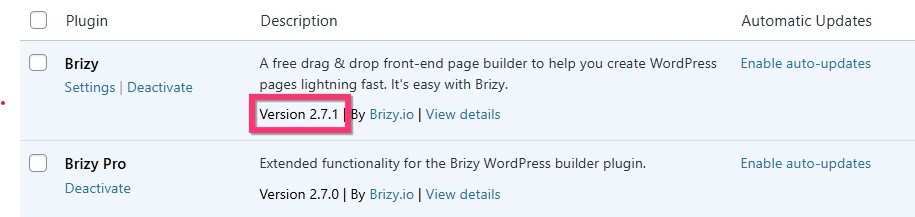
Brizy 2.7.1
Brizy Pro 2.7.0After updating, check the front end to confirm the issue is fixed. Otherwise, try making a small change to the affected block (for example, adding 1px of padding or margin) and re-saving the page. This can help force a recompile and may correct the layout display.
Please try this and let me know how it goes.
Kind regards,
Ariel H.0 -

@ARIEL H where do we download 2.7.1
0 -

Hello Kevin,
Ideally you should see an update notification for Brizy 2.7.1. Try deactivating and activating Brizy to force an update notification (in case you do not see it)
 0
0 -
I dont have that
 0
0 -
Hello Kevin,
Kindly deactivate and delete Brizy plugin and upload Brizy 2.7.1 from the ZIP file at https://jmp.sh/9PMB4Hva
0 -
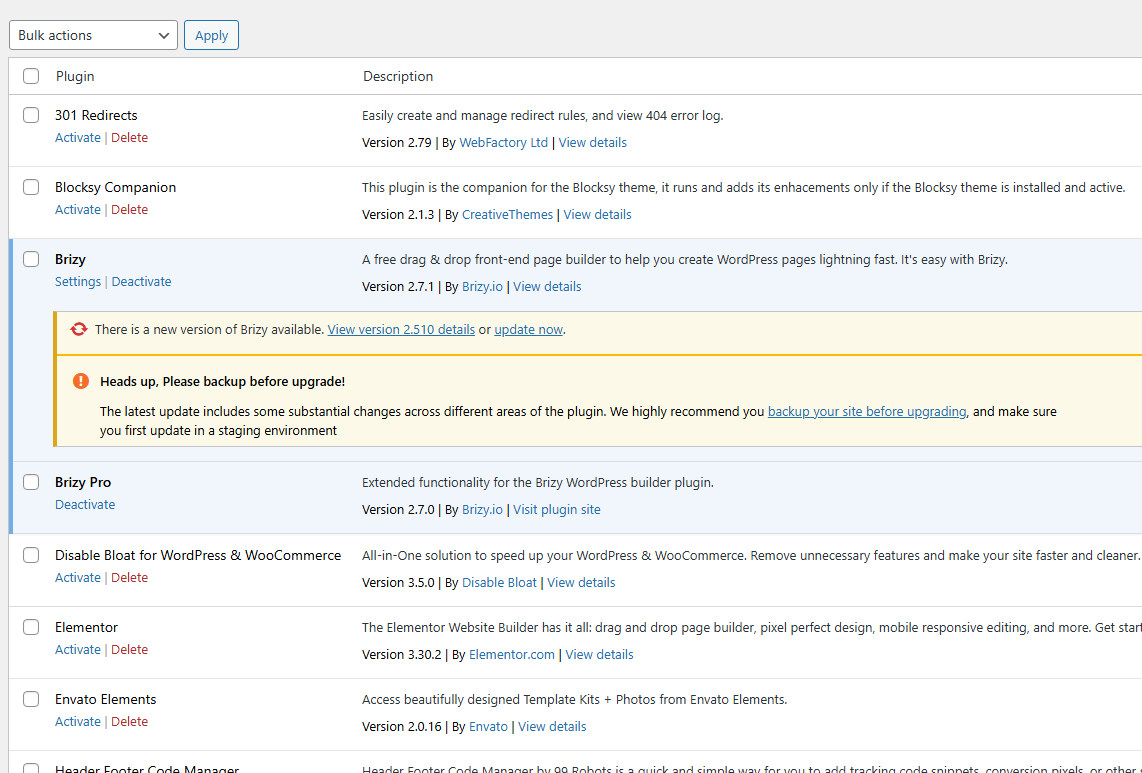
KC- Now I'm back to the original issue of none of the global blocks working. You can see in the 2nd image that all my plugins but brizy are off and I have updated to 7.1. How do we fix?
https://vanderbiltmaids.com/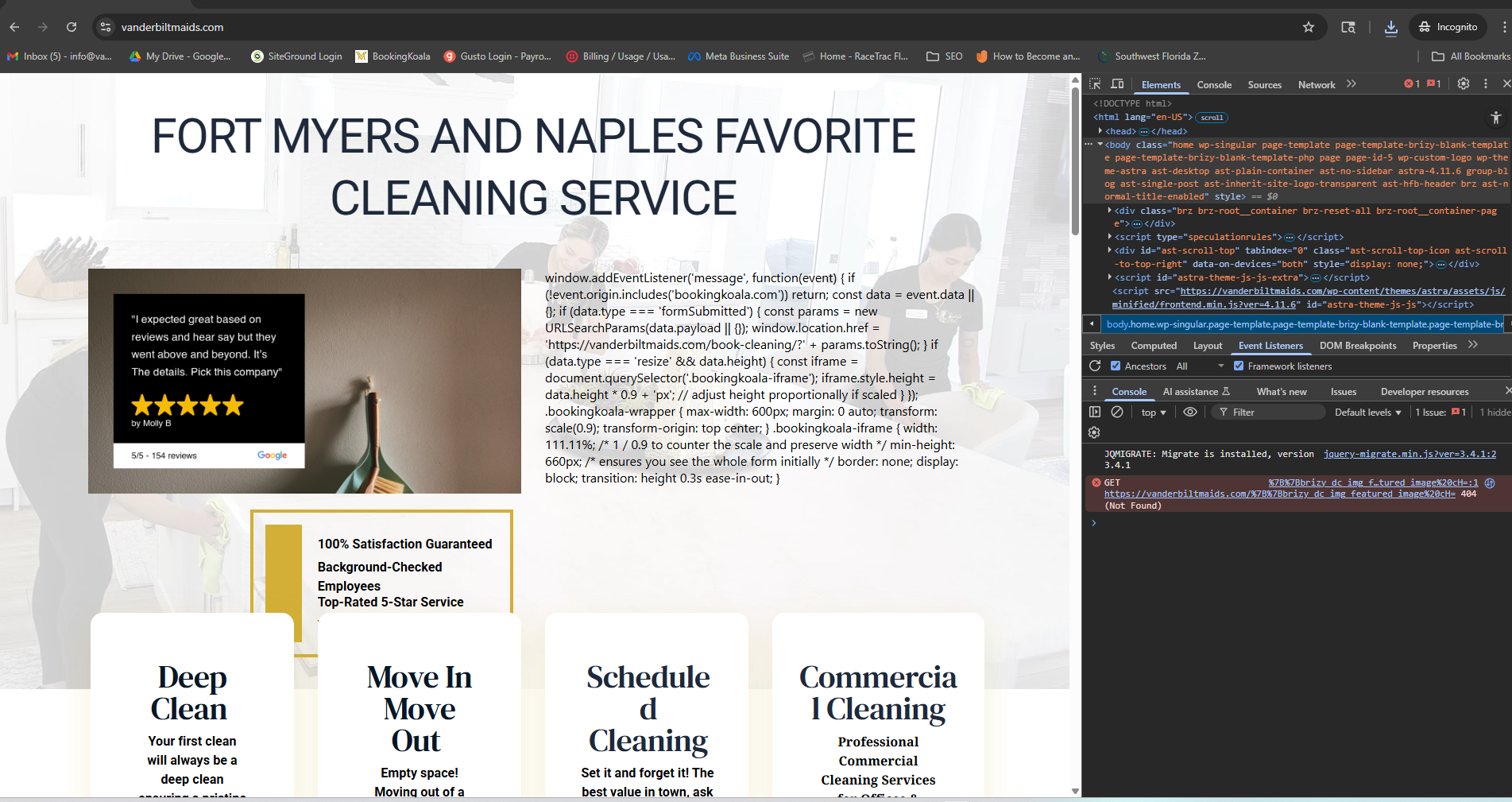
 0
0 -
Kc -
I have ensured that I have 2.7.1 and 2.7.0 installed (they were previously both 2.7.0). I have made changes to the affected area on that page, cleared both the server and local cache and nothing has changed.
 0
0 -
Hello Kevin,
Can we take a look at your WordPress Dashboard to fix this issue? Please add a new user to your WordPress Dashboard and send the following details to our email: communitysupport@brizy.io
- Support Forum link: https://support.brizy.io/hc/en-us/community/posts/28115540086546
- WordPress Admin URL:
- Username
- Password
Please let us know in this forum when you send us the email.
0 -
I have received no feedback now from my last correspondence. I will send you credentials for this site (as you directed Kevin) as well.
0 -
I see you have now released another update while I was working on a site. The update IMMEDIATELY removed ALL of the videos and maps, forcing me to adjust EVERY page. This is just getting worse and worse. If I have to do this to 75 sites, it will take me DAYS and DAYS!
0 -
Sure enough, I have attempted to update sites and EVERY site I have check now has design issues: headers & footers missing, maps, videos and on this site a carousel has completely disappeared. I have made minor padding or margin adjustments and it has made no improvement. This is EXTREMELY maddening.
0 -
Hello Michael,
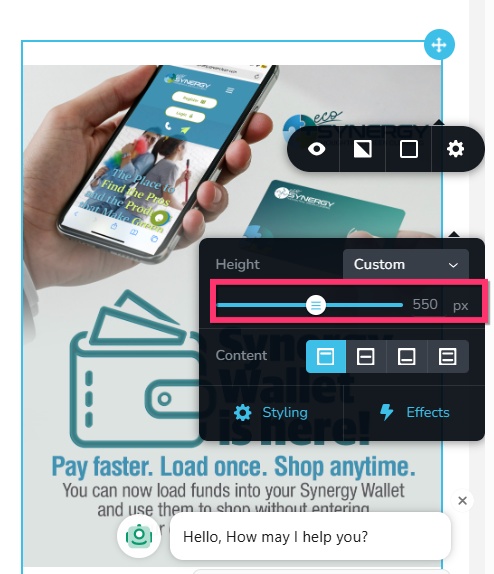
We have fixed the issue with the page https://synergygreenclean.com/shop/ on mobiles by adding a fixed height of 550 pixels
 0
0 -
On Synergy-Americas.com, I have cleared both the local and static server cache and am still unable to make the minor adjustments to the menu so that it will reappear on a live site. I have now tried everything I can think of to stop Brizy from doing this:
 0
0 -
Hello Michael,
WP MU DEV plugins like Defender Pro, Forminator Pro, SmartCrawl Pro and Smush Pro plugins are not fully compatible with Brizy. Before making changes to a global block, try deactivating these four plugins, make the updates and then thereafter reactivate them and see if that helps.
0
Please sign in to leave a comment.
Comments
14 comments