Missing Menu

Out of nowhere the menu on my site is gone. Have tried to disable all plugins, replace the header and delete and replace but nothing seems to work.
-

Hi Mark,
Thank you for reaching out and we apologize for the inconvenience.
Please provide us with temporary access to your WP Admin page so we can take a look. Kindly add us as an Admin user to your WordPress Dashboard and send the following details to communitysupport@brizy.io.
Community Post link: https://support.brizy.io/hc/en-us/community/posts/28099226634514
WordPress Admin URL:
Username:
Password:Looking forward to your reply.
Best regards,
Ariel H.0 -
Hello, email sent. Thank you.
0 -

Hi Mark,
I do see the menu in your website. Do you still have the above issue or could you fix it already?
 0
0 -
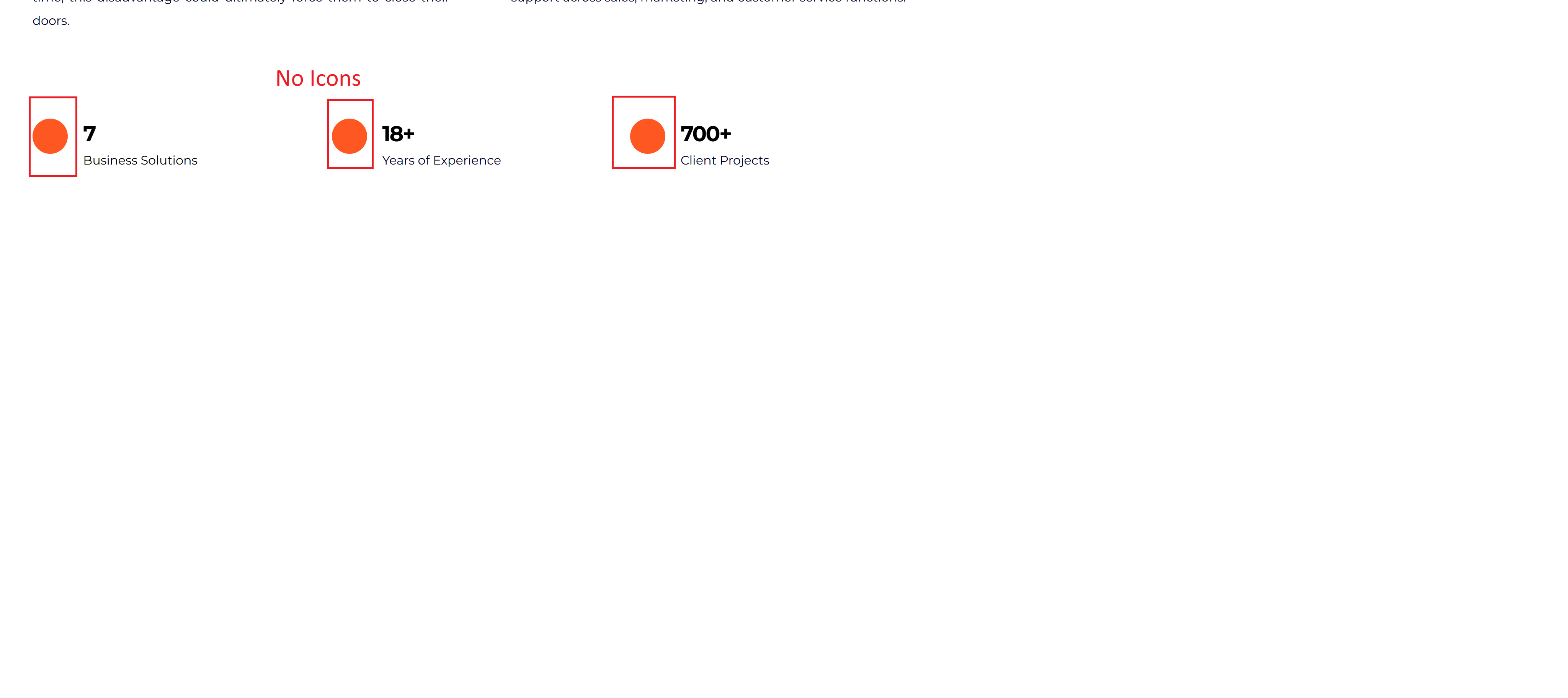
Please check the other pages for the missing menu and icons. Once you log into my Wordpress account you'll notice where the menu and icons show up in editor but not the live view.
1 -
 0
0 -
Hi Mark,
Thank you for keeping in touch.
We’ve corrected the menu and the disappearing icons issue, as demonstrated in this screencast: https://youtu.be/jslLK_5LLy8.
However, please note that some pages may still not render properly on the front end. In such cases, we recommend purging the server-side cache to ensure all changes are reflected correctly.
Let us know if you need help with this!
Best regards,
Ariel H.0
Please sign in to leave a comment.
Comments
6 comments