Activating Brizy Pro - Keeps requesting Update (New Website)

Hi,
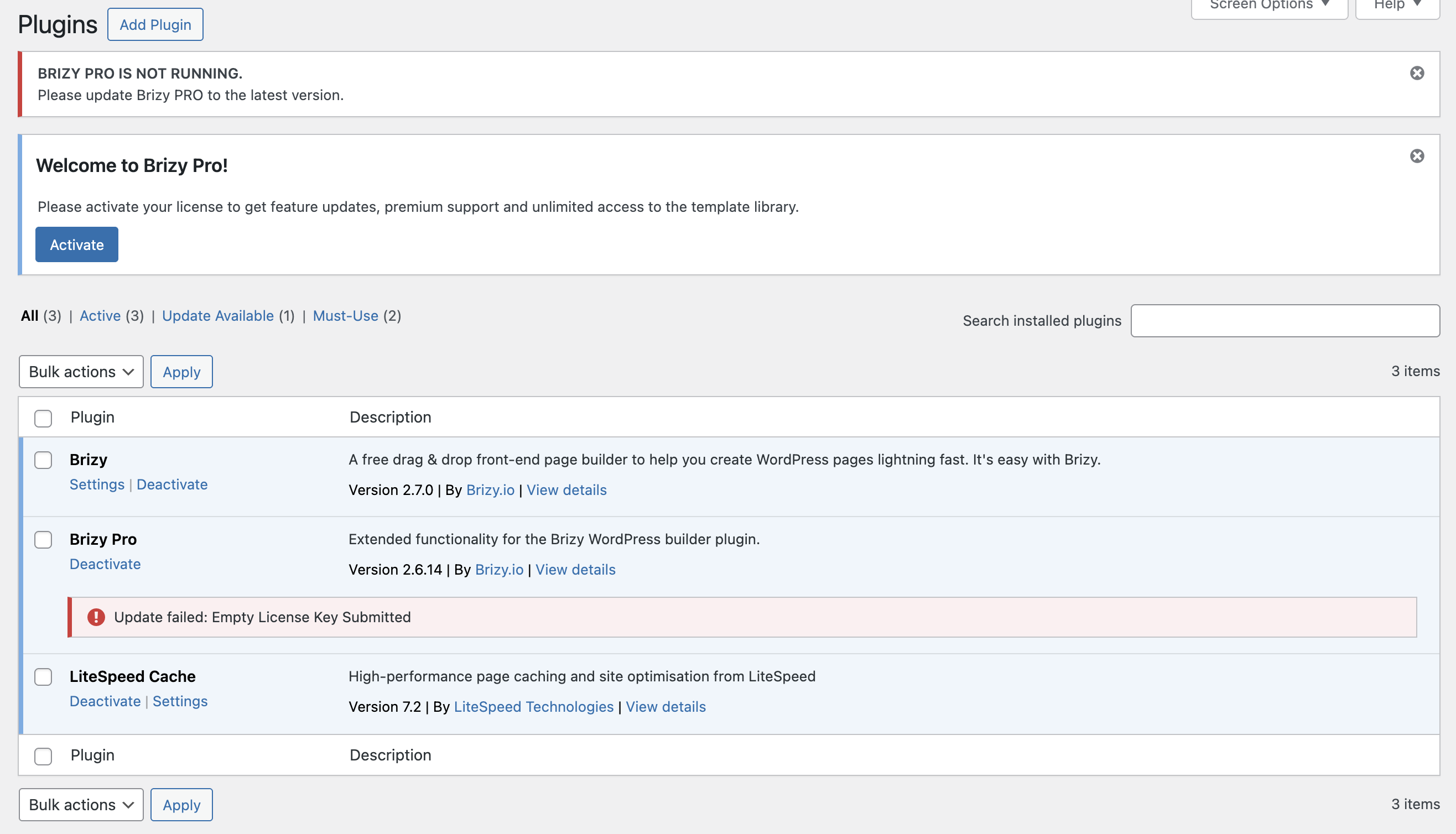
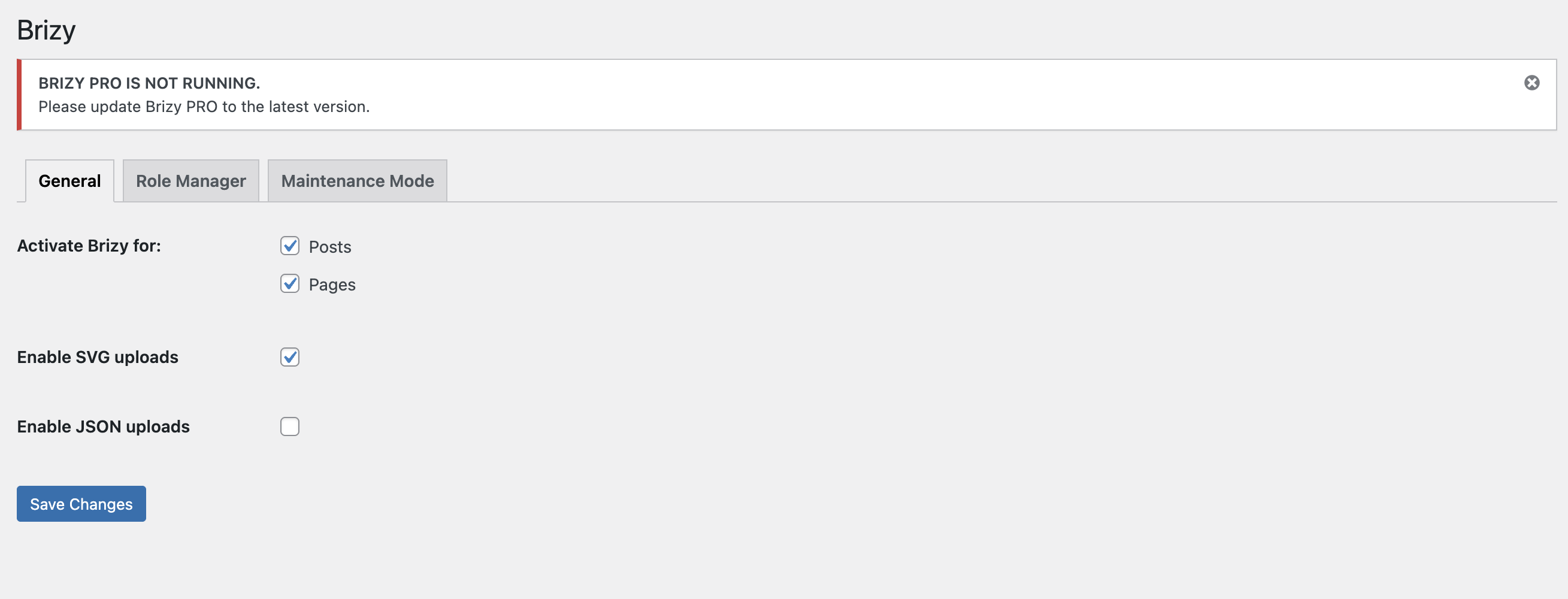
I'm trying to activate a new license code on a new website. I have Brizy FREE installed and downloaded the APK for Brizy PRO from my account. Both have been loaded but I'm running into a loop.
It says I need to update Brizy PRO but I need to be able to activate it first. I can't activate it because it doesn't show me the License field. Unsure if I don't have the latest APK on my Brizy account and this is why there are issues?
I've tried uninstalling and re-installing multiple times, sometimes it gets to showing me the License page but when I paste my code and hit activate it loops again to this.
-

Hi Farah,
Thank you for reaching out.
Kindly share your WordPress admin login details with us so we can take a closer look. Please add us as an Admin user to your WordPress Dashboard and send the following details to communitysupport@brizy.io.
Community Post link: https://support.brizy.io/hc/en-us/community/posts/28084421421842
WordPress Admin URL:
Username:
Password:Please make a full backup of your site as a precaution.
Looking forward to your reply.
Best regards,
Ariel H.0 -
An email has been sent adding you as an Admin to the website.
Thanks,
Farah
0 -
Hi Farah,
Thank you for providing the login details.
We’ve checked the account, but it appears that it doesn’t have administrative access. Would you mind updating the user role to Administrator? This will allow us to access the plugins area and assist you further.
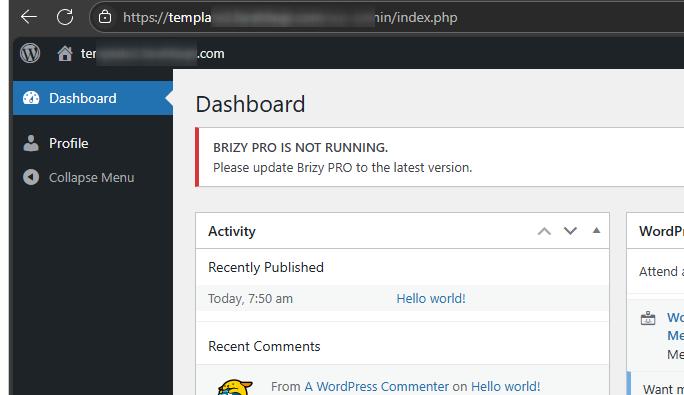
Let us know once it’s updated.
Best regards,
Ariel H.0 -
Hi Farah,
I am following up on this issue.
At the moment, the account does not have administrative access, which limits what we’re able to do on the backend.
Could you please update the user account to an Administrator role and let us know once that’s done?
Looking forward to your update.
Best regards,
Ariel H.0 -
I have updated the access level to Admin, full access should be now available on your account.
Thanks,
Farah
0 -
Hi Farah,
Thank you for the update.
We've rolled Brizy back to the previous version. To update both Brizy and Brizy Pro correctly, please make sure your license key is added first.
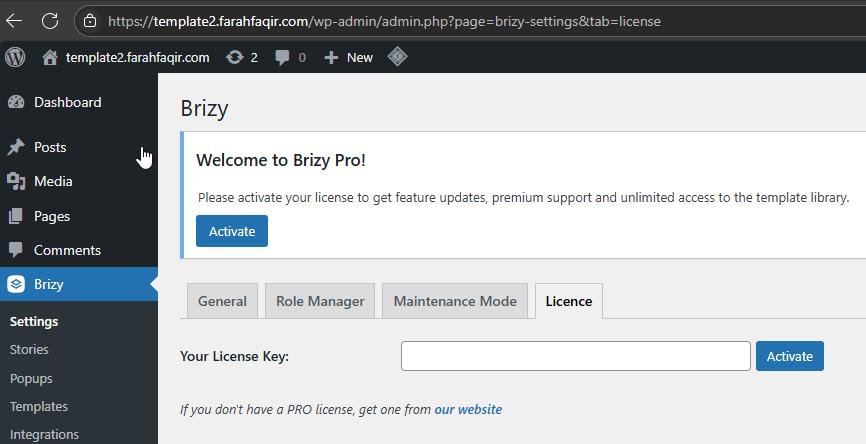
Once the license is active, update Brizy Pro first, followed by Brizy Free.
Please give that a try and let me know how it goes.
Best regards,
Ariel H.0 -
Thanks Ariel, that has worked and Brizy Pro is now activated.
Thank you for your support on fixing this issue!
0
Please sign in to leave a comment.
Comments
7 comments