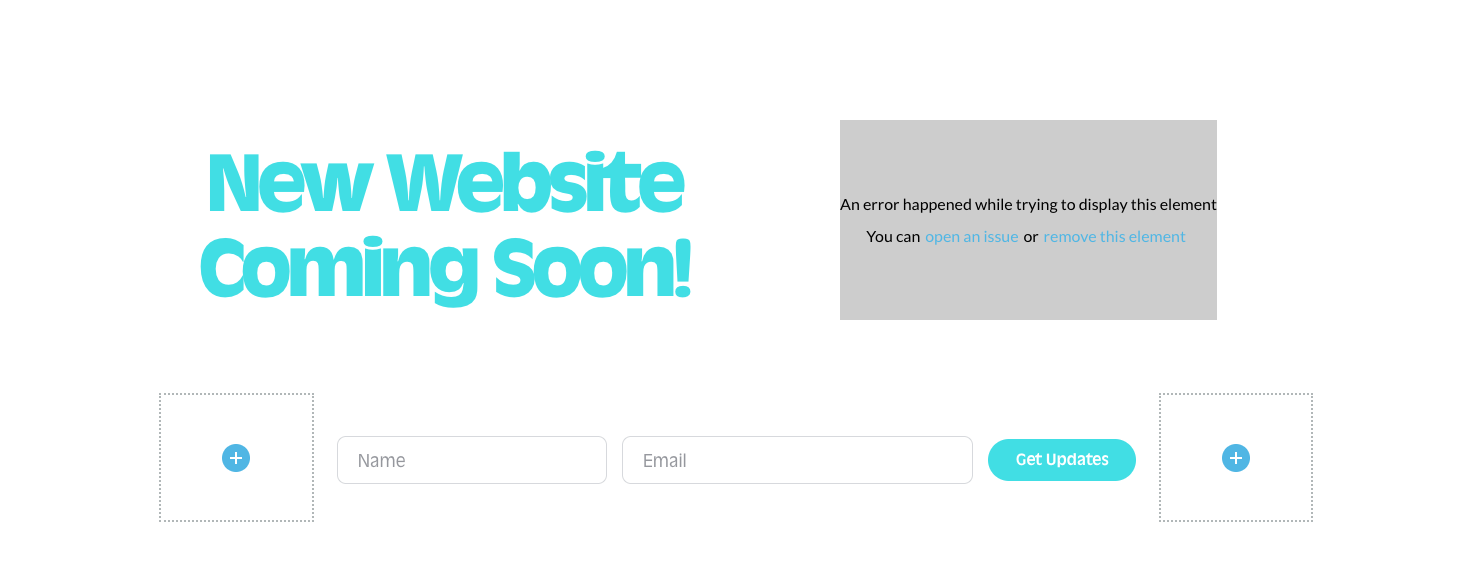
Image failed to upload

I cannot add any images to any pages, yet this is not an issue when using WP editor. I've already followed the instructions on this page: https://support.brizy.io/hc/en-us/community/posts/24191045303954-Images-Failed-to-upload-file?input_string=Image%20failed%20to%20upload and am still experiencing this issue.
Please advise.
-

Hello,
We would like to take a look at your project to fix this issue. Please add a new user to your WordPress Dashboard and send the following details to our email: communitysupport@brizy.io
- Support Forum link: https://support.brizy.io/hc/en-us/community/posts/27753085161874
- WordPress Admin URL:
- Username
- Password
Please let us know in this forum when you send us the email.
0 -
Just sent the email.
 0
0 -
Hello,
We could login to your website, but could not get access to your WordPress Dashboard. We see the following error.
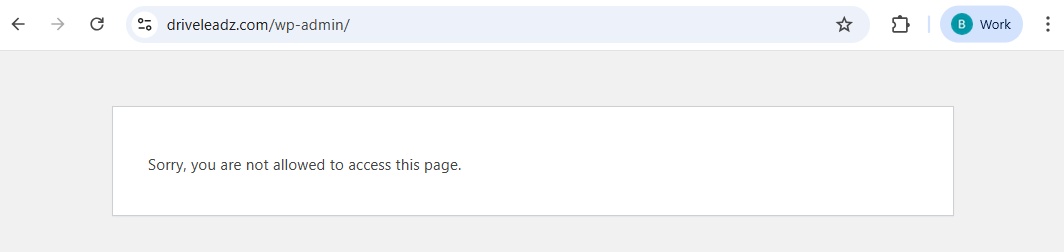
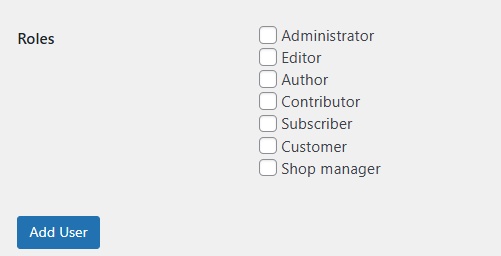
Kindly check the role assigned to the user created for us. The "Administrator" role is ideal for troubleshooting.
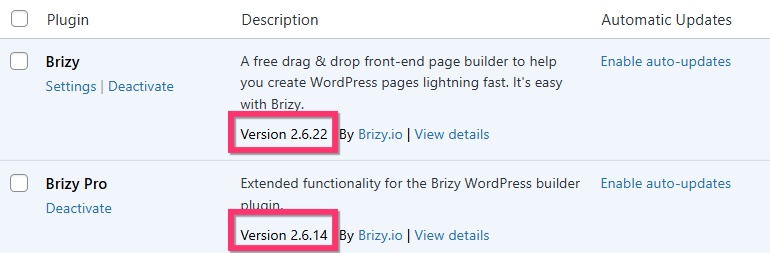
Kindly check if you have these Brizy versions. If not, please update Brizy and Brizy Pro to these versions and check if the error disappears. If the issue resolves, you don't need to change the role for the user.
 0
0 -
Yes, everything is updated. That did not fix anything. This is still an issue and it's gone on way too long. What is the issue?
0 -

Hi,
Thank you for your response.
We're still encountering the error message: "Sorry, you are not allowed to access this page." when trying to access your WordPress admin area.
Could you please follow the steps provided by KC in our last email to update the user account to an Administrator? This will allow us to take a closer look into the issue and assist you more effectively.
Let us know once it’s updated. We appreciate your cooperation.
Best regards,
Ariel H.0
Please sign in to leave a comment.
Comments
5 comments