Unable to replace image or upload image

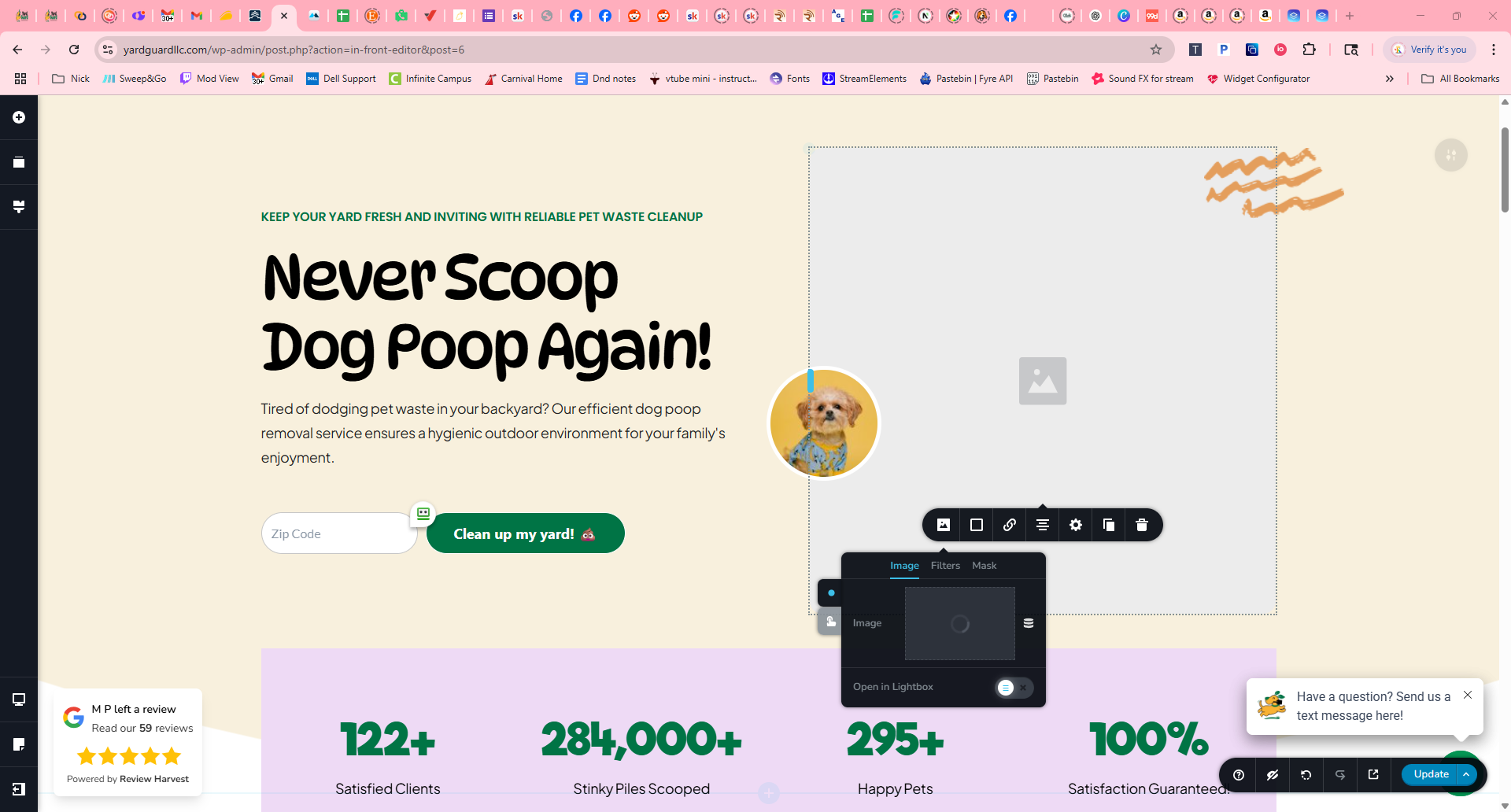 I have an image on my home page that I'd like to replace. When I clear the image and click the upload button, it just load and loads. It never seems to allow me to actually upload an image.
-

Hi Nicholas,
Thank you for reaching out.
To help us narrow down the issue, could you please confirm if the problem still occurs when all other plugins are disabled, except for Brizy and Brizy Pro?
This will help us determine if there’s a conflict with another plugin. Let me know what you find, and we’ll continue from there.
Best regards,
Ariel H.0 -
Hey Ariel,
I have deactivated all plugins except Brizy & Brizy Pro and the issue still occurs. Attached is a screenshot showing my plugins all deactivated.
Thank you,
Nick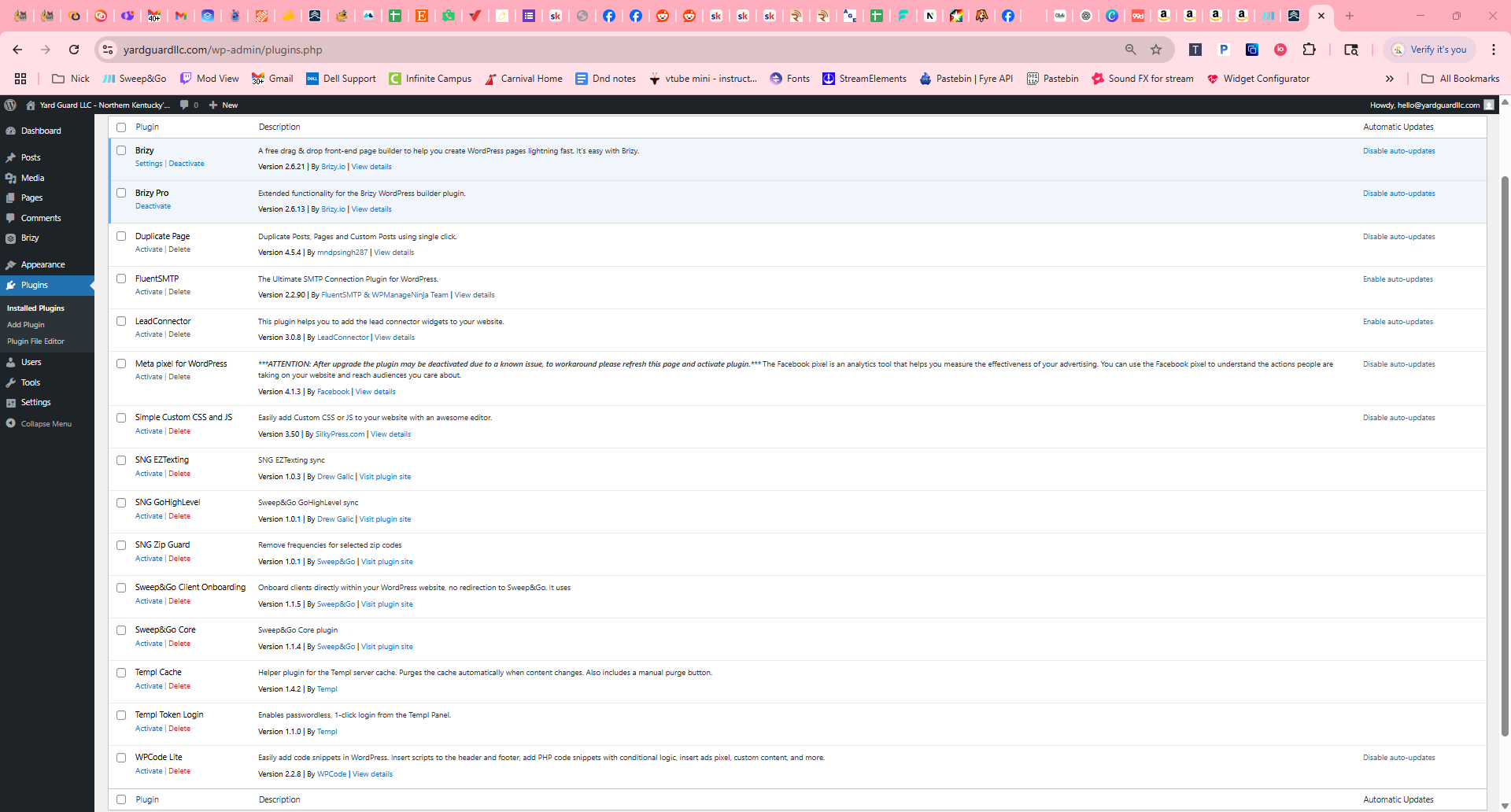 0
0 -
Hi Nick,
Thank you for the update.
Please share your WordPress admin login details with us so we can take a closer look. Please add us as an Admin user to your WordPress Dashboard and send the following details to communitysupport@brizy.io.
Community Post link: https://support.brizy.io/hc/en-us/community/posts/27029151928082
WordPress Admin URL:
Username:
Password:Looking forward to your reply.
Best regards,
Ariel H.0 -
Hello Ariel,
I have emailed the information as requested.
Thank you,
Nick0 -
Hi Nicholas,
Thank you for your cooperation.
Upon checking, the issue seems to be caused by CloudFlare's optimization features, which may be interfering with your site's scripts. To fix this, we recommend disabling Rocket Loader and clearing the CloudFlare cache.
Please try this and let me know how it goes.
Best regards,
Ariel H.0 -
Hello again,
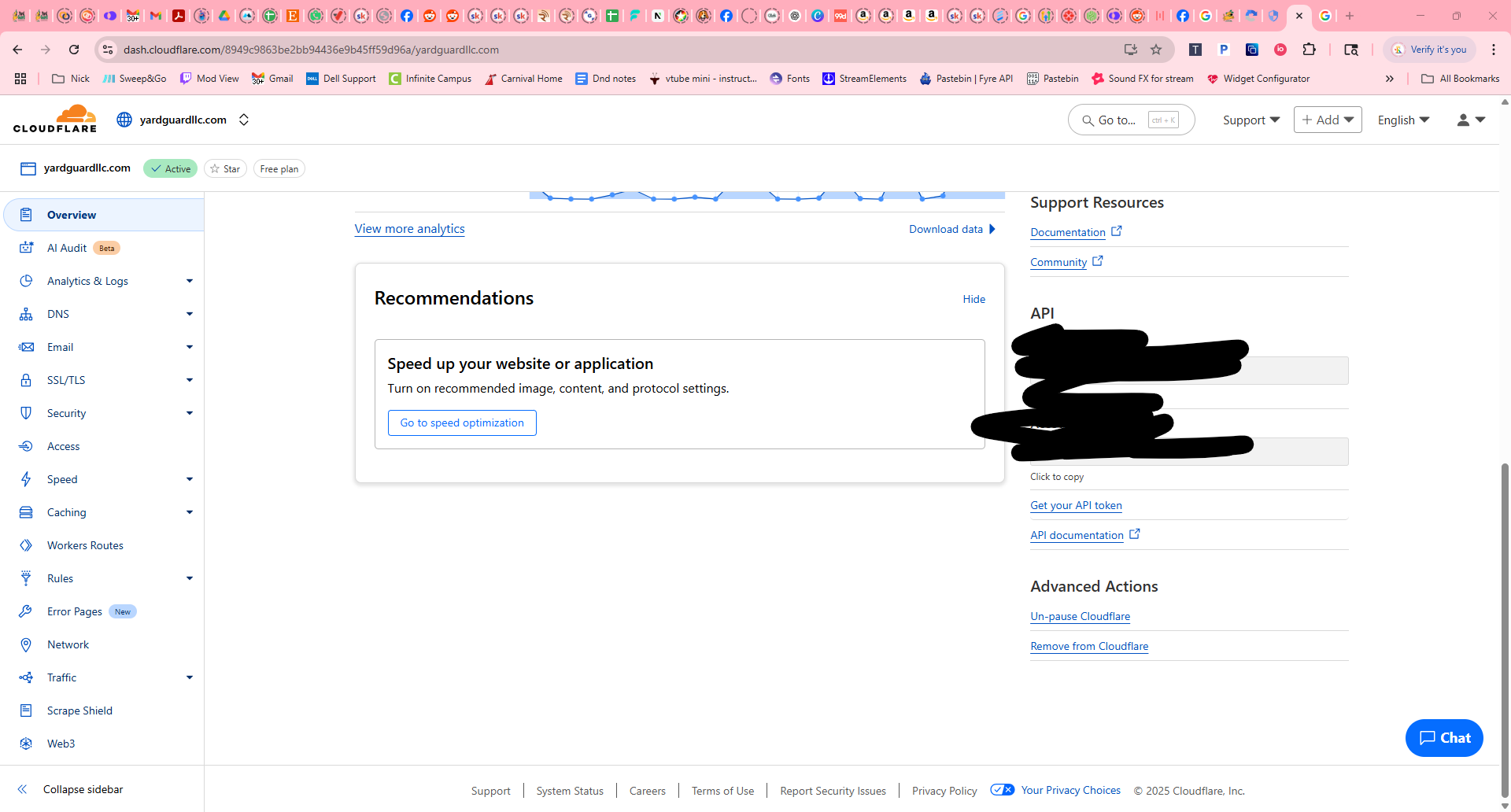
Rocket Loader was not enabled. I have cleared CloudFlare cache. As the issue is still present, I also "paused Cloudflare in the Advanced Actions Menu. The issue is still present after clearing the cache, again.
The screenshots are attached.
Thank you,
Nick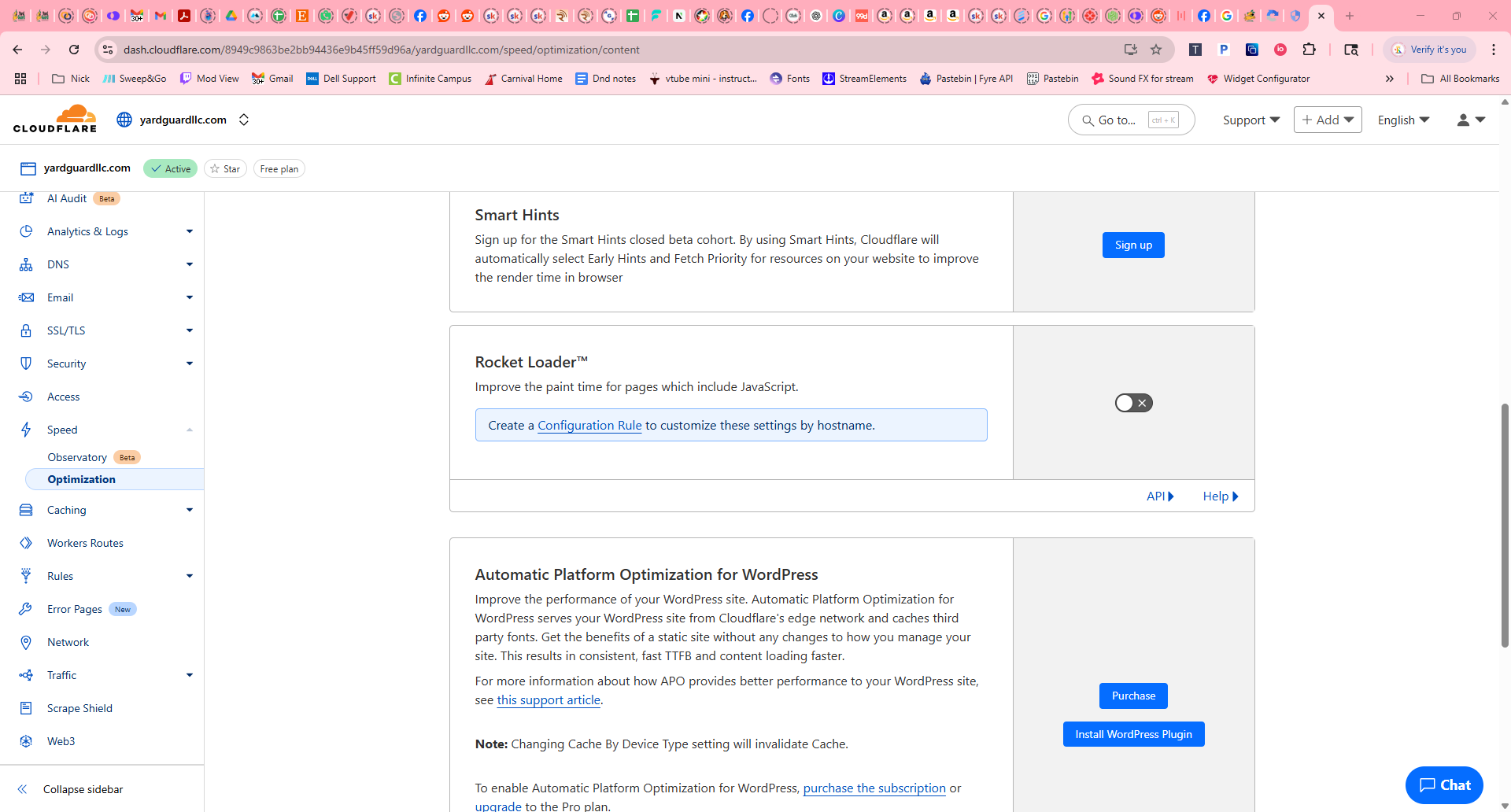
 0
0 -
Hi Nicholas,
Thank you for your cooperation.
Upon further troubleshooting, we found that the issue was caused by a custom script that was enabled in WPCode. We’ve gone ahead and disabled it, and the issue no longer occurs. This is demonstrated on this screencast - https://youtu.be/K3lGG8ggEqM
We recommend keeping the script disabled while working on your pages in Brizy to avoid any conflicts. Once editing is complete, you can re-enable it as needed.
Best regards,
Ariel H.0 -
Hey Ariel,
I've attempted this solution and it did not fix my issue.
https://youtu.be/nCy3e9ThHbY - A screen recording to show.
Please advise,
Nick0 -
Hi Nicholas,
I took a second look at the issue and created a duplicate of the homepage called "Test Page", which is currently set to draft mode. This allowed me to test the issue directly on a copy of the problematic page.
Upon further checking, I found that the issue is coming from the Google review carousel widget. I temporarily removed it from the page, saved the changes, and after reloading, I was able to update the image without any problem.
To make things easier, I saved the review carousel as a block so it can be easily added back after making updates to the page.
You can see the steps I took in this screencast: https://youtu.be/DBLEhDfrg8w
Let me know if you have any questions.
Best regards,
Ariel1 -
Woohoo! That solves the issue. Thank you so much, Ariel. I'm loving using Brizy and I'm glad you were able to solve this for me. :)
0
Please sign in to leave a comment.
Comments
10 comments