Site Menu and Popup Bug on Firefox

Hello,
The menu on my site is not displaying correctly and the exit popup does not appear when using Firefox. Both features work perfectly on all other browsers, so this seems to be a bug with Brizy.
Could you please look into this and provide a fix?
I can share my website URL with you privately so you can better understand the issue.
Thanks.
-

Hello Jerem,
Please accept website cookies before testing menu and exit intent popup on Firefox browser and check if the issue resolves. Please see my test at https://jmp.sh/dpC0rMLa
0 -
Hello George,
Indeed, I hadn't checked if it was the consent banner that was blocking the menu from displaying.
It's still weird, because other browsers don't have this blocking problem.
0 -
Hello Jerem,
The Cookie script is expected to block certain features until the user gives his consent. Hence, it's normal that some features won't work until the user provides consent.
0 -
Ok thanks!
0 -

Hi,
I have a similar problem on Firefox with the menu of this website: https://compagnie-labsoma.org/ only when not logged in. I've tried your suggestion K C George as well as clearing the cache, I've even edited something on the page, but nothing makes the display of the menu change. Any ideas?
Many thanks,
Anne.
0 -
Hello Anne,
Are you referring to the issue of sub menus overlapping with the main menu?

A specific setting in WP Rocket could be possibly interfering with Brizy menu's function. To confirm this, can you temporarily deactivate the WP Rocket plugin and check if the issue persists?
0 -
Hi George,
Thank you so much for your answer. That's correct I am referring to the issue of these sub-menus overlapping with the main one in Firefox only.
You're right! I've deactivated WP Rocket and the display issue is gone, any ideas of which specific setting I should be putting in place for WP Rocket to not interfere with the dropdown menu? Many thanks.
Best,
Anne.
0 -
Hello Anne,
In Firefox and other browsers like Google Chrome and Opera, sub-menus overlapped with the main menu. The issue wasn't specific to the Firefox browser.
Since WP Rocket does not have a free tier or a trial version, we do not have access to the plugin. Could you allow us access to your WordPress Dashboard so we can identify the specific WP Rocket setting causing Brizy menu to malfunction? Please add a new user to your WordPress Dashboard and send the following details to our email: communitysupport@brizy.io
- Support Forum link: https://support.brizy.io/hc/en-us/community/posts/26894047082514
- WordPress Admin URL:
- Username
- Password
Please let us know in this forum when you send us the email.
0 -
Hi George,
Many thanks for helping me with this, I've just sent you the email. Let me know if you need anything else to access the website.
Best,
Anne.
0 -
Hello Anne,
In WP Rocket settings under "File Optimization" I have disabled the option "Delay JavaScript Execution" to fix this issue. See the screenshot at https://jmp.sh/xaj89cgV Please check if this resolves the above issue in all browsers.
0 -
Hi,
It does resolve the issue, but there is a new one... The menu on mobile display within Bizy looks like this as it should:
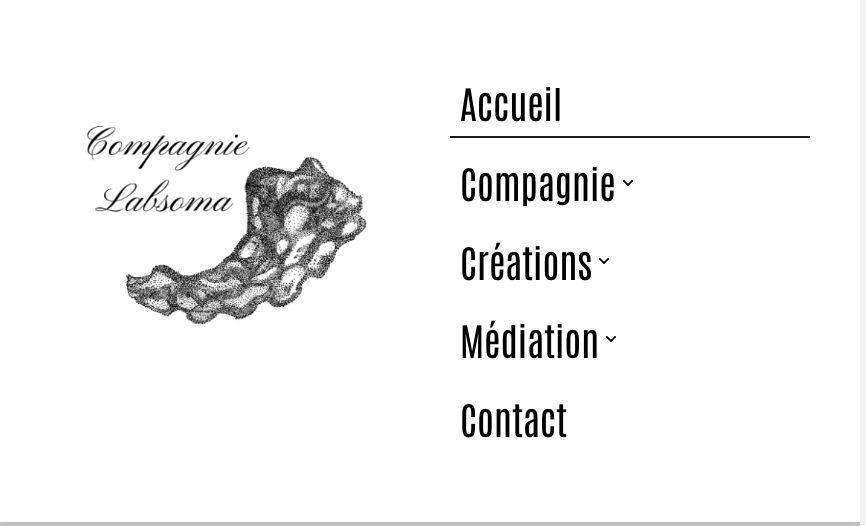
but the one on display is:
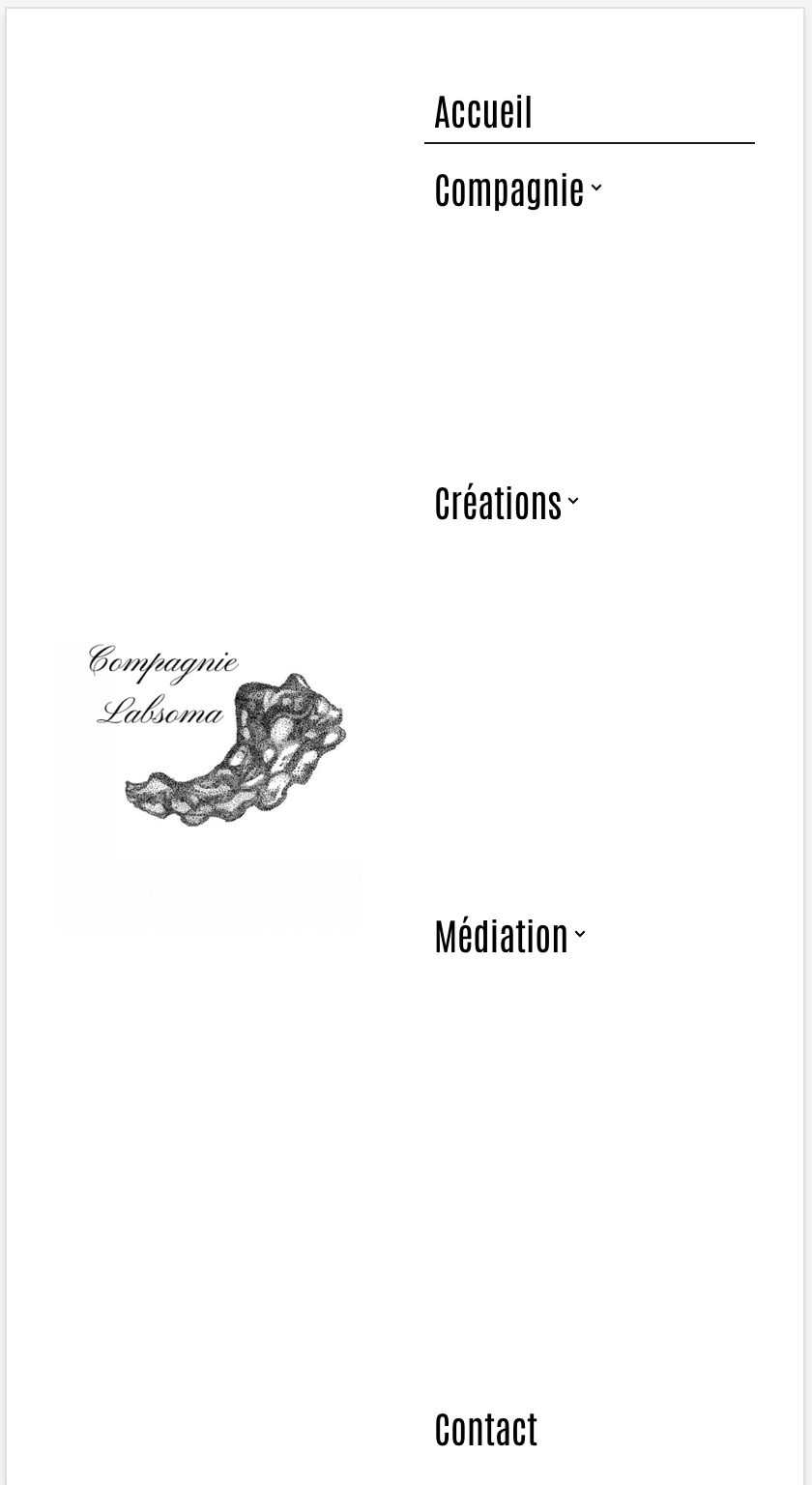
Any ideas? Many thanks.
Best,
Anne.
0 -
Hello Anne,
This issue is due to a bug with the latest Brizy versions. We are still working on fixing it. To fix the issue in your project , I have changed your mobile menu to hamburger.
0
Please sign in to leave a comment.
Comments
12 comments